
LG LGP692 Manuale utente
General Inquiries
<LG Customer Information Centre>
0844-847-5847 or +44-844-847-5847
* Make sure the number is correct before making a call.
User Guide
LG-P692
P/N : MFL67443901 (1.0) www.lg.com
ENGLISH
This equipment may be operated in all European
countries.
The WLAN can be operated in the EU without
restriction indoors, but cannot be operated outdoors
in France, Russia and Ukraine.
Wi-Fi (WLAN)
Some of the contents of this
manual may not apply to your
phone. This depends on your
phone’s software and your service
provider.
This handset is not recommended
for the visually impaired because of
its touch screen keyboard.
Copyright ©2011 LG Electronics,
Inc. All rights reserved. LG and the
LG logo are registered trademarks
of LG Group and its related entities.
All other trademarks are the
property of their respective owners.
Google™, Maps™, Gmail™,
YouTube™, Talk™ and Android
Market™ are trademarks of
Google, Inc.
•
•
•
•
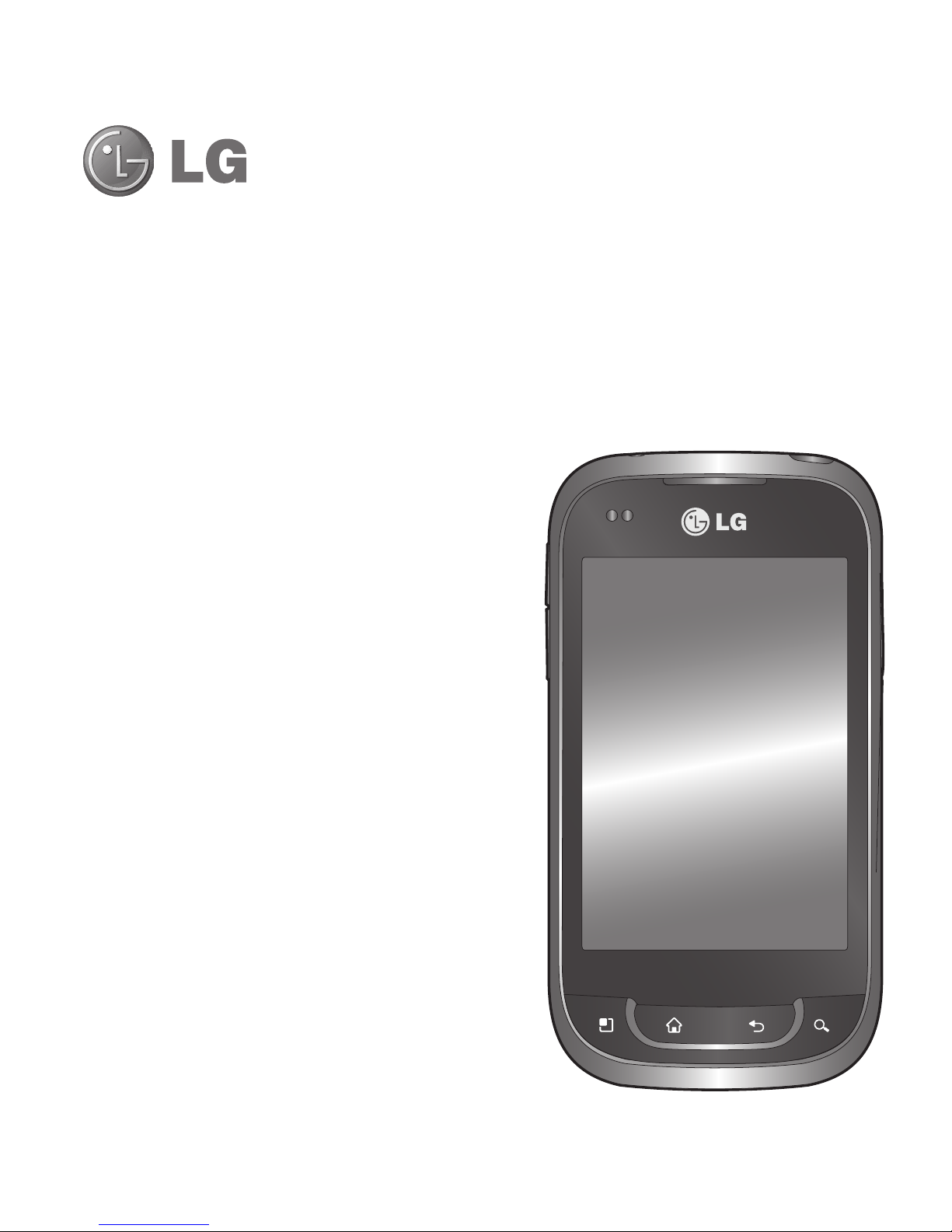
This guide helps you get started using your phone.
If you need more information, please visit www.lg.com.
LG-P692LG-P692 User Guide
English

2
Contents
Guidelines for safe and efficient
use.......................................... 5
Important notice ................... 13
Getting to know your phone . 23
Installing the SIM card and
battery ................................ 25
Charging your phone............ 26
Installing the memory card ... 27
Formatting the memory card. 28
Your Home screen ................ 29
Touch screen tips................. 29
Lock your phone .................. 29
Unlock screen...................... 30
Silent mode ......................... 30
Home ................................. 30
Adding widgets to your Home
screen................................. 31
Returning to recently-used
applications ......................... 32
Notification drawer............... 32
Viewing the status bar.......... 33
Onscreen keyboard .............. 35
Entering accented letters...... 35
Google account setup........... 36
Creating your Google account36
Signing in to your Google
account............................... 36
Calls...................................... 38
Making a call....................... 38
Calling your contacts............ 38
Answering and rejecting a
call...................................... 38
Adjusting call volume ........... 38
Making a second call ........... 38
Viewing your call logs........... 39
Call settings......................... 39
Contacts................................ 40
Searching for a contact ........ 40
Adding a new contact........... 40
Favourite contacts................ 40
Messaging/email .................. 42
Messaging........................... 42
Sending a message.............. 42
Changing your message
settings ............................... 43
Setting up your email ........... 43

3
Microsoft Exchange email
account............................... 43
Other (POP3, IMAP) email
account............................... 44
Composing and sending
email................................... 45
Working with account folders 46
Adding and editing email
accounts ............................. 46
Camera ................................. 47
Getting to know the
viewfinder............................ 47
Taking a quick photo ........... 48
Once you’ve taken the photo 48
Using the advanced settings . 49
Viewing your saved photos ... 50
Video camera........................ 51
Getting to know the
viewfinder............................ 51
Shooting a quick video ......... 52
After shooting a video........... 52
Using the advanced settings . 53
Watching your saved videos.. 53
Adjusting the volume when
viewing a video .................... 53
Multimedia............................ 54
View model.......................... 54
Timeline view....................... 54
Using SmartShare ................ 54
Music.................................. 55
Playing a song ..................... 55
Transferring files using USB
mass storage devices........... 56
How to save music/video files
on your phone...................... 57
Moving contacts from your old
phone to your new phone ..... 58
Sending data from your phone
using Bluetooth.................... 58
Using the radio .................... 59
Searching for stations .......... 59
Resetting channels............... 60
Listening to the radio............ 60
NFC .................................... 60
To switch NFC on or off ........ 61
Using NFC .......................... 61
Using Tag writing.................. 61
Using Tag reading ................ 61
Utilities.................................. 62
Setting your alarm................ 62

4
Using your calculator............ 62
Adding an event to your
calendar.............................. 62
Changing your calendar view 63
Polaris Viewer...................... 63
Voice recorder ..................... 64
Recording a sound or voice... 64
Sending the voice recording.. 64
The Web................................ 65
Browser............................... 65
Using the web toolbar........... 65
Using options....................... 65
Settings ................................ 67
Wireless & networks............. 67
Call settings......................... 68
Sound ................................. 69
Display................................ 70
Location & security .............. 70
Applications......................... 71
Accounts & sync .................. 72
Privacy ................................ 72
Storage ............................... 73
Language & keyboard .......... 73
Voice input & output............. 73
Accessibility......................... 75
Date & time ......................... 75
About Phone........................ 75
Wi-Fi................................... 75
Turning on Wi-Fi................... 75
Connecting to Wi-Fi.............. 75
Sharing your phone’s data
connection........................... 76
USB tethering & portable Wi-Fi
hotspot settings ................... 77
To share your phone’s data
connection via USB .............. 77
USB tethering and data
sharing................................ 78
To share your phone’s data
connection as a portable Wi-Fi
hotspot................................ 78
To rename or secure your
portable hotspot................... 79
Software update ................... 81
Phone software update......... 81
DivX Mobile ......................... 82
Accessories .......................... 83
Technical data....................... 84
Troubleshooting .................... 85
Contents

5
Please read these simple
guidelines. Not following these
guidelines may be dangerous or
illegal.
Exposure to radio
frequency energy
Radio wave exposure and Specific
Absorption Rate (SAR) information.
This mobile phone model LG-
P692 has been designed to
comply with applicable safety
requirements for exposure to radio
waves. These requirements are
based on scientific guidelines that
include safety margins designed
to assure the safety of all persons,
regardless of age and health.
The radio wave exposure
guidelines employ a unit of
measurement known as the
Specific Absorption Rate, or SAR.
Tests for SAR are conducted
using standardised methods
with the phone transmitting at
•
its highest certified power level
in all used frequency bands.
While there may be differences
between the SAR levels of
various LG phone models, they
are all designed to meet the
relevant guidelines for exposure
to radio waves.
The SAR limit recommended by
the International Commission
on Non-Ionizing Radiation
Protection (ICNIRP) is 2 W/kg
averaged over 10 g of tissue.
The highest SAR value for this
model phone tested by DASY4
for use at the ear is 1.05 W/kg
(10 g) and when worn on the
body is 0.878 W/kg (10 g).
This device meets RF exposure
guidelines when used either in
the normal use position against
the ear or when positioned
at least 1.5 cm away from
the body. When a carry case,
belt clip or holder is used for
•
•
•
•
Guidelines for safe and efficient use
6
body-worn operation, it should
not contain metal and should
position the product at least
1.5 cm away from your body.
In order to transmit data files
or messages, this device
requires a quality connection
to the network. In some cases,
transmission of data files or
messages may be delayed until
such a connection is available.
Ensure the above separation
distance instructions are
followed until the transmission is
completed.
Product care and
maintenance
WARNING
Only use batteries, chargers
and accessories approved
for use with this particular
phone model. The use of any
other types may invalidate any
approval or warranty applying
to the phone, and may be
dangerous.
Do not disassemble this unit.
Take it to a qualified service
technician when repair work is
required.
Repairs under warranty, at LG’s
option, may include replacement
parts or boards that are either
new or reconditioned, provided
that they have functionality
equal to that of the parts being
replaced.
•
•
Guidelines for safe and efficient use

7
Keep away from electrical
appliances such as TVs, radios,
and personal computers.
The unit should be kept away
from heat sources such as
radiators or cookers.
Do not drop the phone.
Do not subject this unit to
mechanical vibration or shock.
Switch off the phone in any
area where you are required
by specific regulations. For
example, do not use your phone
in hospitals as it may affect
sensitive medical equipment.
Do not handle the phone with
wet hands while it is being
charged. It may cause an
electric shock and can seriously
damage your phone.
Do not charge a handset near
flammable material as the
handset can become hot and
create a fire hazard.
•
•
•
•
•
•
•
Use a dry cloth to clean the
exterior of the unit (do not use
solvents such as benzene,
thinner or alcohol).
Do not charge the phone when it
is on soft furnishings.
The phone should be charged in
a well ventilated area.
Do not subject this unit to
excessive smoke or dust.
Do not keep the phone next to
credit cards or transport tickets;
it can affect the information on
the magnetic strips.
Do not tap the screen with a
sharp object as it may damage
the phone.
Do not expose the phone to
liquid or moisture.
Use the accessories like
earphones cautiously. Do not
touch the antenna unnecessarily.
Do not use, touch or attempt to
remove or fix broken, chipped or
•
•
•
•
•
•
•
•
•

8
cracked glass. Damage to the
glass display due to abuse or
misuse is not covered under the
warranty.
Your phone is an electronic
device that generates heat
during normal operation.
Extremely prolonged, direct
skin contact in the absence
of adequate ventilation may
result in discomfort or minor
burns. Therefore, use care when
handling your phone during or
immediately after operation.
Efficient phone operation
Electronics devices
All mobile phones may get
interference, which could affect
performance.
Do not use your mobile phone
near medical equipment
without requesting permission.
Avoid placing the phone over
pacemakers, for example, in
•
•
your breast pocket.
Some hearing aids might be
disturbed by mobile phones.
Minor interference may affect
TVs, radios, PCs, etc.
Road safety
Check the laws and regulations on
the use of mobile phones in the
area when you drive.
Do not use a hand-held phone
while driving.
Give full attention to driving.
Pull off the road and park before
making or answering a call if
driving conditions so require.
RF energy may affect some
electronic systems in your
vehicle such as car stereos and
safety equipment.
When your vehicle is equipped
with an air bag, do not obstruct
with installed or portable
wireless equipment. It can cause
•
•
•
•
•
•
•
Guidelines for safe and efficient use
Questo manuale è adatto per i seguenti modelli
2
Indice
Altri manuali LG Telefono cellulare


LG
LG LG-RD2630 Manuale utente

LG
LG LG-H930 Manuale utente

LG
LG RD2230 Istruzioni operative

LG
LG MM-535 Manuale utente

LG
LG REBEL 2 LTE Manuale utente

LG
LG Secret KF750 Manuale utente

LG
LG VX7000 VX7000 VX7000 Manuale utente

LG
LG E617g Manuale utente

LG
LG VOLT LG700W Manuale utente

LG
LG Venice 730 Guida rapida


Manuali Telefono cellulare popolari di altre marche


Blackbe;rry
Blackbe;rry Q10 Manuale utente

Blackbe;rry
Blackbe;rry Bold 9900 Manuale utente

Blackbe;rry
Blackbe;rry STORM 9500 - VERSION 5.0 Manuale utente

ISAFE MOBILE
ISAFE MOBILE IS655.2 Manuale utente

Blackbe;rry
Blackbe;rry CURVE 8300 - SMARTPHONE Manuale utente

Blackbe;rry
Blackbe;rry 8707 - VERSION 4.1 Manuale utente