LG MW-60SZ12 Manuale utente

P/NO : 3828VA0349A b (373-026H)
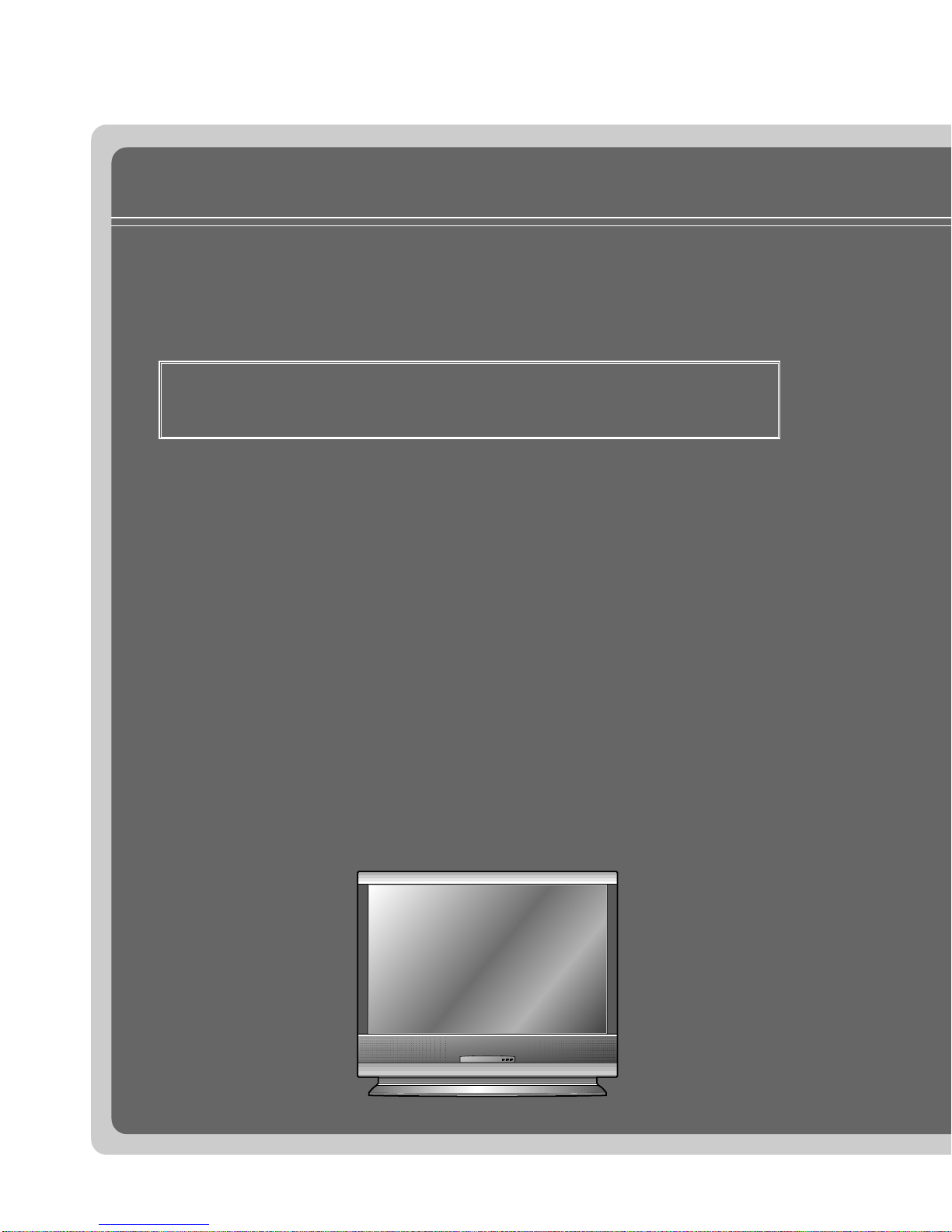
MW-60SZ12
OWNER’S MANUAL
LCD PROJECTION MONITORLCD PROJECTION MONITOR
Please read this manual carefully before operating
your set.
Retain it for future reference.
Record model number and serial number of the set.
See the label attached on the back of the set and
quote this information to your dealer when you
require service.
Model number :
Serial number :

LCD PROJECTION MONITOR
FCC NOTICE
• A Class B digital device
This equipment has been tested and found to comply with the limits for a Class B digital
device, pursuant to Part 15 of the FCC Rules. These limits are designed to provide
reasonable protection against harmful interference in a residential installation.
This equipment generates, uses and can radiate radio frequency energy and, if not
installed and used in accordance with the instructions, may cause harmful interference
to radio communications. However, there is no guarantee that interference will not occur
in a particular installation. If this equipment does cause harmful interference to radio or
television reception, which can be determined by turning the equipment off and on,
the user is encouraged to try to correct the interference by one or more of the
following measures:
- Reorient or relocate the receiving antenna.
- Increase the separation between the equipment and receiver.
- Connect the equipment into an outlet on a circuit different from that to which the
receiver is connected.
- Consult the dealer or an experienced radio/TV technician for help.
• Any changes or modifications not expressly approved by the party responsible for
compliance could void the user’s authority to operate the equipment.
Warning
This is a class B product. In a domestic environment this product may cause radio
interference, in which case the user may be required to take adequate measures.

Before operating the
unit, please read this
manual carefully.
CONTENTS
INTRODUCTION
Safety Instructions..................................................................4
Names of parts .....................................................................12
COMPOSITION
Turning on the Monitor..........................................................18
Turning off the Monitor..........................................................19
Selecting source mode.........................................................20
CONNECTION
Connecting to a Desktop PC................................................21
Connecting to a Notebook PC..............................................22
Connecting to a Macintosh Desktop PC...............................23
Connecting to a Macintosh PowerBook ...............................24
Connecting to a Video Source..............................................25
Connecting to a DVD............................................................26
Connecting to a D-TV Set-Top Box......................................27
Connecting to a MIC.............................................................28
BASIC FUNCTIONS
Function checking.................................................................29
Using Still function................................................................30
SPECIAL FUNCTIONS
Selecting language...............................................................31
Checking lamp time..............................................................32
Positioning ............................................................................33
Using Zoom function.............................................................34
Using ARC function ..............................................................35
TRACKING
Using Tracking function ........................................................36
VIDEO
Adjusting Video.....................................................................38
AUDIO
Adjusting Audio.....................................................................40
Using Audio Input function....................................................41
Using DASP function............................................................42
Using AVL function................................................................43
RS-232C
External control device setup ...............................................44
INFORMATION
Supported Monitor Display ...................................................50
Specifications .......................................................................51

4
Safety Instructions
GGAlways keep the safety instructions to prevent any potential accident or misuse of the monitor.
GGAfter reading this manual, keep it in the place that the user always can contact easily.
GGSafety Instructions have two kinds of information, and each meaning of it is as below.
WARNING This instruction may cause serious or fatal injuries.
NOTES This instruction may cause light personal injuries or damage to the monitor.
Indoor Installation-WARNING
Indoor Installation-NOTES
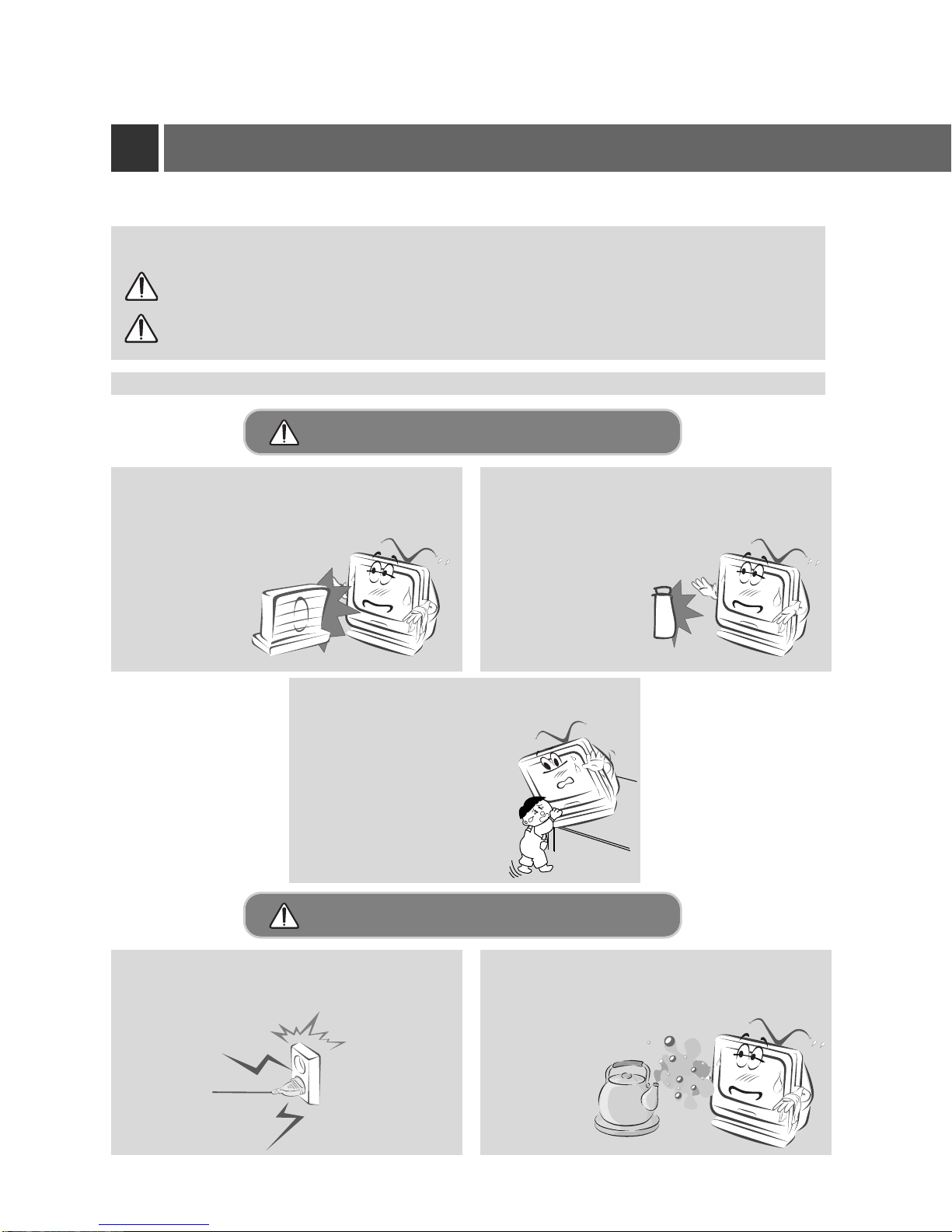
Do not place the Monitor in direct sunlight or
near heat sources such as radiators, fires and
stove etc.
- This may cause a fire hazard !
Disconnect from the mains and remove all
connections before moving. Do not place the monitor close to sources
of steam or oil such as a humidifier.
- This may create a fire hazard or an
electric shock
hazard !
Do not place inflammable materials
beside the monitor.
- This may cause a fire hazard !
Do not allow children hang on or climb on
the installed monitor.
- This may cause the display to
fall, causing a fatal injury.

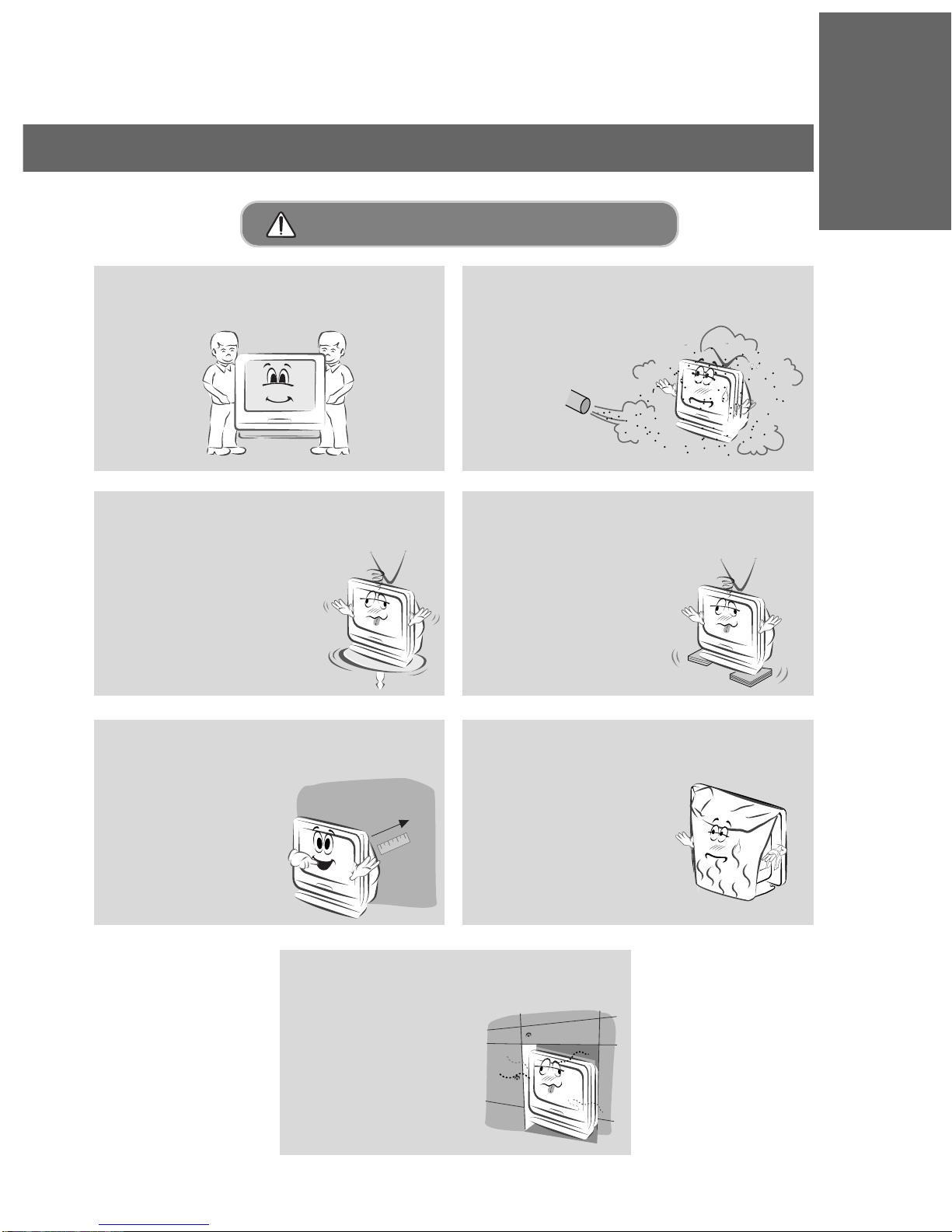
When unpacking or moving the Monitor two
people will be necessary to lift it safely. Do not place the monitor where it might
be exposed to dust.
- This may cause a fire hazard !
When installing the monitor on a table, be
careful not to place it near the edge.
- This may cause the monitor to fall
causing serious personal injury
and serious damage to the
monitor.
-Be sure to use a suitable
table or rack.
Only use the monitor on a level and sta-
ble surface.
- Else it may become unstable and
affect correct operation.
Ensure good ventilation around the moni-
tor. The distance between the monitor and
the wall should be more
than 10cm.
- Else the internal
temperature of the
monitor will increase
and create a fire
hazard.
Do not cover the vent grilles of the moni-
tor.
- This may cause a fire
hazard !
Do not place the monitor directly on a car-
pet, rug or place where ventilation is
restricted.
- This would cause its
internal temperature to
increase and might
create a fire hazard !
5
INTRODUCTION
Indoor Installation-NOTES

6
Safety Instructions
Do not use the monitor in a damp place
such as a bathroom where it is likely to get
wet.
- This may cause a fire or an
electric shock hazard !
In the case of using a receiver (VCR,
Digital Set Top Box), be sure to position
the antenna cable between inside and
outside of the building to prevent rain from
flowing in.
-Else this may cause water
damage inside the monitor
and create an electric shock
hazard.
In the case of using a receiver (VCR,
Digital Set Top Box), do not place an
antenna in the vicinity of
power lines.
- This may create an
electric shock hazard.
In the case of using a receiver (VCR,
Digital Set Top Box), arrange qualified
personnel to install an outside antenna.
- This job involves risk of
personal injury.
In the case of using a receiver (VCR,
Digital Set Top Box), there should be
enough distance between an outside
antenna and power lines to prevent con-
tact should the antenna fall.
- This may create an
electric shock hazard.
Outdoor Installation-WARNING
Outdoor Installation-NOTES

7
INTRODUCTION
Do not place heavy objects on the power
cord
- This may cause a fire or an electric
shock hazard !
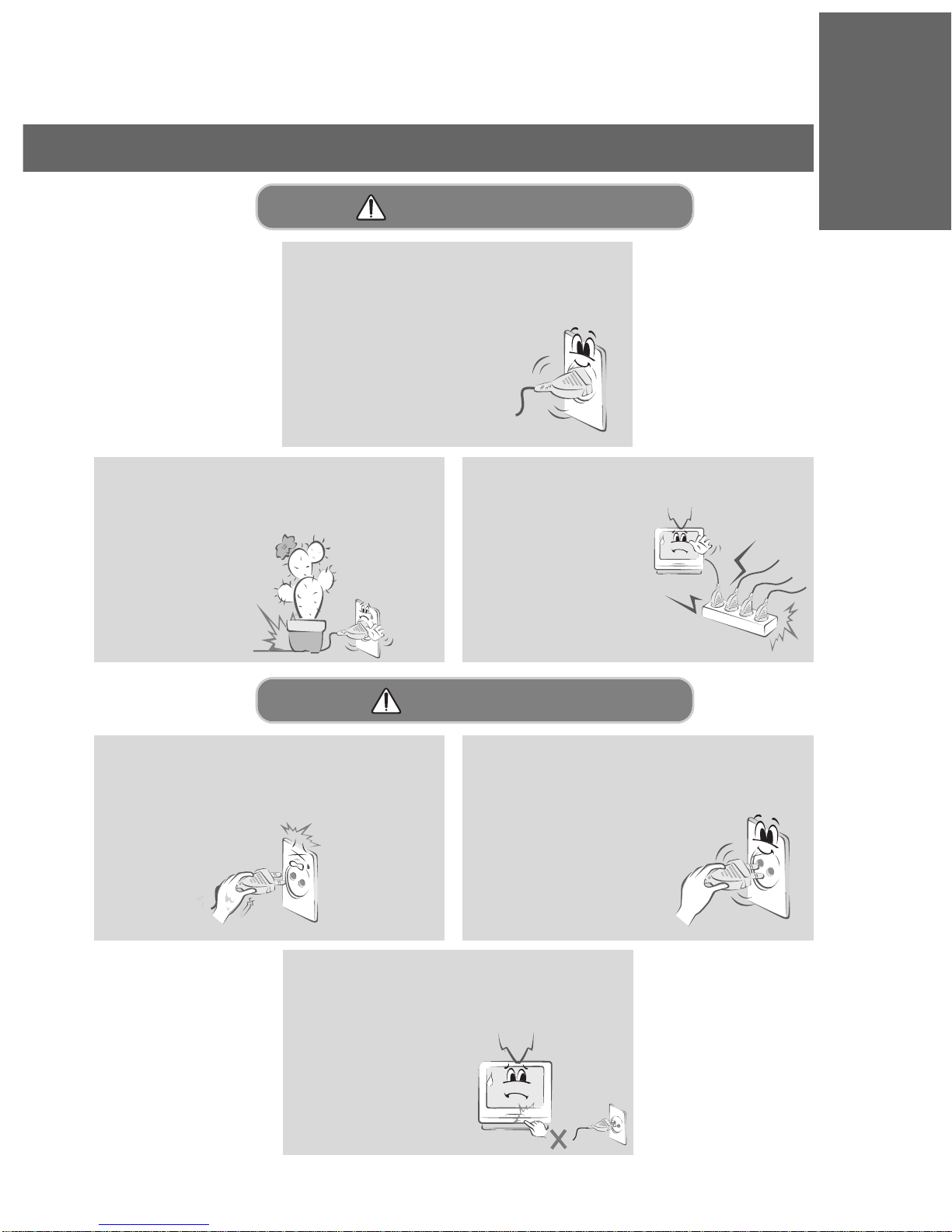
Do not use too many plugs on the Mains
multi-outlet.
- It may result in
overheating of the
outlet and causes a
fire hazard !
The mains plug should be inserted fully
into the power outlet to avoid a fire
hazard !
- Else this may cause a
fire hazard !
Hold the plug firmly when unplugging. If
you pull the cord, the cord may be dam-
aged.
- This may cause a fire hazard !
Never touch the power plug with a wet
hand
- This may cause an electric shock hazard !
Power-WARNING
Power-NOTES
Do not turn the monitor On/Off by plugging-
in or unplugging the power plug from the
wall outlet.(Do not use the power plug
as a switch.)
- Else this may cause
mechanical failure
or could create an
electric shock or fire
hazard.

8
Safety Instructions
Prevent dust collecting on the power plug
pins or outlet.
- This may cause a fire hazard !
Do not plug when the power cord or the
plug is damaged or the connecting part of
the power outlet is loose.
- This may cause a fire or an electric shock
hazard !
Ensure the power cord does not come into
contact with sharp or hot objects such as a
heater.
- This may cause a fire or an electric shock
hazard !
Do not place anything containing liquid on
top of the monitor such as flowerpot,
cup, cosmetics or candle.
- This may cause a fire hazard !
In case of impact shock or damage to the
monitor switch it off and unplug it from the
outlet and contact your
service center.
- This may cause a fire or an
electric shock hazard !
Power-NOTES
Using-WARNING

9
INTRODUCTION
Do not open the lamp cover because the
lamp operates at high pressure and high
temperature.
Do not allow any objects to fall into the
monitor.
- This may cause an electric shock
hazard !
If water is spilt into the monitor unplug it
from the main supply outlet immediately and
consult your Service Center.
- This may cause an electric
shock hazard !
Dispose of used batteries carefully and
safely.
- In the case of a battery being swallowed by a
child please consult a doctor
immediately.
In the event that an image does not
appear on the screen please switch it off
and unplug it from the main
supply and contact your
Service Center.
- This may cause a fire or an
electric shock hazard !
Do not watch the monitor while driving or
walking.
- This may cause an
accident.
Using-WARNING
Don’t look at laser beam directly as it will
cause eye damage.
Never touch the wall outlet when there is
leakage of gas, open the windows and
ventilate.
- It can cause a fire or a burn by a spark.

10
Safety Instructions
Do not use water while cleaning the
Monitor.
- Else this may cause damage
to the Monitor or create an
electric shock hazard.
In the unlikely event of smoke or a
strange smell from the Monitor,
switch it off ,unplug it from the
wall outlet and contact your
dealer or service centre.
- This may cause a fire or
an electric shock hazard !
Cleaning-WARNING
Unplug this product from the wall outlet
before cleaning. Do not use liquid clean-
ers or aerosol cleaners.
- This may cause damage to
the Monitor or cause
an electric shock hazard !
Contact the service center once a year to
clean the internal part of the monitor.
- Accumulated dust can cause
mechanical failure.
Cleaning-NOTES
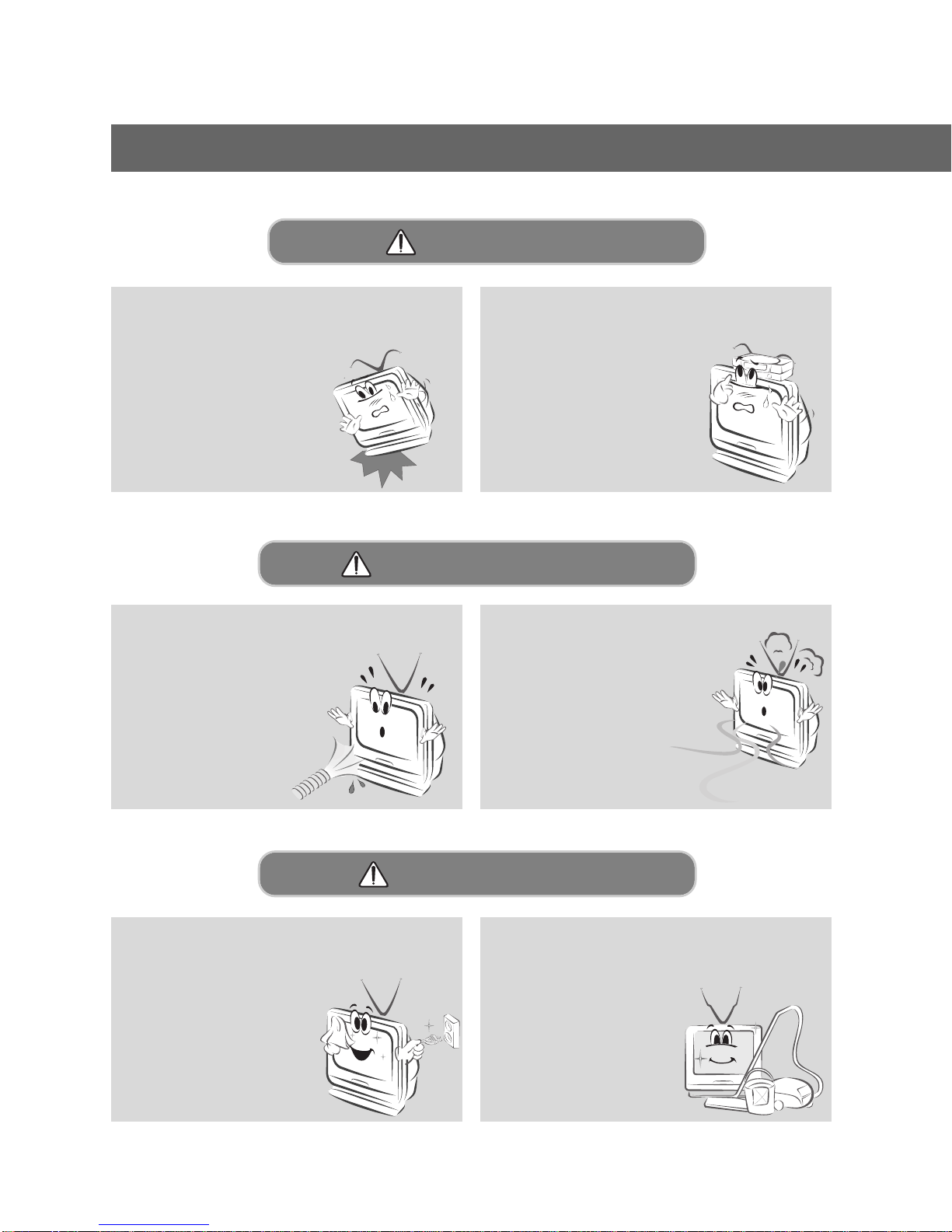
Do not drop the monitor or allow impact
shock.
- This may cause mechanical
failure or injury !
Do not place heavy objects on the
Monitor.
- This may cause serious injury to
a child or adult.
Using-NOTES
Altri manuali per MW-60SZ12
3
Indice
Altri manuali LG Monitor

LG
LG FLATRON L1800PM Manuale utente

LG
LG StudioWorks 575C Manuale utente

LG
LG L1734S Manuale utente

LG
LG 45GR75DC Manuale utente

LG
LG IPS235T-BN Manuale utente

LG
LG 27UP850-W.AED Manuale utente

LG
LG 27EC33V Manuale utente

LG
LG 27GK750F Manuale utente

LG
LG 34GK950F-B.AEU Manuale utente

LG
LG 29EB73-P Manuale utente

LG
LG 32QP880 Manuale utente

LG
LG 24BN650Y-T Manuale utente

LG
LG StudioWorks 77i Manuale utente

LG
LG 24BR750C Manuale utente

LG
LG M3703C Manuale utente

LG
LG 43SQ700S Manuale utente

LG
LG UltraGear 27GN880 Manuale utente

LG
LG ColorPrime 27EA83-D Manuale utente

LG
LG 27UL550 Manuale utente

LG
LG W2452T - - 24" LCD Monitor Manuale utente