www.lionprecision.com/two-year-warranty/ Document No. M016-3461.019
5Oakdale, MN, USA www.lionprecision.com 651-484-6544
Setpoint Button
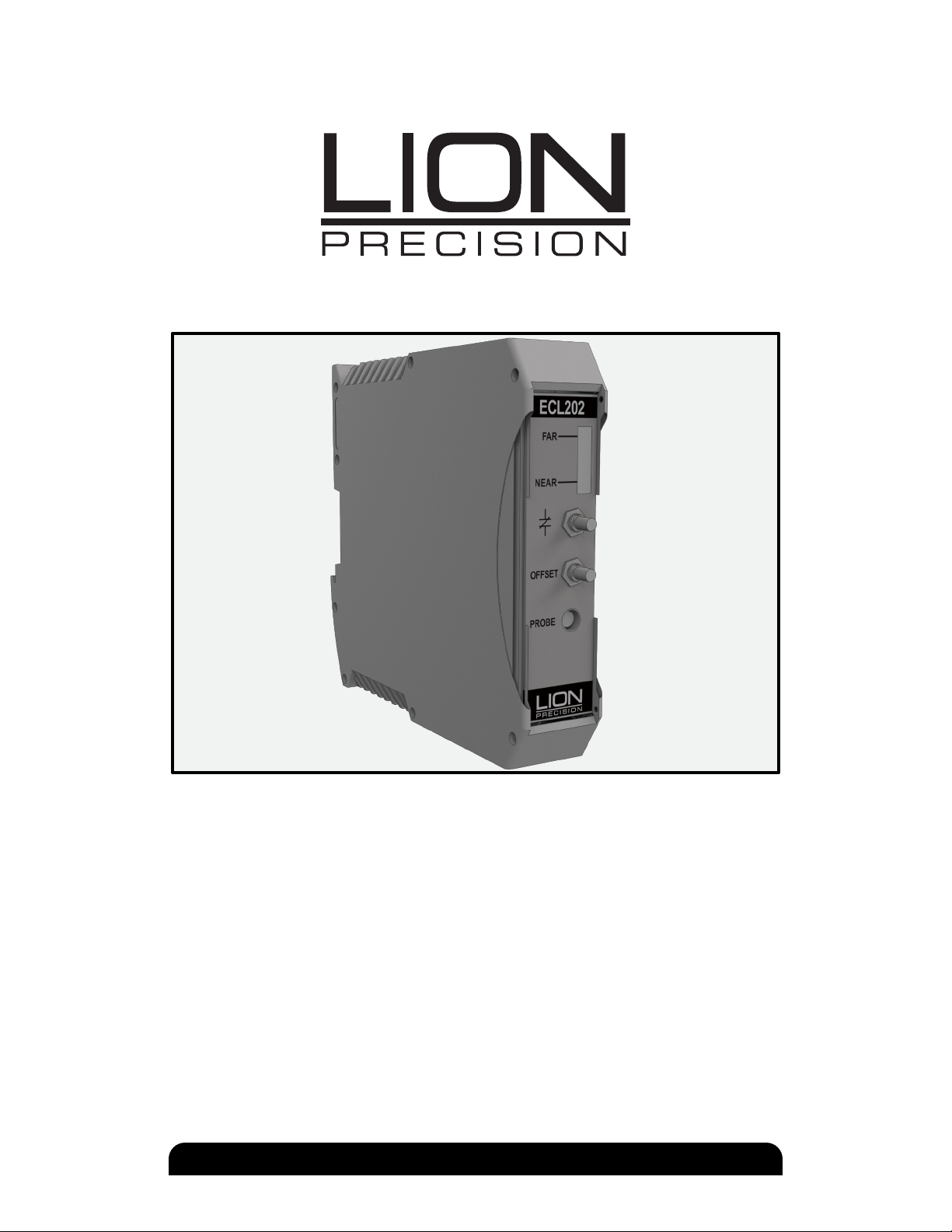
The ECL202 provides an adjustable setpoint at which a switched output activates. The output
switch closes when the output voltage is more positive (larger gap) than the user-adjusted
setpoint. Pressing the Setpoint button will set the threshold voltage to the current output
voltage. The setpoint includes a 0.085V hysteresis, requiring that the sensor output drop 0.085V
below the setpoint voltage before the switched output opens.
ANALOG OUTPUT SIGNAL
The output signal is an analog voltage of 0-10 VDC. The output voltage is proportional to the
probe-target gap. As the probe-target gap increases, the voltage becomes more positive. See
the included calibration certicate for specic information.
Interpreting the Output Voltage
Output voltage change for a given change in the probe-target gap is called sensitivity. The
sensitivity is listed on the calibration certicate.
Change in gap calculation:
Gap Change = Voltage Change / Sensitivity
For example: With a sensitivity of 1V/2 µm and a voltage change of +3 V, the probe-target gap
has increased by 6 µm.
REMOTE OFFSET AND SETPOINT
SETPOINT SWITCH OUTPUT
BANDWIDTH SELECTION (ECL202 ONLY)
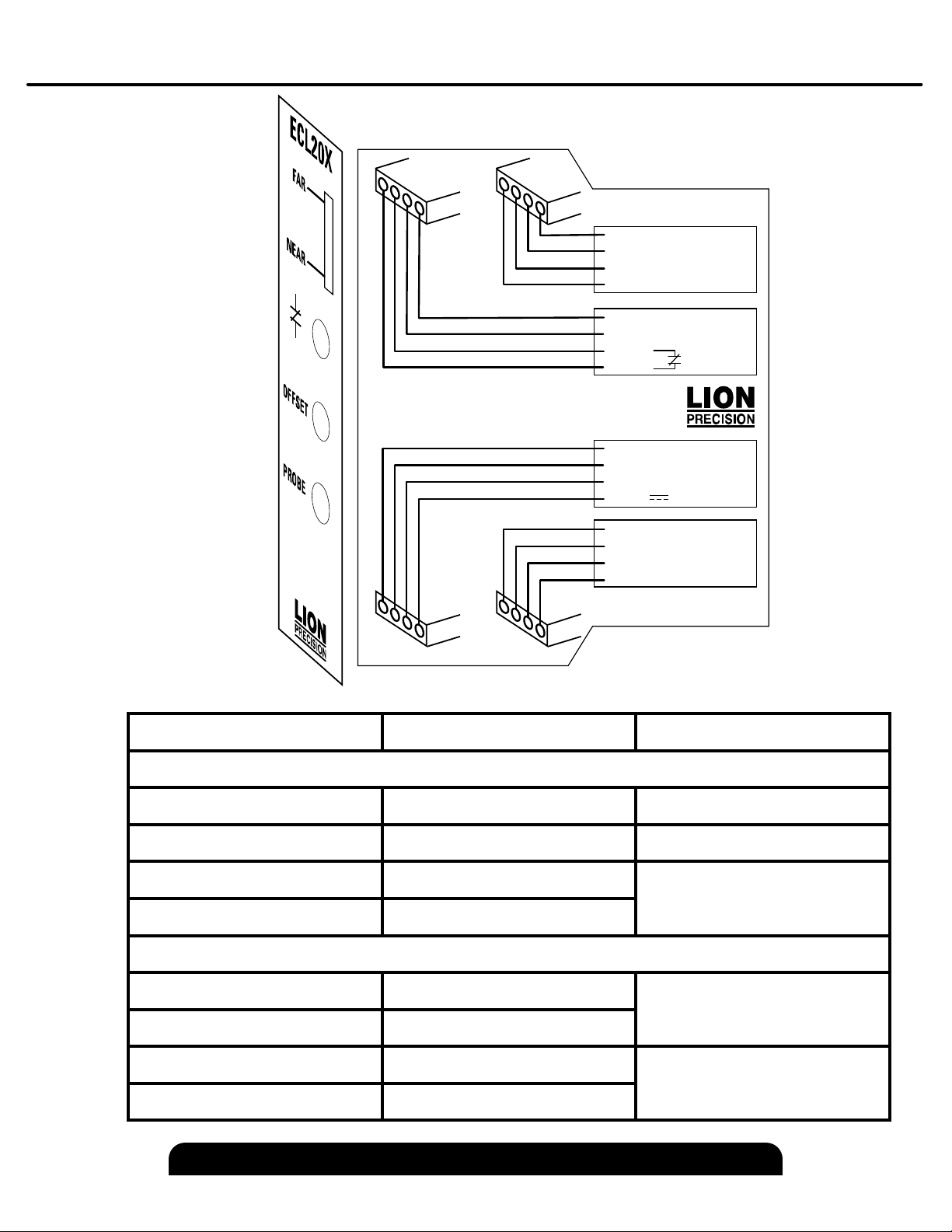
The front panel Oset and Setpoint buttons can be activated remotely. Each remote input
connects to an optoisolator. The functions are activated by applying 15-24 V to the remote
control input terminals.
Because the remote operation mimics front panel operation, activating the Oset
function for more than four seconds will restore factory default value for Oset.
When the output voltage is more positive than the user adjusted setpoint voltage, the output
switch contacts will close. These contacts have a maximum resistance of 2.5 Ω and can conduct
up to 250 mA. The maximum voltage that can be switched is 30VAC/60VDC. The output is a
solid state switch closure and can conduct AC or DC.
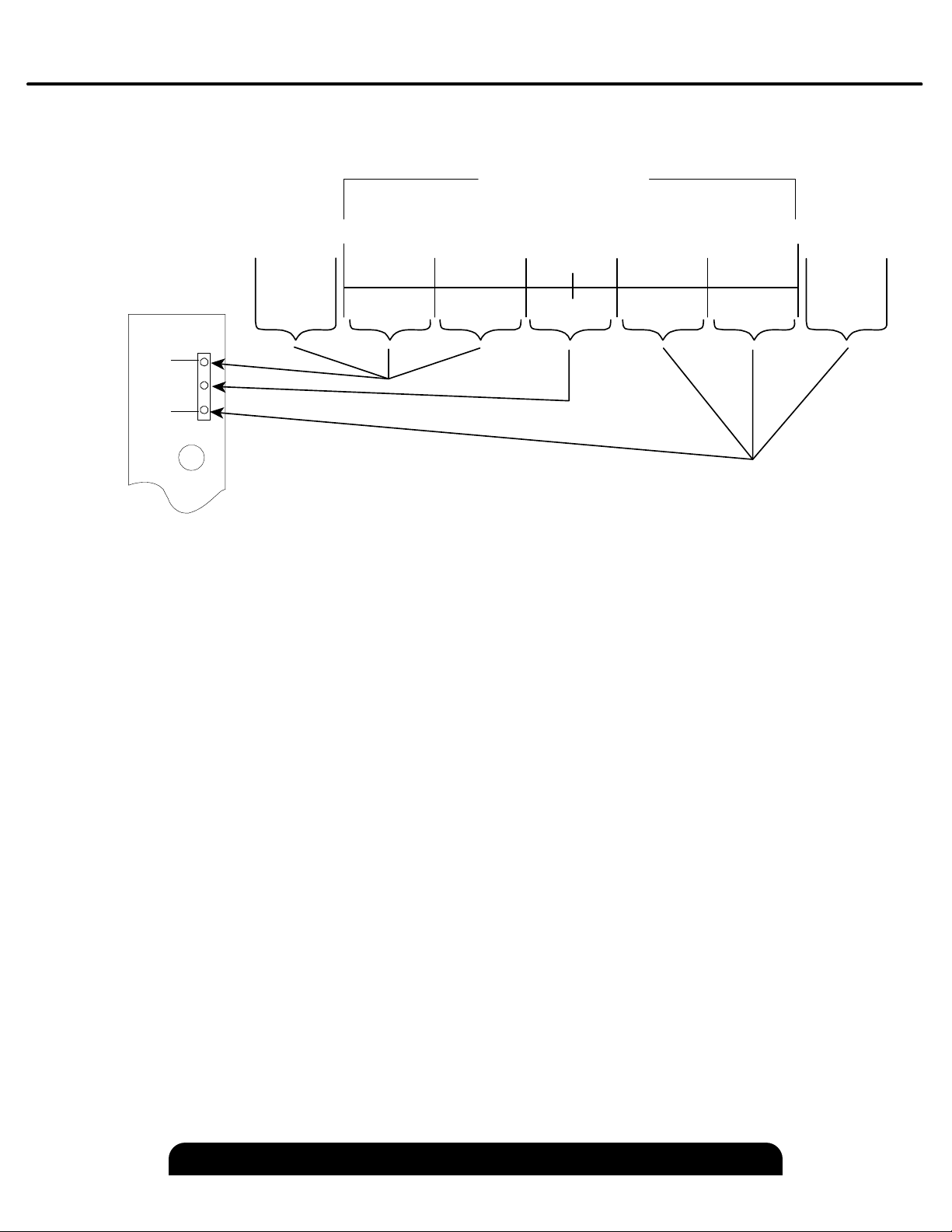
A jumper wire on the bandwidth connector selects sensor bandwidth. To select a bandwidth,
connect the desired bandwidth terminal to the Bandwidth Select contact. With no jumper, the
bandwidth is 15 kHz. Bandwidth specications are -10%/+30%.
NOTE