MedeaWiz DV-S1 Manuale utente

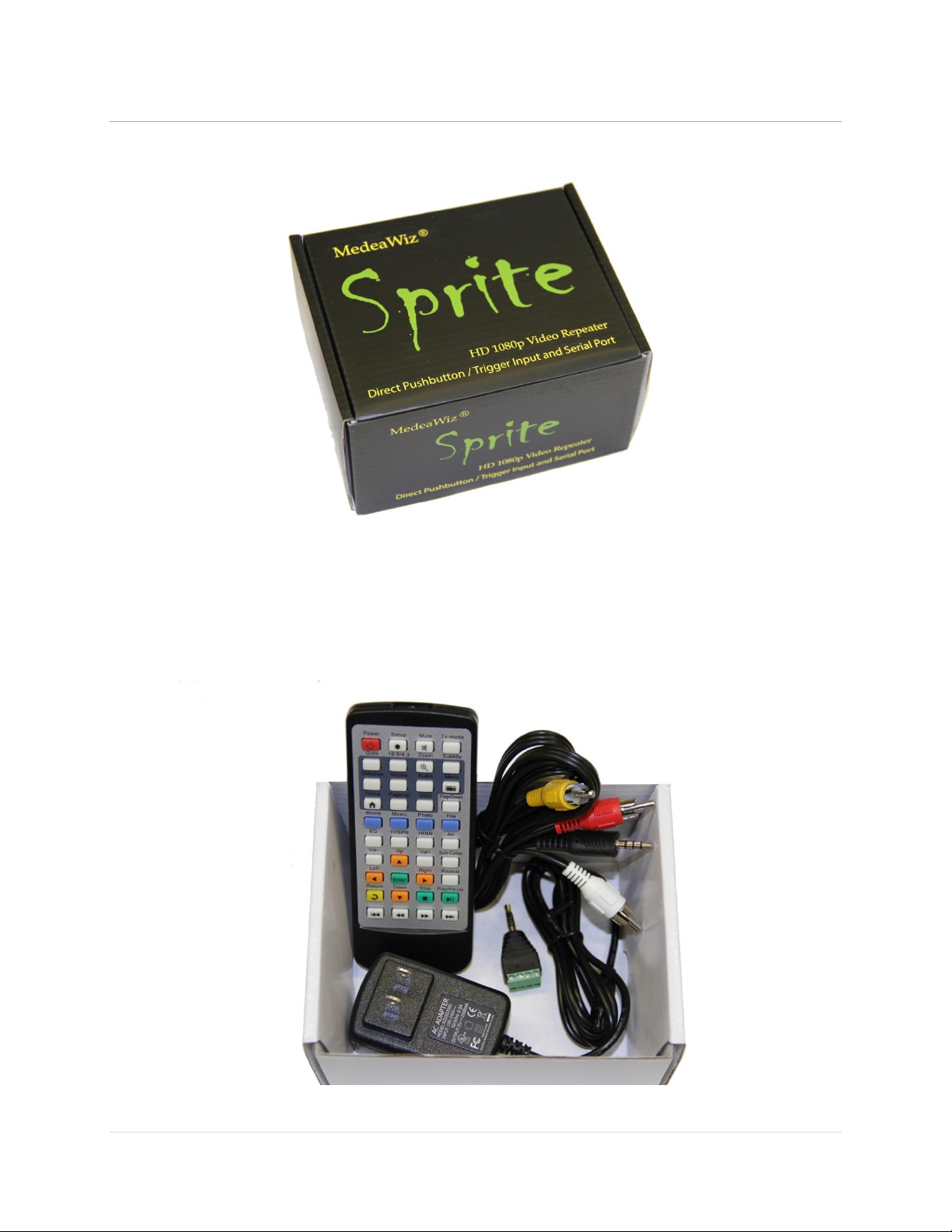
MedeaWiz® Sprite®
.
0 | P a g e
MedeaWiz® Sprite®
High Definition Video Player
User Manual
FW version 20161229
Manual version 1.08
Parts of this manual do not apply to earlier versions of firmware.
Find your Sprite’s FW version in the on-screen Setup Menu.
Please go to www.MedeaWiz.com for other versions.

MedeaWiz® Sprite®
.
1 | P a g e
Table of Contents
Introduction ..................................................................................................................................................2
What’s in the box..........................................................................................................................................3
Sprite® Quick Start Guide..............................................................................................................................4
On-Screen Menu for Setup ...........................................................................................................................5
Menu Language.............................................................................................................................................6
Screen Saver..................................................................................................................................................7
Video Output Mode......................................................................................................................................8
Audio Output Mode......................................................................................................................................9
Play Mode ...................................................................................................................................................10
Control Mode..............................................................................................................................................11
Baud Rate....................................................................................................................................................12
SD/ USB Start Mode....................................................................................................................................13
Restore Default Settings .............................................................................................................................14
Firmware Version........................................................................................................................................15
Firmware Revisions History.........................................................................................................................16
Firmware Upgrade ......................................................................................................................................17
Wiring Connections Rear Panel ..................................................................................................................18
Trigger Choices Explained...........................................................................................................................19
External Control –Wiring a Pushbutton to the I/O Port.............................................................................20
External Control - Wiring for Serial Communications to the I/O Port ........................................................21
PLC Output Interfacing................................................................................................................................22
Motion Sensor Wiring.................................................................................................................................23
Schematic of I/O on the Sprite circuit board ..............................................................................................24
Using the Hydra® interface with the Sprite® ..............................................................................................25
Serial Port Control from your Show Controller or Micro-processor...........................................................26
Serial Port Control Commands....................................................................................................................27
IR Remote Control.......................................................................................................................................29
Power Supply ..............................................................................................................................................30
Supported Video Formats...........................................................................................................................31
Trouble FAQ ................................................................................................................................................32
Support .......................................................................................................................................................35

MedeaWiz® Sprite®
.
2 | P a g e
Introduction
The MedeaWiz® Sprite® is a High Definition digital video repeater capable of HD 1080p HDMI
output with high quality stereo audio. It has a direct trigger input and a 2-way communications
serial port. The Sprite® will play a video or audio file in a circular loop, repeating when power is
applied. It will play different video or audio files by a trigger input or serial command, and then
return to the looping file.
The Sprite® has no black space when looping or changing files. It will hold the last frame of
video until the first frame quickly displays.
It is simple to set-up with an on-screen menu. No programming required. It has multiple
operating mode options to fit many needs.
In the trigger input modes, you can use a push button, other dry contact, motion sensor or a
voltage level change, with your choice of a High or a Low transition trigger. You can also choose
to allow an interrupt from a new trigger event, or to not allow an interruption of the file
playing. After a triggered file ends, the looping video will play again until a new trigger occurs.
In the Serial Control Mode you can have a looping video file and control up to 200 other video
files to play on command. Once the commanded video ends, the looping video will play again
until a new command is received. Serial Control can also be used with audio files.
The Hydra® accessory is available to use with the Sprite® in Serial Control Mode. It adds several
modes of operation with multiple trigger inputs, DMX 512 control, and 8 sinking outputs to
control lamps, relays and more.
The Sprite® also has basic “play all” file modes to play all files on the SD card or USB drive in
order or randomly when power is applied. Files will continue to play until power is removed.
A remote control is included for initial set up of the Sprite. Your settings are retained in
memory. Anytime power is applied the Sprite will automatically play according to the settings
you made.
The Sprite® is one of the most energy efficient “green” video repeaters available today. Using
only 5 Volt DC power at an average of 400 mA, it takes only about 2 Watts to run.
FCC, CE and RoHS certified.

MedeaWiz® Sprite®
.
3 | P a g e
What’s in the box
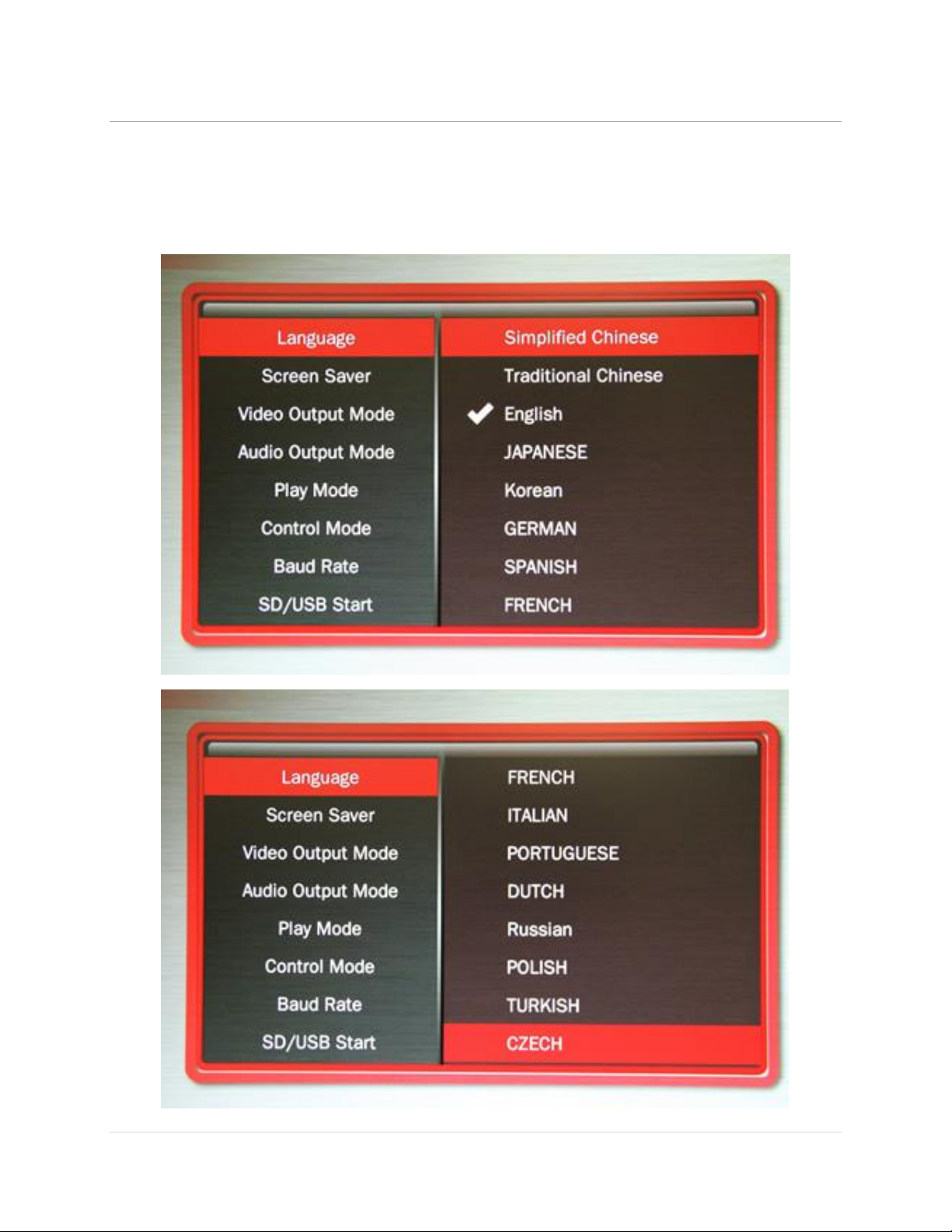
The Sprite® comes with
1) IR remote control
2) AC adaptor, universal 100 to 240 Volt AC input, regulated 5 Volt DC output
3) AV cable, 3.5mm 4 pole to RCA red, white and yellow
4) I/O plug, 3.5mm 4 pole to screw terminals

MedeaWiz® Sprite®
.
4 | P a g e
Sprite® Quick Start Guide
The MedeaWiz® Sprite® ships with the Video Output set to HDMI at 720p and the Control Mode
set to “Trigger Low No Interrupt” to use a pushbutton trigger.
Most users can simply connect their HDMI monitor and install their SD memory card, with files
named in the same way as the earlier model MedeaWiz players.
Example 1: You have one file that you need to run in a loop when power is turned on:
Name the file 000.xxx (where xxx is the proper file extension such as mpg, wmv, mp4, mt2s or
etc.)
Example 2: You have a looping file and also want to use the Trigger with a push button:
Name the looping file 000.xxx as above. Then name the trigger file 001.xxx
Example 3: You have a looping file and also want to use the Serial Port control:
Name the looping file 000.xxx as above. Then name the other files 001.xxx, 002.xxx, 003.xxx and
etc. in order.
Using the IR remote control, enter the on-screen menu by pressing the Setup key, and set the
Control Mode to Serial Control, and set the Baud Rate to match your external controller.
Always have a looping file named 000 if using any trigger input or serial control:
The 000 looping file can be a black video file if no video is wanted until a trigger or command.
We suggest the looping file be at least 30 seconds long.
Make sure you are using ZEROS and not the letter O in the file name. Do not put the files in a
folder. Only put media files on the SD card or USB drive.
You can download HD test files at http://www.highdefforum.com/high-definition-movies-
video-clips/6537-official-hd-video-clip-list.html

MedeaWiz® Sprite®
.
5 | P a g e
On-Screen Menu for Setup
Press the “Setup” button on the remote control to enter the on-screen menu. Use the orange
“Arrow” keys to navigate, the green “Enter” key to make a selection, and the yellow “Return”
key to go back one level. Pressing the “Return” key twice will exit the menu and begin file play.
Top Menu page showing current settings
Note the above menu picture is showing the factory default settings for firmware 20161229.
Other manuals for different versions of FW may be found at www.medeawiz.com

MedeaWiz® Sprite®
.
6 | P a g e
Menu Language
Select the language for the on-screen menu

MedeaWiz® Sprite®
.
7 | P a g e
Screen Saver
Select the time delay for the screen saver.
The Screen Saver is only active in the “Off” manual play mode. It is not active in other control
modes.

MedeaWiz® Sprite®
.
8 | P a g e
Video Output Mode
Select the video output needed to match your monitor.
Select NTSC to use the Composite video output from the 3.5 mm yellow AV jack using the
yellow RCA plug from the included A/V cable.
Select PAL for Composite video output from the 3.5 mm yellow AV jack for some areas other
than the Americas that use PAL video files and monitors.
The HDMI selections will route the video to the HDMI connector only.

MedeaWiz® Sprite®
.
9 | P a g e
Audio Output Mode
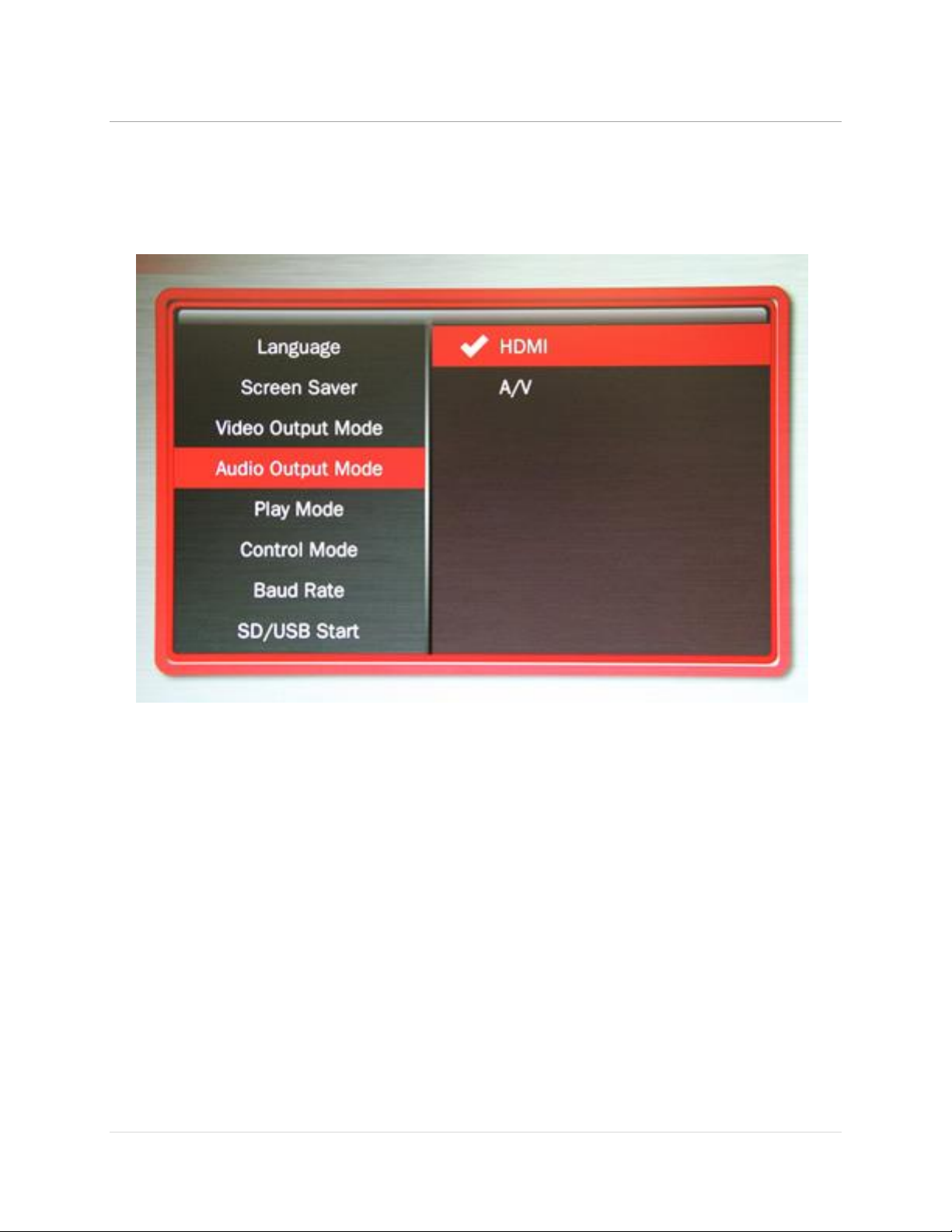
Select the audio output needed.
Select HDMI to route the audio through the HDMI cable to your monitor or amplifier with HDMI
input.
Select A/V to route the audio to the 3.5mm 4 pole AV jack and use the red and white RCA plugs
from the included A/V cable.
The audio output will require an amplifier or amplified speakers. It can’t directly drive
speakers
The Sprite is capable of high quality Stereo audio. It does not support surround sound.
Altri manuali per DV-S1
1
Indice
Altri manuali MedeaWiz Lettore DVD