
Mediadroid MASTER-MID MT7000 Manuale utente
User Manual
MASTER-MID GPS
Mobility, Versatility, Flexibility
MT7000
2
EN Introduction ................................................................................................ 2
Package contents ...................................................................................... 2
Overview ...................................................................................................... 2
Buttons.......................................................................................................... 3
Power On / Power Off .............................................................................. 3
Suspend mode ........................................................................................... 4
Installing microSD card........................................................................... 4
Uninstalling microSD card ..................................................................... 4
Connecting / Disconnecting USB pendrive..................................... 4
Storage space ............................................................................................. 4
Interface........................................................................................................ 4
Keyboard ...................................................................................................... 4
Touch screen ............................................................................................... 5
Desktop......................................................................................................... 5
Icons on status bar.................................................................................... 5
System settings .......................................................................................... 5
Language setting ...................................................................................... 6
Date setting................................................................................................. 6
Wi-Fi connection........................................................................................ 6
UMTS connection...................................................................................... 6
Application Management ...................................................................... 7
Install.............................................................................................................. 7
Uninstall........................................................................................................ 7
Access to free applications..................................................................... 8
Web Browser ............................................................................................... 8
E-mail............................................................................................................. 8
Watching on-line videos......................................................................... 9
Photo browsing........................................................................................10
Music player ..............................................................................................10
Video player...............................................................................................11
Watching on TV set.................................................................................11
Introduction
Thank you for buying this cutting edge media inter-
net device. MT7000 is equipped with Wi-Fi interface,
GPS receiver, internal built-in rechargeable battery
and touch screen. Please take a moment and read this
manual before using the device.
Package contents
¯tablet with stylus,
¯power adaptor AC 220V,
¯microUSB to USB adaptor,
¯on-glass mounting support,
¯car charger DC 12V
¯user manual.
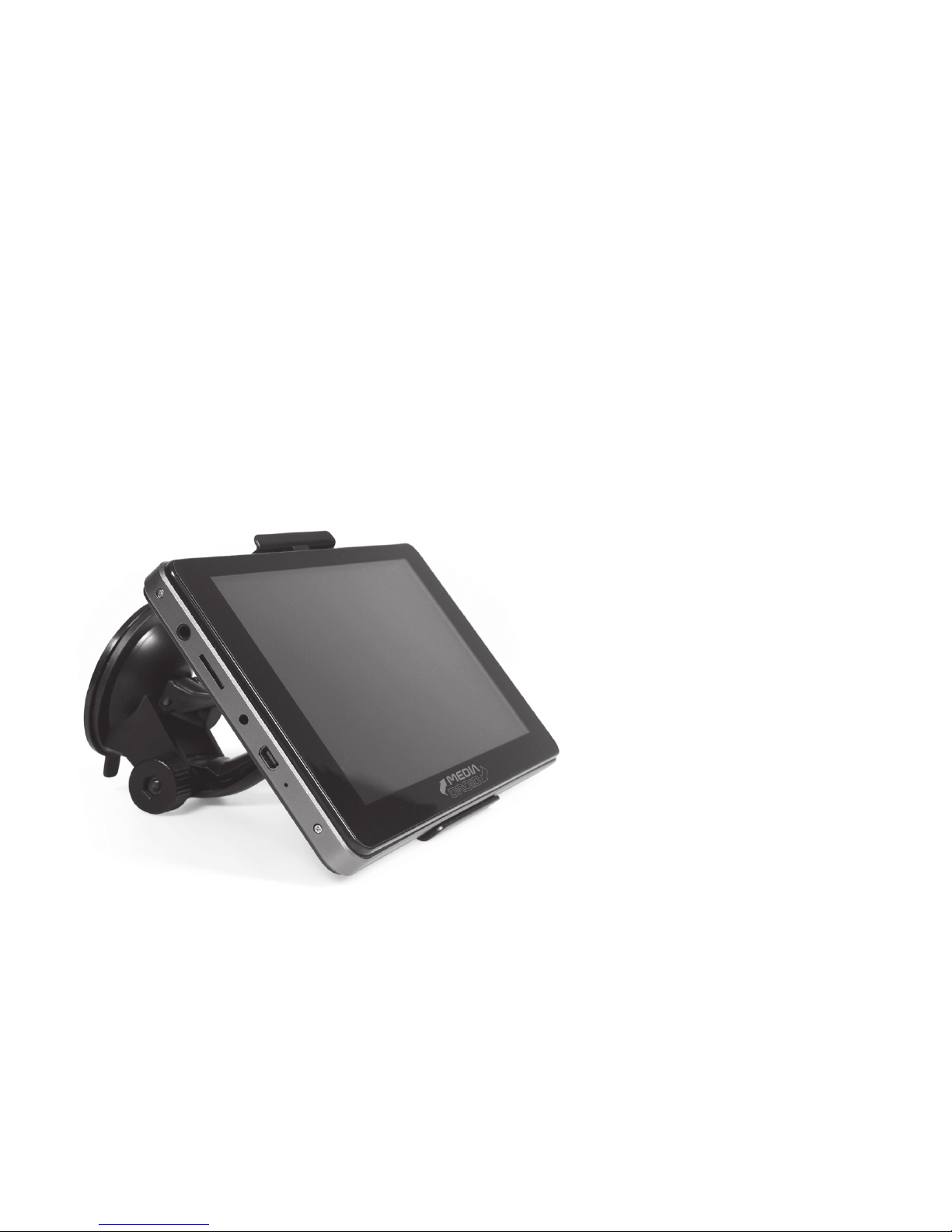
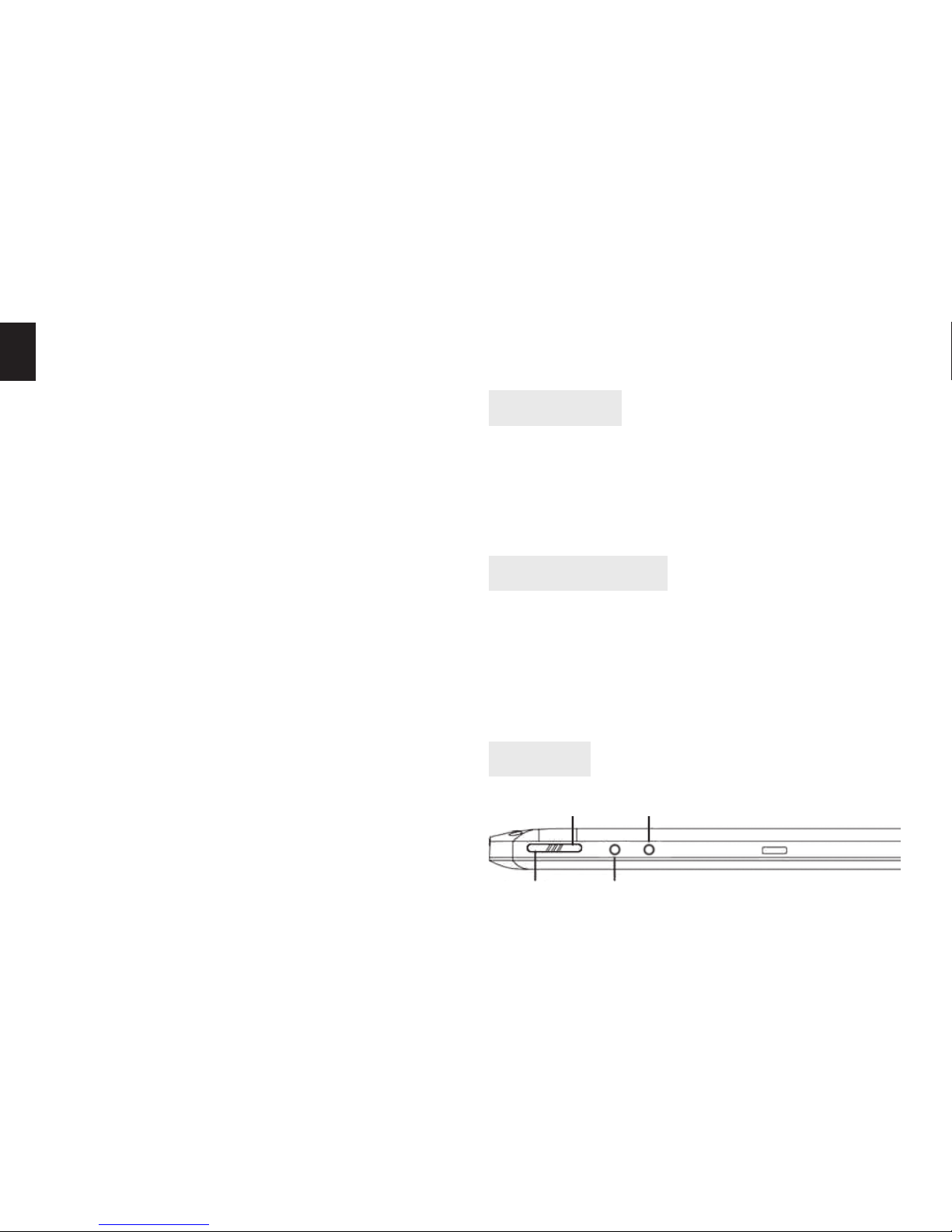
Overview
DesktopBack
ON/OFF Menu
GPS Navigation ........................................................................................12
Screen/device unlock.............................................................................12
Restore default settings........................................................................12
3
EN
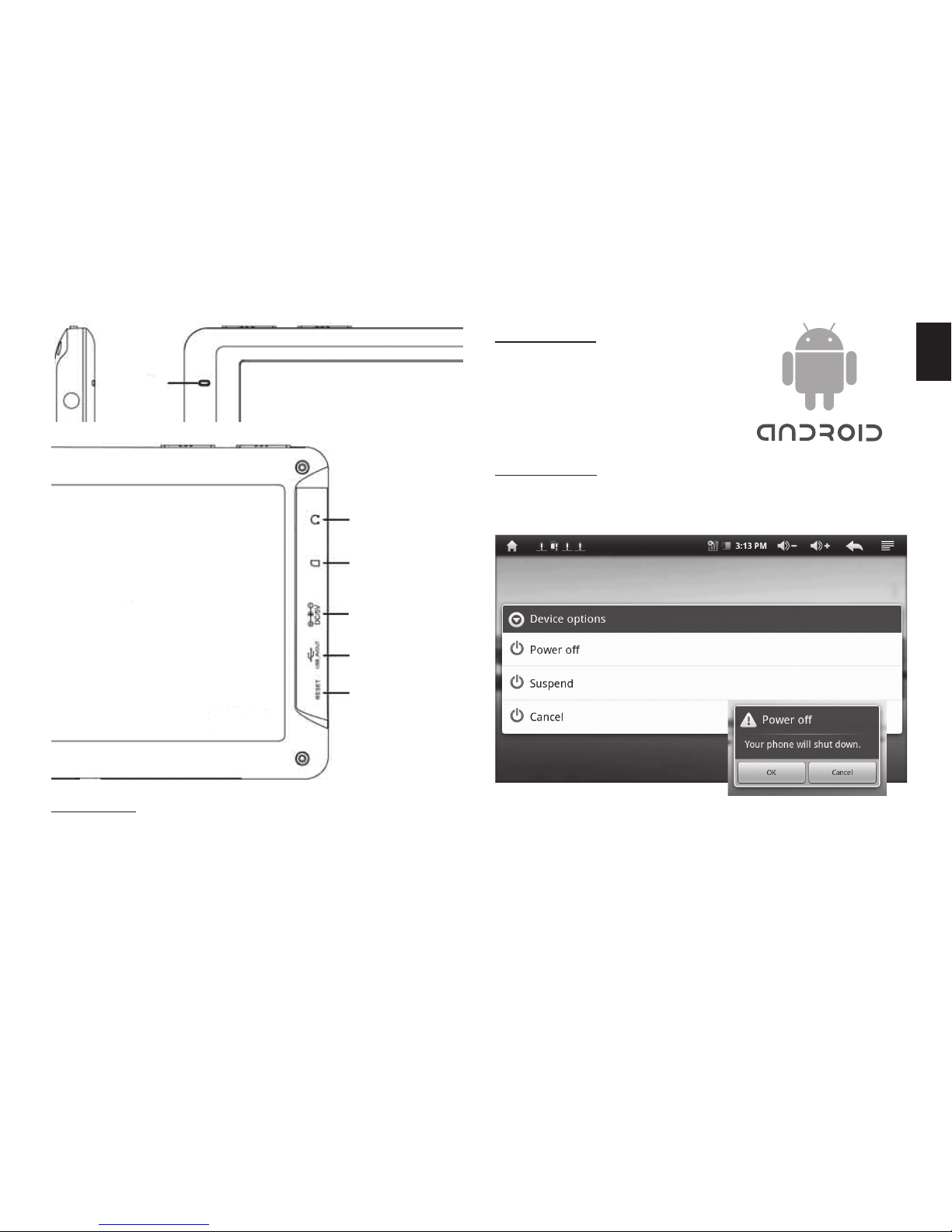
Power
LED
Headphones
TF Card
DC 5V Input
USB
RESET
Power On
Press and hold ON/OFF button
until you see system logo.
Power Off
Press and hold ON/OFF button for about 3 seconds, de-
vice shutdown options will appear as below:
Use finger and select desired option. If you do not
use for short period your tablet you can switch it into
“suspend” mode for energy saving. If you want to shut-
down device select “power off” option and then click
OK when prompted.
Buttons
ON/OFF - to power on/off device.
Back – back to previous window.
Menu – show menu options.
Desktop – show main desktop.
System is loading, it takes
about 1 min.
4
EN Suspend mode
In this mode screen is switched off, Wi-Fi is switched
off, all button except ON/OFF button are disabled. To
recover from suspend mode to normal mode press ON/
OFF button once.
Note! When boarding an airplane turn device into
“suspend mode”. If you want to use tablet during
flight go to“Settings/Wireless&networks/Wi-Fi”and
uncheck this option to disable Wi-Fi network card.
Note! Device will automatically switch into “sus-
pend mode”after a time of idle according to“Screen
timeout” setting.
Installing microSD card
Put gently microSD/T-flash card into TF card slot. Pin
connectors should face bottom of tablet. Use your fin-
gertip to slide card into slot until it is hatched.
Uninstalling microSD card
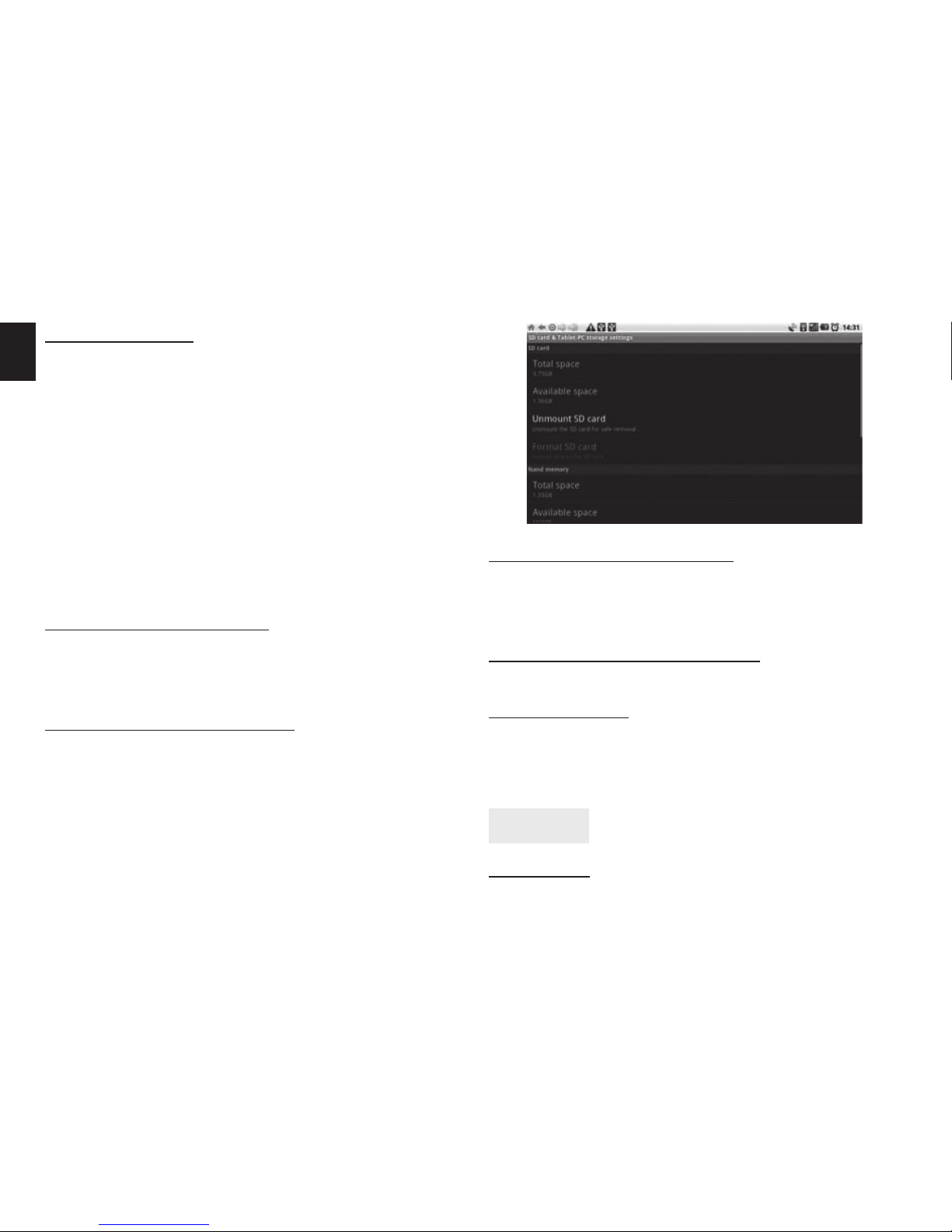
Exit all applications, go to “Settings/SD card& storage
settings”and click “Unmount SD card”.
In the system notification area “safely remove SD” will
pop-up, you can take out microSD card.
Connecting USB pendrive
Go to “Settings/USB mode select/Host mode” and ena-
ble it. Now plug pendrive using attached microUSB ->
USB adaptor.
Disconnecting USB pendrive
Exit all applications, then unplug pendrive.
Storage space
There are three storage devices:
¯SD Card (available when connected), ¯Internal
Memory, ¯USB (available when connected).
Interface
Keyboard
Whenever there is need to enter a text – a screen key-
5
EN
board will appear automatically.
Touch screen
Click: simply tap with one finger.
Long press: press and hold on selected item until con-
text menu pop-up.
Drag&Drop: select item and drag it. You can also tap
and slide your finger to change desktops or to view an-
other picture (when in photo mode).
Note! Touch screen has auto rotation function
enabled by default. If you do not like this feature
you
can disable it in “Settings/Display/Auto-rotate
screen”.
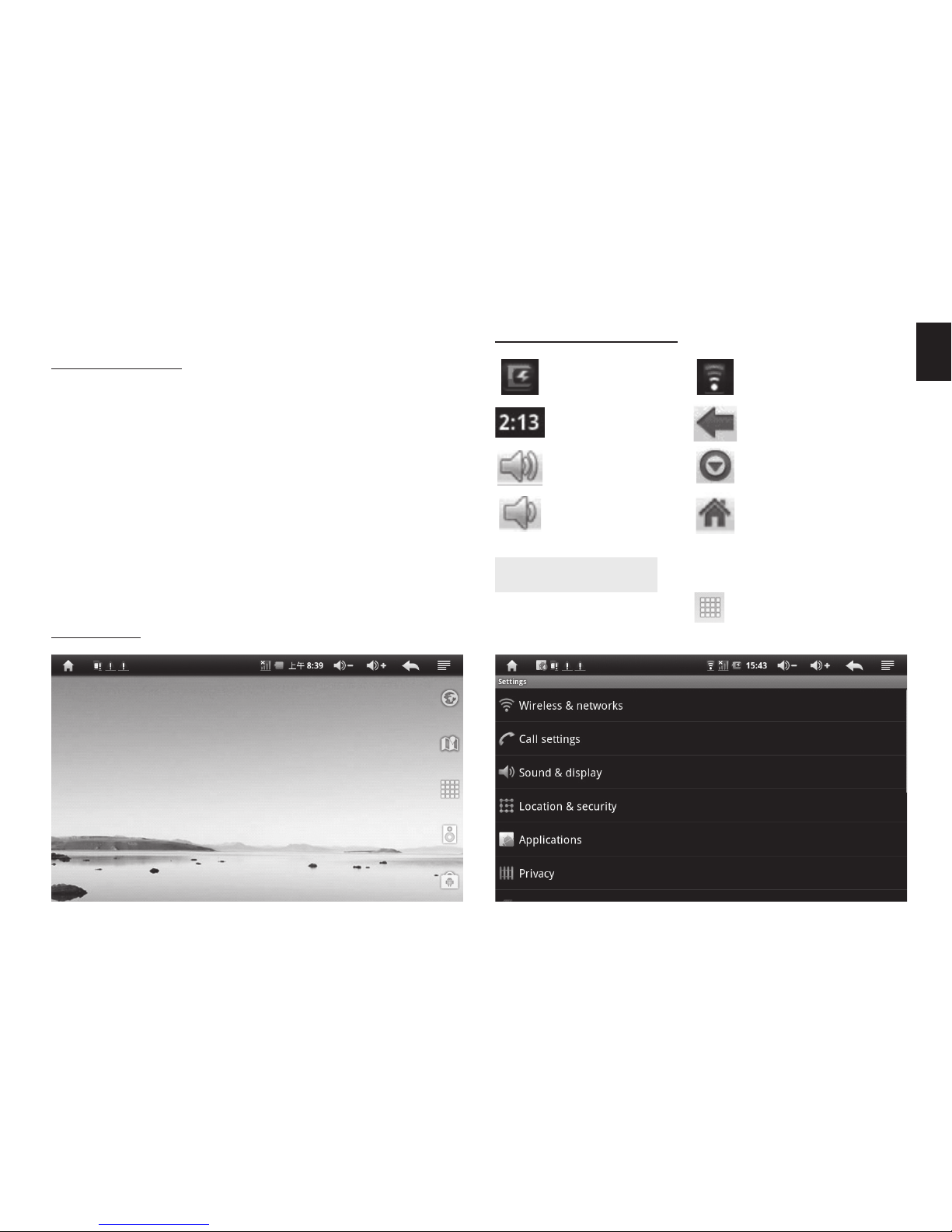
Icons on status bar
Battery level
Actual time
Volume up
Volume down
Wi-Fi connection
Back
Show menu options
Back to main desktop
System settings
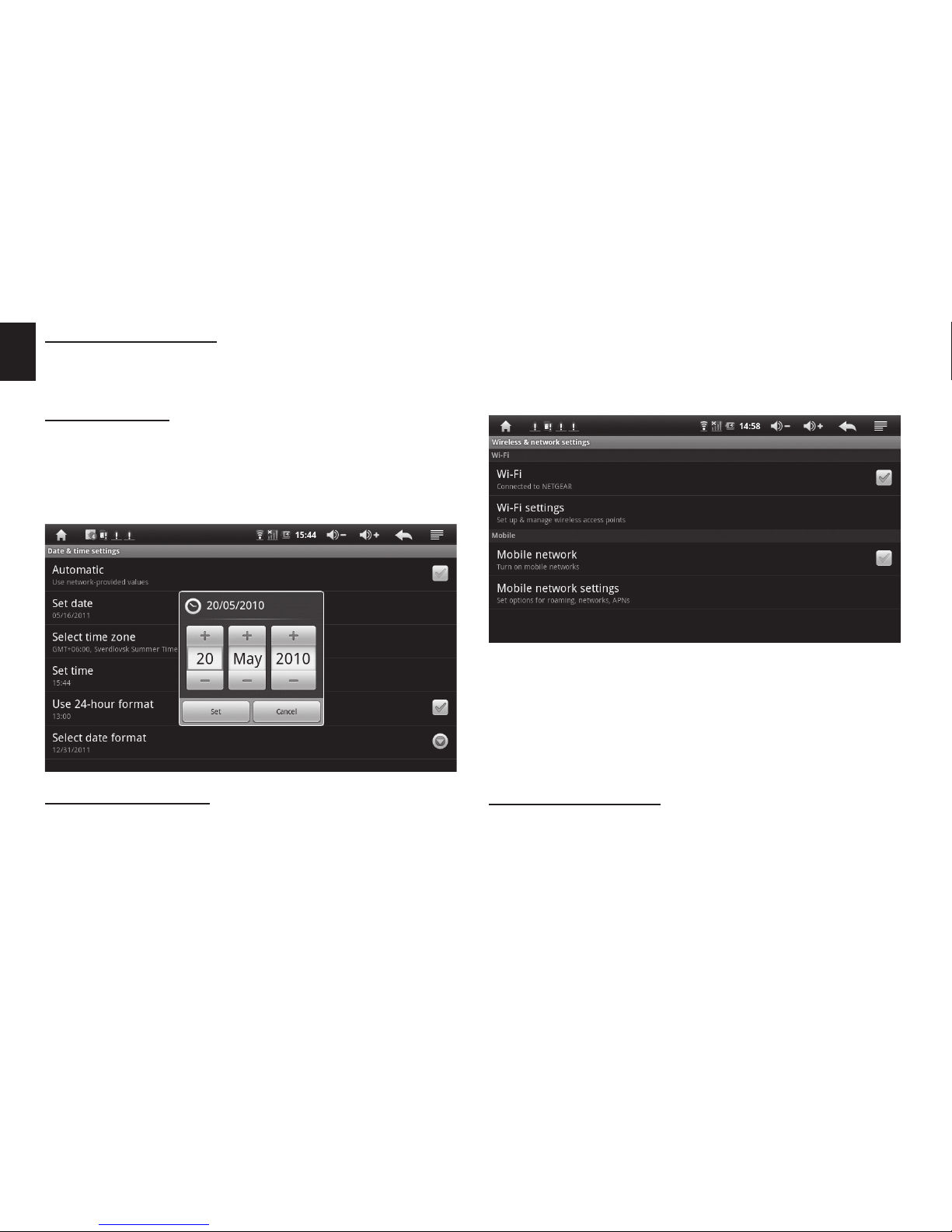
On the main desktop click icon and then click„Set-
tings”icon to enter system settings:
Desktop
6
EN Language setting
Select “Language & keyboard”, then click “Select lan-
guage” and select desired system language.
Date setting
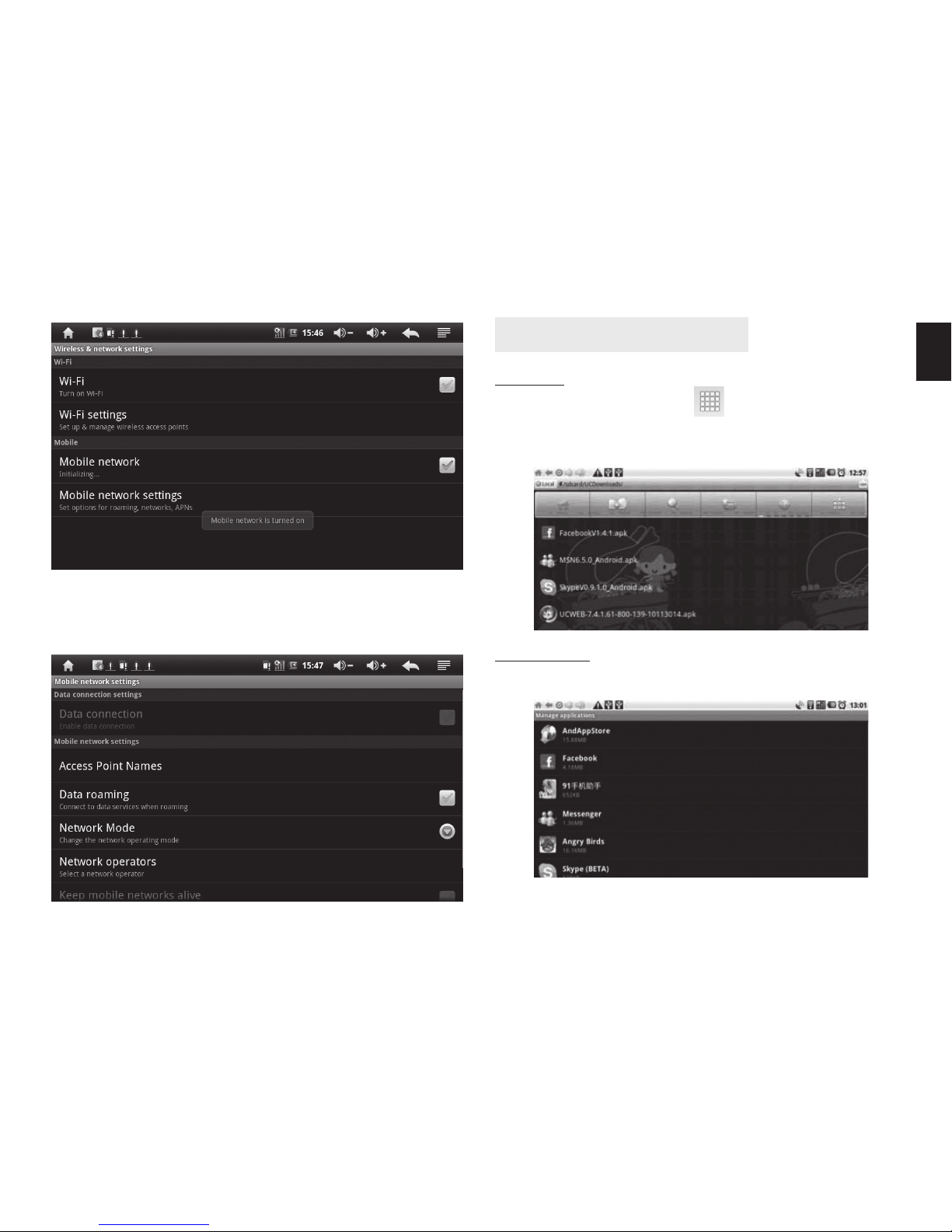
Go to “Settings/Date & time settings” and set manually
or mark option “Automatic”– date will be synchronized
automatically when tablet will logon to cell network (it
requires an active UMTS connection).
Wi-Fi connection
Go to “Settings/Wirelles & networks” and click “Wi-Fi”
to enable Wi-Fi card. Then click “Wi-Fi settings” to enter
next menu, then click “Add Wi-Fi network”. Enter pa-
rameters provided by your Wi-Fi network administrator.
Note! When you go out of reach of Wi-Fi network or
go to “Suspend mode” or “Power off mode” you will
be disconnected. Device will automatically estab-
lish connection when power on. If it does not, go to
“Wi-Fi settings” to uncheck and check again “Wi-Fi”
option to force establishing Wi-Fi connection.
UMTS connection
Power off device and then plug USB UMTS modem.
Power on the device. Go to “Wirelles & networking” set-
tings and turn off “Wi-Fi” connection and then turn on
“Mobile network” .
When connection is established under “Wi-Fi” option
there will be information “Connected to [name of net-
work]”. Also Wi-Fi network icon will be displayed on the
status bar.
7
EN
Next click “Mobile network settings”and enter parame-
ters provided by UMTS operator.
Application Management
Install
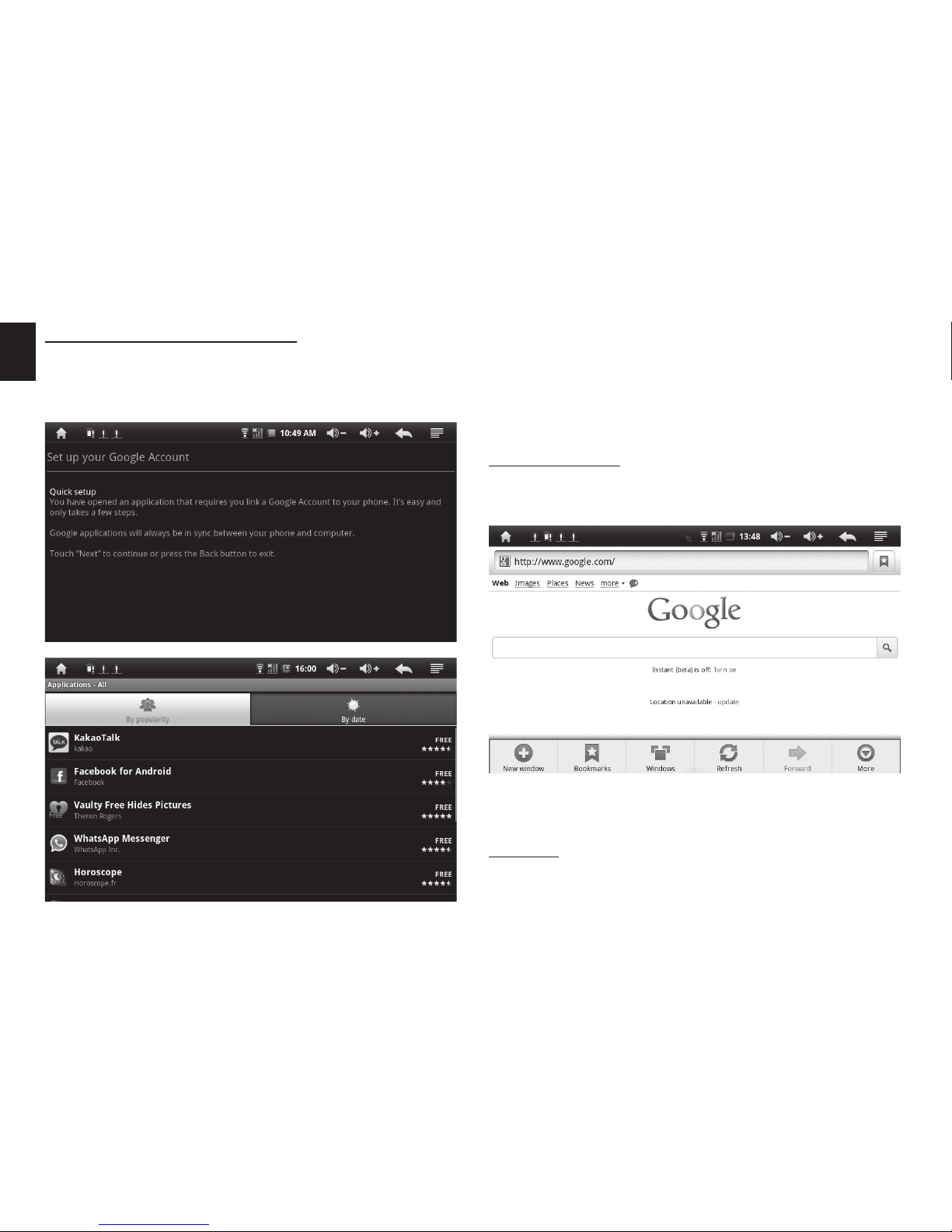
On the main desktop click icon, then“explorer” ap-
plication. Click desired *.apk file to run installation. Fol-
low on-screen messages to finish installation.
Uninstall
Go to “Settings/Applications/Manage applications”.
Select desired icon and then click “Uninstall” button.
8
EN Access to free applications
Open“E-Market”icon on desktop, when you run for first
time you will be asked to setup a google account, fol-
low on-screen messages.
Click in the address bar, then screen keyboard will ap-
pear, you can enter desired webpage.
E-mail
On the main desktop in the right lower corner click
“Envelope” icon, an e-mail application will be started.
Web Browser
On the main desktop in the right upper corner click
“Earth” icon, a web browser will be started:
When google account has been set you can browse
available application, those marked as “free” are free of
charge.
Note! You can also set google account in “Settings/
Accounts & sync/Add account”.
9
EN
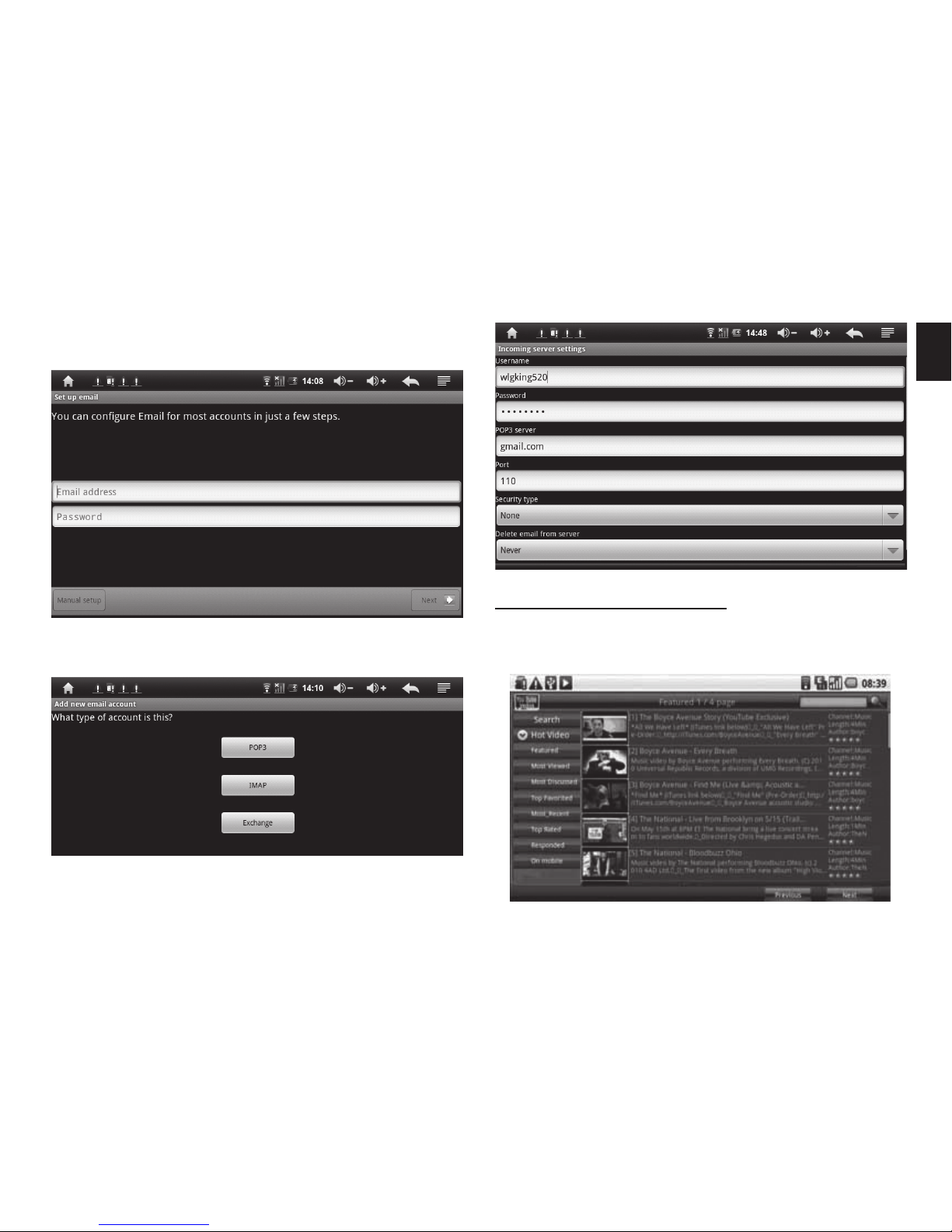
Follow on-screen messages to configure e-mail box.
For standard e-mail box select POP3 type account.
Enter parameters provided by your e-mail account ad-
ministrator.
When running for the first time you will be asked to
configure your e-mail account first.
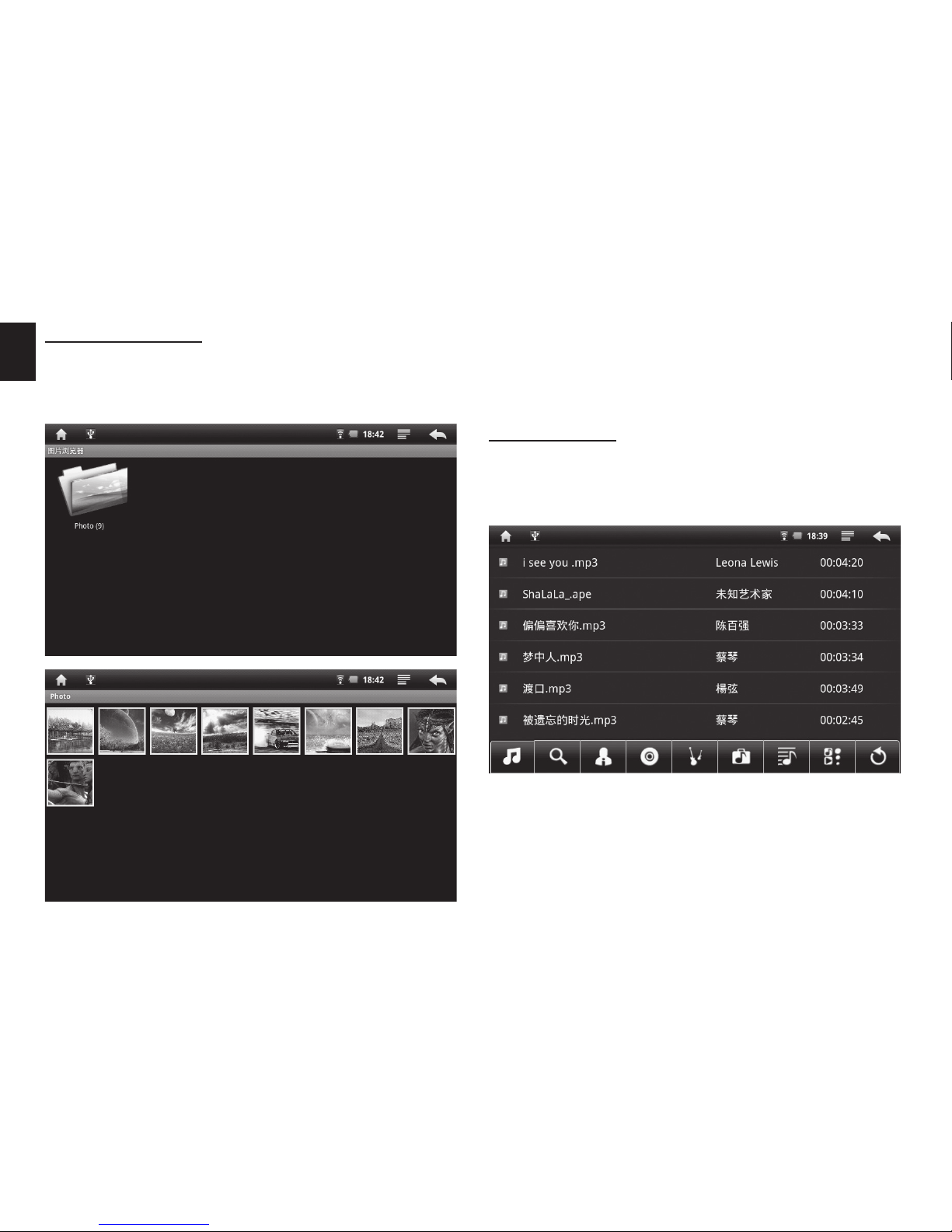
Watching on-line videos
On the main desktop click“YouTube”icon, in the search
field enter phrase to locate video you want to play.
10
EN
Click on selected file to start playing. Following screen
will appear:
Music player
On the main desktop click“Audio Player”icon to run au-
dio player. Application will scan all accessible devices
and will show only supported music files.
Photo browsing
On the main desktop click “Photo” icon to run photo
browser. Application will scan all accessible devices
and will show only supported photo files.
Select file, click it to view in full screen mode. Use finger
to swipe across screen to view next/previous file. Tap
on screen to pop-up menu options: slideshow, rota-
tion, crop, set as wallpaper, info.
Indice


