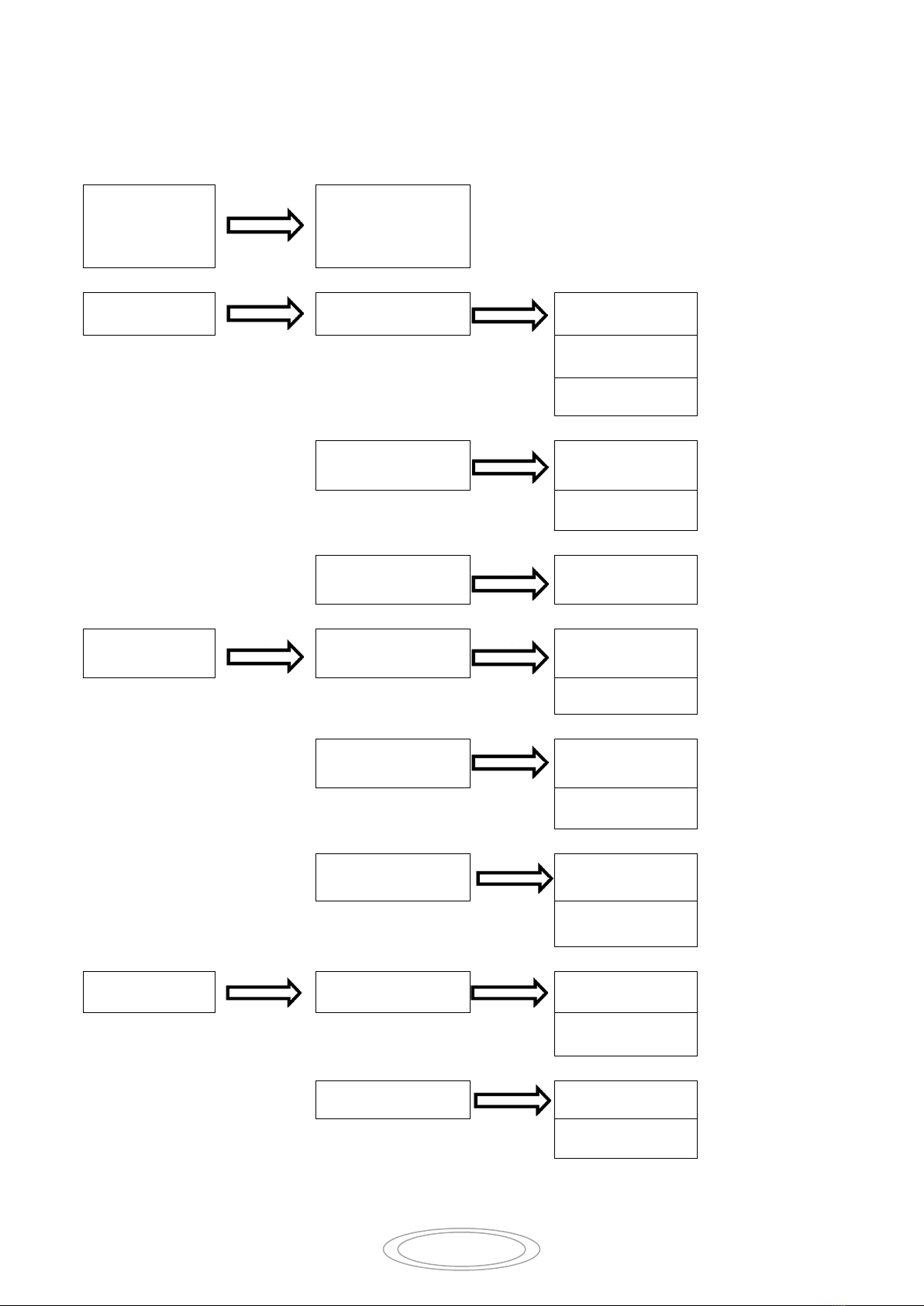
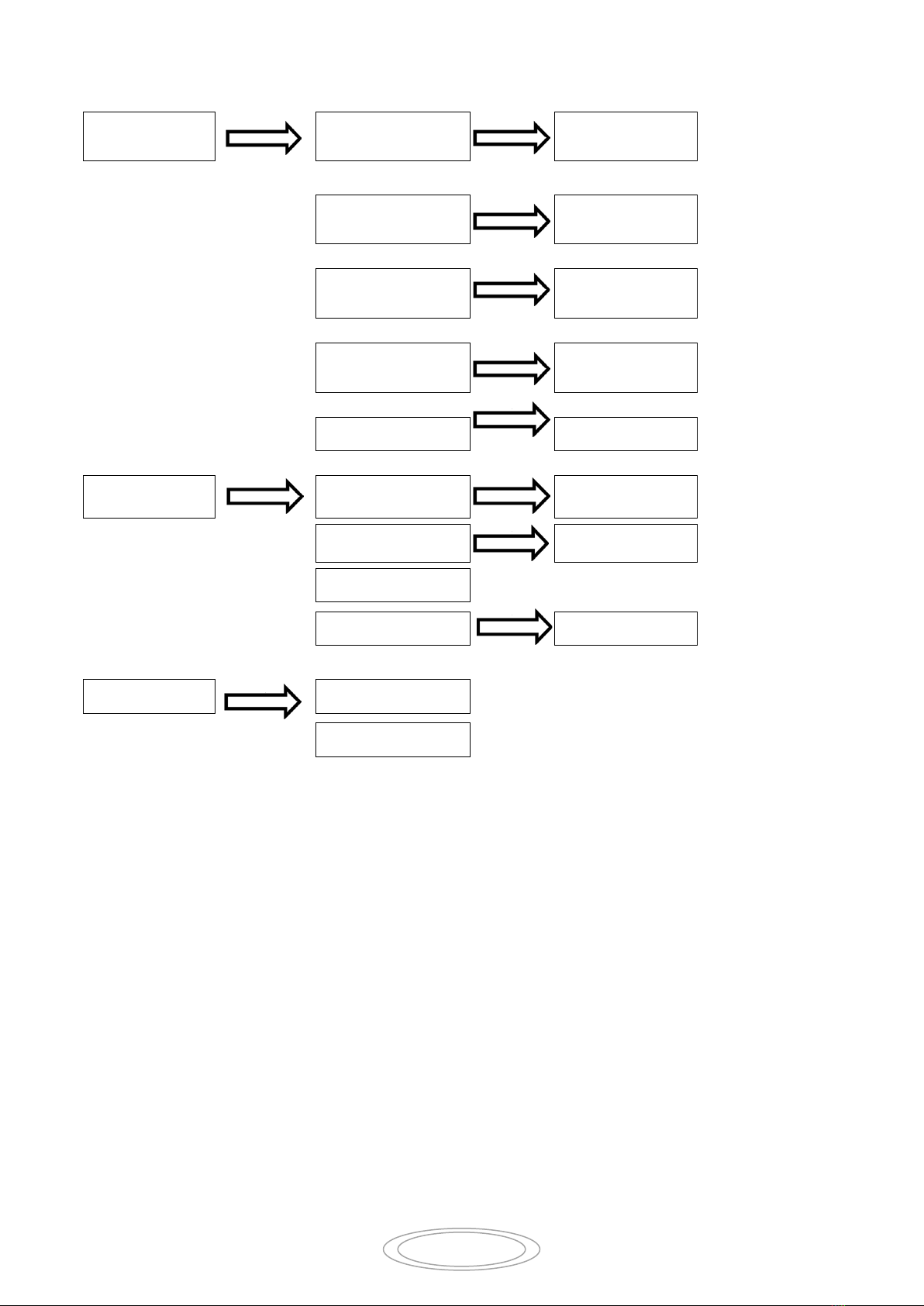
2. Show Pan invert , Choose menu by pressing ”UP&DWON” button, will show pan swap .
correcting by “ENTER” Button.
3. Show Tilt invert , Choose menu by pressing ”UP&DWON” button, will show tilt
Swap and tilt DMX swap.. correcting by “ENTER” Button.
4. Show Dimmer invert, Choose menu by pressing ”UP&DWON” button, will show Dimmer Swap
and dimmer invert. correcting by” ENTER” Button.
5. Press “ENTER ”button to save and quit. Press “MENU” button to quit no saving.
﹥Display options settings.
1. Press “Menu” button to Set display option, Will show languages and display invert functions.
confirm by press “ENTER” button.
2. Show languages selections , Choose menu by pressing ”UP&DWON” button, will show English
and Chinese functions, correcting by “ENTER” Button.
3. Show display invert functions. Choose menu by pressing ”UP&DWON” button, will show
display invert on and display invert off. correcting by “ENTER” Button..
4. Press “ENTER ”button to save and quit. Press “MENU” button to quit no saving.
﹥Work modes
1. Press “Menu” button to Set work modes,confirm by press “ENTER” button.
2. Show DEMO modes 1,press ”ENTER” button, Will show program demo ,
3. Show DEMO modes , correct by pressing “ENTER” button. Will show modes running.
4. Show sound mode ,press “ENTER” will show sound control running.
5. Show slave mode, press “ENTER” will show slave running
6. Show DMX512 mode, press “ ENTER” will show main screen running status.
7. Press “ENTER” button to save and quit. Press “MENU” button to quit no saving.
﹥Information
1. Press “Menu” button to information ,confirm by press “ENTER” button. It will show Power On
Hours, Power this time ,Head Sensor, Software Version.
2. Press “ENTER” button to save and quit. Press “MENU” button to quit no saving.
﹥Reset
1. Press “Menu” button to Reset, ,confirm by press “ENTER” button, it shows reset.
Maintenance:
To prolong the life of the projector, some maintenance work has to be done to ensure the LED
optical system in good condition. If the projector does not function, check the fuses on the power
socket of the projector, they should only be replaced by fuses of the same specification. Should
these be damaged, call a qualified technician before replacement. The projector has thermal
protection device that will switch off the projector in case of overheating. Should either of these
operate, check that the fans are not blocked, and if they are dirty, clean them before switching on the
projector again. Check that the fans are operational, if not, call a qualified technician.
☆Any maintenance work should only be carried out by qualified technicians.