Display Control
The control board on the fixture base is your interface
to access and control all the functions on the unit.
It’s LCD display gives you a code view of the options
and functions. The following will explain each function.
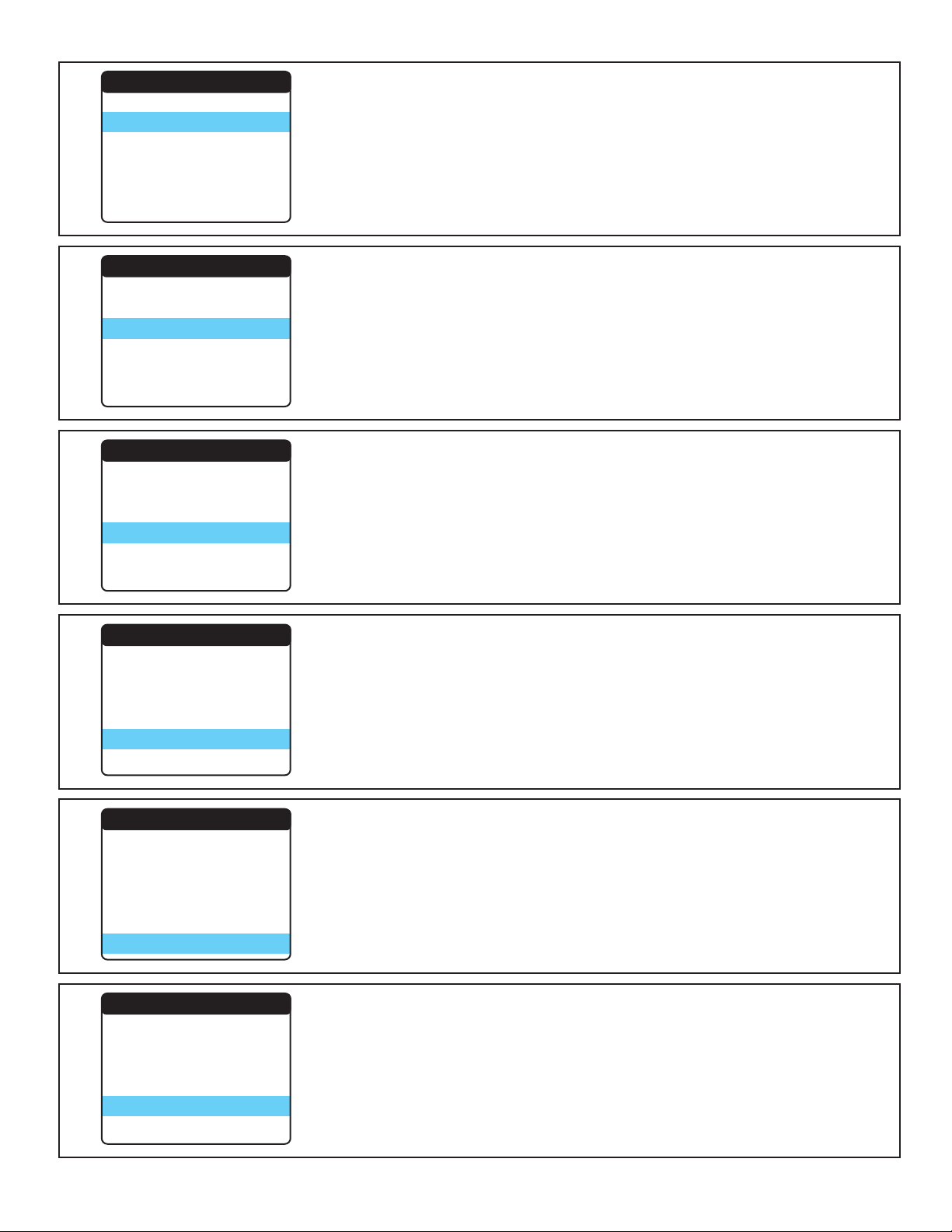
Main Menu ADDRESS: Press OK to view the fixture start channel. Press OK again to
make adjustment to the fixture address from 001 to 512 using the up/down
buttons. By pressing left or right fixture will increments start channel by
channel mode setting. Press OK to confirm or Back to go back. The fixtures
start address will need to match the DMX Controllers assigned DMX start
channel.
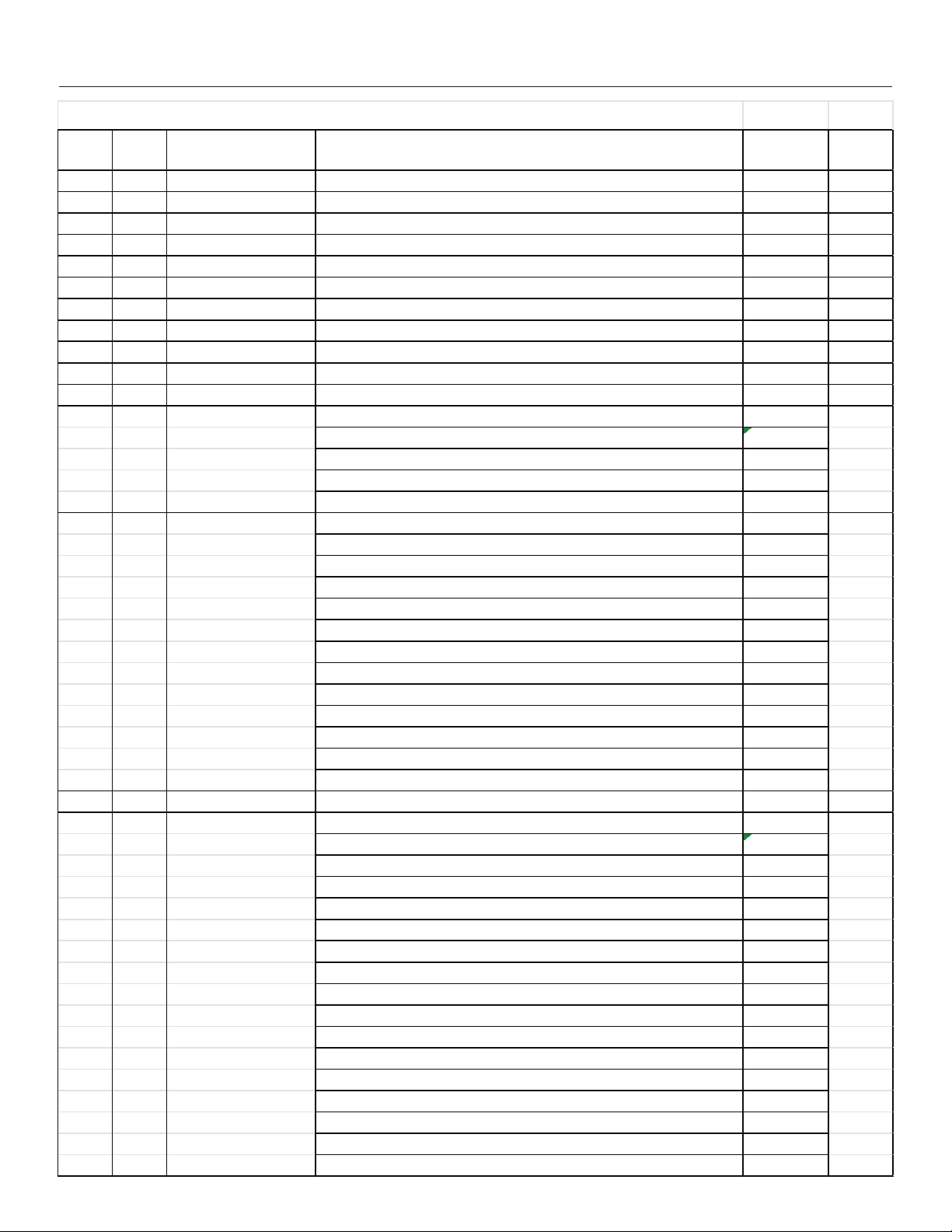
DMX Address
Settings
Manual
Information
Calibration
Reset
001
22>
>
>
>
>
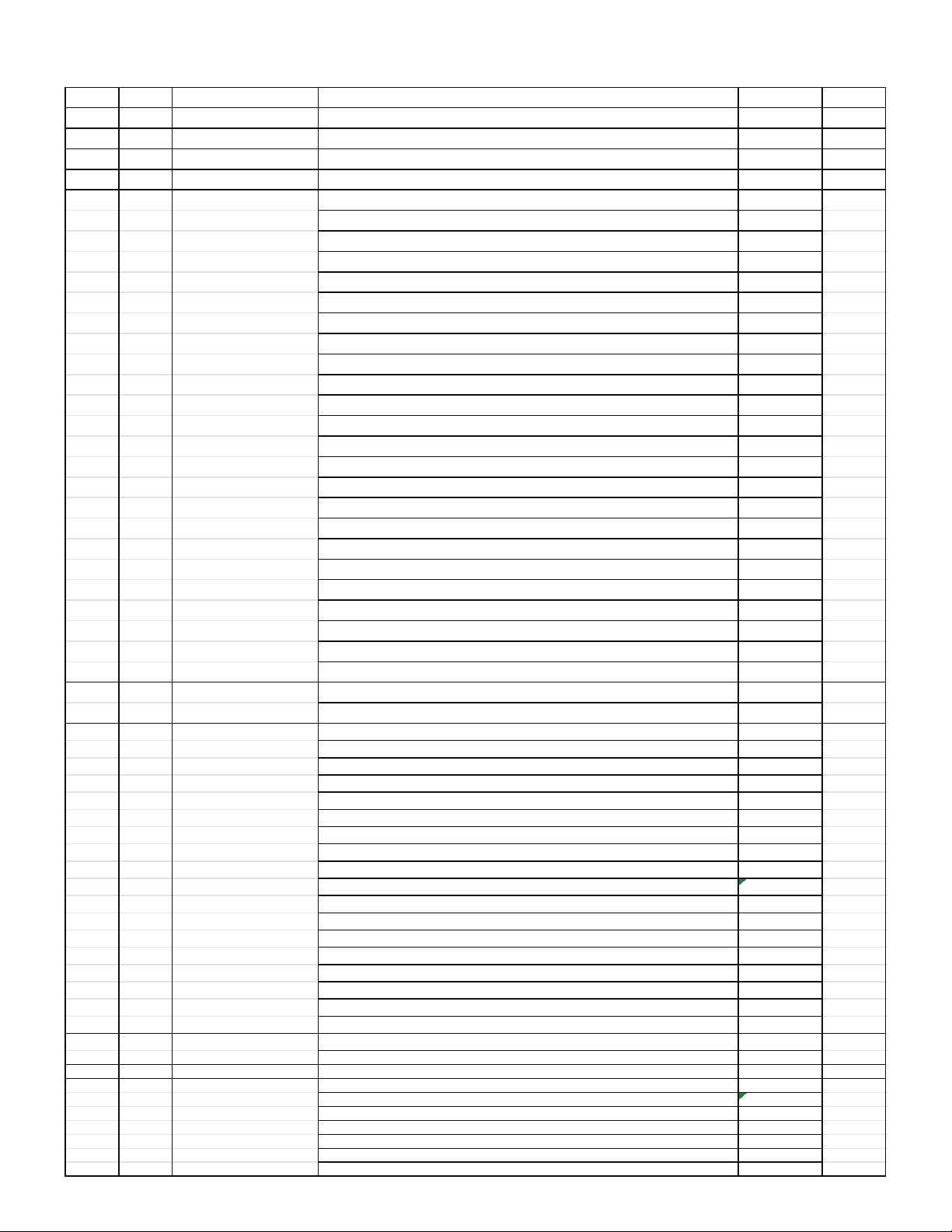
Main Menu
DMX Address
Settings
Manual
Information
Factory
Reset
001
>
>
>
>
>
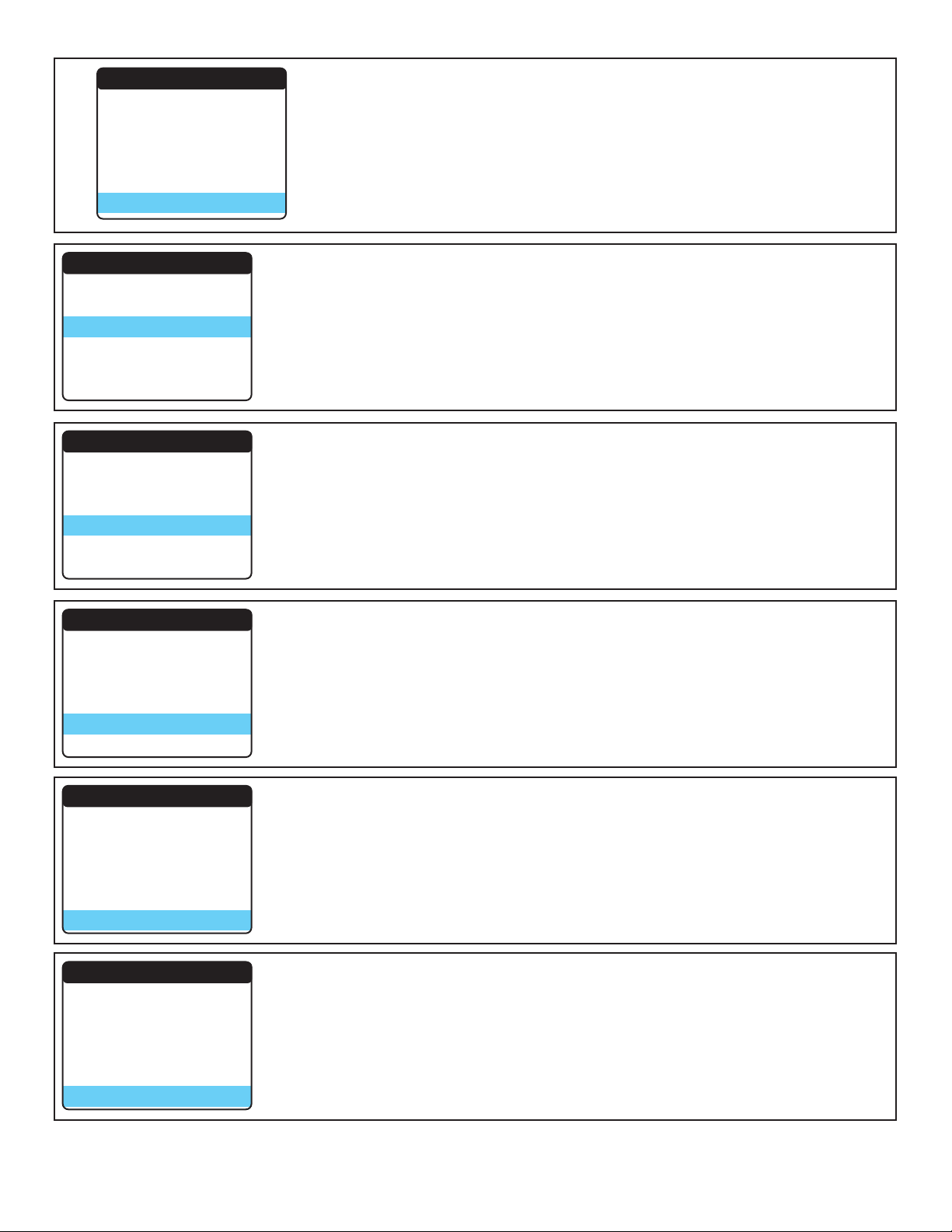
Channel Mode: Press OK to enter Channel mode selection. This function
sets the fixtures DMX Profile for operational mode.
Channel 27 Mode: Pan, Pan Fine, Tilt, Tilt Fine, Pan And Tilt Speed,
Dimmer, Dimmer Fine, Red, Green, Blue, White, Strobe, Shutter Macro,
Macro Speed, Color Effect, Effect Speed, CTO, Ring Red, Ring Green, Ring
Blue, Ring Shutter Macro, Macro Speed, Ring Color Effect, Effect Speed,
Zoom, Lens Rotation, Control
Channel 103 Mode:Pan, Pan Fine, Tilt, Tilt Fine, Pan And Tilt Speed,
Dimmer, Dimmer Fine, Red, Green, Blue, White, Strobe, Shutter Macro,
Macro Speed, Color Effect, Effect Speed, CTO, Ring Red, Ring Green, Ring
Blue, Ring Shutter Macro, Macro Speed, Ring Color Effect, Effect Speed,
Zoom, Lens Rotation, Control, Main LED RGBW X 7, Ring LED RGB X16
Settings: Allows user to personalize fixture operational settings
Settings
Channel Mode
Run Mode
Pan Invert
Tilt Invert
Fan Control
Dim Curve
Dim Fast Close
No DMX State
27CH
DMX
Close
Close
Per
Line
Close
Keep
Settings
Channel Mode
Run Mode
Pan Invert
Tilt Invert
Fan Control
Dim Curve
27CH
DMX
Close
Close
Per
Line
®
DMX Fail Mode 27CH
001
5
DOWN
UP
Invert
Display
OK
Back