Lo
K
Step 2. Hi Temp. alarm setting
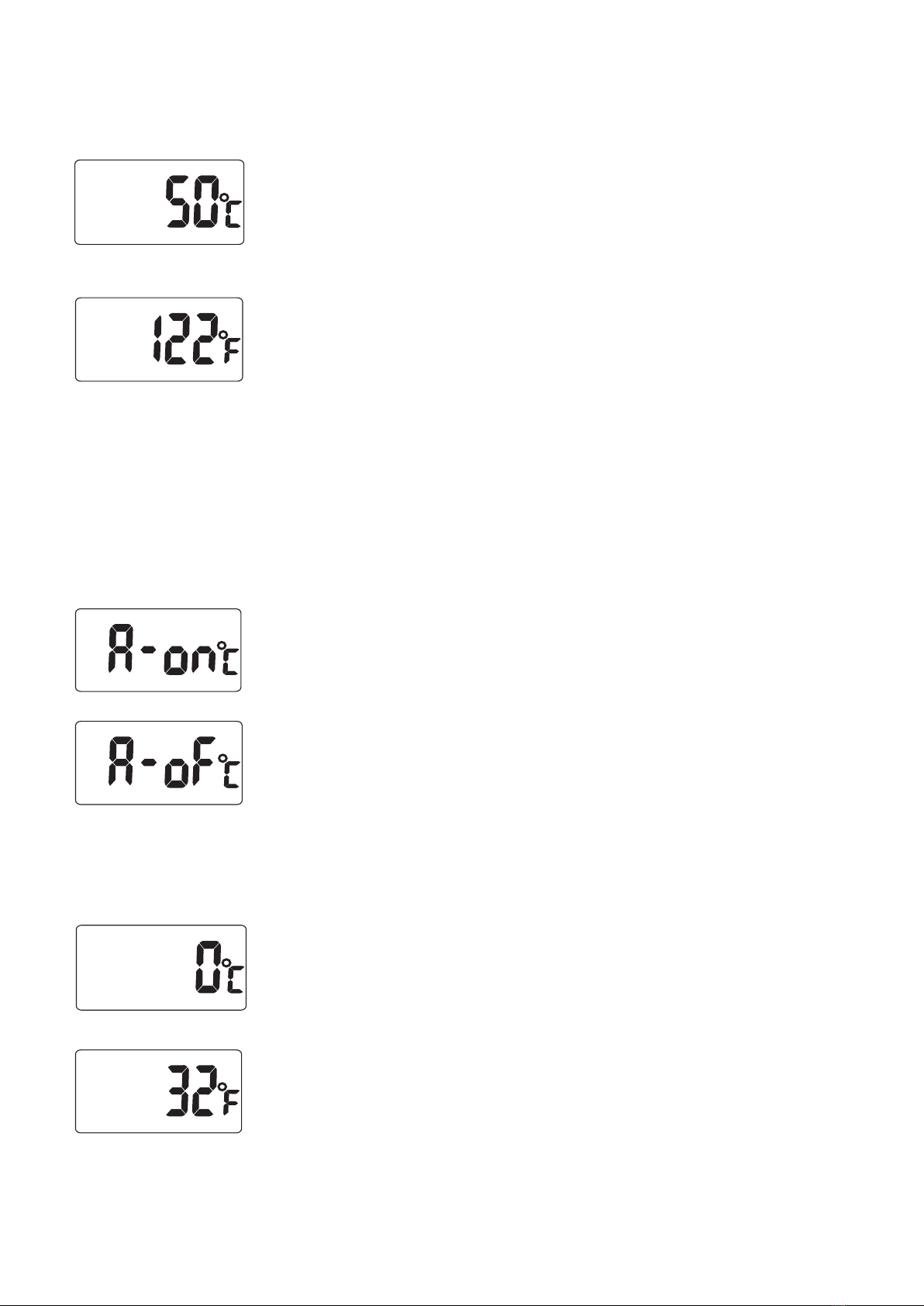
When Hi Temp. alarm is on, “Hi Set” icons with
the default value 50°C(122°F) or the last setting
will appear on the LCD.
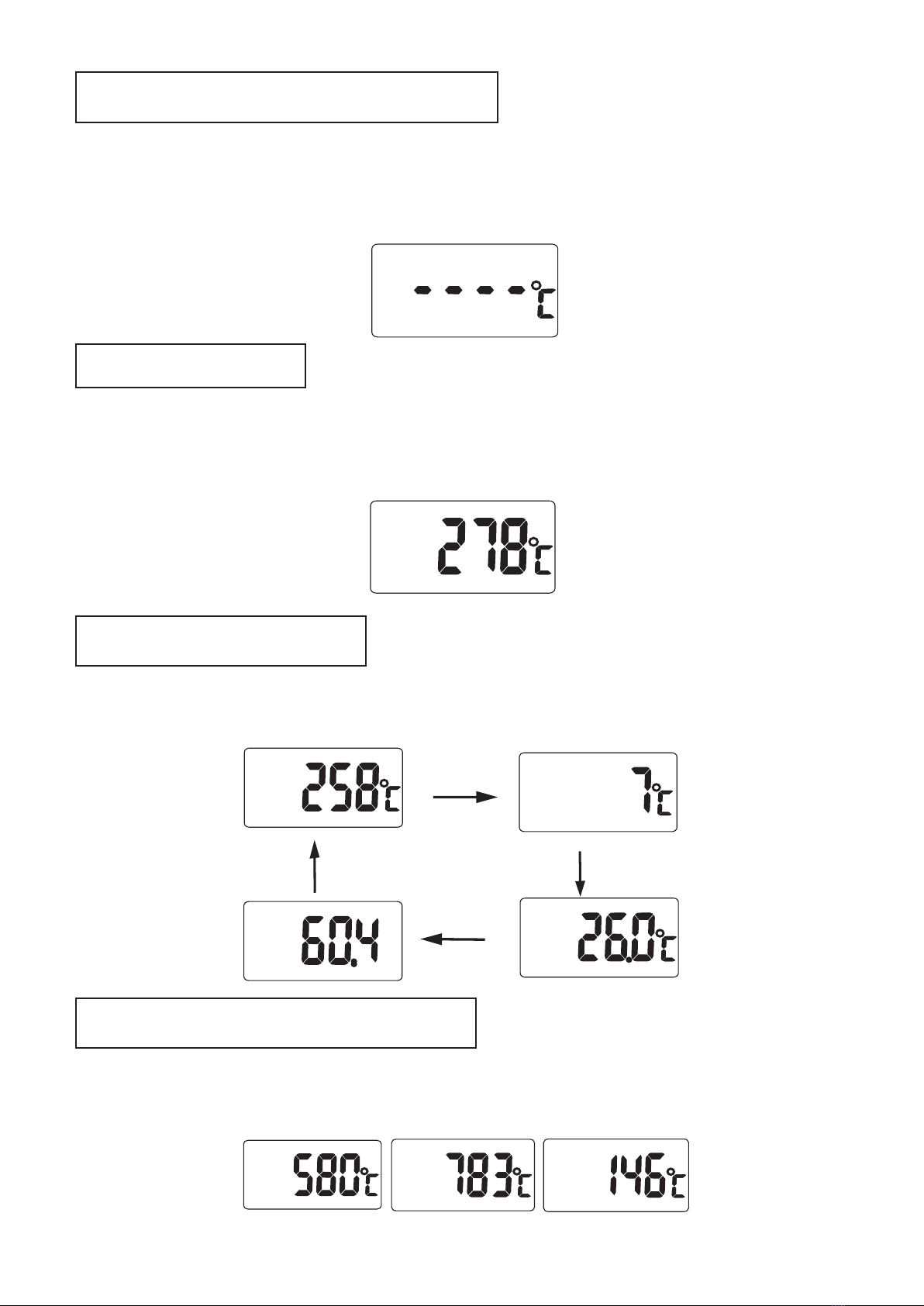
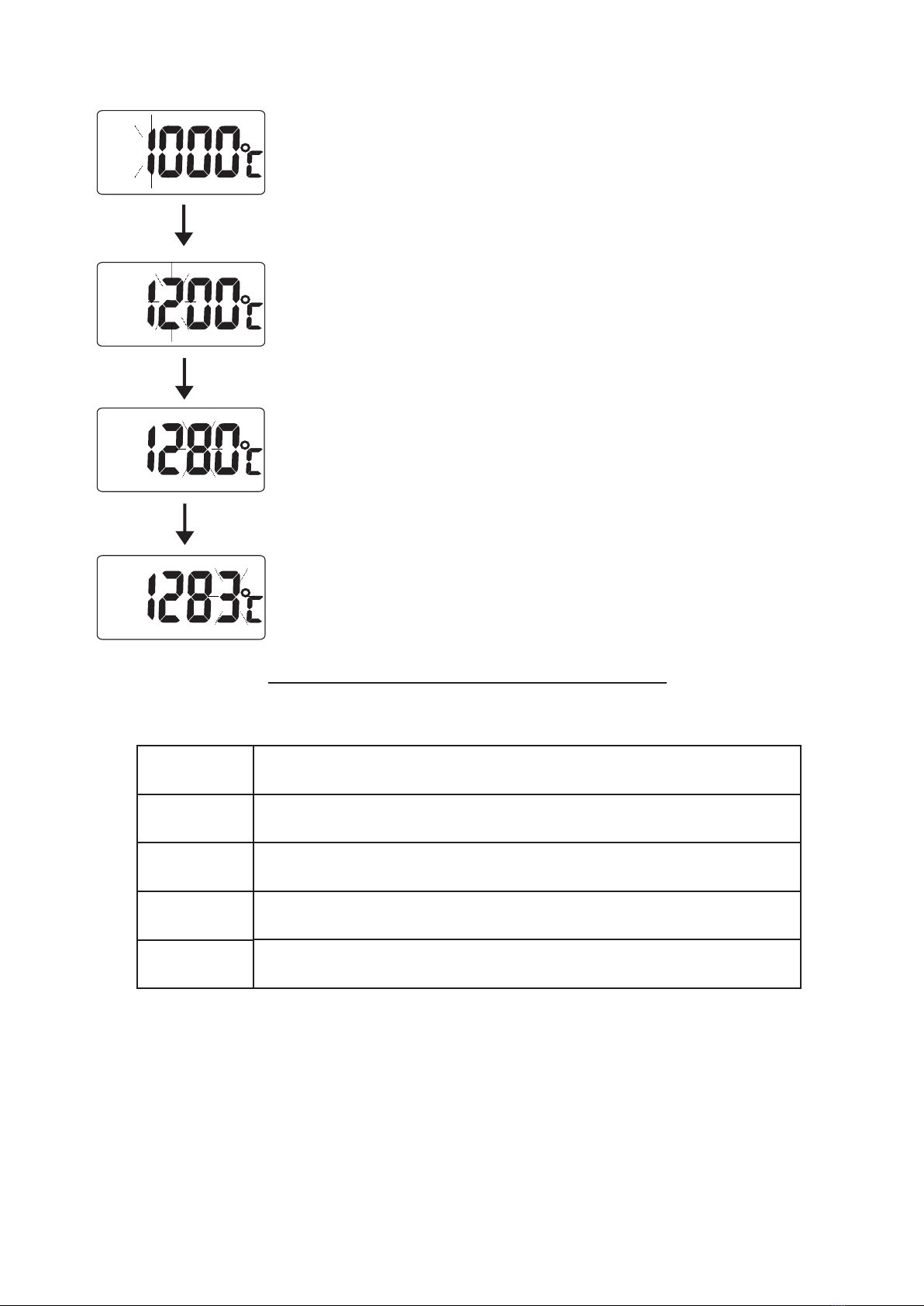
Keep pressing MODE button to increase digit
sequentially from hundred digit and release the
button when the digit you desired, then for
setting ten digit, unit digit and decimal point are
the same as hundred unit. (Please refer to
#Example 1)
Press PWR button to save Hi Temp. setting and
go to Lo Temp. alarm setting.
NOTE: The default of Hi / Lo alarm is off.
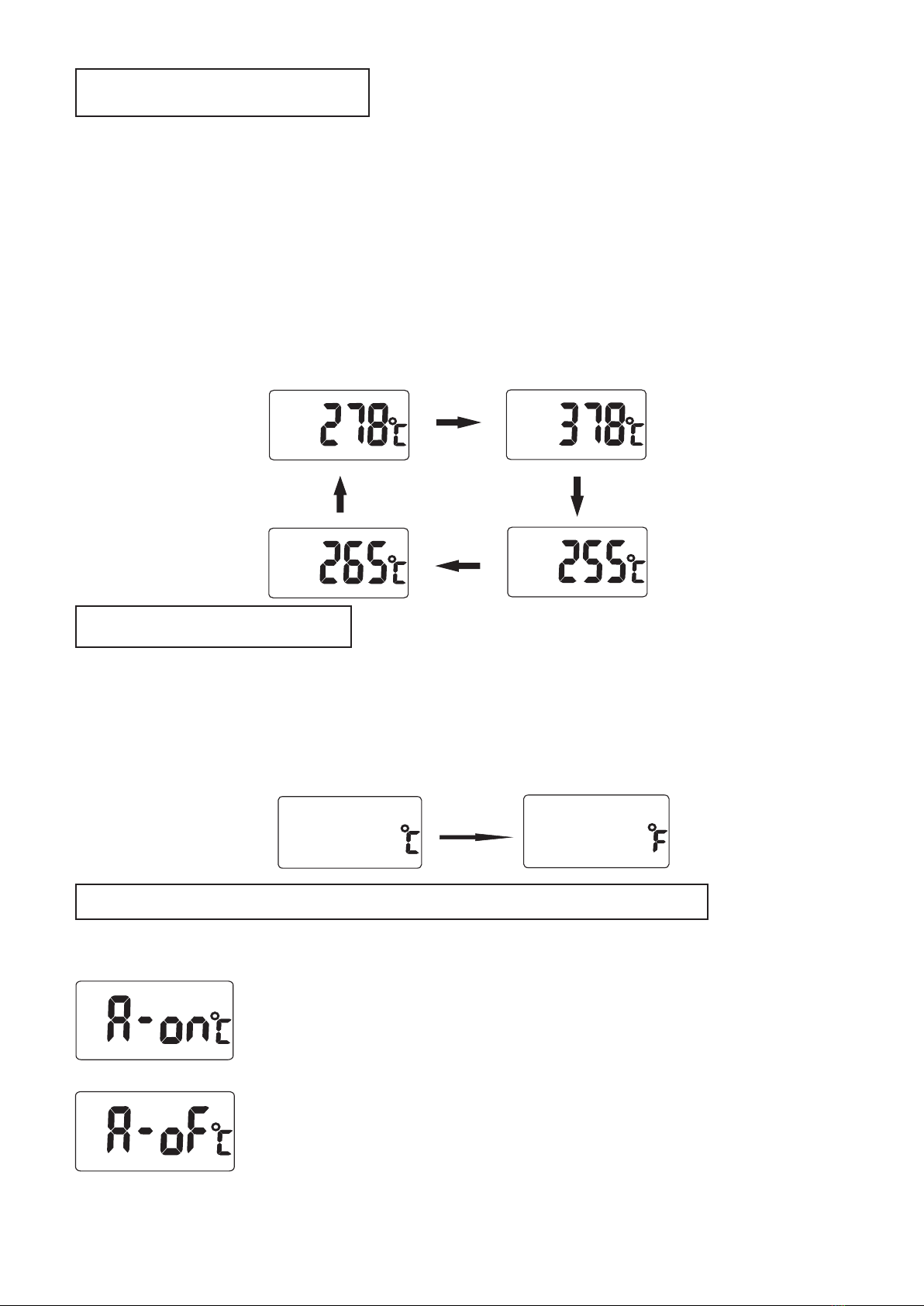
Step 3. Lo Temp. alarm select
Press MODE button to select Lo Temp. alarm ON
or OFF.
(a) When Lo Temp. alarm function is on,
press PWR button to enter Lo Temp.
alarm setting. (Move to Step 4)
(b) When Lo alarm function is off, press
PWR button to back to normal
measurement.
Hi
K
Hi
K
Lo
K
Lo
K
Step 4. Lo Temp. alarm setting
Lo
K
The meter will display “Lo Set” icons with the
default value 0°C (32°F) or the last setting on
the LCD.
Keep pressing MODE button to increase digit
sequentially from hundred digit and release the
button when the digit you desire. (Please refer to
#Example 1)
Press PWR button to save Lo Temp. setting, back
to normal measurement.