Revision: 03 10/27/10 7
Programmable Parameters:
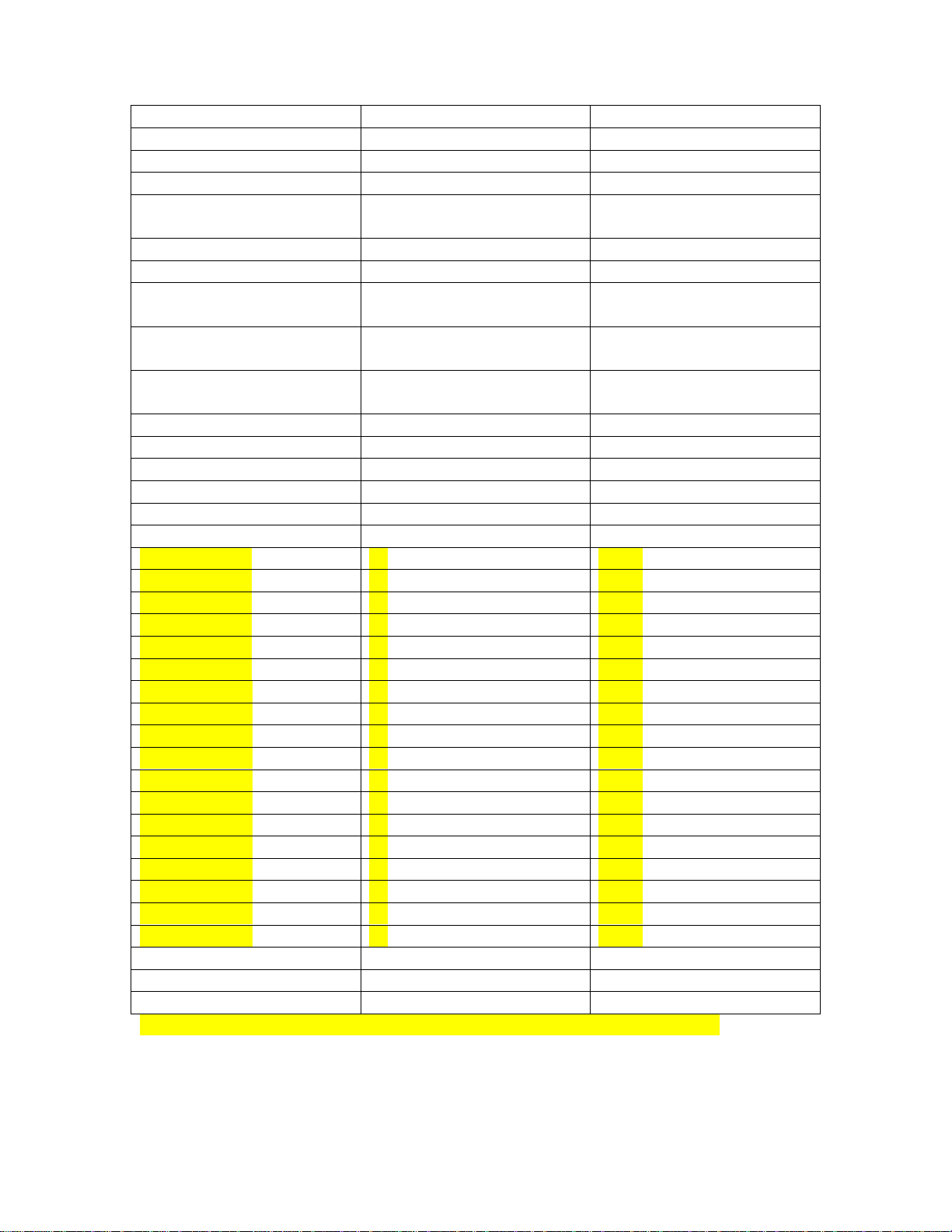
Descriptions of programmable parameters, factory default values, and allowable values
are shown in the table below. Highlighted parameters are available only with the DC
fan option board.
Entering the program mode:
To enter the program mode first put the unit in the off state. Press and hold the
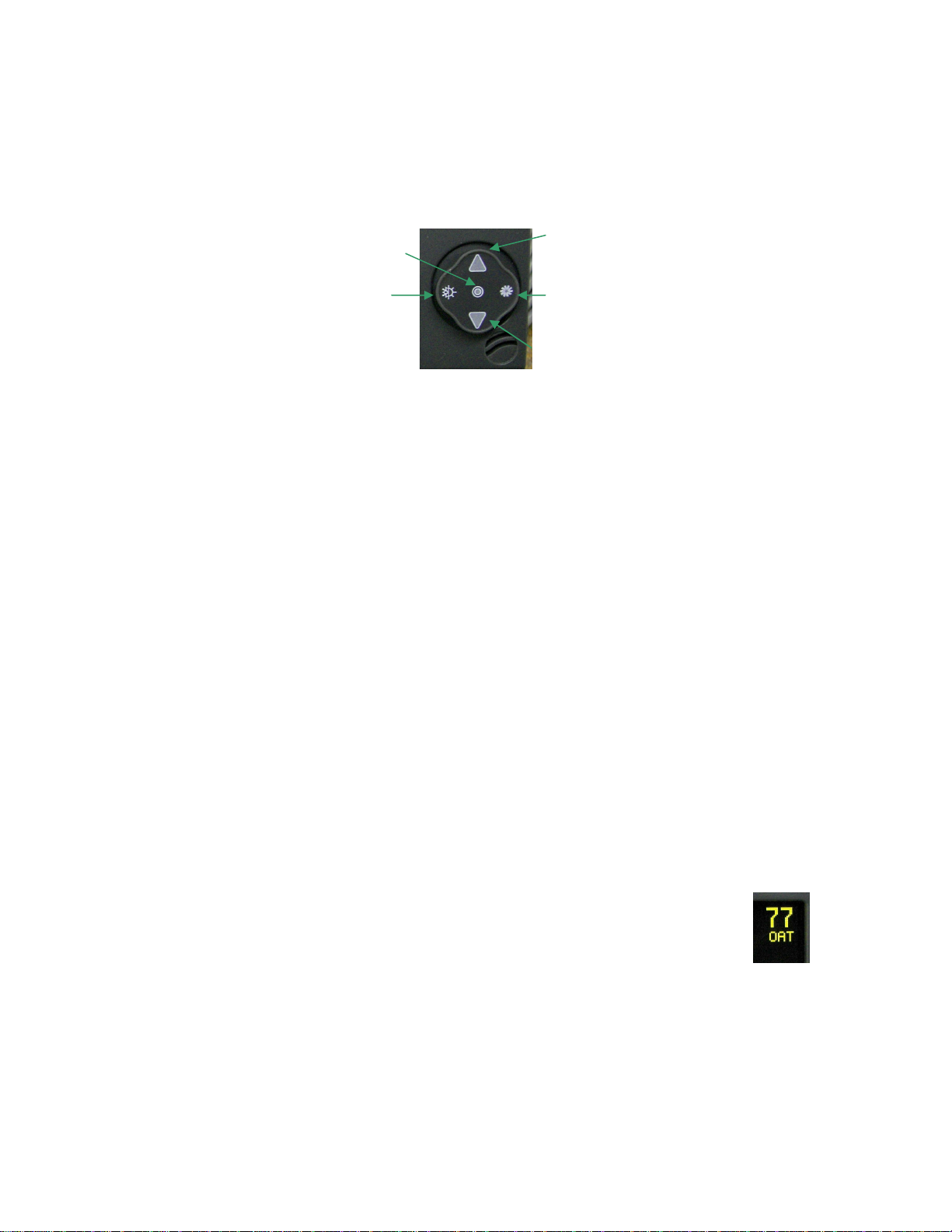
joystick in the center for 3 seconds. Use the fan button to advance to the next parameter
and the mode button to go back to the last parameter. Use the up and down buttons to
change the parameters value. Exit the program mode when finished by pressing and
releasing the On/Off button or wait 60 seconds for the display to exit. Note: program
mode can also be entered by pressing the following sequence of buttons: Mode, Up,
Down, Mode in the off mode.
Parameter description:
oCycled fan: When set for cycled, the fan will operate on demand.
When set for continuous, the fan will always run unless you turn
the system off.
oReverse fan in heat: Fan speed will increase as the room
temperature rises if this parameter is set for reverse. If set for
normal, fan speed will decrease as room temperature rises. This
parameter only works in heat mode and the fan must be set for
automatic operation.
oSystem units: Degrees Fahrenheit (°F) or degrees Celsius (°C) can
be selected
oDisplay brightness: Display brightness can be set from 4 to 15 to
suit room lighting. Brightness will change as the number is
changed.
oScreen saver brightness: If set for (-) than a single bar (-) will
blink sequentially in the four corners of the display. Number
values from 1 to 8 can be set to suit room brightness and the unit
will operated as described in the screen saver section.
oTemperature calibration: This parameter allows the user to
calibrate the room air temperature sensor. The room temperature
will be displayed and can be adjusted +/-10 °F or +/-5°C
oAlt air enabled: When set for alt air enabled, the alt air jack can
be used with an optional air sensor to replace the display mounted
air sensor. When set for outside air enabled, an optional sensor
may be installed to monitor out side air temperature. This will
appear as OAT on the display.
oElectric heat/ No electric heat: Set this parameter only if the
system is equipped with an electric heater. The electric heater is
connected to the compressor L1 and compressor L2 terminals.
Heater current must not exceed 30 Amps.