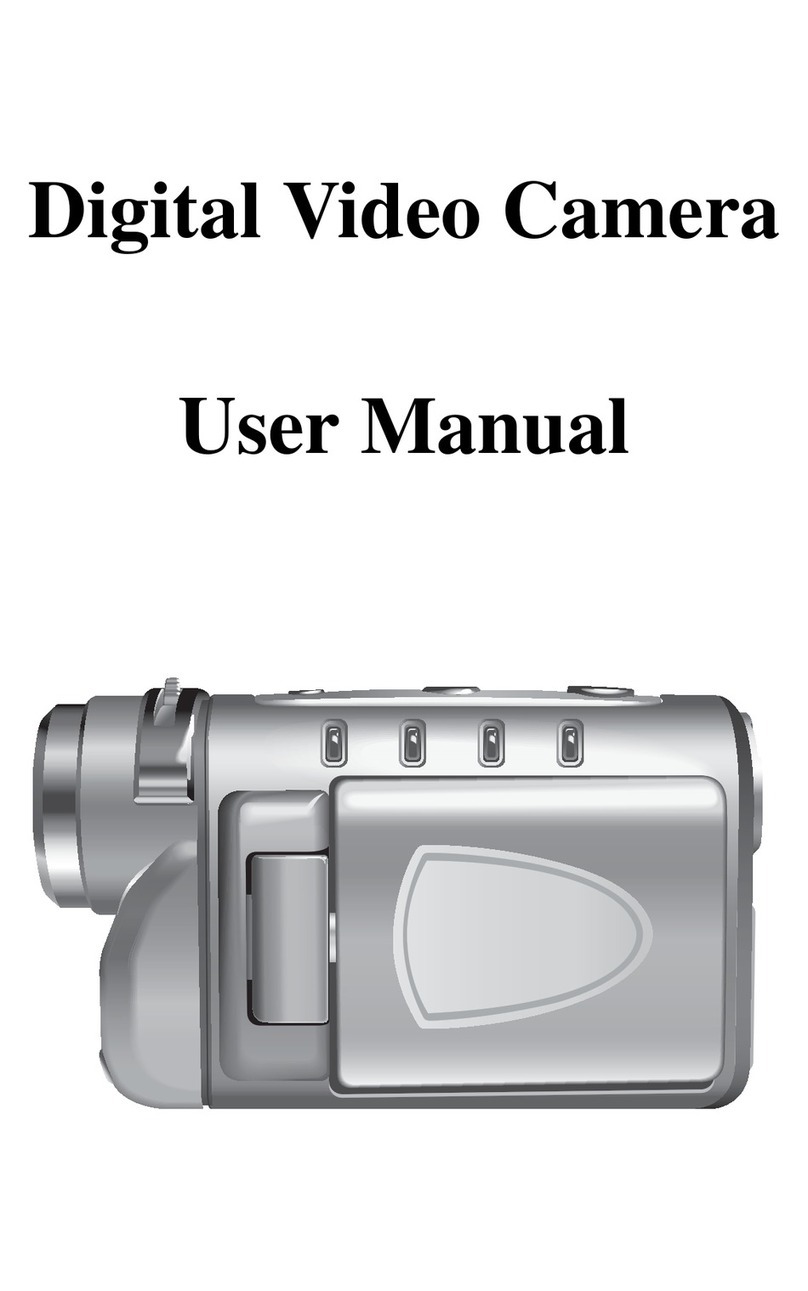
Microtek MV300 Manuale utente

User Guide
This guide shows you how to operate the Take-it MV300 and provides information on basic functions,
movie/audio clip recording, still image shooting, playback, and troubleshooting.
Before using the DV camera, be sure to read the safety precautions to prevent injuries or damage to users or
equipment.

2
Copyright© 2004 Microtek International, Inc.
All rights reserved
Microtek® is a registered trademarks of Microtek
International, Inc. Macintosh® and Apple® are registered
trademarks of Apple Computer, Inc. Windows® is a
registered trademark of Microsoft Corporation. Adobe®
and Acrobat® are registered trademarks of Adobe
Systems Incorporated. All other products or name
brands are trademarks of their respective holders.
Pictures you may acquire from any of the bundled
software and/or pictures, or documents you take a
snapshot may be protected under copyright law. The
unauthorized use of such materials could be a violation
of the rights of the copyright holder.
April 2004
Disclaimer of Warranty
Microtek does not guarantee the content of any written
materials or software, and is not liable for losses
sustained by the purchaser arising from the use or
inability to use these written materials, software or
equipment.
Warning
If you take pictures of or use copyrighted material, you
may violate copyright laws. Microtek holds no
responsibility for the use of Microtek’s equipment to
violate any such copyright laws.
Microtek Lab, Inc.
16941 Keegan Avenue, Carson, CA 90746
Main: 310-687-5800
Fax: 310-687-5950
http://www.microtekusa.com
Microtek International, Inc.
6, Industry East Road 3, Science Based Industrial Park
Hsinchu, 300, Taiwan
Tel: 886-3-5772155
Fax: 886-3-5772598
http://www.microtek.com

3
Federal Communications Commission Interference
Statement
This equipment (MV300) has been tested and found to
comply with the limits for a Class B digital device,
pursuant to Part 15 of the FCC rules. These limits are
designed to provide reasonable protection against
harmful interference in a residential installation. This
equipment generates, uses and can radiate radio
frequency energy and, if not installed and used in
accordance with the instructions, may cause harmful
interference to radio communications. However, there is
no guarantee that interference will not occur in a
particular installation. If this equipment does cause
harmful interference to radio or television reception,
which can be determined by turning the equipment off
and on, the user is encouraged to try to correct the
interference by one or more of the following measures:
• Reorient or relocate the receiving antenna.
• Increase the separation between the equipment and
receiver.
• Connect the equipment into an outlet on a circuit
different from that to which the receiver is
connected.
• Consult the dealer or an experienced radio/TV
technician for help.
Notes: A shielded USB interface cable with ferrite core
installed on the DV camera connector end must be used
with this equipment.
Caution: Changes or modifications not expressly
approved by the manufacturer responsible for
compliance could void the user's authority to operate
the equipment.
This device complies with Part 15 of the FCC Rules.
Operation is subject to the following two conditions: (1)
This device may not cause harmful interference, and
(2) this device must accept any interference received,
including interference that may cause undesired
operation.
Responsible Party:
Loi Han
Microtek Lab, Inc.
16941 Keegan Avenue
Carson, CA 90746
USA
Phone: 310-687-5800
Fax: 310-687-5950

4
Table of Contents
Federal Communications Commission Interference
Statement ........................................................ 3
Safety Precautions ............................................. 6
Introduction ...................................................... 8
DV camera Package ........................................... 9
DV camera Components ..................................... 9
Rear View .................................................... 9
Front/Bottom View ........................................ 10
Getting Started ..................................... 11
Attaching the Strap ........................................... 11
Loading the Battery ........................................... 11
Charging the Battery ......................................... 12
Inserting an SD Card .......................................... 13
Using the LCD Screen ........................................ 13
Shooting ............................................... 14
Shooting your First Video ................................... 14
Taking your First Still Image ................................ 15
Zoom .......................................................... 16
Macro ......................................................... 16
Voice Memo ................................................ 16
Modes .................................................. 16
Video Mode ..................................................... 17
Photo Mode ..................................................... 17
Audio Mode ..................................................... 18
Playback Mode ................................................. 18
USB Mode ....................................................... 19
Downloading Files ......................................... 19
Webcam Feature .......................................... 20
Using the Menus ................................... 21
Video/Photo Menu ............................................. 21
Size ............................................................ 21
Quality ........................................................ 22
Drive Mode .................................................. 23
EV Compensation .......................................... 23
White Balance .............................................. 24
Sharpness ................................................... 25
Voice Memo ................................................ 25
Color Mode .................................................. 26
Playback Menu ................................................. 27
Erase .......................................................... 27
Slide Show .................................................. 28
Rotate ........................................................ 28
Print ........................................................... 29
Setup Menu ..................................................... 29
Brightness ................................................... 29
Beep .......................................................... 30
Date ........................................................... 30
Time .......................................................... 31
Date Stamp ................................................. 31
Video Out .................................................... 32
Format ........................................................ 32
Reset .......................................................... 33
Copy to SD .................................................. 33
Frequency ................................................... 34

5
Power Saving ............................................... 34
Language .................................................... 35
USB Switch ................................................. 35
File No Reset ................................................ 36
Music Menu ..................................................... 36
Connecting ........................................... 37
Connecting to a TV ........................................... 37
Connecting to a Computer .................................. 37
Appendixes ........................................... 38
Appendix A – Installing Software ........................ 38
Appendix B – Maintenance ................................ 39
Appendix C – Troubleshooting ............................ 40
Appendix D – Menus and Factory Defaults ............ 46
Appendix E – Specifications ............................... 47

6
Before you use the DV camera, be sure to read the
following safety precautions, which detail the proper
operation of the DV camera and its accessories to
prevent injuries or damage to users or equipment.
This symbol indicates situations where
improper use of the DV camera may result
in harm to the DV camera operator.
This symbol indicates situations where
improper use of the DV camera may result
in damage to the DV camera.
Children should not be allowed to have access to
the DV camera. They could injure themselves with
inappropriate use of the DV camera or by becoming
entangled in the carrying strap. If a child swallows a DV
camera battery, get the child medical attention.
Subjecting the DV camera to water or any other
liquid, or allowing condensation to form, may start a fire
or give the user an electrical shock.
• If liquid gets inside the DV camera, turn the DV
camera power off by removing the battery or
unplugging the power cord (with dry hands).
• Allowing the DV camera to slowly adjust to
temperature changes (as in transferring the unit from
outdoors to indoors) will help to prevent condensation.
Let any condensation evaporate before using the DV
camera.
Exposing the DV camera to too much heat may
warp the DV camera casing or damage the batteries.
Battery damage may result in fire, burns or electrical
shock.
Another source of possible burns is heat from the flash
or DV camera itself.
• Touching the flash after it has been used extensively
can cause burns.
• The DV camera body itself may burn your hands if
the DV camera has been operated for a lengthy
period of time.
Safety Precautions

7
Do not drop batteries or let them be banged
around. This could damage the casings, causing the
batteries to leak.
• If the internal parts or components of the battery
come into contact with your eyes or your mouth,
flush the affected site with water and get medical
help.
• Do not short-circuit the battery terminals, and be
sure to cover the terminals before you throw
batteries away. If the terminals contact metal, they
may overheat and explode, causing a fire.
Black or bright (red, green, blue, and white) dots
may sometimes appear on the LCD screen. These are
merely misfiring pixels, and have no effect on the
recorded image.
If you aim the DV camera at the sun, or shoot the
flash close to someone’s eyes, you may injure your
eyesight or that of someone else.
If you see smoke or smell a burning odor coming
from your DV camera, turn the DV camera off. If you
continue to operate the DV camera, it could cause a fire
or give you an electrical shock.
Do not clean the DV camera with flammable liquid,
as these may cause a fire.
Do not leave the DV camera in humid or dusty
areas. Dust and humidity can cause the DV camera to
short circuit, leading to a fire.
If the DV camera gets anywhere near a strong
magnetic field, it may not work correctly, or the
pictures taken may be ruined or adversely affected.
Use a soft, absorbent cloth to clean the surface of
your DV camera.

8
Take-it MV300, Microtek’s Digital video camera,
incorporates the functions of digital camcorder, voice
recorder, digital still camera and webcam with super
image quality and fantastic audio. It applies the MPEG 4
recording video format to capture images with
640x480 resolution. Equipped with a larger 1.8” color
CD screen, you can focus on the images you want and
also review the live images as you take the shots. An
AV-out cable allows you to vividly view movies and
images on a TV set. When connected to a host
computer, the Take-it MV300 can also function as a
webcam.
Digital video camera
The DV camera can record digital movies in ASF format
with 640x480 or 320x240 pixels. Video footage can
be stored in the 16 MB internal memory or on optional
SD expansion card.
Digital still camera
The DV camera can take digital photographs in JPEG
format at resolutions of up to six megapixels. Pictures
can be stored in the 16 MB internal memory or on
optional SD expansion card.
Digital audio recorder
The DV camera can record digital audio in WAV format.
Audio footage can be stored in the 16 MB internal
memory or on optional SD expansion card.
Webcam
When connected to a host computer using a USB cable,
the DV camera can function as an advanced webcam.
Picture and video player
The DV camera features a 1.8-inch TFT LCD screen
which can be used to review the pictures and movies
stored on internal memory or on SD expansion card.
Introduction

9
DV camera Components
DV Camera Package
Rear View
1. Mode indicator/Charger LED/READY LEDs
2. Multifunction/4-way arrow button
•Up/ Zoom In/ Pause/Play
•Down/ Zoom Out/ Stop
•Right/ Fastforward/ Flash
•Left/ Rewind
3. OK/Pan button
4. MENU button
5. TV-out connector
6. DC-in connector
Unpacking the DV Camera
Open your DV camera package and check that you
have all of the components listed below.
If any component is missing, call the Microtek Customer
Service immediately.
USB cable
Video cable
DV camera
Strap
*Rechargeable Lithium ion battery (Nokia 8210
compatible)
Microtek CD-ROM:
Includes bundled
software and DV
camera driver
Pouch
Documentation:
Includes Quick Start
Guide and other inserts
*Power adapter
*Four AAA-sized
Alkaline batteries
* Power accessories you receive depend on the DV camera
purchased.

10
Front /Bottom View
1. Shutter button
2. MODE button ( Playback/ Photo/ Video / Audio)
3. POWER button
4. Macro-Normal switch ( / )
5. Lens
6. Flash
7. Self-timer indicator
8. Microphone
9. Battery cover slider
10. Battery compartment
11. Battery cover
12. Secure Digital (SD) compartment
13. SD card cover
14. Tripod mount
Attach the Strap
Indice
Altri manuali Microtek Videocamera