Miracube Stereoscopic 2D/3D Switchable Manuale utente


1
www.miracube.net
Pavonine Korea Inc
Chapter 4 Troubleshooting
Contents
Chapter 1 Precautions
Chapter 2 Product Description
Chapter 3 How to Use
Chapter 5 Service Information
1. Power
2. Installaon
3. Move
4. Usage
1. Product Components
2. Name of Components
①Front
②Back
③Side
3. Product Connecon
and Usage
①Power Connecon
②PC and Monitor Connecon
③Connecon with Video Devices
④Connecon Status Checkup
1. 2D and 3D Modes
2. 2D Mode Screen Adjustment
①Change in Video Input Channel
②Screen Auto Adjustment
③Fine Adjustment
3. 3D Mode Screen Adjustment
①Conversion to 3D Mode
②3D Format Configuraon
③Le- Right Image Converter
④How to fix the vercal alignment of
the le/right images when out of align-
ment
4. Others
System Capacity Recommended for 3D
Mode
Inquiry & A/S Request
Product Specificaons
Checkpoints
4
5
6
7
10
11
14
20
20
26
30
32
36
37

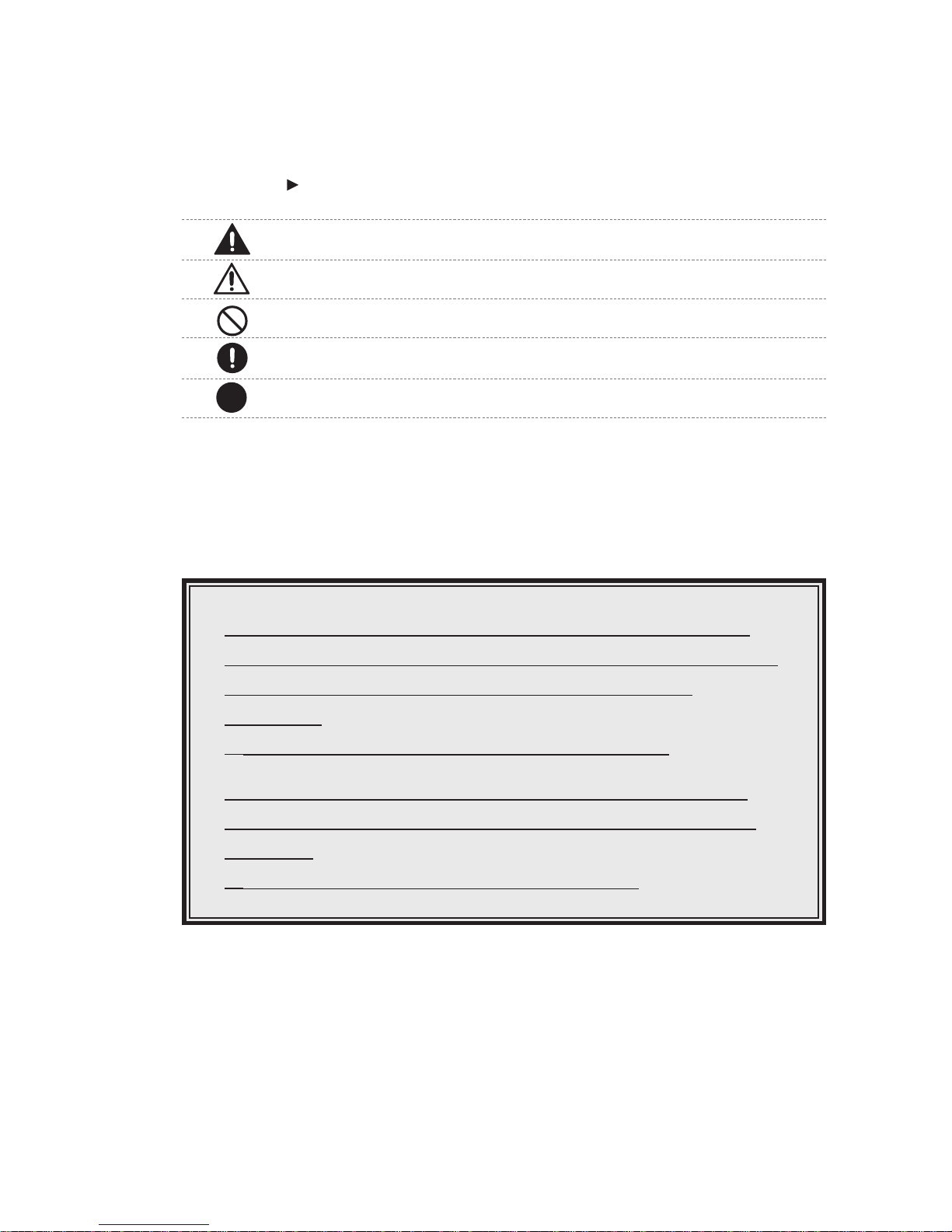
For safe and efficient use of the product, read the manual thoroughly.
Warning : Neglecng this sign and misusing the product may result in fatality or severe injury.
Cauon : Neglecng this sign and misusing the product may result in injury or physical damage.
Prohibited : This sign indicates the acons that should be prohibited.
Compulsory : This sign indicates the acons that must be followed.
Reference : This sign proposes or suggests the ideal ways to use the product.
i
This manual can be revised without a prior noce for users’ convenience. The contents stated herein are the property of
Pavonine Korea Inc. Unauthorized copy or the quotaon of the contents is prohibited by law.
Longme use of the product for 3D mode (playing games or watching
videos, etc.) may cause dizziness. Frequent rest is recommended while in
use. When the dizziness is severe, stop the use of the product
immediately.
※The dizziness may last varying from a person to another.
Polarizing glasses provided for some of the models are to be used for
viewing the 3D images only, not to be used for other purposes such as
sunglasses.
※Usage for other purposes may cause physical harm.
© 2009 Pavonine Korea, Inc. All rights reserved.

Precautions
1
1. Power
2. Installation
3. Move
4. Usage
4
5
6
7

4
www.miracube.net
Pavonine Korea Inc
Precauons
1. Power
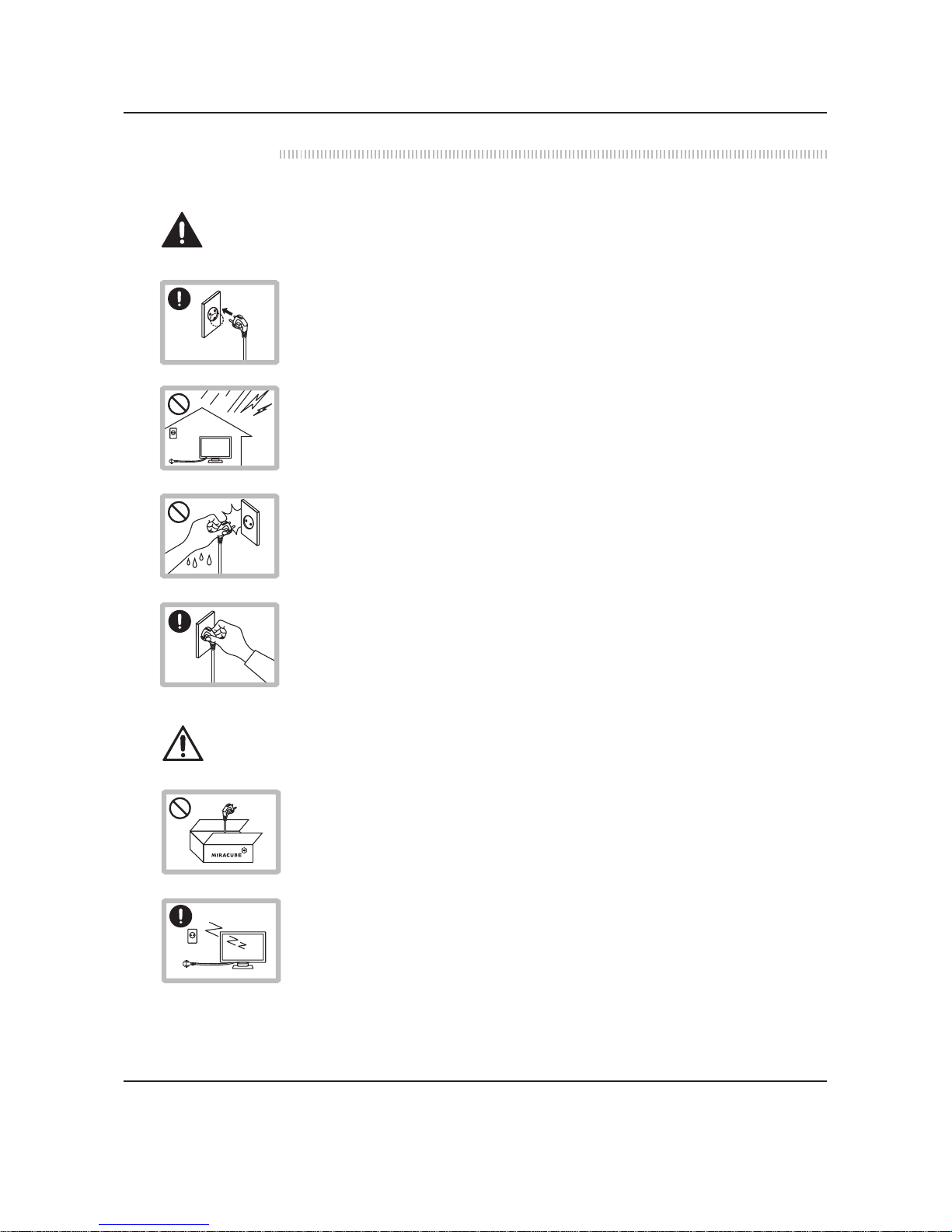
Connect the power plug to an outlet which is GROUNDED. Otherwise electric
shock or injury may occur (limited to insulaon-type 1 devices).
During thunder and lightning, disconnect the power cable and signal cable from
the monitor, otherwise electric shock or fire may occur. Also, disconnect the
power plug from the outlet.
DO NOT touch the power plug with wet hands. Moisture may cause electric shock.
While disconnecng the power cable, hold the plug and do not bend the power
cord excessively, or put heavy objects on it.
Cauon
Warning
In cases where the product is intended not to be used for a long me (leout for
going outside from the house), disconnect the power cable from the monitor. Dust
may generate heat and cause fire.
Use the power adaptor provided for the monitor. The adaptors of other companies
are manufactured by different standards, which may cause damage to the monitor,
fire or electric shock.

5
www.miracube.net
Pavonine Korea Inc
Warning
Precauons
2. Installaon
Disconnecng the power cord during the use of the monitor may cause electric
shock and damage the monitor.
Contact the service center first for the usage of a power other than 110-220V. This
product is set to be used at the power of 110-220V / 60Hz when shipped from the
plant.
DO NOT use mulple products with a single outlet at the same me. Electric shock
or fire may occur.
DO NOT install at the locaons where excessive heat is produced such as a place
with an electric heater. Electric shock, fire, malfunconing, or deformaon may
occur.
DO NOT put into the monitor the metallic objects (coins, hairpins, chopscks,
wires, etc.), or flammable objects (paper, matchscks, etc.). Please do not let your
children play with the monitor and always supervise their usage of the monitor.
Electric shock, fire, or injury may occur. If foreign objects get into the product, turn
offthe power immediately and contact the service center.
AS
110v- 220v ?
DO NOT block the venlator of the monitor. The product should be installed in a
wide place where it is venlated well, by no less than 10cm offthe wall. The moni-
tor’s deformaon or even the fire can occur due to the increase in the internal
temperature.
Install the product at a place free of electromagnec interference. High-tension
wires, and some specific electric devices emit excessive electromagnec waves,
thereby affecng the performance of the monitor.

6
www.miracube.net
Pavonine Korea Inc
Precauons
Place the monitor on a flat and stable space lest it fall down and where there is no
sunlight.
DO NOT leave the power cable or signal cable on the passage way. Falling over the
cable may cause electric shock, fire, the damage of product, or injuries.
Place the monitor in a clean and dry space. If you smell smoke, hear a loud noise,
or any strange odor is coming from the monitor, turn offthe power and contact
the service center.
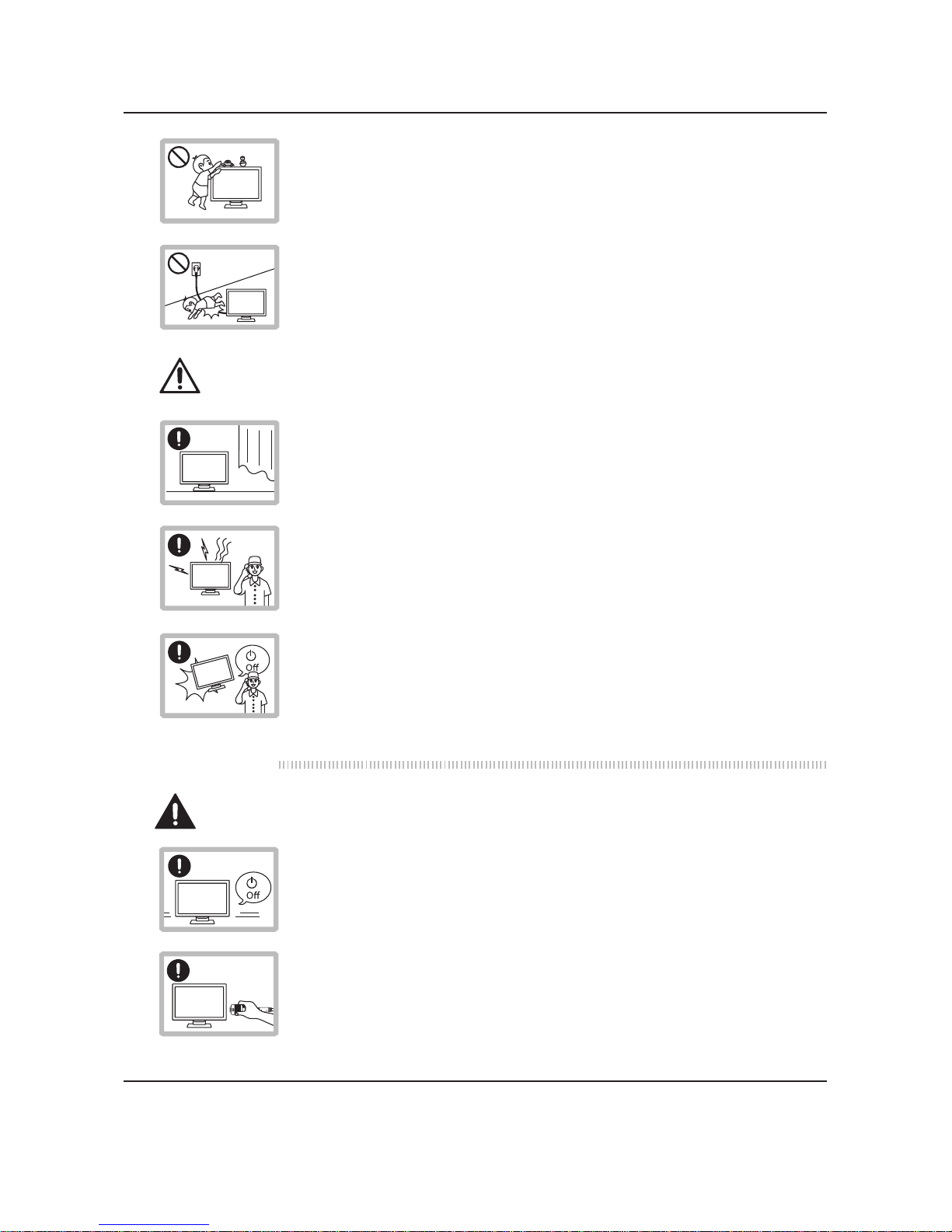
DO NOT place heavy objects on the monitor or climb up on the monitor. Injuries
may occur for being dropped down from the monitor: especially for children.
Please do not let your children play with the monitor and always supervise their
usage of the monitor.
If the monitor is dropped, or its cover case is damaged, turn the power offand
contact the service center.
Turn the power offfirst before moving the product.
Disconnect all the cables before moving the product.
Cauon
AS
AS
Warning
3. Move

7
www.miracube.net
Pavonine Korea Inc
Precauons
4. Usage
Ensure that the product is not dropped or bumped in any way while being moved.
Keep the box in which the product was delivered. It will be of use for moving the
product.
Ensure that the product’s panel faces forward, carry by grabbing it with both
hands. If the product is dropped, and it is damaged, electric shock or fire may oc-
cur. Contact the service center and have the product repaired.
DO NOT disassemble, repair, or remodel the product yourself. Only our trained
professionals at the service center can repair the monitor.
When cleaning, DO NOT use flammable sprays directly on the monitor, or wipe it
with flammable soluons (paint thinner, benzene, etc.).
Warning
front
DO NOT spray the product with water, or have it wet. Fire, electric shock, or mal-
funconing may occur.
Prior to the cleaning of the panel’s surface, disconnect the power cord. Wipe the
panel lightly with smooth cloth to prevent any scratches. Wet cloth is never to be
used.

8
www.miracube.net
Pavonine Korea Inc
Precauons
DO NOT stab or scratch the panel with a hand or any sharp objects (nail, pencil,
pen, etc.). The panel can be scarred, which may cause malfunconing.
In cases where 3D images are watched for a long me, dizziness or fague can be
felt. To protect the eyes and reduce the fague on muscles, frequent rest is highly
recommended.
Keep the opmum distance from the monitor, as stated above. Watching too close to the monitor
screen may harm your eyesight.
Size(inch)
43.2(17)
48(19)
60.96(24)
80.04(31.51)
116.84(46)
Opmum Distance
60~90
80~90
60~90
200~300
200~300
Unit: cenmeter (cenmeter)
TYPE
Glasses
Non-glasses
Glasses
Glasses
Glasses
Proper postures for watching the 3D monitor (watching the videos with
3D mode)
Opmum
Distance
Cauon

1. Product Components
2. Name of Components
①Front
②Back
③Side
3. Product Connection and Usage
①Power Connection
②PC and Monitor Connection
③Connection with Video Devices
④Connection Status Checkup
Product Description
2
10
11
11
11
13
14
14
15
16
17
Questo manuale è adatto per i seguenti modelli
6
Indice