1. Caution.
•Do not open device. No user serviceable parts inside. Servicing
and repair only by authorized personal.
• Do not use device while driving or cycling.
• Do not expose device to direct sunlight, extreme heat, cold or moisture.
• Avoid water entering the device. Do not drop device or drop heavy objects
on device.
• Do not expose device to strong magnetic fields
(especially CompactFlash memory cards).
• Never use extensive force while inserting CF memory card into slot of
player.
Device may be reset through electrostatic discharge!
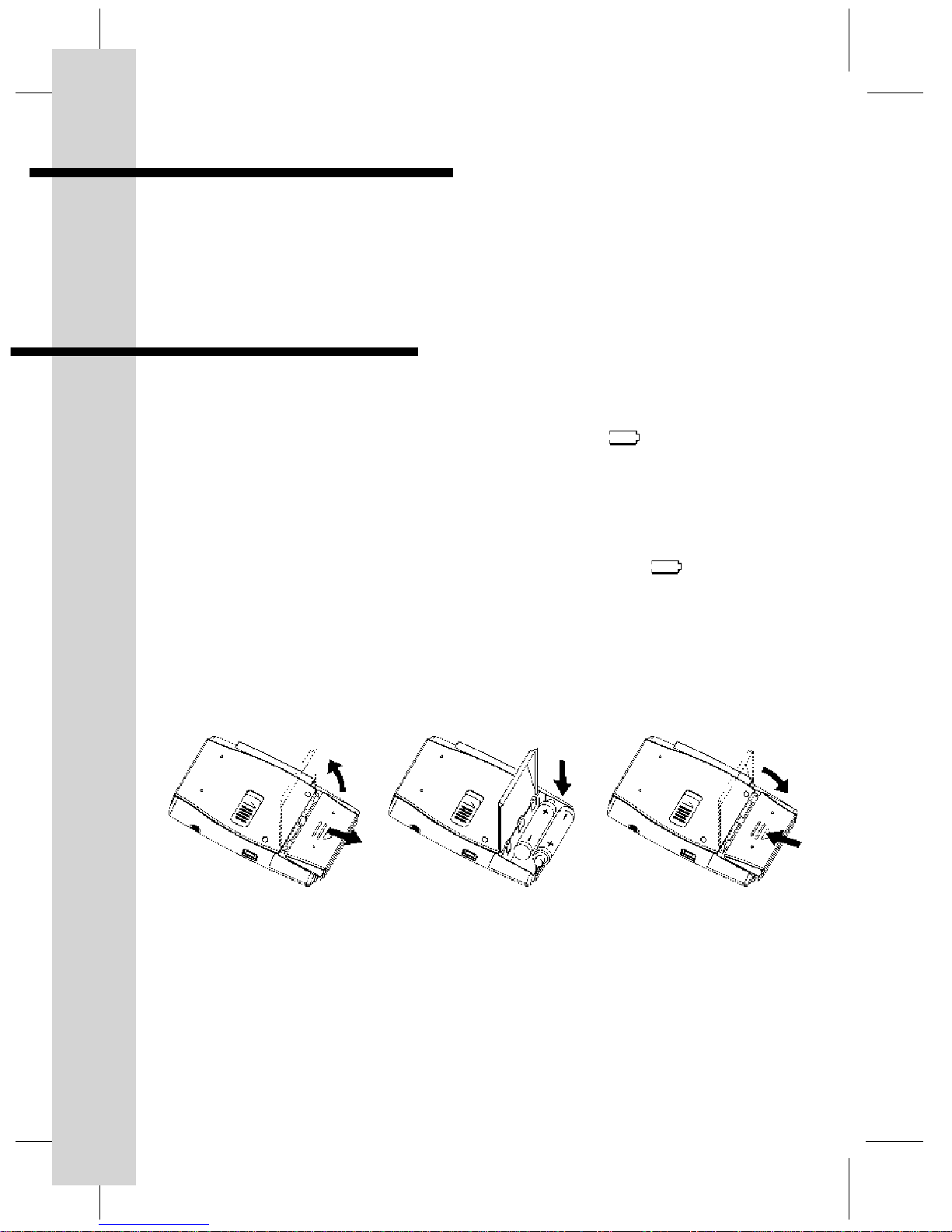
Electrostatic discharge may occur in dry environment. In case device stops
during normal operation, batteries should be re-installed (refer section 6).
2. What is MP3 Digital Audio?
MP3 stands for MPEG (Motion Picture Experts Group) 1 and 2, Audio Layer 3.
MPEG 1 and 2 are widely used for compressing video data including audio
such as VCD and DVD. The audio layer 3 forms part of this compression
scheme and is based on a very advanced algorithm.
Therefore MP3 incorporates professional applications such as archiving
program content of broadcast stations several years already.
Meantime MP3 has evolved as de-facto standard for digital compressed
audio. Audio files comprise approx. 10 MB / min on ordinary audio CD’s.
Through encoding software the data volume will be compressed to around
1 MB / min without perceptual loss of quality with professional algorithm.
Besides downloading MP3 files from the Internet, songs from audio CD’s can
also be encoded into MP3 file format. Nowadays various PC software
encoders of different degrees of quality are available in the market. These
small MP3 files can efficiently be stored on many storage devices such as
hard disk drives, CD’s, floppy disks and flash memory cards.
Playback of MP3 files requires decoding software or hardware.
3