
mPower Electronics MP100 Manuale utente

MP100
User’s Guide
Rev. C
July 2017

MP100 User’s Guide
1
Contents
Read Before Operating ................................................................................................................... 2
General Information ....................................................................................................................... 3
User Interface .................................................................................................................................. 4
Display .............................................................................................................................................. 5
Using MP100 .................................................................................................................................... 6
Turn the unit on ....................................................................................................................... 6
Warm up sequence .................................................................................................................. 6
Normal mode ........................................................................................................................... 7
Real time reading ............................................................................................................ 7
STEL screen......................................................................................................................7
TWA screen ...................................................................................................................... 7
Peak screen ...................................................................................................................... 7
Min screen (for Oxygen sensor only) ............................................................................. 8
Turn the unit off ...................................................................................................................... 8
Config mode ..................................................................................................................................... 9
Enter Config mode .................................................................................................................. 9
Sensor calibration.....................................................................................................................9
Calibration process................................................................................................................10
Zero calibration ..................................................................................................................... 11
Span calibration .................................................................................................................... 11
Change alarm limit ............................................................................................................... 11
Change span value ................................................................................................................ 12
Change display unit .............................................................................................................. 13
Vibrator enable/disable ......................................................................................................... 13
Power on zero enable/disable ............................................................................................... 13
Fast power on enable/disable ............................................................................................... 14
Reset config ............................................................................................................................ 14
Exit Config mode ................................................................................................................... 14
Maintenance .................................................................................................................................. 15
Replace the battery ............................................................................................................... 15
Replace the sensor filter ........................................................................................................ 15
Replace the sensor ................................................................................................................. 16
Ordering information ................................................................................................................... 18
Specifications ................................................................................................................................. 19
Sensor configuration......................................................................................................................20
Alarm signal summary ................................................................................................................. 21
Trouble shooting.............................................................................................................................23

MP100 User’s Guide
2
Read Before Operating
This manual must be carefully read by all individuals who have or will have the responsibility of
using, maintaining, or servicing this product. The product will perform as designed only if it is
used, maintained, and serviced in accordance with the manufacturer’s instructions.
Warning
Never operate the monitor when the cover is removed.
Remove the monitor cover and battery only in area known as non-hazardous.
Use only mPower’s lithium battery part number 1.17.02.0002 (3.6V, 2700mAH, AA size).
This instrument has not been tested in an explosive gas/air atmosphere having an oxygen
concentration greater than 21%.
Substitution of components will impair suitability for intrinsic safety.
Substitution of components will void warranty.
It is recommended to bump test with a known concentration gas to confirm the instrument is
functioning properly before use.
Before use, ensure that the ESD film on the display is not damaged or peeling.
Avertissement:
N'utilisez jamais le moniteur lorsque le couvercle est enlevé.
Retirer le couvercle du moniteur et la batterie uniquement dans une zone connue comme non
dangereuse.
Utilisez uniquement le numéro de pièce de la batterie au lithium mPower 1.17.02.0002 (3.6V,
2700mAH, taille AA).
Cet instrument n'a pas été testé dans une atmosphère explosive gaz / air ayant une concentration
en oxygène supérieure à 21%.
La substitution de composants compromettra l'aptitude à la sécurité intrinsèque.
La substitution des composants annulera la garantie.
Il est recommandé de tester avec un gaz de concentration connu pour confirmer que l'instrument f
onctionne correctement avant de l'utiliser.
Avant de l’utiliser, assurez-vous que le film ESD sur l'écran n'est pas endommagé ou épluché.
Proper Product Disposal at The End Of Life
The Waste Electrical and Electronic Equipment(WEEE) directive (2002/96/EC) is
intended to promote recycling of electrical and electronic equipment and their
components at end of life . This symbol (crossed-out wheeled bin) indicates
separate collection of waste electrical and electronic equipment in the EU
countries. This product may contain one or more Nickel-metal hydride (NiMH),
Lithium-ion, or Alkaline batteries. Specific battery information is given in this
user guide. Batteries must be recycled or disposed of properly. At the end of its
life, this product must undergo separate collection and recycling from general or
household waste. Please use the return and collection system available in your
country for the disposal of this product.

MP100 User’s Guide
3
General Information
UNI (MP100) is a single sensor, portable, personal toxic gas monitor. It displays gas
concentration continuously on a big segment LCD. It also monitors STEL, TWA, peak and min
(for O2 only) value of the gas, and can be displayed on demand.
High、Low、STEL、TWA alarm threshold values are configurable. The shell is made of high
strength, durable material. Two key operation, simple to use. Sensor and battery can be replaced
easily. Calibration is also very convenient.

MP100 User’s Guide
4
User Interface
1. Buzzer
2. LED alarm window
3. LCD
4. Left Key (Confirm/Number increasing)
5. Right Key (Power/ Cursor moving)
6. Alligator clip
7. Sensor
8. Vibrator

MP100 User’s Guide
5
Display
1. Gas name, includes: CO, H2S, SO2, O2, VOC
2. Question mark
3. OK
4. Gas unit, includes: x10-6, ppm, %, mg/m3, µmol/mol
5. Battery
6. HIGH, LOW, STEL, TWA alarm
7. Span calibration
8. Zero calibration
9. Number

MP100 User’s Guide
6
Using MP100
Turn the unit on
Press and hold the Right Key for 3 seconds, until LCD displays , buzzer beeps,
green LED flashes, then release the button, the unit is powered on.
Warm up sequence
After powered on, the unit enter warm up and self test sequence, show the firmware version as
follows:
If the sensor is not able to be identified by the instrument or is not installed into the instrument,
then the screen toggles between and .Otherwise, the
following values will be shown accordingly:
High alarm threshold value:
Low alarm threshold value:
STEL (short-term exposure limit) alarm threshold value:

MP100 User’s Guide
7
TWA (time-weighted average) alarm threshold value:
Normal mode
Real time reading
The unit enter normal mode, start monitoring gas concentration and display on the LCD screen.
User can check some other values like STEL,TWA, PEAK, and MIN (for O2 only) by pressing the
Right Key.
STEL screen:
TWA screen
Peak screen
Press the Left Key to clear peak value
Press the Left Key again, peak value is cleared.

MP100 User’s Guide
8
Min screen (for Oxygen sensor only)
Press the Left Key to clear min value
Press the Left Key again, minimum value is cleared
Turn the unit off
In normal display mode, press and hold the Right Key, then the unit will display 5 seconds count
down, with red LEDs flash and buzzer beeps once per second.
After 4 short flashes and beeps, unit gives a long flash and beep, LCD displays “Off”, the unit is
powered off.

MP100 User’s Guide
9
Config mode
In Config mode, user can do calibration, change parameters for the unit. In general, use the Left
Key to increase number or confirm, use the Right Key to move cursor or move to the next
programming item.
Enter Config mode
Press and hold the Left Key and the Right Key together for 3 seconds, then the unit enter Config
mode.
The Config mode is password protected, LCD displays to prompt enter
password. The screen displays , with one digit flashing in red, to let user input
password.
To input password, use the Left Key to increase the number, use the Right Key to move cursor.
After all four digits are input, the cursor will move to “OK”, use the Left Key to finish password
input and enter the Config mode.
If the digit input is mistaken, use the Right Key to move cursor between four digit and “OK” mark,
to change the input.
Sensor calibration
Before the unit can monitor gas correctly, it need to know the metric, this is done by zero
calibration and span calibration.
Indice
Altri manuali mPower Electronics Rilevatore di gas
mPower Electronics
mPower Electronics MUNI Manuale utente

mPower Electronics
mPower Electronics UNI 321 Manuale utente

mPower Electronics
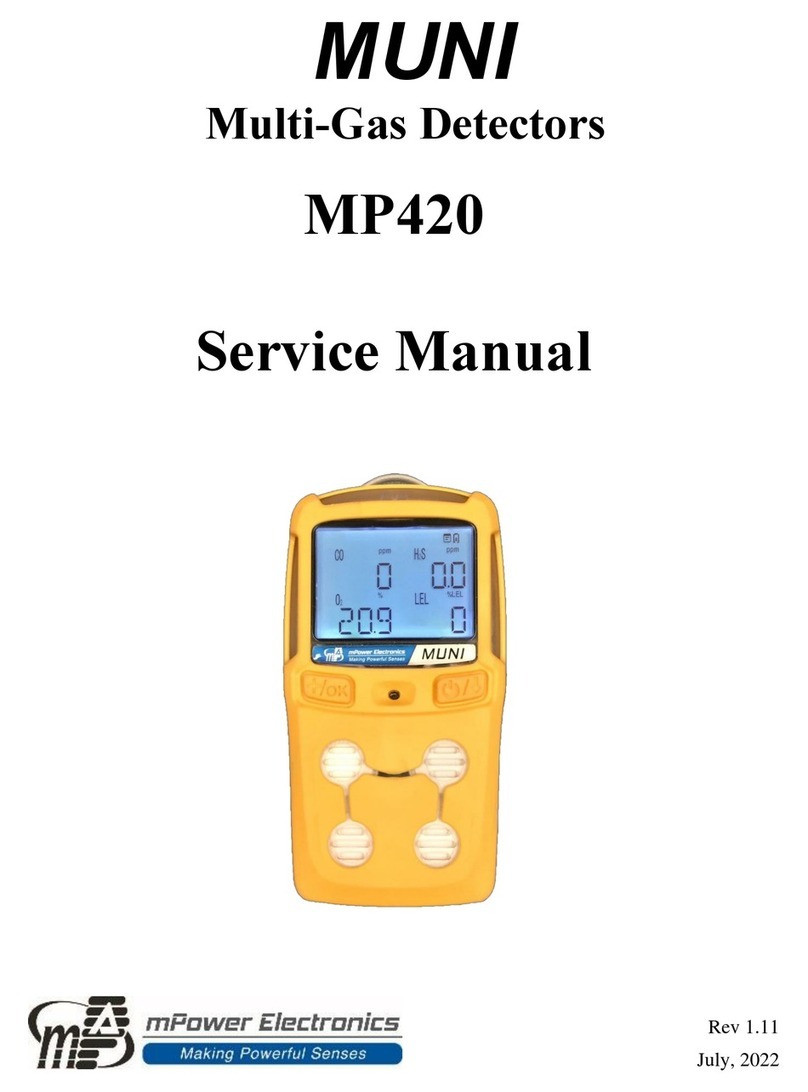
mPower Electronics MUNI MP420 Manuale utente

mPower Electronics
mPower Electronics POLI MP400 Manuale utente

mPower Electronics
mPower Electronics UNI MP100 Manuale utente

mPower Electronics
mPower Electronics POLI MP400 Manuale utente

mPower Electronics
mPower Electronics POLI MP400 Manuale utente

mPower Electronics
mPower Electronics UNI Lite MP110 Manuale utente

mPower Electronics
mPower Electronics POLI MP400H Manuale utente

mPower Electronics
mPower Electronics mSQUAD MP400S Manuale utente


