MSI X430 Manuale utente

CHAPTER 1
Preface

1-2
Preface
Preface
Table of Content............................................................................................................................ 1-2
Regulations Information............................................................................................................... 1-5
FCC-B Radio Frequency Interference Statement .................................................................... 1-5
FCC Conditions ........................................................................................................................ 1-6
Safety Instructions........................................................................................................................ 1-7
Safety Guideline for Using Lithium Battery ............................................................................. 1-10
WEEE Statement ......................................................................................................................... 1-14
Trademarks.................................................................................................................................. 1-21
Reversion History....................................................................................................................... 1-21
Introductions
Manual Map ................................................................................................................................... 2-2
Unpacking...................................................................................................................................... 2-3
Specification.................................................................................................................................. 2-4
Product Overview ......................................................................................................................... 2-8
Top-Open View......................................................................................................................... 2-8
Front Side View ...................................................................................................................... 2-12
Right Side View ...................................................................................................................... 2-15
Left Side View......................................................................................................................... 2-17
Table of Content

1-3
Preface
Rear Side View....................................................................................................................... 2-19
Bottom Side View ................................................................................................................... 2-20
Getting Started
Power Management...................................................................................................................... 3-2
Connecting the AC Power ........................................................................................................ 3-2
Using the Battery Power........................................................................................................... 3-4
ECO Engine -- Power Saving Function.................................................................................... 3-9
Power Management in Windows OS ......................................................................................3-11
Energy Saving Tips................................................................................................................. 3-13
Basic Operations ........................................................................................................................ 3-14
Safety and Comfort Tips......................................................................................................... 3-14
Having a Good Work Habit..................................................................................................... 3-15
Knowing the Keyboard ........................................................................................................... 3-16
Knowing the Touchpad ........................................................................................................... 3-22
About Hard Disk Drive............................................................................................................ 3-25
Connecting the External Devices.............................................................................................. 3-26
Using the External Optical Drive Device................................................................................. 3-26
Connecting the Peripheral Devices........................................................................................ 3-28
Connecting the Communication Devices ............................................................................... 3-31
Safely Remove Hardware........................................................................................................... 3-34
Components Replacement and Upgrade ................................................................................. 3-35

1-4
Preface
BIOS Setup
About BIOS Setup......................................................................................................................... 4-2
When to Use BIOS Setup......................................................................................................... 4-2
How to Run BIOS Setup...........................................................................................................4-2
Control Keys............................................................................................................................. 4-3
BIOS Setup Menu.......................................................................................................................... 4-4
Main menu................................................................................................................................ 4-5
Advanced menu........................................................................................................................ 4-7
Boot menu ................................................................................................................................ 4-8
Security menu......................................................................................................................... 4-10
Exit menu.................................................................................................................................4-11

1-5
Preface
Regulations Information
FCC-B Radio Frequency Interference Statement
This equipment has been tested and found to comply with the limits for a Class B digital device,
pursuant to part 15 of the FCC rules. These limits are designed to provide reasonable protection
against harmful interference in a residential installation. This equipment generates, uses and
radiates radio frequency energy, and, if not installed and used in accordance with the instructions,
may cause harmful interference to radio communications. However, there is no guarantee that
interference will not occur in a particular installation. If this equipment does cause harmful
interference to radio or television reception, which can be determined by turning the equipment off
and on, the user is encouraged to try to correct the interference by one or more of the following
measures:
Reorient or relocate the receiving antenna.
Increase the separation between the equipment and receiver.
Connect the equipment into an outlet on a circuit different from that to which the receiver is
connected.
Consult the dealer or an experienced radio TV technician for help.
NOTE
The changes or modifications not expressly approved by the party responsible for
compliance could void the user’s authority to operate the equipment.

1-6
Preface
Shield interface cables and AC power cord, if any, must be used in order to comply with the
emission limits.
FCC Conditions
This device complies with part 15 of the FCC Rules. Operation is subject to the following two
conditions:
This device may not cause harmful interference.
This device must accept any interference received, including interference that may cause
undesired operation.

1-7
Preface
Safety Instructions
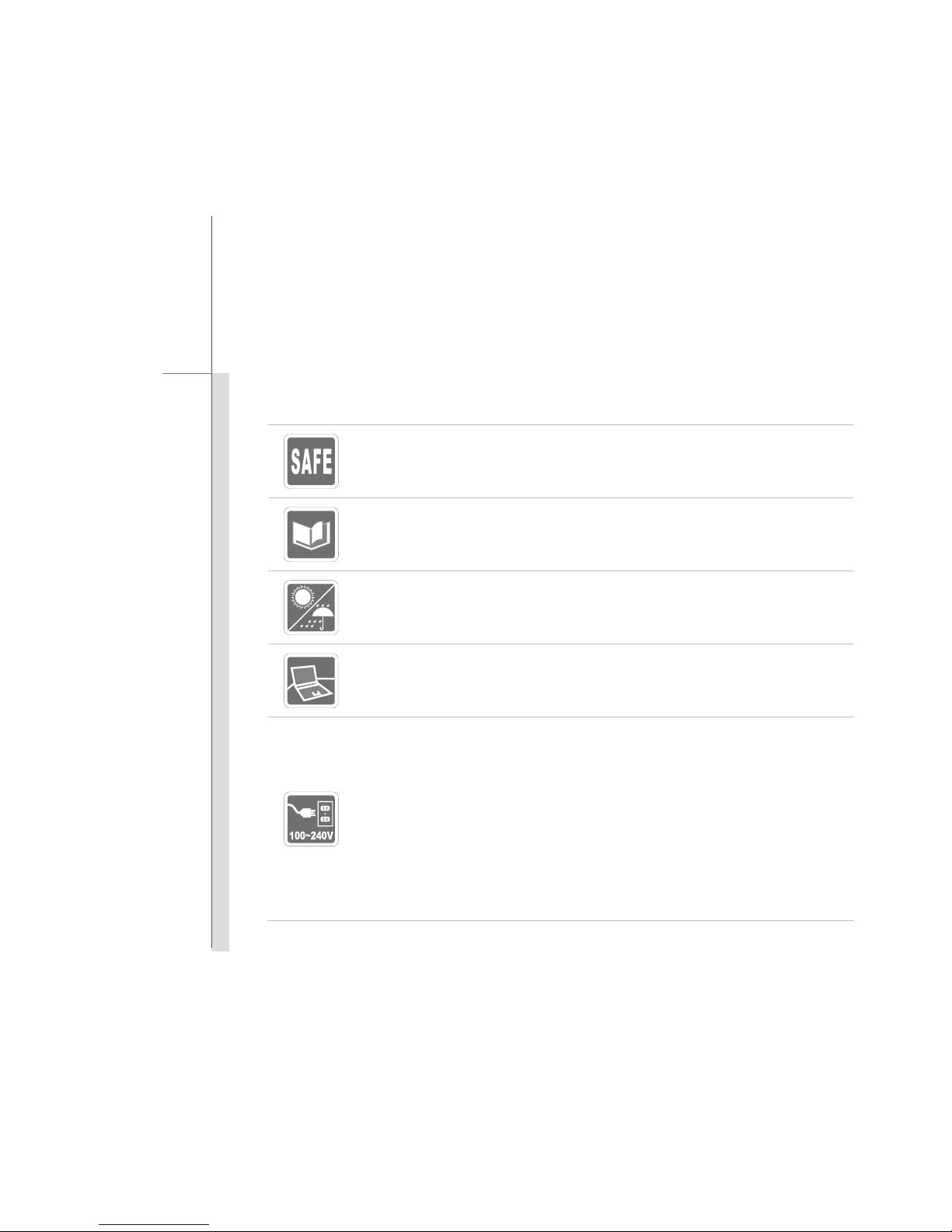
Read the safety instructions carefully and thoroughly.
All cautions and warnings on the equipment or user’s manual should be noted.
Keep the User’s Guide that comes with the package for future reference.
Keep this equipment away from humidity and high temperature.
Lay this equipment on a stable surface before setting it up.
Make sure the power voltage is within safety range and has been adjusted
properly to the value of 100~240V before connecting the equipment to the
power outlet.
Always unplug the AC power cord before installing any add-on card or module
to the equipment.
Always disconnect the AC power cord or uninstall the battery pack or switch off
the wall socket if the equipment would be left unused for a certain time to
achieve zero energy consumption.

1-8
Preface
The openings on the enclosure are used for air convection and to prevent the
equipment from overheating. Do not cover the openings.
Do not leave the equipment in an unconditioned environment with a storage
temperature above 60OC (140OF) or below 0OC (32OF), which may damage the
equipment.
Never pour liquid into the opening that could damage the equipment or cause an
electrical shock.
Place the power cord in a way that people are unlikely to step on it. Do not place
anything on top of the power cord.
When installing the coaxial cable to the TV Tuner, it is necessary to ensure that the
metal shield is reliable connected to protective earthing system of the building.
Always keep the strong magnetic or electrical objects away from the equipment.
To prevent explosion caused by improper battery replacement, use the same or
equivalent type of battery recommended by the manufacturer only.
Always keep the battery in a safe place.

1-9
Preface
If any of the following situations arises, get the equipment checked by a service
personnel:
The power cord or plug is damaged.
Liquid has penetrated into the equipment.
The equipment has been exposed to moisture.
The equipment has not worked well or you can not get it work according to
User’s Manual.
The equipment was dropped and damaged.
The equipment has obvious signs of breakage.
Green Design and Recycling
This equipment and the components are designed recyclable while it is no
longer used.
Disposing and recycling services are offered for this equipment in certain
countries.
Regarding to the recycling and disposing information, please contact the local
distributor for further information.

1-10
Preface
Safety Guideline for Using Lithium Battery
(English) CAUTION: Danger of explosion if battery is incorrectly replaced. Replace only with the same or equivalent type
recommended by the equipment manufacturer. Discard used batteries according to manufacturer’s instructions.
(French) (Français) ATTENTION: II y a danger d’ex;losion s’il y a remplacement incorrect de la batterie. Remplacer
uniquement avec une batterie du meme type ou d’un type équivalent recommandé par le constructeur. Mettre au rebut
les batteries usages conformément aux instructions du fabricant.
(German) (Deutsch) VORSICHT: Explosionsgefahr bei unsachgemäßem Austausch der Batterie. Ersatz nur durch
denselben oder einen vom Hersteller empfohlenen gleich-wertigen Typ. Entsorgung gebrauchter Batterien nach
Angaben des Herstellers.
(Spanish) (Español) PRECAUCIÓN: Peligro de explosión si la batería es reemplazada incorrectamente. Cámbiela solo
por la misma o un tipo equivalente recomendado por el fabricante. Descarte usar baterías usadas de acuerdo con las
instrucciones del fabricante.
(Italian) (Italiano) ATTENZIONE: Pericolo di esplosione della batteria se sostituita in modo non corretto. Sostituire solo
con la stesso tipo o con uno equivalente come indicato nel manuale del produttore. Smaltire le batterie usate come da
istruzioni del produttore.
(Russian) (Русский)Внимание: Существует опасность взрыва батареи вслучае неправильной замены. Для
замены всегда используйте такую же или эквивалентную, рекомендованную производителем оборудования.
Следуйте инструкциям производителя при утилизации использованных батарей.
(Turkish) (Türkçe) UYARI: Pil yanlıs yerleştirilirse patlayabilir. Aynıya da muadili bir pille degistiriniz. Kullanılmışpilleri
Indice
Altri manuali MSI Computer portatile

MSI
MSI A10SD-298IT Manuale utente

MSI
MSI Vector GP76 12UH-603ES Manuale utente

MSI
MSI GP66 Vector 12UH-266XIT Manuale utente

MSI
MSI CX410 Manuale utente

MSI
MSI Workstation WS75 Manuale utente

MSI
MSI MS-171F - Whitebook - 17 Manuale utente

MSI
MSI Megabook M645 Manuale utente

MSI
MSI GE70 Manuale utente

MSI
MSI FX603 Manuale utente

MSI
MSI CX70 Istruzioni per l'installazione

MSI
MSI VR340 Manuale utente

MSI
MSI CX640 Manuale utente

MSI
MSI Raider Manuale utente

MSI
MSI Gaming GE65 Manuale utente

MSI
MSI Summit E16 Flip Evo Manuale utente

MSI
MSI CX420 Manuale utente

MSI
MSI MS-N011 Manuale di istruzioni

MSI
MSI Prestige 14 A10SC-075IT Manuale utente

MSI
MSI U180 Manuale utente

MSI
MSI GT640 Manuale utente