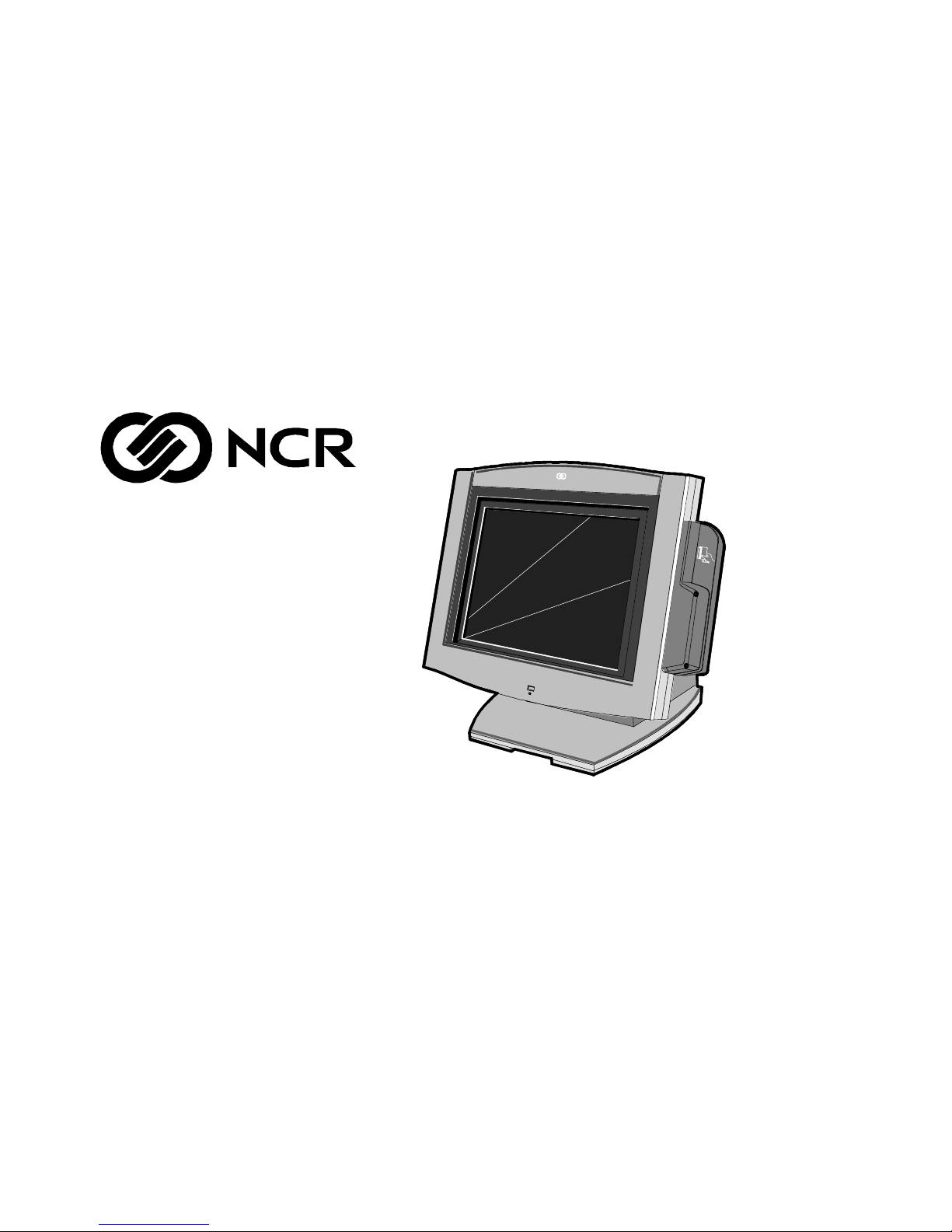
NCR 7454 Manuale utente

NCR 7454 Retail Terminal
Release 2.2
Hardware User’s Guide
18004
NCR
B005-0000-1256
Issue H

The products described in this book are licensed products of NCR Corporation.
NCR is a registered trademark of NCR Corporation.
NCR RealPOS, NCR RealScan, and NCR EasyPoint are either registered trademarks or trademarks of NCR
Corporation in the United States and/or other countries.
MicroTouch is a registered trademark of 3M.
Sound Blaster is a registered trademark of Creative Technology Ltd. in the United States and/or other
countries.
Intel, Pentium, and Celeron are registered trademarks of Intel Corporation.
Microsoft, Windows, Windows NT, and MS-DOS are either trademarks or registered trademarks of
Microsoft Corporation in the United States and/or other countries.
DiskOnChip is a trademark or registered trademark of M-Systems in the United States.
Novell and Netware are either registered trademarks or trademarks of Novell, Inc. in the United States and
other countries.
UNIX is a registered trademark of The Open Group in the United States and other countries.
Symantic and Ghost are registered trademarks of Symantec Corporation in the United States and other
countries.
backpack is a registered trademark of MicroSolutions, Inc.
It is the policy of NCR Corporation (NCR) to improve products as new technology, components, software,
and firmware become available. NCR, therefore, reserves the right to change specifications without prior
notice.
All features, functions, and operations described herein may not be marketed by NCR in all parts of the
world. In some instances, photographs are of equipment prototypes. Therefore, before using this document,
consult with your NCR representative or NCR office for information that is applicable and current.
To maintain the quality of our publications, we need your comments on the accuracy, clarity, organization,
and value of this book.
Address correspondence to:
Manager, Information Products
NCR Corporation
2651 Satellite Blvd.
Duluth, GA 30096
Copyright © 2002
By NCR Corporation
Dayton, Ohio U.S.A.
All Rights Reserved

i
Preface
Audience
This book is written for hardware installer/service personnel, system
integrators, and field engineers.
Notice: This document is NCR proprietary information and is not to
be disclosed or reproduced without consent.


Safety Warnings
Fuse Replacement
Caution: For continued protection against risk of fire, replace only
with the same type and ratings of fuse.
Attention: Pour prévenir et vous protéger contre un risque de feu,
remplacer la fusible avec une autre fusible de même type, seulement.
Power Supply Cord Used as Disconnect Means
Caution: The power supply cord is used as the main disconnect
device. Ensure that the socket outlet is located/installed near the
equipment and is easily accessible.
Attention: Le cordon d'alimentation est utilisé comme interrupteur
général. La prise de courant doit être située ou installée å proximité du
matériel et être facile d'accés.
Warning: DO NOT connect or disconnect a printer, keyboard, or
any other terminal-powered peripheral while the terminal is
powered on. Doing so may result in peripheral or system damage.
Warning: The NCR 7454 must be mounted securely to prevent a
hazard. It must be installed in accordance with local building codes.
The post or wall on which the unit is mounted should be able to
withstand four times the weight of the unit, which is approximately
20 lbs. (9 kg).

ii
Lithium BatteryWarning
Caution: Danger of explosion if battery is incorrectly replaced.
Replace only with the same or equivalent type as recommended by the
manufacturer. Discard used batteries according to the manufacturer’s
instructions.
Attention: Il y a danger d'explosion s'il y a remplacement incorrect de
la batterie. Remplacer uniquement avec une batterie du même type ou
d'un type recommandé par le constructeur. Mettre au rébut les
batteries usagées conformément aux instructions du fabricant.
Peripheral Usage
This terminal should only be used with peripheral devices that are
certified by the appropriate safety agency for the country of installation
(UL, CSA, TUV, VDE) or those which are recommended by NCR
Corporation.
Environmental Consciousness
NCR is demonstrating its concern for the environment by designing an
intelligent power management system into this terminal that operates
efficiently whether the system is in a stand-alone or network
environment.

iii
References •NCR 7454 Retail Terminal Hardware Service Guide
(B005-0000-1342)
•NCR 7454 Retail Terminal Site Preparation Guide
(B005-0000-1257)
•NCR 7454 Retail Terminal Software User’s Guide
(B005-0000-1259)
•NCR 7401/7454 Retail Terminal Parts Identification Manual
(B005-0000-1072)
•NCR Retail Platform Software Terminal Utilities Guide
(B005-0000-1503)
•NCR FitClient Software User’s Guide
(B005-0000-1235)

iv

v
Table of Contents
Chapter 1: Product Overview
Introduction..................................................................1-1
Serial Number/Model Number Label........................1-2
Hardware Modules ...................................................... 1-3
Base Unit.................................................................1-3
Hardware Options .................................................1-4
Terminal Components not Supported..............1-6
System Configuration Diagram...................................1-7
Hardware Module Descriptions.................................. 1-8
Processor Board......................................................1-8
Processor/Chip Set............................................1-8
Video Subsystem................................................ 1-9
Ethernet 10/100Base-T LAN
Communications.............................................. 1-10
Wireless LAN Communications..................... 1-11
Universal Serial Bus......................................... 1-12
Serial Ports........................................................ 1-13
Hardware Monitor........................................... 1-13
PCI Expansion Header .................................... 1-14
IDE Header....................................................... 1-14
Audio ................................................................ 1-14
Magnetic Stripe Reader ................................... 1-14
Touch Screen Controller.................................. 1-15
Processor Board Connectors ........................... 1-15
Compact Flash.................................................. 1-16
NCR Retail Specific Hardware........................ 1-16
Board BIOS....................................................... 1-18

vi
BIOSUpgrades................................................. 1-19
Operator Display.................................................. 1-20
LCD Adapter Board......................................... 1-21
LCD Backlight Inverter Module ..................... 1-21
Touch Screen .................................................... 1-22
NCR 7454 Integrated Customer Display............ 1
NCR5973 International VFDCustomer Display1-23
-22
Table Top Mount.............................................. 1-23
16" High Post Mount........................................ 1-23
Features....................................................................... 1-24
Magnetic Stripe Reader........................................ 1-24
Printer Options..................................................... 1-25
2214 Printer....................................................... 1-25
7158 Printer....................................................... 1-26
7166 Printer....................................................... 1-26
7167 Printer....................................................... 1-27
7194 Printer....................................................... 1-27
7196 Printer....................................................... 1-28
7197 Printer....................................................... 1-28
Other Integrated Devices and Indicators ........... 1-29
Hard Disk Drive............................................... 1-29
Reset Switch...................................................... 1-29
Internal Speaker............................................... 1-29
POS Connector Board...................................... 1-30
Motion Sensor .................................................. 1-30
Power/Status LED........................................... 1-31
Power OK LED................................................. 1-31
LAN Status LEDs............................................. 1-31
Power Supply................................................... 1-32
Integrated Speaker Module (Optional) .......... 1-32
USB RS-232 Port Server ................................... 1-33

vii
Additional Pentium III and Celeron
Connectors........................................................ 1-34
Chapter 2: Hardware Installation
Introduction..................................................................2-1
Installation Summary.............................................2-1
Installation Restrictions................................................ 2-2
Connecting the Cables..................................................2-3
Accessing the Cable Connectors ...........................2-3
Routing the Cables................................................. 2-4
Identifying the Cable Connectors ......................... 2-5
Installing Peripherals ................................................... 2-6
Installing a Transaction Printer.............................2-6
RS-232 Installation .............................................2-7
USB Installation..................................................2-8
2214 Printer......................................................... 2-9
Installing a Remote Customer Display............... 2-10
5974 Remote Customer Display...................... 2-10
5972-1100 Remote Customer Display............. 2-12
5973 International VFD Customer Display.... 2-14
Installing a High-Post Integrated Customer
Display.................................................................. 2-16
Installing an Integrated Customer Display
(5972-F039)........................................................ 2-17
Installing a Cash Drawer..................................... 2-22
Installing a Second Cash Drawer.................... 2-23
Mounting the 7454...................................................... 2-24
Wall Mounting a Tilt Mount ............................... 2-25
Finalizing the Installation .......................................... 2-26
Completing the OS Installation (Win2000) .... 2-26
Completing the OS Installation (WinXPe) ..... 2-26
Completing the OS Installation (WinNT)....... 2-27

viii
Completing the OS Installation (Win98)........ 2-27
Completing the OS Installation (Win95)........ 2-28
Completing the OS Installation (DOS)........... 2-28
Setting Auto-Logon (WinNT Terminal).................... 2-29
Installing a Serial Mouse............................................ 2-34
Guidelines for Calibrating the Touch Screen ........... 2-35
Calibration Procedure.......................................... 2-35
Summary............................................................... 2-37
Out-of-Box Failures.................................................... 2-37
Chapter 3: Setup
Introduction..................................................................3-1
BIOS Versions.........................................................3-1
Entering Setup Without a Keyboard..................... 3-1
Entering Setup Using a Keyboard......................... 3-2
How to Select Menu Options ................................ 3-2
Restoring Factory Settings..................................... 3-3
BIOS Default CMOS Values (Pentium) ................3-4
Main Values........................................................ 3-4
Advanced Values...............................................3-6
I/O Device Configuration................................. 3-6
PCI Configuration..............................................3-7
Interrupts (Pentium)..............................................3-8
Memory Map (Pentium)........................................3-9
BIOS Default CMOS Values (Pentium
III/Celeron) .......................................................... 3-10
Main Values...................................................... 3-10
Advanced Values............................................. 3-11
Security Values................................................. 3-15
Power Values.................................................... 3-16
Boot Values....................................................... 3-16
Exit Values........................................................ 3-16
Altri manuali per 7454
4
Indice
Altri manuali NCR Terminale di pagamento

NCR
NCR 7454 Istruzioni operative

NCR
NCR RealPOS 30 Manuale utente

NCR
NCR Encrypted MSR Manuale utente

NCR
NCR OPTIC 12 Manuale utente

NCR
NCR 7454 Manuale di installazione

NCR
NCR FastLane SelfServ 7358-K112 Manuale utente

NCR
NCR 5945 Manuale utente

NCR
NCR Verifone UX100 Manuale

NCR
NCR Retrofit OPTIC 5 Touch Manuale utente

NCR
NCR EasyPoint 7401 Istruzioni operative
Manuali Terminale di pagamento popolari di altre marche

Ingenico
Ingenico iWL250B Manuale utente

Optimum
Optimum M4230 Manuale utente

Triton
Triton RL5000 Manuale utente

Ingenico group
Ingenico group Lane/8000 Manuale utente

Gilbarco
Gilbarco FlexPay IV CRIND Manuale di installazione e funzionamento

Infinite Peripherals
Infinite Peripherals Infinea Tab Lite Manuale utente