
NEC Attendant Xen IPK Manuale utente
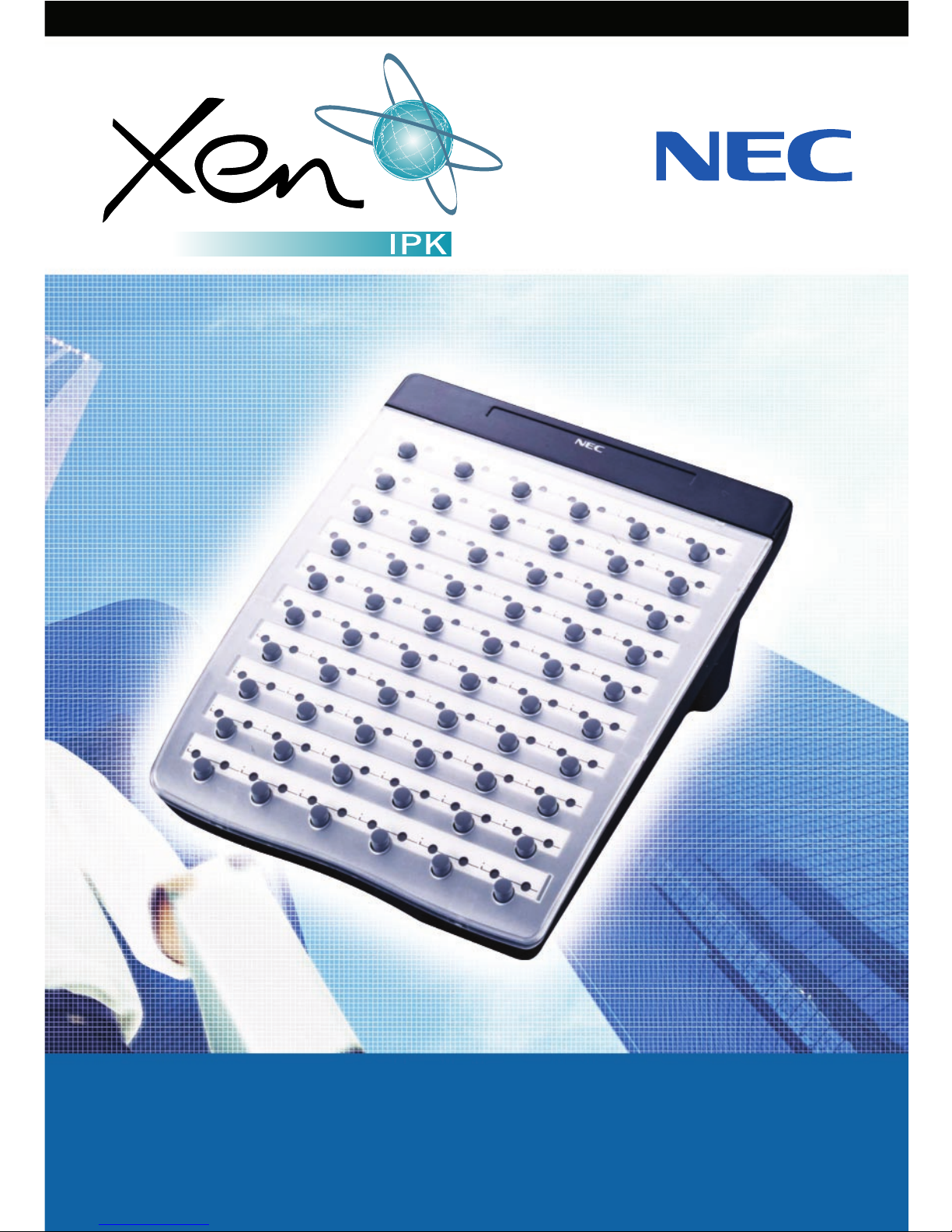
ATTENDANT USER GUIDE

Table of Contents
General Information Page 1
Attendant Add-On Console
Night Transfer
Trunk to Trunk Transfer
Automatic Trunk to Trunk Transfer Pages 2 – 4
Message Waiting or Station Outgoing Lockout
Station Outgoing Lockout
Paging
Set Relocation Mode
Direct Inward System Access (DISA) Pages 4 - 6
Automated Attendant
Recording Voice Prompts
Programming System Speed Dial Pages 7 - 8
Programming Forced/Verified Account Codes
Clock/Calendar Setting
Conference Bridge Setup Pages 9 - 10
System Speed Dial Directory
Speed Dial Name Input Pages 11 - 12

DSS/BLF LEDs ADD-ON CONSOLE LEDs
Telephone Status DSS/BLF Status CO Line Status LED Indication
Attendant message Steady Green Idle Unlit
Idle Unlit Incoming call Rapid Flashing Red
In use Steady Red In use Steady Green
Hold Steady Red (by the attendant)
FWD All (DND) Flashing Red Other-use Steady Red
Held call
- Your telephone Slow Flashing Green
- Other telephone Slow Flashing Red
1
General Information
The following should be considered when reviewing this user guide:
Attendant console keys can be assigned as Direct Station Selection/Busy
Lamp Field (DSS/BLF), Call Arrival or as additional central office lines
(CO Add-On Console.)
Refer to the Xen IPK Digital Telephone User Guide for additional
information on telephone operation.
All operational instructions assume Prime Line Pickup is assigned to
intercom dial tone, Ringing Line Preference is assigned, a Call
Appearance and Call Arrival key is assigned to all multiline telephones
and only a single tenant has been assigned in the system.
All access codes listed are standard; some may vary based on system
assignment.
Access to many features is based on system assignments. Not all features
may be available from your telephone.
The telephone display provides useful call processing information such
as trunk access, recall indication, feature confirmation, etc.
1. DSS keys (direct station
selection) or CO keys
(Central Office Lines)
2. Status Indicators
3. Dedicated Feature keys
1
2
3

2
Attendant Add-On Console
ANSWERING CALLS
Receive CO incoming ringing:
Lift handset
Converse and process call.
TRANSFERRING CALLS
With a call in progress:
Press DSS/BLF key for the desired station
(call is placed on Non-Exclusive Hold).
Voice announce after tone burst.
OR Wait for ringing call to be answered.
Press Transfer on the Attendant Add-On Console.
Replace handset.
NOTE 1: Pressing Transfer immediately after the DSS key will result in an
unsupervised ring transfer or camp-on.
NOTE 2: If the called station is busy or unanswered, press the flashing Line key,Call
Appearance key or Conf key (internal calls) to return to the original party.
NOTE 3: Unanswered camp-ons and unsupervised transfers will recall to the
attendant telephone. After answering the recall, pressing Feature 86
will transfer the call to the personal voice mailbox of the station
number dialled.
PLACING INTERNAL CALLS
Lift handset.
Press DSS/BLF key on the Attendant Add-On Console.
Voice announce after tone burst.
OR Wait for ringing call to be answered.
NOTE 1: When calling a multiline telephone, dialling 1 after the station number will
change ringing to voice or voice to ringing.
NOTE 2: To directly access a personal voice mailbox, dial 7 after dialling the station
number.

3
PLACING CALLS TO CALL ARRIVAL KEYS
Lift handset.
Press DSS/BLF key on the Attendant Add-On Console representing a Call
Arrival key.
Wait for ringing call to be answered.
PLACING OUTGOING CALLS
Lift handset.
Press idle CO Line key on Attendant Add-On Console.
Dial telephone number.
Converse.
Night Transfer
SET/CANCEL USING CONSOLE SET/CANCEL USING ACCESS CODE
Press NT key. Press Feature.
Dial Night Transfer code 80.
Press Feature.
NOTE: When programmed for Automatic Day/Night Transfer, the system will
enter/exit night mode at the preprogrammed times.
Trunk to Trunk Transfer
With an outside call in progress:
Press Transfer.
Dial trunk access code i.e. 0
Dial telephone number, wait for answer.
Press Feature.
Press Transfer.
Replace handset.
NOTE: Once established, a trunk to trunk connection cannot be re-entered.

4
Automatic Trunk to Trunk Transfer
PROGRAM/MODIFY/ERASE SET/CANCEL
FORWARD ASSIGNMENT
Press Feature.
Dial Automatic Trunk
Transfer code 63.
Dial incoming trunk number
to be forwarded:
- Individual trunks 01-64
- All trunks 00
Dial #.
Dial outgoing telephone number
where calls are to be directed.
Press Feature.
NOTE: Once set, incoming calls to the selected CO/PBX line(s) will automatically be
routed to the programmed telephone number.
Message Waiting or
Station Outgoing Lockout
SET/CANCEL
Press MSG/Station Lockout Key.
Press desired DSS/BLF key.
NOTE 1: An Attendant Add-On Console can be assigned with Message Waiting OR
Station Outgoing Lockout capability.
NOTE 2: A green LED at the associated DSS/BLF key indicates that a message or
Station Outgoing Lockout has been set.
Station Outgoing Lockout
To cancel Station Outgoing Lockout and default the password on a per station
basis:
Press Speaker.
Dial Attendant Reset Password access code ___________.
Dial Station number to be cancelled.
Press Speaker.
Press Feature.
Dial Automatic
Trunk Transfer code:
- Set 61
- Cancel 62
Dial incoming trunk
number to be set/cancelled:
- Individual trunks 01-64
- All trunks 00
Press Feature.

5
Paging
PAGING USING DIRECT PAGING ACCESS KEY
Lift handset.
Press Direct Paging Access key.
Page.
Wait for Meet-Me Answer or replace handset.
PAGING USING ACCESS CODE
Lift handset.
Dial Paging code:
INTERNAL EXTERNAL
- All Zones 51 - All Zones 55
- Zone A 52 - Zone A 56
- Zone B 53 - Zone B 57
- Zone C 54 - Zone C 58
- All Int. & Ext. 59
Page.
Wait for Meet-me Answer or replace handset.
Set Relocation Mode
SET/CANCEL USING ACCESS CODE
Press Feature.
Dial Set Relocation Mode code 84.

6
Direct Inward System Access (DISA)
SETTING DISA PASSWORDS RESETTING DISA PASSWORDS
Lift handset.
Dial DISA Password
set access code ___________
Dial DISA ID code of
station to be set ___________
Dial current
DISA Password ___________
Default 0000000000 (10 zeros)
Dial new
DISA Password ___________
Replace handset.
NOTE 1: Password may be a maximum of 10 digits. If the new password is less than
10 digits, replace the handset to enter.
NOTE 2: It is recommended that DISA passwords be 10 digits and changed
frequently to prevent unauthorized use.
NOTE 3: Resetting DISA Passwords will return them to the default value of
0000000000 (10 zeros).
CONFIRMING DISA PASSWORDS
Lift handset.
Dial DISA Password confirmation access code ___________
Dial DISA ID code of station to be confirmed ___________
Confirm password.
Replace handset.
DISA SET/CANCEL
Press Feature.
Dial DISA code:
- Set 81
- Cancel 82
Dial trunk number to be set/cancelled from DISA:
- Individual trunks 01-64
- All trunks 00
Press Feature.
Lift handset.
Dial DISA Password
reset access code ___________
Dial DISA ID code of
station to be reset___________
Replace handset.

7
Automated Attendant
RECORDING MESSAGES VERIFY/DELETE MESSAGES
Lift handset.
Dial VRS Voice Message
access code ___________
Dial 1.
Dial 1.
Dial Automated Attendant
message number 1-8.
Dial operation:
- Record day mode 1
- Record night mode 2
- Record weekend mode 3
Record message via handset.
Replace handset.
AUTOMATED ATTENDANT SET/CANCEL
Press Feature.
Dial VRS Voice Message access code:
- Set 81
- Cancel 82
Dial trunk number to be set/cancelled for Automated Attendant:
- Individual trunks 01-64
- All trunks 00
Press Feature.
Lift handset.
Dial VRS Voice Message
access code ___________
Dial operation:
- Verify message 2
- Delete message 3
Dial 1.
Dial Automated Attendant
message number 1-8.
Dial operation:
- Verify/delete day mode 1
- Verify/delete night mode 2
- Verify/delete weekend mode 3
Verify/delete message.
Replace handset.

8
Recording Voice Prompts
SET VERIFY/DELETE
Lift handset.
Dial VRS Voice Message
access code ___________
Dial 1.
Dial 2.
Dial operation:
- Dial tone message 1
- Call waiting message 2
Record message via handset.
Replace handset.
Programming System Speed Dial
Press Feature.
Press Redial.
Dial System Speed Dial Memory location 00-79.
Dial trunk access code i.e.0.
Dial telephone number to be stored (24 digits maximum).
Press Hold (if entering name) and dial name of party
(13 characters maximum).
Press Feature.
NOTE 1: Press Redial to insert a pause or Recall to store a hookflash.
NOTE 2: Refer to Speed Dial Name Input table when entering names of party.
Lift handset.
Dial VRS Voice Message
access code ___________
Dial operation:
- Verify message 2
- Delete message 3
Dial 2.
Dial operation:
- Dial tone message 1
- Call waiting message 2
Verify/delete message.
Replace handset.
Questo manuale è adatto per i seguenti modelli
1
Indice


