NEC S2500 Manuale utente

NEC Storage S2500
NF2500-SR40E
NEC Storage S1500
NF1500-SR40E
Disk Array Unit
User's Guide
NOTE:
Read this manual carefully before using the unit. Keep this
manual nearby as a handy reference and refer to the
"CAUTION" and "WARNING" statements whenever necessary.
NEC CONFIDENTIAL AND PROPRIETARY
A
ll rights reserved by NEC Corporation. This document must be
used solely for the purpose for which it was furnished by NEC
Corporation. No part of this document may be reproduced o
r
disclosed to others, in any form, without the prior written
permission of NEC Corporation.
856-850725-101-A

i
Trademarks
Microsoft, Windows, Windows NT, Windows 2000, and Windows Server 2003 are registered trademarks or
trademarks of Microsoft Corporation in the United States and other countries.
HP and HP-UX are registered trademarks of Hewlett-Packard Company of the United States.
Sun, Solaris, and StorEdge are trademarks or registered trademarks of Sun Microsystems, Inc. in the United
States and other countries.
Linux is a registered trademark or trademark of Linus Torvalds in the United States and other countries.
All other product, brand, or trade names used in this publication are the trademarks or registered trademarks of
their respective trademark owners.
Remarks
(1) No part of this manual may be photocopied in any form without prior written consent from NEC.
(2) The information in this manual is subject to change without notice.
(3) All possible efforts are being made to create this manual, but in the event that any technical or
editorial errors or omissions are found, contact your dealer.
(4) Save this manual in a convenient area even after you finished reading it.
(5) When transferring this unit to other person, be sure to transfer this manual also.
(6) NEC shall not be liable for any loss or lost profits from the use of this disk array unit regardless of
the item in (3).
(7) This unit is not intended to be installed into the installation or equipment associated with human
life, such as medical equipment; nuclear installations or equipment, aerial and/or space
equipment, transportation installations and equipment and is to be installed into and to control the
installation or equipment requiring high reliability. If you use this unit for these installations,
equipment, or control systems, NEC shall not be liable for an accident leading to an injury or
death, fire, or social loss resulting from a breakdown of our product. © NEC Corporation 2005

ii
FEDERAL COMMUNICATIONS COMMISSION
RADIO FREQUENCY INTERFERENCE STATEMENT
NOTE: This equipment has been tested and found to comply with the limits for a Class A digital
device, pursuant to Part 15 of the FCC Rules. These limits are designed to provide reasonable
protection against harmful interference when the equipment is operated in a commercial environment.
This equipment generates, uses, and can radiate radio frequency energy and, if not installed and used
in accordance with the instruction manual, may cause harmful interference to radio communications.
Operation of this equipment in a residential area is likely to cause harmful interference in which case
the user will be required to correct the interference at the user’s own expense.

iii
Safety Precautions
Before using this unit, read this manual carefully and take proper precautions in order to use this unit
safely and correctly, avoiding the potential for any personal or property damage. Keep this manual
nearby for easy reference.
The following symbols are used in this manual so that you can easily understand how to operate the
unit safely and correctly.
WARNING Indicates that there is a risk of death or serious injury.
CAUTION Indicates that there is a risk of burn or injury.
Risks and the necessary actions to reduce risks are indicated individually by the following symbols.
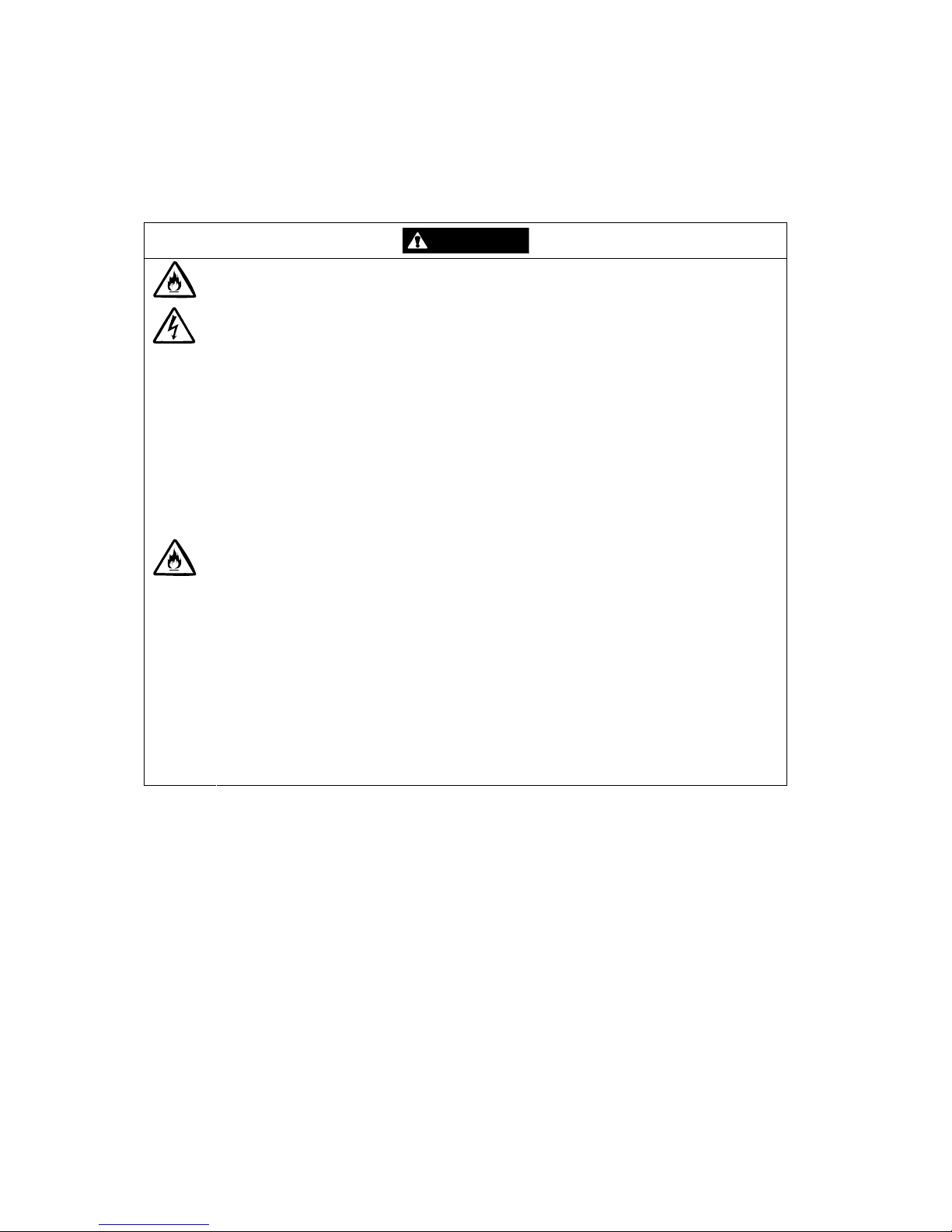
Indicates the risk of smoke emission or fire outbreak.
Indicates the risk of electric shock.
Indicates required general actions for operators.
Indicates instructions to pull out the plug of a power cord from outlet.
Indicates notice of general prohibition.
Indicates instructions to keep a device away from inflammable objects.
Indicates the danger of an injury due to harmful material.

iv
Notes on Use
The following includes information necessary for proper and safe operation of the disk array unit.
WARNING
•Do not use the disk array unit in an area of high humidity or water usage. If so, a
fault, electrical shock, or fire may occur.
•Do not use the disk array unit in an area where inflammable gas and/or
combustible substances are placed. If so, fire or explosion may occur.
•Do not overload AC outlets with power cords. If so, fire may occur.
•Do not put any heavy materials on a power cord. If so, the coating of the power
cord may be broken, fire may occur, and/or you may be electrically shocked.
•Do not install the disk array unit in a dirty or dusty environment. Remove any dust
adhering to AC outlets and the plugs of power cords. Should any dust remain
adhering to an AC outlet and/or plug, fire may occur.
•Do not connect the plug of a power cord to an AC outlet with a wet hand. If so, you
may be electrically shocked.
•While the disk array unit NFx500-SR40E can accept the power in the range of 100
- 240 VAC (50/60 Hz), the power cord shipped with the disk array unit can only
accept 100 – 120 VAC. Use 100 – 120 VAC (50/60 Hz) when the included power
cord is used. Using power of a different voltage may cause electric shock, smoke,
and/or fire to occur.
•The controller of the disk array unit contains a lithium battery. Do not remove the
lithium battery. The lithium battery may explode when it is brought close to fire or
immersed in water. Dispose of the controller according to local ordinances.
Contact your local government for details.
•If the disk array unit does not operate normally due to the life of the lithium
batteries, contact your service representative. Do not disassemble the controller,
or replace or charge battery by yourself.

v
CAUTION
•Do not install the disk array unit and the host systems in an unsafe or unstable
manner. If so, damage may occur to the unit and/or you may be personally injured.
•Do not install the disk array unit and the power cords in an area with direct sunshine
or near any apparatus generating heat such as a heater. If so, a fault may occur.
Further, the insulating coating of the power cord may be melted causing fire or
electric shock to occur.
•Insert the plug of a power cord to an AC outlet securely. Tightly secure the DC
power cable with the screw. Any power cord shall be routed with sufficient margin to
avoid excess strain from being applied to the plugs of the power cord or the power
cord itself. If a power cord is removed from the AC outlet during operation, data may
be lost and/or a fault may occur.
•To prevent electric shocks, connect all power cords to an AC outlet with earth
grounding. Connection of the earth line to a gas pipe is extremely dangerous. Never
do it.
•Before connecting or removing a peripheral device from the disk array unit, turn off
all the power switches of the disk array unit and peripherals and pull out the power
cords from the AC outlets or distribution board. If not, some units may be damaged
and/or you may be electrically shocked.
•To carry or reinstall the disk array unit, disconnect all cables and power cords
beforehand. If not, some units may be damaged, you may be electrically shocked,
and/or a fire may occur.
•Handle optical fibers carefully and gently.
•The minimum bending radius of optical fiber shall be 30 mm.
•Dust and/or dirt may attenuate the optical power of optical fiber to cause data errors
to occur. Clean any optical fiber cable whenever it is inserted into the mating
connector with the following procedure. Never clean a connector in which light is
present in the fiber.
1. Use a lint-free "wipe" that has been dipped into alcohol (use of 99% reagent-
grade alcohol is recommended).
2. Followed immediately by a dry lint-free wipe.
3. And finally to blow-dry using a can of clean, compressed air

vi
To install the unit in a rack, observe the following guidelines.
1. Temperature – If installed in a rack, consideration should be given to installing the
equipment in an environment compatible with the manufacturer's recommended
ambient temperature (TMRA).
2. Reduced Air Flow – Installation in a rack should be such that the amount of air flow
required for safe operation of the equipment is not compromised.
3. Mechanical loading – Mounting of the equipment in the rack should be such that a
hazardous condition is not achieved due to uneven mechanical loading.
4. Circuit Overloading – Consideration should be given to the connection of the
equipment to the supply circuit and the effect that overloading the circuits might
have on overcurrent protection and supply wiring. Appropriate consideration of
equipment nameplate ratings should be used when addressing this concern.
5. Reliable Grounding – Reliable grounding of rack-mounted equipment should be
maintained. Particular attention should be given to supply connections other than
direct connections to the branch circuit (e.g., use of power strips).

vii
Notes on Disposal
Disposing of your used NEC product
In the European Union
EU-wide legislation as implemented in each Member State requires that used electrical and
electronic products carrying the mark (Left) must be disposed of separately from normal
household waste. The equipment with this mark may include electrical accessories
(e.g. memory cards). When disposing of used NEC products, you should comply with
applicable legislation or such terms which may have been agreed between NEC and
your company regarding used products. This mark on electrical and electronic
products only applies to the current European Union Member States.
Outside the European Union
If you wish to dispose of used electrical and electronic products outside the European
Union, please contact your local authority and ask for the correct method of disposal.

viii
Indication on Safety
The warning label is attached to components (or a location in their vicinity) that pose a possible
danger or to inform the user that a hazardous situation may arise when operating the disk array unit.
(Do not intentionally remove or damage any of the labels.)
If you find any labels totally/partially removed or illegible due to damage, contact your sales
representative.

ix
Power supply for NFx500-SR40E
Questo manuale è adatto per i seguenti modelli
3
Indice
Altri manuali NEC Magazzinaggio

NEC
NEC Versa LX Manuale utente

NEC
NEC FZ110A - Zip 100MB - 100 MB ZIP Drive Manuale utente

NEC
NEC N8115-05 Manuale utente

NEC
NEC ST1240 Manuale utente

NEC
NEC N8102-686 Manuale utente

NEC
NEC FZ110A - Zip 100MB - 100 MB ZIP Drive Manuale utente

NEC
NEC T30A Manuale utente

NEC
NEC N8151-105 Guida utente

NEC
NEC N8102-708 Manuale utente

NEC
NEC S2900 Manuale utente

NEC
NEC FDI036A Specifiche tecniche

NEC
NEC Built-In AIT Manuale utente

NEC
NEC S1500 Manuale utente

NEC
NEC M100 Manuale utente

NEC
NEC N8102-693 Manuale utente

NEC
NEC Storage Manager Manuale utente

NEC
NEC N8118-301 Manuale utente

NEC
NEC D3-10i Manuale utente

NEC
NEC NS170 Manuale utente

NEC
NEC LL030F Manuale utente