SS1122SSeeqquueenncceerr--44--OOppeerraattiinnggIInnssttrruuccttiioonnss
PPaanneellDDiissppllaayy::(cont’d)
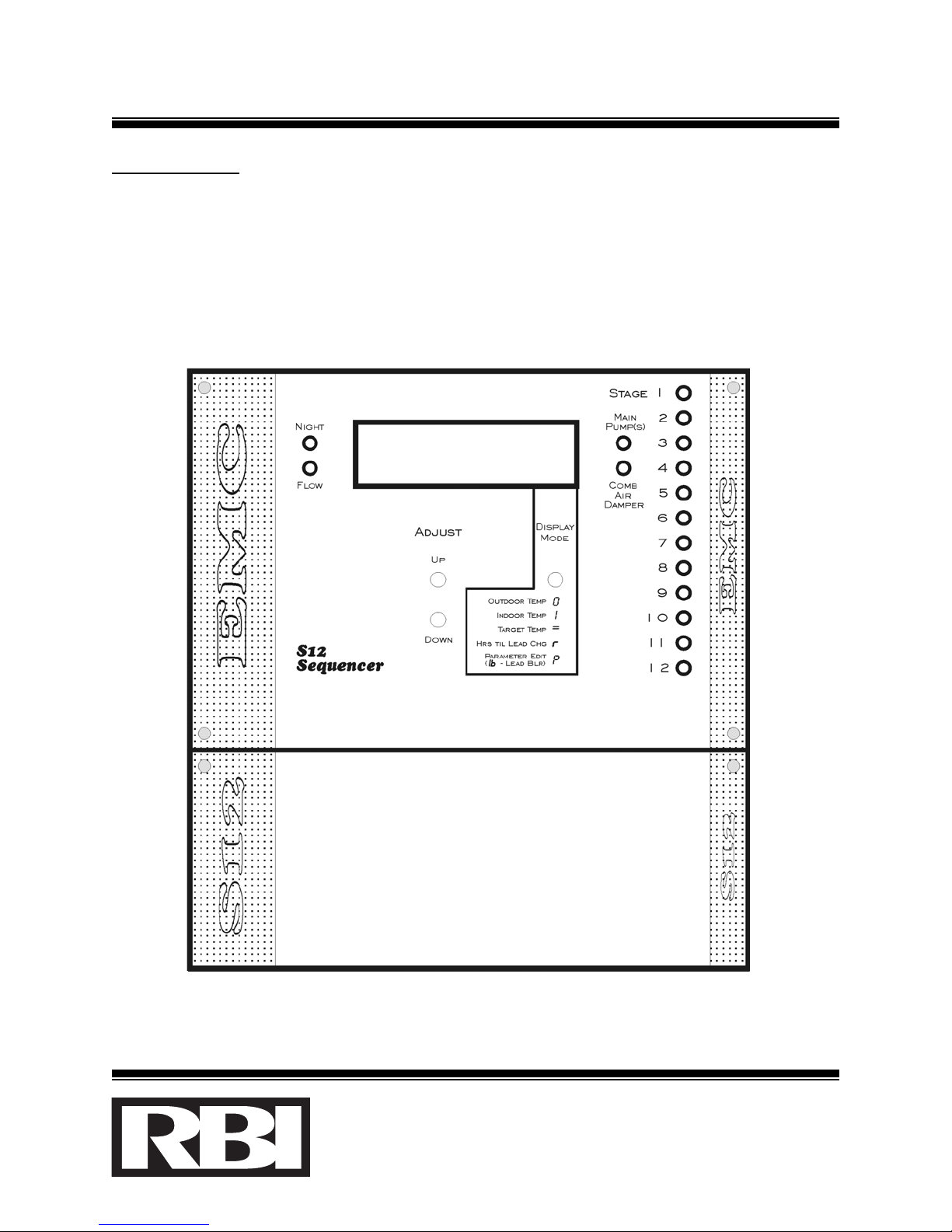
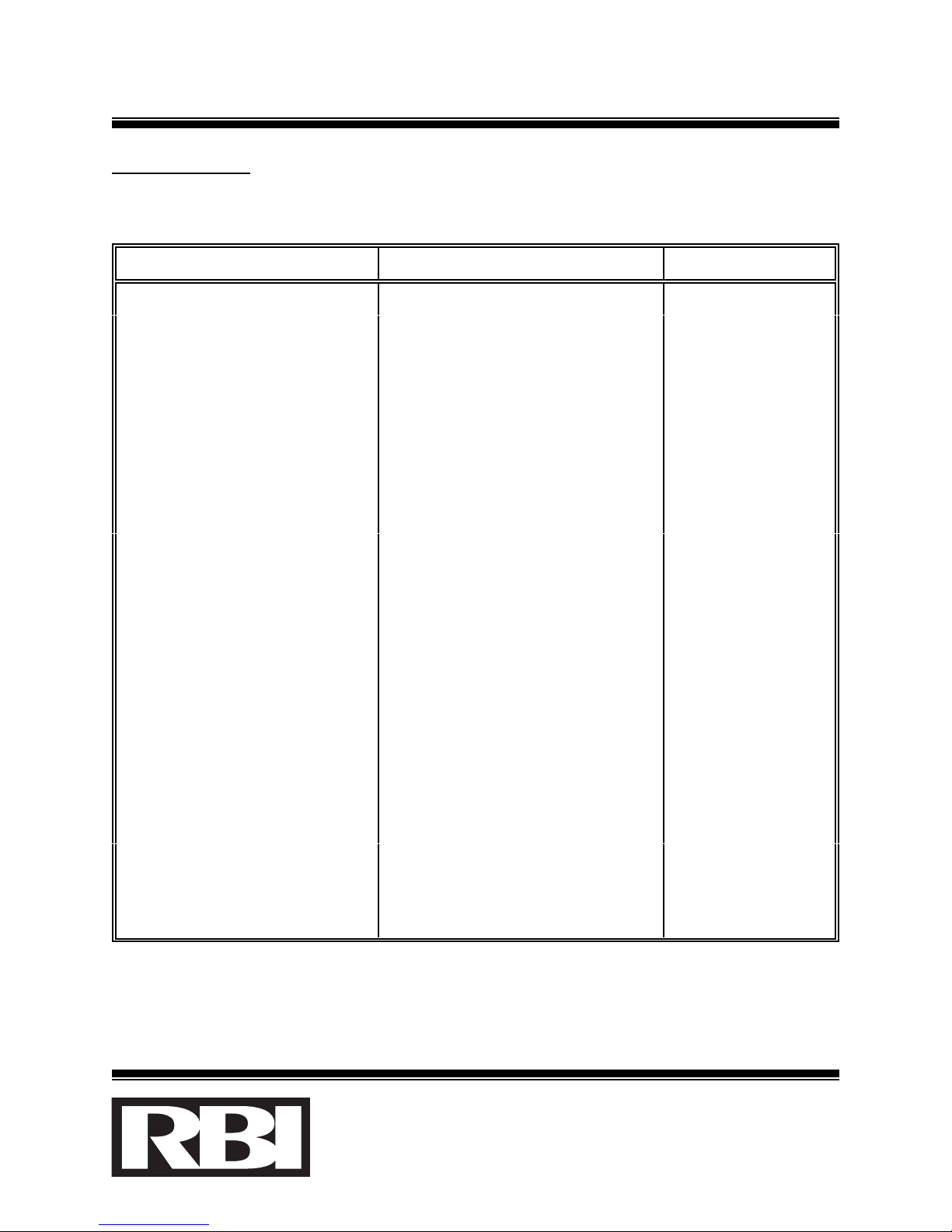
2. MMaannuuaallddiissppllaayymmooddee: By sequentially depressing the DDiissppllaayyMMooddeebutton, the
following can be displayed in a cyclic fashion:
PPaarraammeetteerrDDiissppllaayyeeddSSaammpplleeSSccrreeeennPPrreessssiinnggtthheeAAddjjuusstt
bbuuttttoonnss......
Outdoor temperature - i5 0 Has no effect.
Indoor temperature i64 I Has no effect.
Target temperature i70 = Changes the Target
temperature value.
Remaining Hours until
Lead Boiler change h. 40 rHas no effect.
One of the control Parameter
screens (see list below) d. I00 P Displays previous or next
Parameter.
Table 3: Manual display mode screens.
Pressing the Adjust buttons while the Target temperature is displayed, changes the
Target temperature value as described in the Unattended (cyclical display) mode
above.
3. PPaarraammeetteerrddiissppllaayy//eeddiittmmooddee: Pressing the Adjust buttons1while the Parameter
screen is displayed, places the Panel Display in Parameter display mode. In this
mode, the first (left most) 2 characters of the screen describe the parameter being
displayed. The Adjust buttons are used to view the various different Parameters.
As the Up Adjust button is pressed, the next Parameter (down the table) is
displayed; as the Down Adjust button is pressed, the previous Parameter (up the
table) is displayed. Note that this display is not cyclical, ie. when the first
Parameter is displayed, pressing the Down Adjust button will not have any effect.
A summary of all Parameters follows.
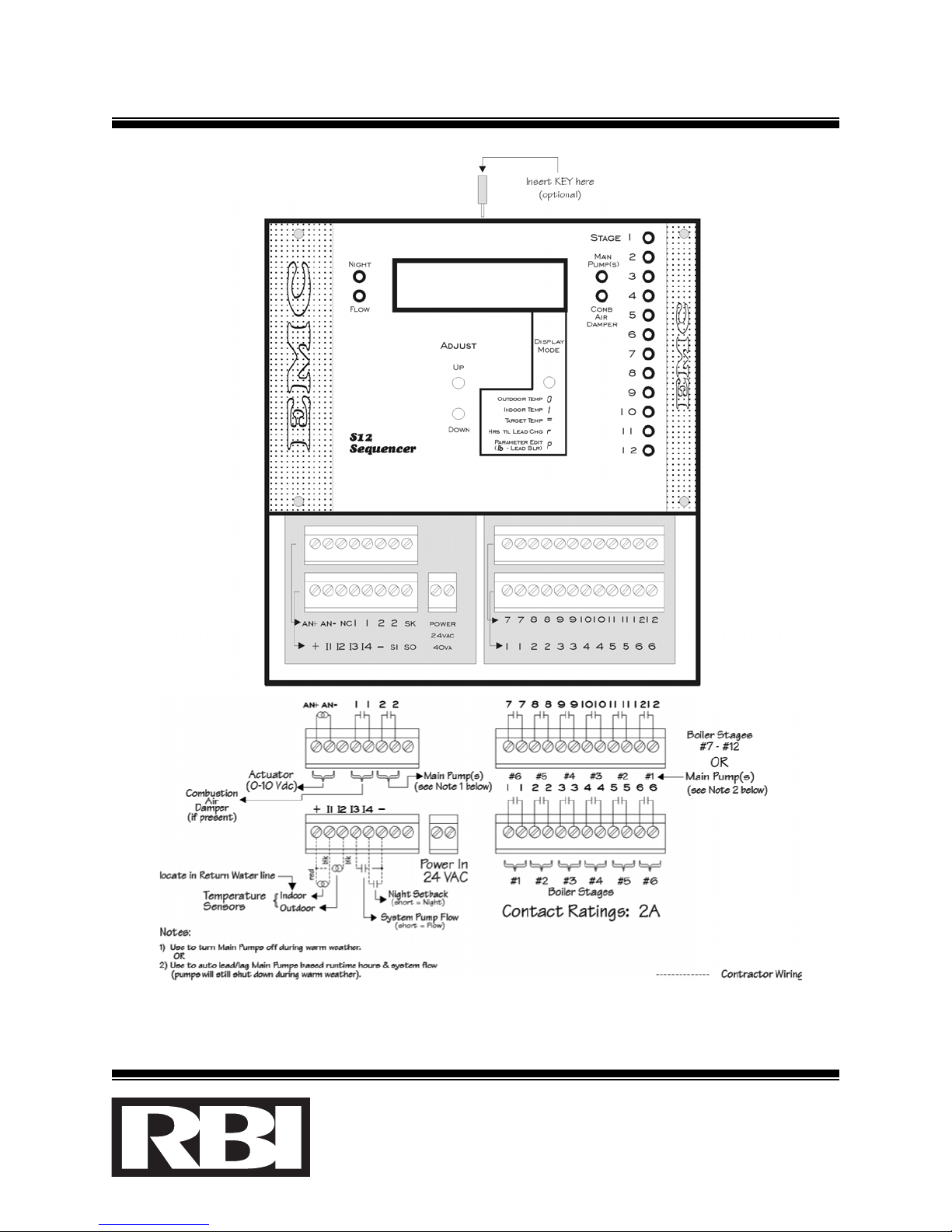
1{Note: If the S12 is equipped with the KEY option, then the S12 KEY needs to be inserted (refer to Fig.
2) in order for the Adjust buttons to function. Without the KEY, the Display Mode button can still be
used to view the control’s operating temperatures, however, no control setting changes are allowed}.
el. (905) 670-5888 Fax (905) 670-5782