3.2 Audio Output Connector
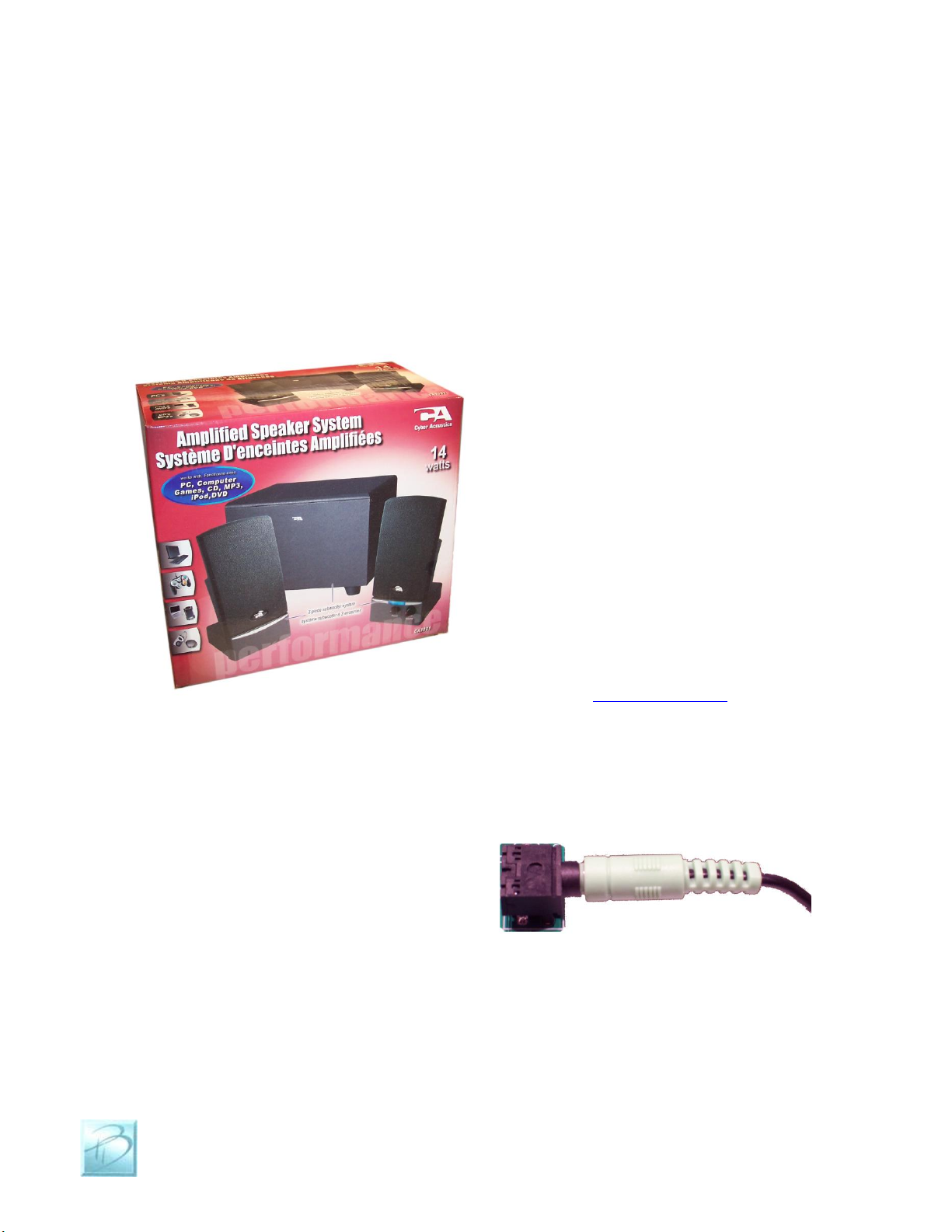
The Dream Player LITE will drive any audio amplifier or powered speakers or media
speakers that are typically used on a computer. A great feature of The Dream Player
LITE is that it can directly drive non-powered or conventional speakers without an
amplifier, headphones and ear buds are an example of this.
Media speaker pricing is quite reasonable, and you can obtain these from nearly every
computer store and electronic outlet.
Depending on the quality and volume
you are trying to achieve, these speakers
can be purchased anywhere from $15-
$50, or as high as $100+. We have found
that many of the $35-$50 speakers sound
terrific for any application and meet
most of our customer’s needs. Media
speakers come in a variety of sizes and
shapes and many can be easily concealed
in even the smallest projects. Choose
your speakers wisely as the best audio
you can get is often limited by the
quality of the speakers you choose.
If you are at a loss for what speakers to
get, we offer some reviews of speakers
we have purchased on-line with some
links to how you may purchase them.
Please visit www.pricom.com for more
information on speakers. You can also
Contact us for recommendations.
To connect your speakers to the Dream
Player LITE, you simply plug the stereo
plug from the speakers into the Audio
Output Jack on the Dream Player.
You can insert as many extensions as
needed to accomplish your wiring needs.
These extensions are 1/8” stereo cables,
and sometimes are sold as headphone
extension cables. Again many electronic
stores will sell this item.
To avoid ‘blowing something up’ set the volume on the speakers low to start with, and
then adjust as appropriate for your sound setup needs. All sounds are not created and
mixed on equal levels, and we would hate for you for blow a good set of speakers at start-
up! To state the obvious, start low and work your way up from there.