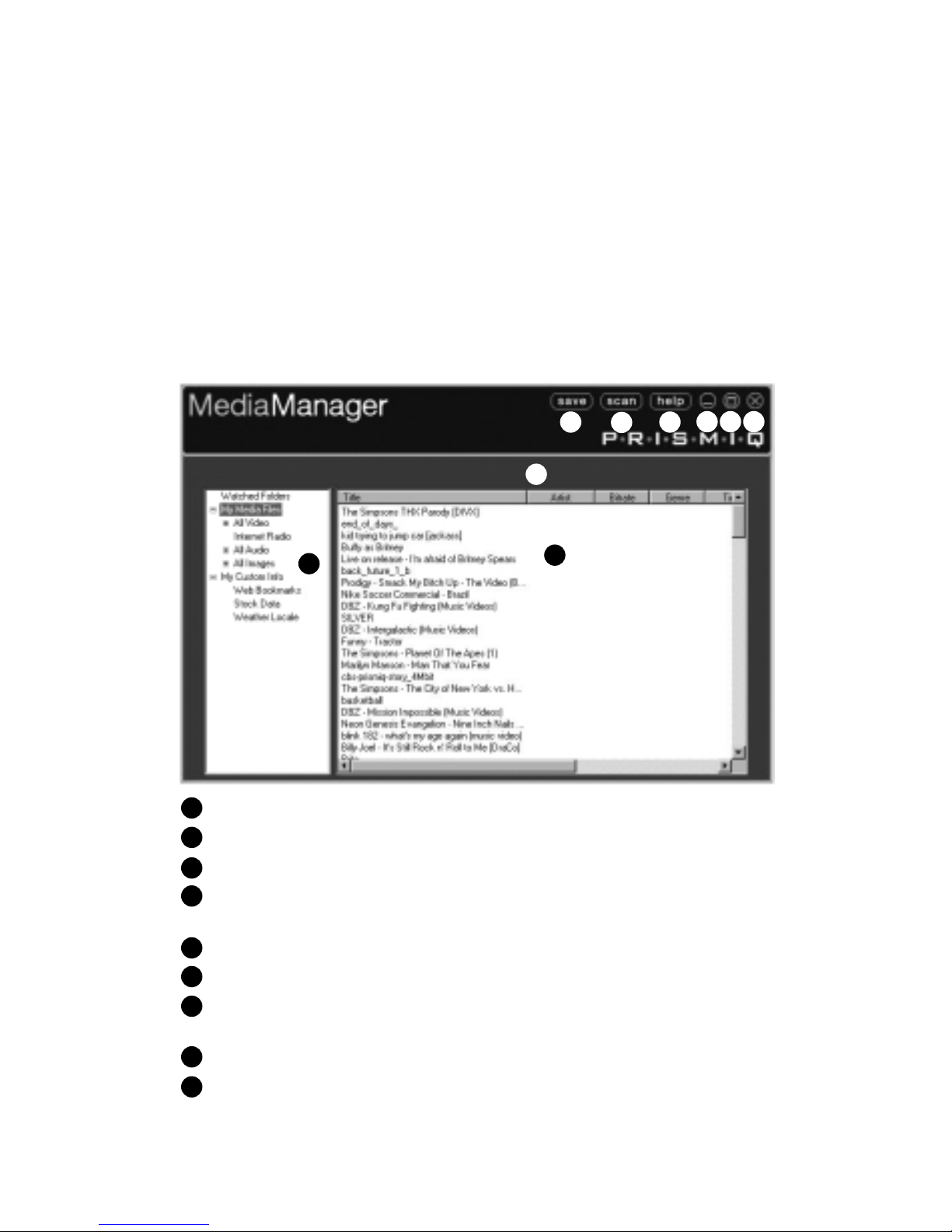
PRISMIQ MediaManager Software
The PRISMIQ MediaManager software installs from the PRISMIQ
CD onto your Windows- ased PC and allows you to organize and
set up content for the MediaPlayer. You can manage your media files
and many other functions from this software, including: MPEG-1,
MPEG-2, MPEG-4 or AVI* video files; MP3, WMA, and WAV audio
files; Internet radio stations; and JPEG image files. You can also set
up custom information (live weather, stocks, etc.) for display on the
MediaPlayer Home screen on the TV.
This section assumes that you have already installed the PRISMIQ
MediaManager software using the instructions in the Setup Guide. If
you have not done this yet, please do so now. Then return to this sec-
tion to start using the MediaManager.
Overview
Media content is organized into the following categories:
My Media Files
Contains all video, audio, image and Internet radio station files import-
ed to the MediaManager. This is one of the two top level categories,
along with “My Custom Info.”
• All Video
A su set of “My Media Files,” containing video files.
• All Audio
A su set of “My Media Files,” containing audio files and Internet
radio station listings.
• Internet Radio
A place to add your favorite Internet radio stations (for example,
http://www.shoutcast.com). Default stations are provided.
• All Images
A su set of “My Media Files," containing JPEG digital photos.
• Playlists and Slideshows
Create, edit, and delete Playlists, which contain selected video or audio
files from ”My Media Files.” “Internet Radio” appears as a selection on
the Audio Playlist in the MediaPlayer. You can also create and edit
image Slideshows using JPEG images and adding audio.
• Watched Folders
A tool that will automatically scan and save, without user
intervention, assigned PC directories and categorize files into
Playlists and Slideshows.
*AVI is a general audio-video format designator. The PRISMIQ MediaPlayer can play Motion-JPEG (OpenDML) and
DivX® encoded video files. DivX is a registered trademark of DivX Networks. The DivX video play ack technology pro-
vided in the PRISMIQ MediaPlayer is not provided or approved y DivX Networks and may result in a lower quality
video and audio output than a DivX randed solution.
PRISMIQ MediaPlayer User Guide
4