Table of Contents
Main Features
......................................................................................................
5
Front Panel
..........................................................................................................
6
Rear Panel (for MDR10x1, MDR10x2, MDR30x1)
....................................................
7
Rear Panel (for MDR10x5, MDR30x5)
....................................................................
7
Remote Controller
................................................................................................
8
Record to Hard Drive
............................................................................................
9
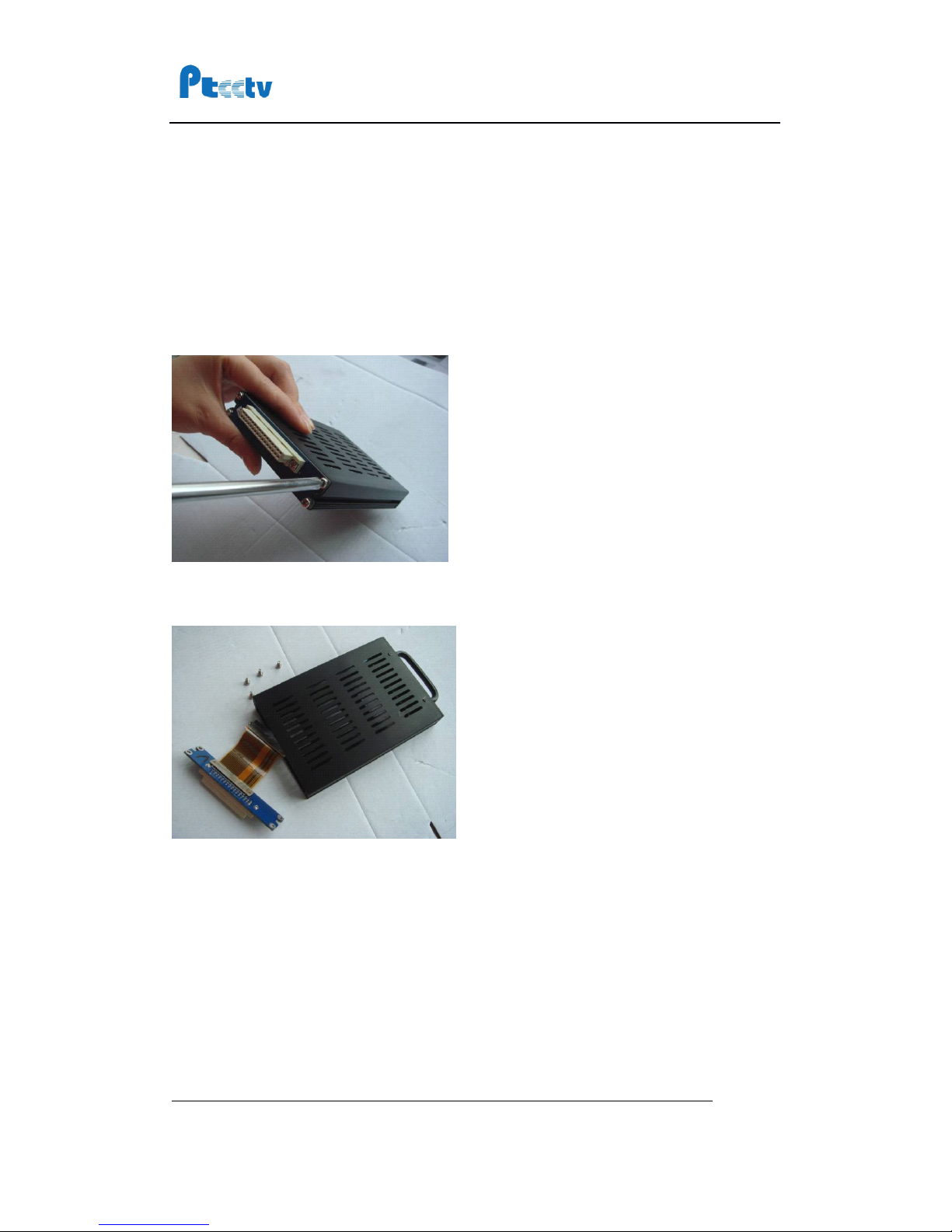
Step 1, install the hard drive into the hard drive case
...............................................
9
Step 2, Connecting to power supply
...........................................................................
13
Step 3, Connecting to camera
......................................................................................
14
Step 4, Turn on the recorder
........................................................................................
14
Step 5, Format the hard drive
......................................................................................
14
Step 6, Choose video quality
........................................................................................
15
Step
7,
Record to hard drive
.........................................................................................
15
Step 8, Install the monuting bracket
...........................................................................
15
Play back recorded file on Hard Drive
..................................................................
18
Copy record file from Hard Drive to Compact Flash
...............................................
20
Record to Compact Flash
....................................................................................
21
Using the Menu
..................................................................................................
22
Using Alarm and Sensor
......................................................................................
24
Using Pre and Post Recording
..............................................................................
27
Record to hard drive continuously and record to Compact Flash in alarm mode
......
28
Schedule the recording
.......................................................................................
29
Start recording when unit is powered on
...................................................................
29
Start and Stop recording at a specified time every day
...........................................
30
Start and Stop recording at a specified date weekly
................................................
31
Vehicle Setup
.....................................................................................................
33
Set the vehicle ID and route information
...................................................................
33
Get speed from GPS
.......................................................................................................
33
Get Speed from Speedometer
......................................................................................
34
Manage the power
.............................................................................................
37
Use the ignition to control the power
.........................................................................
37
Turn on/off the DVR automatically
..............................................................................
38
Set Date and Time
.............................................................................................
39
Using Motion Detect
...........................................................................................
40
Using Pan/Tilt/Zoom
...........................................................................................
42
Manage the configuration
...................................................................................
43
Export the configuration
................................................................................................
43