
Royal AmeriGo 16006D Manuale utente
Page
i
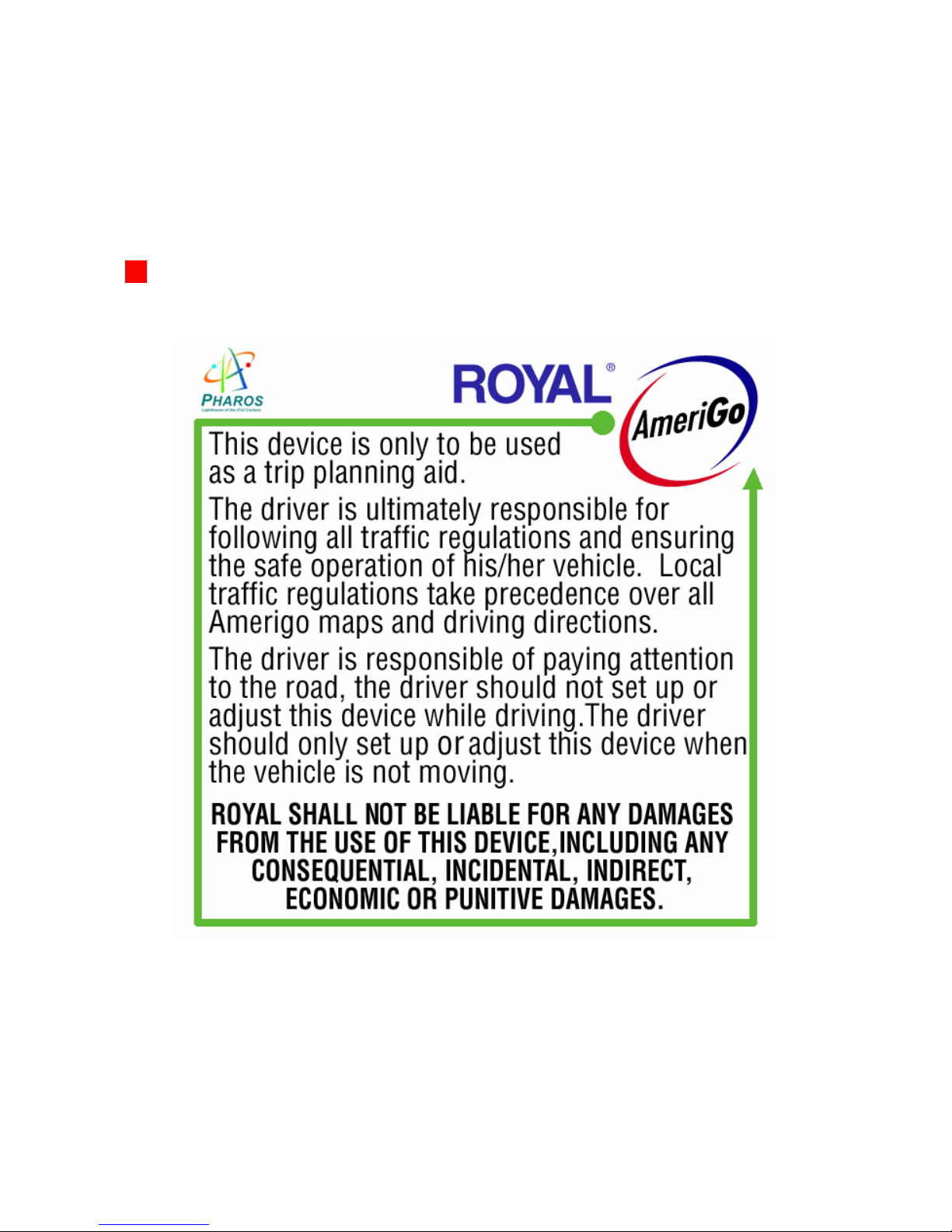
Royal AmeriGo and its suppliers specifically disclaim any
warranties, either express or implied, for their products’ fitness for
use in any high-risk activities.

Page
ii
Figure 1

Page
iii
Figure 2

Page
iv
1IMPORTANT SAFETY INSTRUCTIONS ..................... 1
1.1 CARE OF YOUR SYSTEM ................................................. 4
2SUMMARY OF FEATURES............................................ 5
3CHARGING THE GPS SYSTEM .................................... 9
4CALIBRATING THE GPS SYSTEM............................ 10
5INSTALLING THE PC SOFTWARE ........................... 11
5.1 SYSTEM REQUIREMENTS ............................................... 11
5.2 INSTALLING MAPFINDER SOFTWARE .......................... 12
5.3 CONNECTING YOUR GPS SYSTEM TO YOUR PC .......... 13
TABLE OF CONTENTS

Page
v
6INSTALLING MAPS....................................................... 14
6.1 SELECTING MAPS........................................................... 14
6.2 COPYING &TRANSFERRING MAPS............................... 18
6.3 ADDITIONAL MAPFINDER FUNCTIONS ......................... 21
7DELETING MAPS........................................................... 23
7.1 DELETING MAPS FROM THE GPS INTERNAL
MEMORY......................................................................... 23
7.2 DELETING MAPS FROM THE GPS EXTERNAL
MEMORY CARD .............................................................. 24
8GETTING STARTED WITH YOUR GPS SYSTEM .. 26
8.1 OPENING &VIEWING A MAP ........................................ 26
8.2 FINDING A DESTINATION OR ENDING POINT ............... 27
8.3 FINDING AN ORIGIN OR STARTING POINT.................... 32
8.4 CREATING A ROUTE....................................................... 32
8.5 MULTIPLE STOPS ON A ROUTE ..................................... 33

Page
vi
9GPS MENU INDEX ......................................................... 36
9.1 FILE................................................................................. 36
9.2 FIND ................................................................................ 38
9.3 VIEW ............................................................................... 41
9.4 TOOLS ............................................................................. 44
9.4.1 OPTIONS (SUBCATEGORY OF TOOLS) ........................... 46
10 GPS SYSTEM TOOLBAR FUNCTIONS ................... 49
10.1 GPS STATUS INDICATOR/ENABLING THE GPS
RECEIVER ..................................................................... 49
10.2 SELECTING A PRE STORED FAVORITE AS
DESTINATION................................................................ 50
10.3 SWITCHING THE MAP ORIENTATION ON YOUR GPS
SYSTEM ......................................................................... 50

Page
vii
11 GPS SYSTEM CONTROLS ......................................... 51
11.1 HOME BUTTON ............................................................. 51
11.2 MAP SCROLLING JOYSTICK ........................................ 52
11.3 ZOOM IN /ZOOM OUT BUTTON .................................. 52
11.4 NAVIGATION SCREEN .................................................. 53
11.5 ROUTE /CLEAR ROUTE ............................................... 57
12 SETTING UP THE GPS DATE AND TIME .............. 58
13 GPS SYSTEM SETUP................................................... 59
13.1 INSTALLING YOUR MOUNTING ................................... 59
13.1.1 USING THE AIR VENT MOUNT .................................... 59
13.1.2 USING THE GOOSENECK MOUNT................................ 61
13.2 INSTALLING YOUR GPS SYSTEM................................. 62

Page
viii
14 TROUBLESHOOTING................................................. 64
14.1 TECHNICAL SUPPORT .................................................. 64
15 WARRANTY, REGISTRATION & TECHNICAL
SUPPORT ....................................................................... 65
16 SOFTWARE LICENSE AGREEMENT ..................... 68

Page
1
1 Important Safety Instructions
For the safety of yourself and others, please observe the following
safety requirements:
Do not attempt to setup or program the GPS navigation and routing
system in a vehicle while the vehicle is in motion, or in any way that
interferes with safe driving. Keep your eyes on the road and
hands on the wheel at all times.
Secure your GPS receiver and unit to the vehicle in such a way as
to not endanger the driver or passengers during driving or
operation.
Do not use the GPS unit in any area (country, state, city, etc.) that
prohibits the use of electronic displays in motor vehicles.
Navigation maps may contain errors and omissions or may be out-
of-date with recent road changes or road conditions. Please be
attentive to roadway signage, all posted roadway information, and
the condition of the roads you are traveling.
Routes generated are only recommendations and are for personal
and non-commercial use.
The software and the GPS receiver may not be used for any
purpose in which failure of the products could lead to personal
injury, physical, or environmental damage.

Page
2
FEDERAL COMMUNICATIONS COMMISSION (FCC) RADIO
FREQUENCY INTERFERENCE STATEMENT INFORMATION
TO THE USER:
This device complies with Part 15 of the FCC Rules. Operation is
subject to the following two conditions: (1) This device may not cause
harmful interference, and (2) This device must accept any interference
received, including interference that may cause undesired operation.
Warning: Changes or modifications to this unit not expressly approved
by the party responsible for compliance could void the user’s authority
to operate the equipment.
NOTE: This equipment has been tested and found to comply with the
limits for a Class B digital device, pursuant to Part 15 of the FCC Rules.
These limits are designed to provide reasonable protection against
harmful interference in a residential installation. This equipment
generates, uses and can radiate radio frequency energy and, if not
installed and used in accordance with the instructions, may cause
harmful interference to radio communications.
However, there is no guarantee that interference will not occur in a
particular installation. If this equipment does cause harmful interference
to radio or television reception, which can be determined by turning the
equipment off and on, the user is encouraged to try to correct the
interference by one or more of the following measures:
Altri manuali per AmeriGo 16006D
1
Questo manuale è adatto per i seguenti modelli
1
Indice
Altri manuali Royal GPS


