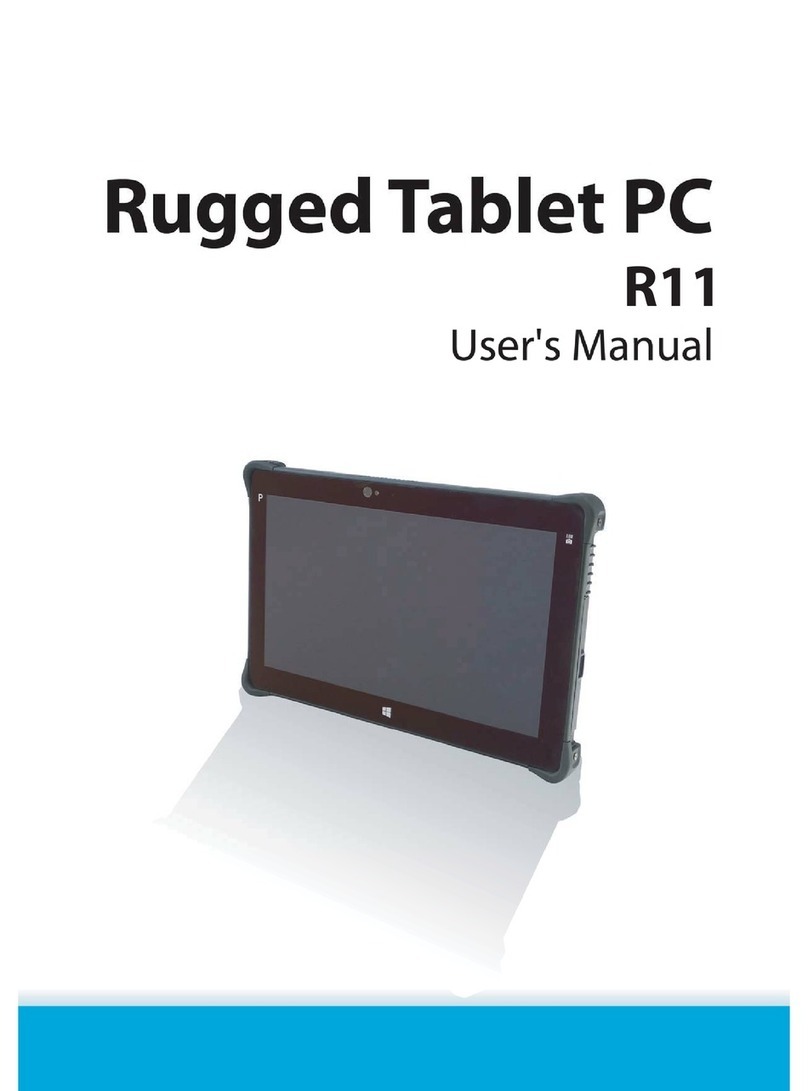
Rugged Computing PC-XT1100 Manuale utente

Rugged Tablet
PC-XT1100
User Manual
Ver 1.0


XT1100 User Manual
Table of Contents
Preface ................................................................ i
CE Conformity Statement .............................................. i
FCC Compliance Statement ........................................... ii
Copyright Statement ...................................................iii
Safety Instructions ..................................................v
Rugged and Ready to Go ...........................................1
Symbols Used in this Manual ...........................................1
Product Features.........................................................1
Exploring the XT1100....................................................2
Front View.............................................................2
Left View ..............................................................3
Right View.............................................................3
Rear View..............................................................4
Getting Started ......................................................5
Inserting the Battery ....................................................5
Connecting the Power...................................................5
Inserting a Memory Card................................................6
Inserting a PC Card ......................................................7
Making Connections .....................................................8
Connecting to a Monitor.............................................8
Connecting USB Devices.............................................8
Connection to a Network............................................9
Connecting to a Telephone Line ...................................9
Connecting Headphones.............................................9
Connecting a Microphone ......................................... 10
Turning On.............................................................. 10
Controlling the XT1100................................................ 11
Using the Touch Screen ........................................... 11
Using the Control Panel Buttons ................................. 12
Using the On-Screen Keyboard................................... 13
Configuring the Function Buttons................................ 14

XT1100 User Manual
Adjusting Screen Brightness ...................................... 14
Adjusting the Volume.............................................. 14
Wireless Connections.............................................15
RaLink Wireless Utility................................................ 15
Link Status Screen.................................................. 16
Site Survey Screen ................................................. 16
Statistics Screen.................................................... 16
Advanced Screen ................................................... 17
QoS Screen .......................................................... 18
About Screen........................................................ 18
Windows Basics ....................................................19
General Use............................................................. 19
The Start Menu ..................................................... 19
Creating User Accounts............................................ 19
Logging Off.......................................................... 20
Turning Your XT1100 Off.......................................... 20
Programs and Applications ........................................... 20
Running Programs and Applications ............................. 20
Installing Software ................................................. 21
Uninstalling Software.............................................. 21
File Management....................................................... 22
Searching for Files ................................................. 22
Copying Files........................................................ 22
Renaming Files...................................................... 22
Deleting Files ....................................................... 23
Advanced Settings.................................................25
Configuring Pointer Device Settings ................................ 25
Devices Screen...................................................... 25
Hardware Screen ................................................... 26
Settings Screen ..................................................... 26
Advanced Screen ................................................... 27
General Screen ..................................................... 28
Windows Screen .................................................... 28

XT1100 User Manual
Calibration Screen ................................................. 29
Status Screen ....................................................... 30
About Screen........................................................ 30
Specifications ......................................................31

XT1100 User Manual

XT1100 User Manual
i
Preface
CE Conformity Statement
This product is compliant with the Electromagnetic
Compatibility Directive 89/336/EEC and the Low Voltage Direc-
tive 73/23/EEC of the European Union. This product meets the
following technical standards:
• EN 55022 — "Information Technology Equipment — Radio
Disturbance Characteristics — Limits and Methods of
Measurement."
• EN 55024 — "Information Technology Equipment - Immunity
Characteristics - Limits and Methods of Measurement."
• EN 61000-3-2 — "Electromagnetic Compatibility - Part 3:
Limits - Section 2: Limits for Harmonic Current Emissions
(Equipment Input Current Up to and Including 16 A Per
Phase)."
• EN 61000-3-3 — "Electromagnetic Compatibility - Part 3:
Limits - Section 3: Limitation of Voltage Fluctuations and
Flicker in Low-Voltage Supply Systems for Equipment With
Rated Current Up to and Including 16 A."
• EN 60950 — "Safety of Information Technology Equipment."
EN 55022 emissions requirements provide for two classifications:
• Class A is for typical commercial areas.
• Class B is for typical domestic areas.
To determine which classification applies to your product,
examine the FCC or ICES information on the regulatory label
located on the rear of the product. If the FCC or ICES informa-
tion on the label indicates a Class A rating, the following Class A
warning applies:
RF INTERFERENCE WARNING: This is a Class A product. In a
domestic environment this product may cause radio frequency
(RF) interference, in which case the user may be required to
take adequate measures.

XT1100 User Manual
ii
FCC Compliance Statement
This device complies with part 15 of the FCC Rules. Operation is
subject to the following two conditions:
1. This device may not cause harmful interference;
2. This device must accept any interference received,
including interference that may cause undesired
operation.
This equipment has been tested and found to comply with the
limits for a Class B digital device, pursuant to part 15 of the FCC
Rules. These limits are designed to provide reasonable protec-
tion against harmful interference in a residential installation.
This equipment generates, uses and can radiate radio frequency
energy and, if not installed and used in accordance with the
instructions, may cause harmful interference to radio communi-
cations.
However, there is no guarantee that interference will not occur
in a particular installation. If this equipment does cause harmful
interference to radio or television reception, which can be
determined by turning the equipment off and on, the user is
encouraged to try to correct the interference by one or more of
the following measures:
• Reorient or relocate the receiving antenna
• Increase the separation between the equipment and
receiver
• Connect the equipment into an outlet on a circuit different
from that to which the receiver is connected
• Consult the dealer or an experienced computer technician for help
This eqiupment marked in the USA is restricted by firmware to only
operate on 2.4 GHZ channel 1-11.
Caution : Exposure to Radio Frequency Radiation
The antenna used for this transmitter must be positioned to provide a
separate distance of at least 20 cm from all persons and must not be
co-located or operating in conjunction with any other antenna
or transmitter.

XT1100 User Manual
iii
Copyright Statement
© Copyright 2007 aca-digital ADVANCED CONVERGENCE
ALLIANCE, All Rights Reserved.
All rights reserved. This manual is protected by copyright and
distributed under licenses restricting its use, copying and distri-
bution. No part of this manual may be reproduced in any form,
electronic or otherwise, without the express permission of
Advanced Convergence Alliance.
This product features software manufactured by Advanced Con-
vergence Alliance, along with other third party software. All
described herein shall not be distributed, modified, reverse
engineered, or reproduced in any manner without the prior per-
mission of Advanced Convergence Alliance or of the other third
parties, to whom the software rights belong.
All other product names, trademarks or logos mentioned herein
and are the property of their respective owners.

XT1100 User Manual
iv
Indice
Altri manuali Rugged Computing Tavoletta

Rugged Computing
Rugged Computing TRT-5180-12 Manuale utente

Rugged Computing
Rugged Computing M970D Manuale utente

Rugged Computing
Rugged Computing V280 Manuale utente

Rugged Computing
Rugged Computing EM-Q88 Manuale utente

Rugged Computing
Rugged Computing M700D Manuale utente

Rugged Computing
Rugged Computing R11 Manuale utente

Rugged Computing
Rugged Computing X10D Manuale utente

Rugged Computing
Rugged Computing M970D Manuale utente

Rugged Computing
Rugged Computing IA80 Manuale utente

Rugged Computing
Rugged Computing V280 Manuale utente