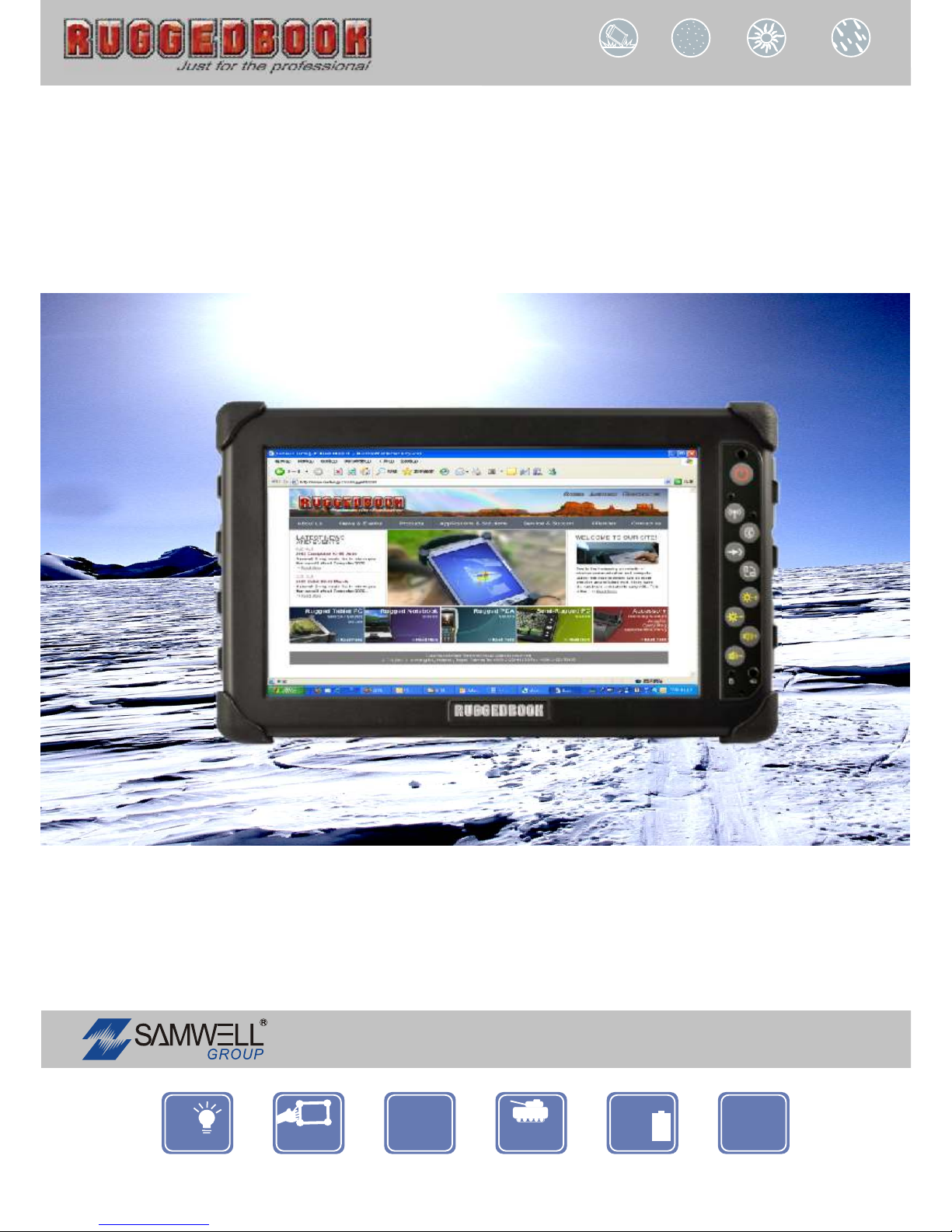
RuggedBook SR820 Manuale utente

Manual
Dust Proof Sunlight Readable Water Proof
Drop Proof
Copyright 2010. SAMWELL GROUP.Copyright 2010. SAMWELL GROUP.
RuggedTabletPC
SR820
Portable IP65 MIL ++
--
6
hours
Battery 8.9
WSVGA
LED
Backlight
Since 1975
AN ISO / TS 16949/ 9001/ 13485 / 14001 / OHSAS 18001 CERTIFIED GROUP
Ver 1.0Ver 1.0

Index
Copyright Notice……………………………………………………………………iv
Declaration of Conformity…………………………………………………………iv
Important Safety Instructions………………………………………………………v
Disposing of Your Old Product…………………………………………………….vi
Chapter 1 Introduction
Getting Started............................................................................................................2
Safety and Maintenance…………………………………………………………….3
Check Lists..................................................................................................................4
Features......................................................................................................................5
Overview......................................................................................................................5
About Your Tablet PC……………………………..………………………………..7
Quick Start..................................................................................................................8
Load Window............................................................................................................10
Keying Product ID............................................................................................. ......10
Product Key Set Up...................................................................................................11
Adjust the Volume....................................................................................................12
Adjusting the Brightness..........................................................................................13
Turn off Your Tablet PC..........................................................................................14
i

Chapter 2 Getting Start
Hardware and Software...........................................................................................16
Hot Keys....................................................................................................................22
Storage......................................................................................................................23
The SD Card Slot……………………………………………………………….….24
SIM Card Slot……………………………………………………………………...25
Chapter 3 Power Managenment
P
Po
ow
we
er
r
M
Ma
an
na
ag
ge
em
me
en
nt
t .................................................................................................27
Checking the Battery Level………………………………………………………..27
Adjust the Power Plan…...………………………………………………………...28
Sleep Power State…………...……………………………………………………..29
Battery Charging…………………………………………………………………..30
When to Replace the Battery ...................................................................................31
Thermal Considerations...........................................................................................32
Chapter 4 System Software
System Software........................................................................................................34
System Recovery.......................................................................................................34
Chapter 5 Utilities and Optional Devices
Utility List.................................................................................................................41
Bluetooth…………………………………………………………………………..42
WLAN……………………………………………………………………………...44
GPS...........................................................................................................................47
Barcode Scanner......................................................................................................49
Camera Module……………………………………………………………………51
ii

Appendix
Statements.................................................................................................................53
Safety Caution..........................................................................................................54
Important Safety Instructions……………………………………………………..54
Canadian Department of Communications............................................................55
Caution For Adatper................................................................................................55
Battery Caution........................................................................................................55
iii

Copyright Notice
All Rights Reserved.
The information in this document is subject to change without prior notice in order to improve
the reliability, design and function. It does not represent a commitment on the part of the
manufacturer.
Under no circumstances will the manufacturer be liable for any direct, indirect, special,
incidental, or consequential damages arising from the use or inability to use the product or
documentation, even if advised of the possibility of such damages.
This document contains proprietary information protected by copyright. All rights are reserved.
No part of this manual may be reproduced by any mechanical, electronic, or other means in
any form without prior written permission of the manufacturer.
Declaration of Conformity
CE Class B
This product has passed the CE test for environmental specifications when shielded cables
are used for external wiring. We recommend the use of shielded cables. This kind of cable is
available from ARBOR. Please contact your local supplier for ordering information.
This product has passed the CE test for environmental specifications. Test conditions for
passing included the equipment being operated within an industrial enclosure. In order to
protect the product from being damaged by ESD (Electrostatic Discharge) and EMI leakage,
we strongly recommend the use of CE-compliant industrial enclosure products.
FCC Class B
This device complies with part 15 of the FCC Rules. Operation is subject to the following two
conditions: (1) This device may not cause harmful interference, and (2) this device must
accept any interference received, including interference that may cause undesired operation.
This equipment has been tested and found to comply with the limits for a Class B digital device,
pursuant to part 15 of the FCC Rules. These limits are designed to provide reasonable
protection against harmful interference when the equipment is operated in a residential
environment. This equipment generates, uses, and can radiate radio frequency energy and, if
not installed and used in accordance with the instructions, may cause harmful interference to
radio communications. Operation of this equipment in a residential area is likely to cause
harmful interference in which case the user will be required to correct the interference at his
own expense.
iv

Important Safety Instructions
Read these safety instructions carefully
1. Place this equipment on a reliable surface when installing. Dropping it or letting it fall may
cause damage
2. For pluggable equipment, the socket outlet should be near the equipment and should be
easily accessible.
3. Keep this equipment away from humidity.
4. Disconnect this equipment from the A/C outlet before cleaning it. Use a dry cloth. Do not
use liquid or sprayed detergent for cleaning.
5. Do not scratch or rub the screen with a hard object.
6. Never use any of the solvents, such as Thinner Spray-type cleaner, Wax, Benzene,
Abrasive cleaner, Acid or Alkaline solvent, on the Medical Display. Harsh chemicals may
cause damage to the cabinet and the touch sensor.
7. Remove dirt with a lightly moistened cloth and a mild solvent detergent. Then wipe the
cabinet with a soft dry cloth.
8. The openings on the enclosure are for air convection and protect the equipment from
overheating. DO NOT COVER THE OPENINGS.
9. Position the power cord so that people cannot step on it. Do not place anything over the
power cord.
10. If the equipment will not be used for a long time, disconnect it from the power source to
avoid damage by transient overvoltage.
11. Never pour any liquid into openings. This may cause fire or electrical shock.
12. Never open the equipment. For safety reasons, the equipment should be opened only by
qualified service personnel.
13. If one of the following situations arises, get the equipment checked by service personnel:
a. The power cord or plug is damaged.
b. Liquid has penetrated into the equipment.
c. The equipment has been exposed to moisture.
d. The equipment does not work well, or you cannot get it to work according
to the user's manual.
e. The equipment has been dropped or damaged.
f. The equipment has obvious signs of breakage.
14. The sound pressure level at the operator's position, according to IEC 704-1:1982, is no
more than 70dB (A).
15. Keep this User’s Manual for later reference.
16. DO NOT LEAVE THIS EQUIPMENT IN AN UNCONTROLLED ENVIRONMENT WHERE
v

vi
THE OPERATING TEMPERATURE IS BETWEEN 0° C TO 60° C. AND THE STORAGE
TEMPERATURE IS BELOW -20° C OR ABOVE 85° C. THIS MAY DAMAGE THE
EQUIPMENT.
Disposing of Your Old Product
Within the European Union
EU-wide legislation, as implemented in each Member State,
requires that waste electrical and electronic products carrying
the mark (left) must be disposed of separately from normal
household waste.
This includes monitors and electrical accessories, such as signal cables or power cords. When
you need to dispose of your display products, please follow the guidance of your local authority,
or ask the shop where you purchased the product, or if applicable, follow any agreements
made between yourself. The mark on electrical and electronic products only applies to the
current European Union Member States.
Outside the European Union
If you wish to dispose of used electrical and electronic products outside the European Union,
please contact your local authority so as to comply with the correct disposal method.

C
Ch
ha
ap
pt
te
er
r
1
1
I
In
nt
tr
ro
od
du
uc
ct
ti
io
on
n

Chapter1 - Introduction
Getting Started
Congratulations on your purchase of this Tablet PC. The Tablet PC
is a fully functional Tablet PC with built-in LAN, and wireless
connectivity. Therefore its’ capable to organize and access
important business and personal information with excellent
efficiency. In addition, you will be able to send and receive e-mail
and access the Internet at anytime and anywhere.
This Manual contains the information you need to set up and use
your Tablet PC. It describes all the features of the Tablet PC in a
manner of ‘easy-to-read thorough’.
Inventory
This Tablet PC is designed for years of productive and pleasurable
computing. Use this section to keep details of your purchase. This
information will be required should you need to make repairs to your
Tablet PC during the warranty period. Update this section when you
add new options.
DATE OF PURCHASE:
PLACE OF PURCHASE:
DEALER'S NAME:
DEALER'S ADDRESS:
TELEPHONE:
E-MAIL ADDRESS/WWW:
CONTACT PERSON:
MODEL NUMBER:
SERIAL NUMBER:
2

3
Safety and Maintenance
You can use your Tablet PC under a wide range of environmental
conditions. However, to ensure long use and continued high
performance, consider the following factors when setting up your
Tablet PC:
•Follow all warnings and instructions noted in this
documentation and in the Windows Help program.
•The first time you use your Tablet PC, we recommend that you
carefully read the Making Connections section of this manual
and initialize the battery to ensure optimum battery
performance.
•Unplug the Tablet PC from the power outlet before cleaning.
Use a damp cloth for cleaning. Do not use aerosols, solvents,
or strong detergents.
•Slots and openings in the system cabinet are for ventilation
purposes. Do not block or cover these openings or the system
could overheat. Do not use or store the Tablet PC near a
source of heat or dust.
•On the base or rear panel of this Tablet PC, there is a label
with information on the power requirements of this
system. These requirements must be followed. If you are
unsure of your local power supply, consult your dealer or local
Power Company.
•Do not step on or place anything on the power cord.
•If you use the Tablet PC with an extension cord, ensure that
the total ampere ratings of all the devices sharing the
extension do not exceed the rating of the extension cord or
the rating of the wall outlet.
•Never push foreign objects into the Tablet PC through any of
the slots or openings. Dangerous voltages are present, which
could cause electric shock or fire, or damage sensitive
components.
Altri manuali per SR820
1
Indice
Altri manuali RuggedBook Tavoletta