1
1. INFORMATION ON YOUR SYSTEM
2. GETTING STARTED
To get started you must set up your Smart-Vent system by completing the
following steps:
1) Set your Max and Min temperatures Go to page 19 to set this up
2) Select the Fan Speed Go to page 25 to set this up
3) Select the Heater mode (if installed) Go to page 21 to set this up
4) Enable Heat Transfer (if installed) Go to page 27 to set this up
5) Set up the Clock Go to page 30 to set this up
Once these 5 settings are entered you can continue to learn more about your system
using this User Manual.
Smart-Vent Positive pressure systems offer a 24 hour, 7 day a week ventilation, drawing
fresh drier air from the roof space and passing it through a filter before gently distributing it
around the home via diffusers set in the ceiling.
The introduced air positively pressurises the home and forces moist air generated by human
activities such as washing and cooking out of your home. The end result is a drier living
environment, less prone to condensation and reduced airborne contaminants.
The system is smart enough to choose where the ‘supply air’ should be drawn from, whether
it be from your roof space, outside or from your lounge in Heat Transfer mode. It will choose
the warmest supply point in winter and the coolest supply point in summer.
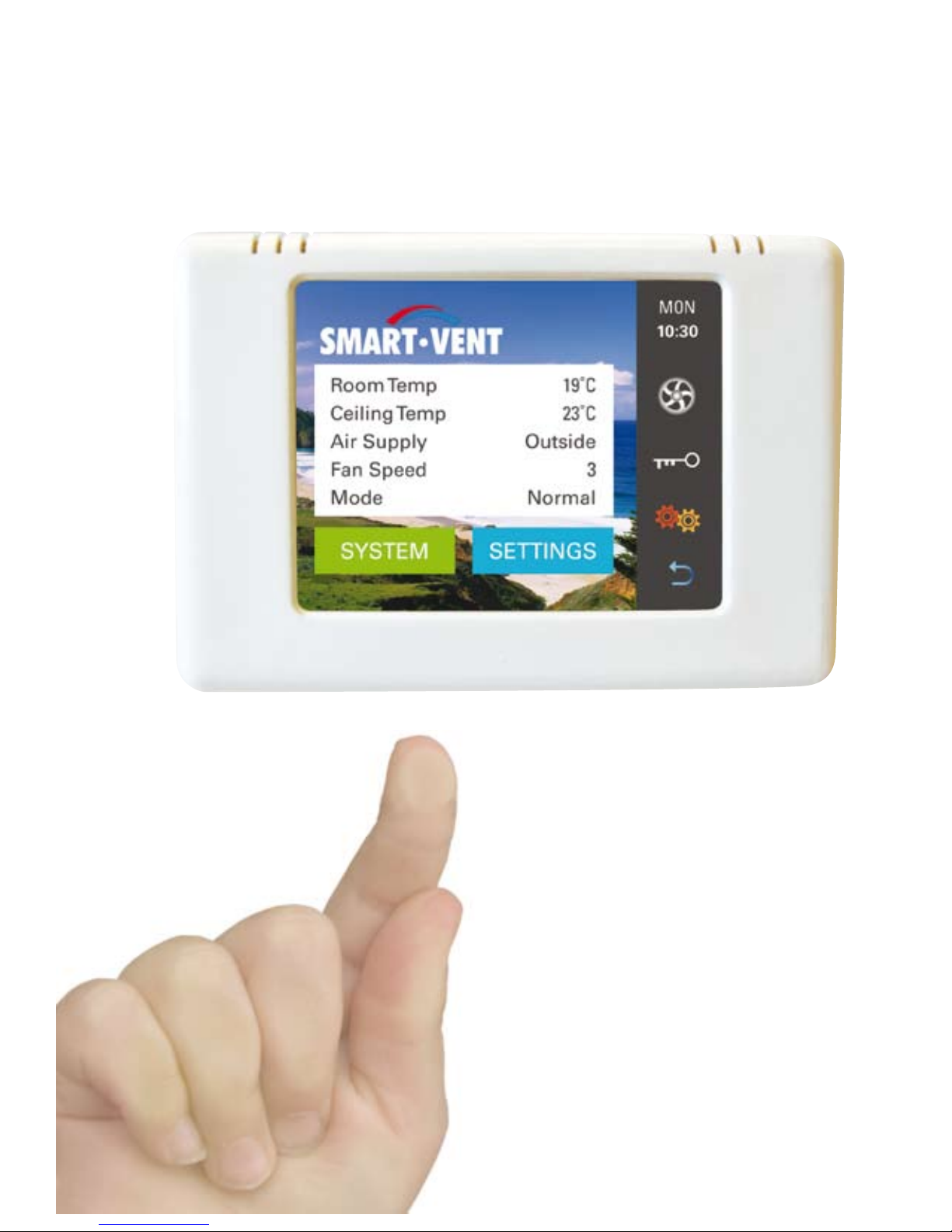
The state-of-the-art controller offers you complete control of your system including:
3 Fan Speeds•
ComfortTemperature range settings•
Boost Mode•
HeatTransfer Mode (if Installed)•
Heater Settings (if installed)•
The controller also gives you up-to-date readings on:
A range of Temperatures•
Reading of Filter Usage•