Table of Contents
Features......................................................................................................5
Unpacking Your TR9 DVR ..........................................................................6
Docking Tray Installation.............................................................................7
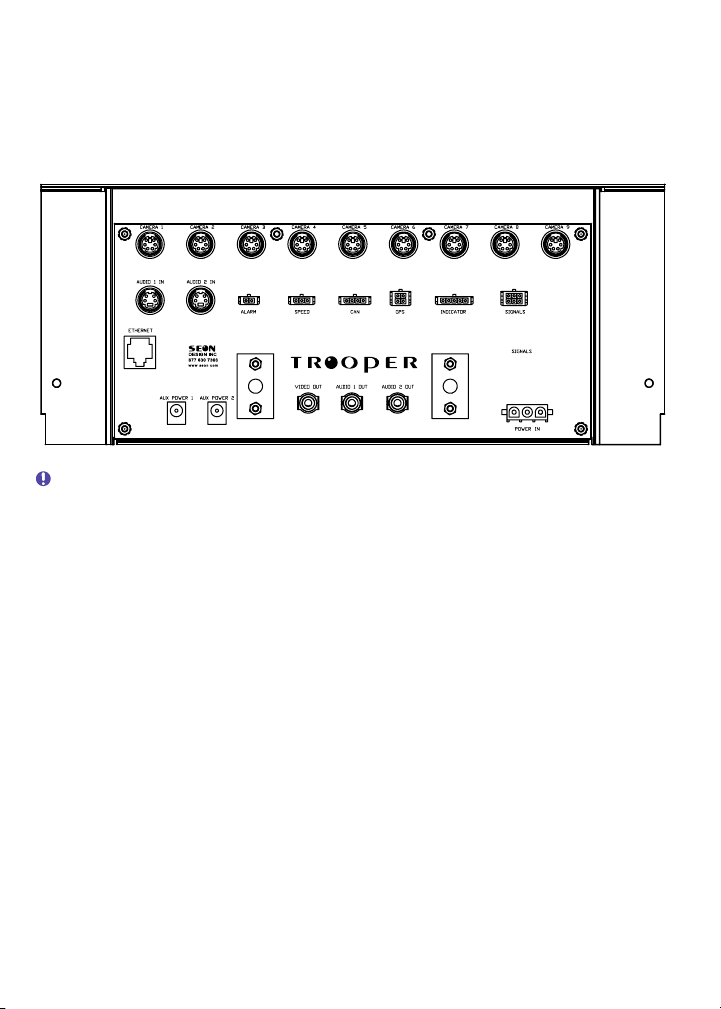
Wiring the DVR ...........................................................................................8
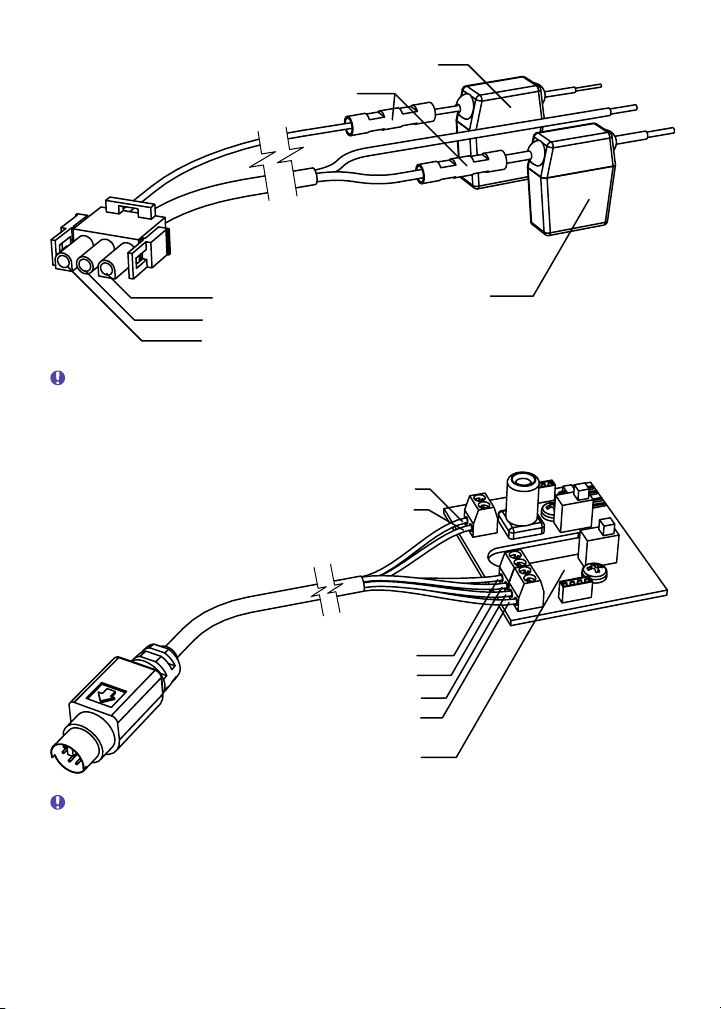
Power and Ignition Harness ...................................................................9
Camera Harness ....................................................................................9
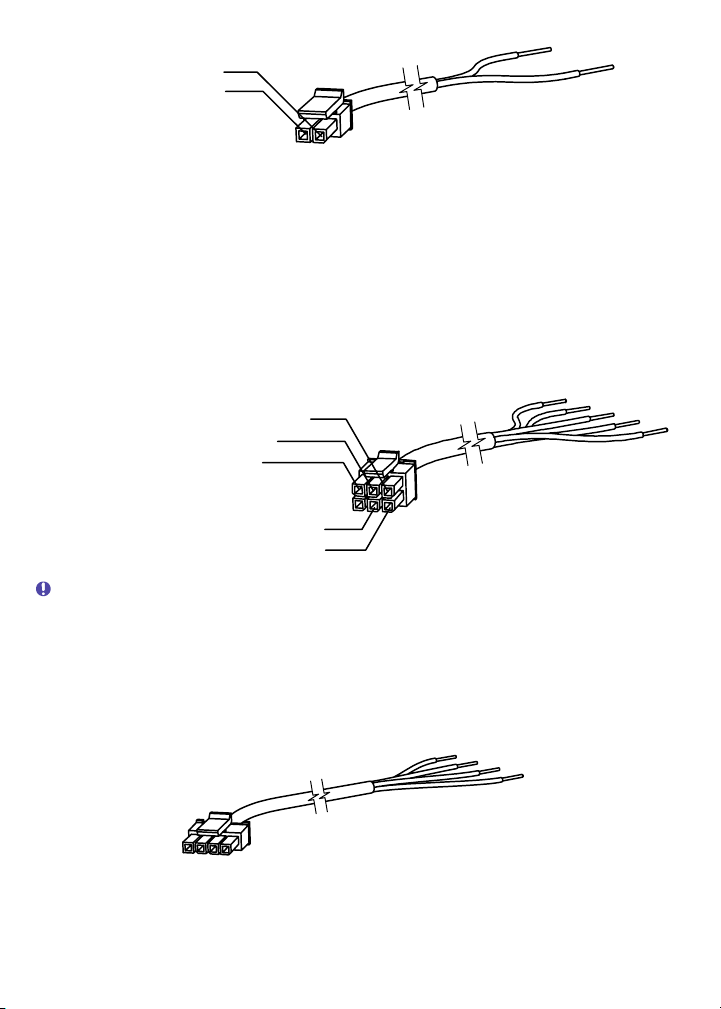
Alarm Harness .....................................................................................10
Vehicle Signal Harness ........................................................................10
CAN (SAE-J1939) Signal Harness .......................................................10
Speed Harness ....................................................................................11
GPS Sensor and Harness ....................................................................11
Operating the DVR....................................................................................12
Front Panel Controls ............................................................................12
Detachable Keypad (ordered separately) .............................................14
........................................................................................16Video Search
...........................................................................................18Smart-Start
........................................................................18Advanced Smart-Temp
Configuring the DVR .................................................................................19
Password Entry ....................................................................................19
Main Menu ...........................................................................................20
Set Time and Date Menu......................................................................20
Timer Settings Menu ............................................................................21
Camera Titles Menu .............................................................................22
Motion Recording Menu .......................................................................22
Record Menu........................................................................................24
Signal/Speed/GPS Menu......................................................................25
Network Menu ......................................................................................26
Buzzer Menu ........................................................................................27
Hard Drive Menu ..................................................................................28
System Menu .......................................................................................29
Troubleshooting ........................................................................................30
Power Problems...................................................................................30
Video Problems....................................................................................31
Audio Problems....................................................................................31
.............................................................................................32Maintenance
...........................................................................32Cleaning the Camera
....................................................32Cleaning the DVR and Docking Tray
Changing the DVR Ventilation Filter .....................................................32
Specifications............................................................................................33
Recording Time....................................................................................35
.......................................37SEON DESIGN® INC. PRODUCT WARRANTY