
Silva s15 Manuale utente
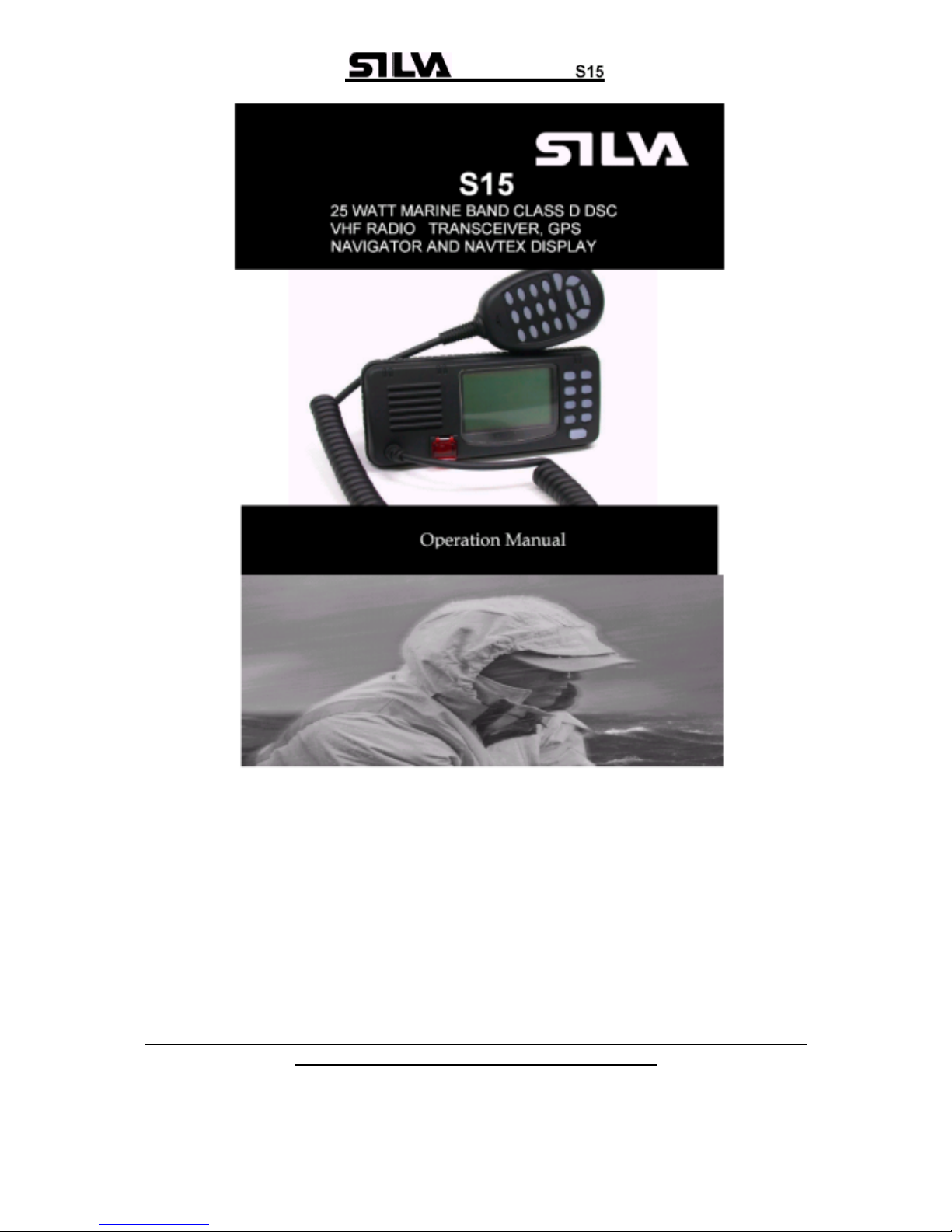
VHF DSC S15 CLASSE D DSC, NAVTEX, GPS

Operation Manual S15
Page 1
Chapter Description Page
1 Introduction 3
2 Front Panel Description 4
2.1 Front 4
2.2 Back Of Unit 5
2.3 LCD Display 6
3 Fist Microphone/Controller 7
3.1 Soft Keypad (0 – 9) 7
4 General Operation 9
4.1 Dual Watch 9
4.2 Full Scan 10
4.3 Memory Scan 10
4.4 High / Low RF Output Power Selection 10
4.5 Squelch Control 11
4.6 Volume Control 11
4.7 Channel 16 12
4.8 Channel Select 12
4.9 Memory Channel Select 12
5 Receiving A DSC Call 13
5.1 Routine Calls 13
5.2 Urgency And Safety Calls 13
5.3 Group Calls 14
5.4 Distress Alert 14
6 Sending A DSC Call 16
6.1 Distress Calls 16
6.2 Routine Calls 17
6.3 Urgency And Safety Calls 18
6.4 Group Calls 19
7 Log View 20
7.1 Review Routine Log 20
7.2 Review Distress Log 21
7.3 View NAVTEX Messages 22

Operation Manual S15
Page 2
8 Settings 24
8.1 Backlight & Keypad Lighting Adjustment 24
8.2 Contrast Adjustment 24
8.3 Speaker Selection 25
8.4 Tone Selection 25
9 DSC Setting 26
9.1 MMSI Setting 26
9.2 Set Group ID 27
9.3 Set Date And Time 28
9.4 Set Manual Position 28
9.5 Set Called Channels 29
9.6 Set Directory Of Called MMSI And Vessel Names 31
10 NAVTEX Setting 33
10.1 Station Selection 33
10.2 Message Selection 34
10.3 Clear All NAVTEX Logs 34
11 GPS Navigation Setting 36
11.1 Set Waypoint Number (Go To Waypoint) 36
11.2 Set Waypoint 37
11.3 Review Waypoint 38
11.4 Navigation View 38
11.5 Insert Waypoint 40
11.6 Delete Waypoint 41
12 Technical Specifications 42
12.1 Receiver 42
12.2 Channel 70 Monitor General Specification 43
12.3 Transmitter 43
12.4 NAVTEX 43
12.5 GPS 43
13 VHF Marine Channel Chart 44
14 Installation 45
14.1 Unit Installation 45
14.2 Antenna Installation Recommendations 46
15 Parts Provided 48
16 Warranty 48
17 Certificate Of Conformity 49

Operation Manual S15
Page 3
1. Introduction
The S15 is a Class-D Digital Selective Calling (DSC) VHF marine transceiver
with built in GPS capability (position, waypoints, course and speed over the
ground) if connected with GPS input from either a GPS navigator or smart
antenna. The S15 also has full NAVTEX message display capability when
interfaced with a suitable NAVTEX antenna/receiver unit. The transceiver is a
25-watt, frequency modulated waterproof transmitter/receiver for applications
in the 156.025 - 162.550MHz band.
The S15 supports the latest GMDSS requirement for non-SOLAS vessels
from the international maritime organization (IMO).
The S15 will enable you to make digitally selected calls, which are quicker
and simpler to make then conventional voice calls using channel 16. Should
a distress urgency or safety situation occur, with the S15 you can quickly
raise an alert, indicating your identity, your position and automatically
establish distress communication on the emergency voice channel.
The S15 will display received NAVTEX messages and the ID of received
messages from the NAVTEX receiver. NAVTEX is a worldwide coastal telex
broadcast system. The broadcast stations transmit navigational warning,
meteorological warnings, Search And Rescue (SAR) information and other
data for ships sailing within their service range.
If the S15 is connected with a GPS, it will also display your vessels position
and Universal Time Coordinated (UTC) and it can also give you the COG
(Course Over Ground), SOG (Speed Over Ground), BTW (Bearing To
Waypoint) and DTW (Distance To Waypoint) of your vessel.
Silva operates a policy of continual development and reserves the right to
alter and improve the specification of their products without notice.

Operation Manual S15
Page 4
2. Front Panel Description
2.1 Front
1. POWER SWITCH (ON)
Press the (ON) button once on the front panel of the S15.
To switch off, press (ON) again the S15 switch off.
2. CHANNEL MEMORY KEY (M+)
The function of this key is to add or delete the currently selected channel
from the scan memory.
3. CLEAR KEY (CLR)
Stops current task and returns to the main screen.
4. SQUELCH MODE SELECTION KEY (SQ)
5. VOLUME CONTROL MODE SELECTION KEY (VOL)
6. FUNCTION SELECT KEY (F)
Press this key once to enter the function selection mode; the LCD will
display the function menu. The selectable functions are DUAL WATCH,
FULL SCAN, MEMORY SCAN, H/L (high/low) POWER and DIM. Press
the (F) key again to confirm and change to selected function screen.
7. DOWN KEY (▼)
Selects the desired channel, squelch control level or volume control
level. Each press selects the next lower channel number or level. Press
and hold to scroll down through all of the channels.
8. CHANNEL 16 KEY (16)
Used to immediately return to channel 16 from any channel or function.

Operation Manual S15
Page 5
9. UP KEY (▲)
Selects the desired channel, squelch control level or volume control
level. Each press selects the next higher channel, number or level. Press
and hold to scroll up through all of the channels.
10. LIQUID CRYSTAL DISPLAY (LCD)
Dot Matrix display, giving up to 8 lines of information.
11. SPEAKER
12. DISTRESS CALL BUTTON
The distress button as located under a protective, spring loaded cover
that must be lifted before the button can be pressed.
13. FIST MICROPHONE/CONTROLLER CORD.
2.2 Back
1. POWER CORD CONNECTOR
2. GPS, NAVTEX & EXTERNAL SPEAKER CONNECTOR
3. ANTENNA CONNECTOR
4. VENTILATION HOLE
Should mist be discovered on the inside of the LCD Display, remove
this screw and ventilate the unit until the mist is cleared. Upon
completion, the screw should be fully tightened to prevent water
seepage. Insert the screw and tighten once again. Note: To ensure
your S15 maintains its waterproof feature, please make sure the
waterproof plastic washer is properly inserted before the screw;

Operation Manual S15
Page 6
2.3 LCD Display
GROUP 1
VL Volume control is activated, the Bar indicates the volume level.
Sq Squelch control is activated, the Bar indicates the squelch level.
Mu Appears when the squelch opens.
RX The radio is in receptive state (RX) and when receiving a signal.
TX The radio is transmitting (TX).
GROUP 2
Hi Indicates TX maximum output power is 25W.
Lo Indicates TX maximum output power is 1W.
GROUP 3
S Indicates the displayed channel is a simplex channel.
D Indicates the displayed channel is a duplex channel.
GROUP 4
I Indicates the international channels are selected.
K Indicates the international channels with added channel M1 and
M2 are selected.
GROUP 5
DW Indicates dual watch scanning operation.
FS Scans every channel of current channel list.
MS Scans the selected memory channels.
GROUP 6
M Indicates the displayed channel is a selected memory scanning
channel.
GROUP 7
Date/hours: minutes
765 43 21

Operation Manual S15
Page 7
3. Fist Microphone/Controller
The fist mike/controller has the microphone, Push to Talk (PTT) switch
and Soft-keypad as illustrated below:
3.1 SOFT-KEYPAD (0 - 9)
The telephone style keypad ITU 0 – 9 / A - Z is used for entering numeric
data. When required, the keys will automatically switch to character mode
allowing letters, numbers and punctuation characters to be entered.
Repeatedly pressing a key will cycle through the characters available on
that key.
1
press — A D G J M P T W 0
2
press , B E H K N Q U X (
3
press ° C F I L O R V Y )
4
press / ? ! : ” ’ S & Z %
5
press 1 2 3 4 5 6 7 8 9 0

Operation Manual S15
Page 8
ENTER KEY (ENT)
Confirms the action.
CLEAR KEY (CLR)
Stop tasks and returns to main screen or returns to the last screen.
◄/ ►Key Moves the cursor position when setting.
▲/ ▼KEY
Use to select working channel (Up or Down). Can also be used to select
stored working channels. Allows viewing of next or previous message
and selection next or previous item.
PTT BUTTON
Keys the transmitter allowing you to transmit a message.
(CALL) KEY.
Activates ‘CALL’ menu.

Operation Manual S15
Page 9
4. General Operation
The S15 is switched on by pressing the (ON) key once. If a GPS receiver
and a NAVTEX receiver have been connected to the S15, the main
screen will be as bellow:
Press the (F) key on the front panel once to enter function selection
mode. The FUNCTION SELECTION screen will be displayed as follows:
Press the ▲or ▼key to move the ►symbol on the screen to the
required function (DUAL WATCH, or FULL SCAN, or MEMORY SCAN,
or H/L POWER and DIM), then press (F) key confirm. Dual watch, Full
Scan, Memory Scan, H/L Power or DIM can be selected, the relevant
screen will be displayed. Press (F) key again to restore normal operation,
and press (CLR) key to change to main screen.
4.1 DUAL WATCH (DW)
Dual watch enables the radio to scan between the selected channel and
priority channel (normally CH16). When in dual watch mode, the DW
indicator will appear on the bottom line of the LCD.
Indice


