SimpleTech STI-FAX/28.8 Manuale utente

i
Document Part Number 61000-00228-000
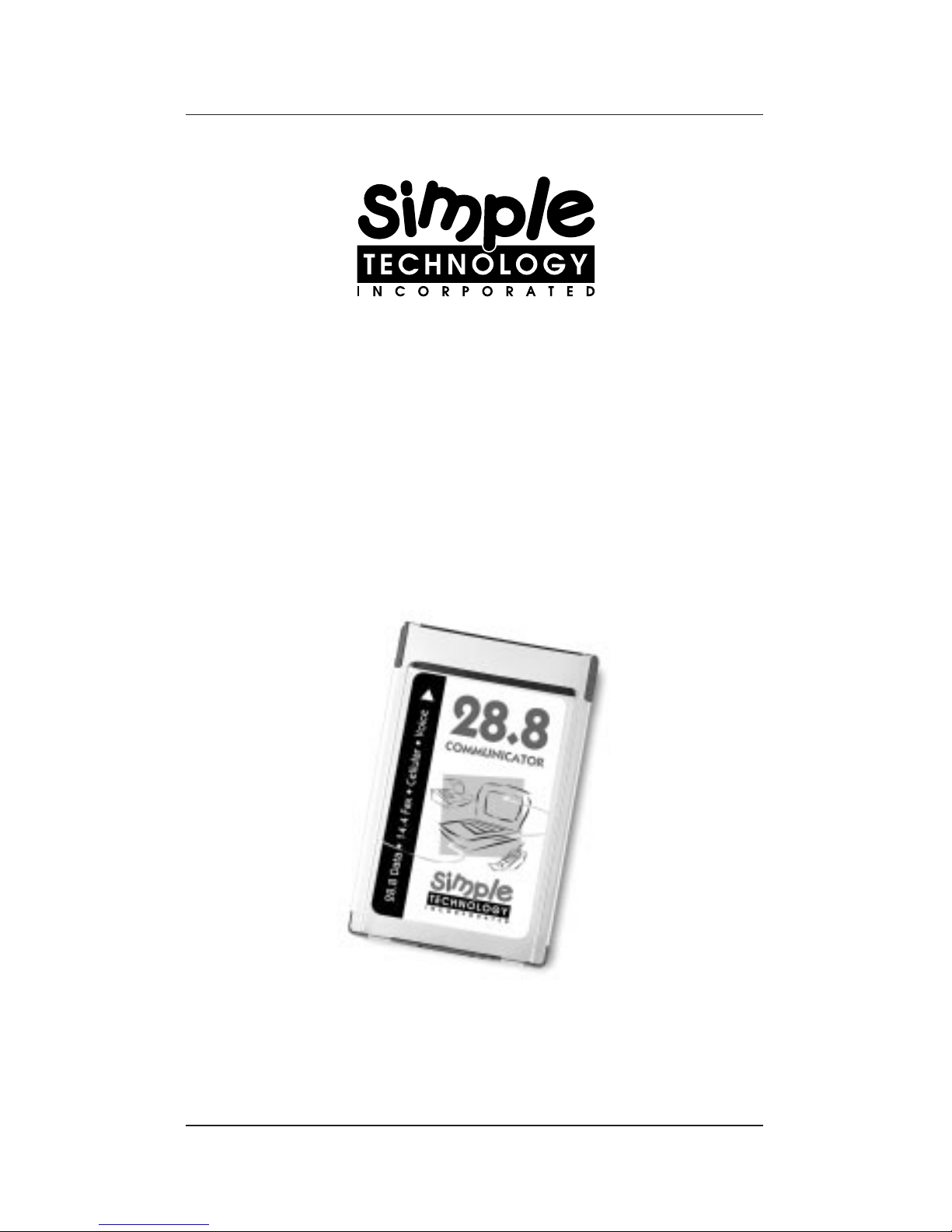
28.8 Communicator
V.34 Data/Fax Modem
Plug n’ Play PC Card
User Guide

ii
1-800-367-7330
3001 Daimler Street, Santa Ana, California 92705
(714) 476-1180 (714) 476-1209 fax

iii
28.8 Communicator
V.34 Data/Fax Modem
Plug n’ Play PC Card
User Guide

iv
Limited Warranty
Simple Technology Incorporated guarantees its products to be of
the highest quality, and to be free of defects in material, design
and workmanship. STI will repair or replace this product,
without charge for either parts or labor, if it is returned due to
defects in material, design, and/or workmanship only. This
guarantee applies only if the product has not been misused,
modified, repaired, neglected, improperly installed, abused, or
otherwise damaged as has not been mentioned above.
Copyright
© Copyright 1995 Simple Technology Inc., all rights reserved.
No part of this publication may be reproduced, transmitted,
transcribed, stored in a retrieval system, or translated into any
language or computer language, in any form, by any means,
electronic, mechanical, magnetic, optical, chemical, manual or
otherwise, without expressed written consent of STI.
Disclaimer
Specifications subject to change without notice. Simple Technology
Inc. makes no representations or warranties with respect to the
contents hereof and specifically disclaims any implied warranties
of merchantability or fitness for any particular purpose. Further,
STI reserves the right to revise this publication and to make
changes from time to time in the content hereof without obligation
of STI to notify any person of such revision.
Products and brand names are trademarks and/or registered
trademarks of their respective companies.

v
Contents
1Introduction ..........................................................1
Using the Guides ...................................................2
Installation Requirements.......................................3
Unpacking the Card ...............................................4
Technical Support..................................................4
2Describing the Kit ..................................................5
The Hardware........................................................5
The Software .........................................................7
Specifications ........................................................7
3Installing the Card ..................................................9
Checking for Card and Socket Services..................9
Attaching the Card ..............................................10
Installing the Communication Software................10
Configuring the Communication Software ......11
4Using the Card .....................................................13
Inserting or Removing Your Card..........................13
About Call Waiting ...............................................13
Connecting to Cell Phones...................................14
Protecting the Card .............................................14

vi
5Using AT Commands.............................................15
Some Notes About AT Commands.......................17
Configuring the Modem .......................................18
Sample Configuration 1 ..................................18
Sample Configuration 2 ..................................19
Sample Configuration 3 ..................................20
AT Commands......................................................21
AT& Commands..............................................27
AT% Commands .............................................35
AT\ Commands ...............................................36
AT) Commands...............................................40
AT@ Commands..............................................40
AT* Commands...............................................41
AT: Commands................................................41
AT- Commands ...............................................41
6Fax and Voice Commands ....................................43
7Result Codes and Messages .................................45
8S-Registers ...........................................................49
Example: Writing to an S-Register.........................53
Bit-Mapped Options S-Registers ..........................53
Example: Setting an S-Register.............................54
Example: Interpreting an S-Register .....................55

vii
FCC and DOC Compliance
The following statements are provided in accordance with
Federal Communications Commission (FCC) and Canadian
Department of Communications (DOC). Please read these
statements carefully before installing or operating your modem.
FCC Part 68 Requirements
This equipment complies with Part 68 of the FCC Rules. On
the bottom of this equipment is a label that contains, among
other information, the FCC Registration Number and Ringer
Equivalence Number (REN) for this equipment. If requested,
this information must be given to the telephone company.
The REN is used to determine the maximum number of devices
connected to your telephone line that will ring in response to an
incoming call. In most, but not all, areas, the total REN of
devices connected to a line should not exceed five (5.0). To find
out the total permitted in your area, contact your local telephone
company.
If your telephone equipment causes harm to the telephone network,
the telephone company may discontinue your service temporarily.
If possible, the company will notify you in advance. But if advance
notice isn’t practical, you will be notified as soon as possible. You
will also be informed of your right to file a complaint with the FCC.
If your equipment is the cause of the problem, you will be given the
opportunity to correct the problem.
Your telephone company can make changes in its facilities,
equipment, operations, or procedures that could affect the
operation of your equipment. If so, you will be notified in
advance so you can make the changes needed to maintain
uninterrupted service.

viii
If you experience trouble with this telephone equipment,
please contact Simple Technology at 1-800-367-7330 for
information on obtaining service or repairs. The telephone
company may ask that you disconnect this equipment from
the network until the problem has been corrected or until you
are sure that the equipment is not malfunctioning.
This equipment contains no user serviceable parts.
This equipment may not be used on public coin service or party
lines.
FCC Part 15 Requirements
This equipment has been tested and found to comply with the limits
for a class B digital device, pursuant to part 15 of the FCC Rules.
These limits are designed to provide reasonable protection against
harmful interference in a residential installation. This equipment
generates, uses and can radiate radio frequency energy and if not
installed and used in accordance with the instructions, may cause
harmful interference to radio communications. However, there is no
guarantee that interference will not occur in a particular installation.
If this equipment does cause harmful interference to radio or
television reception, which can be determined by turning the
equipment off and on, the user is encouraged to try to correct the
interference by one or more of the following measures:
• Reorient or relocate the receiving antenna.
• Increase the separation between the equipment and
receiver.
• Connect the equipment into an outlet on a circuit different
from that to which the receiver is connected.
• Consult the dealer or an experienced radio/TV technician
for help.
The user is cautioned that changes and modifications made to
this equipment without the approval of the manufacturer could
void the user’s authority to operate this equipment. There are no
user-serviceable parts in this equipment. The unit must be
returned to the manufacturer for any repairs.

ix
DOC Certification Label
The Canadian Department of Communications (DOC) label
identifies certified equipment. This certification means that the
equipment meets certain telecommunications network protective,
operational, and safety requirements. The Department does not
guarantee the equipment will operate to the user’s satisfaction.
Before installing this equipment, users should ensure that it
is permissible to be connected to the facilities of the local
telecommunications company. The equipment must also be
installed using an acceptable method of connection. In some
cases, the company’s inside wiring associated with a single
line individual service may be extended by means of a
certified connector assembly (telephone extension cord). The
customer should be aware that compliance with the above
conditions may not prevent degradation of service in some
situations.
Repairs to certified equipment should be made by an authorized
Canadian maintenance facility designated by the supplier. Any
repairs or alterations made by the user to this equipment, or
equipment malfunctions, may give the telecommunications
company cause to request the user to disconnect the equipment.
Users should ensure for their own protection that the electrical
ground connections of the power utility, telephone lines, and
internal metallic water pipe system, if present, are connected
together. This precaution may be particularly important in rural
areas.
CAUTION: Do not attempt to make electrical ground
connections yourself; contact the
appropriate electric inspection authority
or an electrician.

x
The LOAD NUMBER (LN) assigned to each terminal device
denotes the percentage of the total load to be connected to a
telephone loop which is used by the device, to prevent
overloading. The termination on a loop may consist of any
combination of devices subject only to the requirement that
the sum of the LOAD NUMBERS of all the devices does not
exceed 100.
Warranty and Repair Service in Canada
Target Electronics
1111 Flint Rd. #28
Downview ONT M3J 3C7
(416) 665-9902
DOC ICES-003 Compliance
This digital apparatus does not exceed the class B limits for radio
noise emissions from digital apparatus as set out in the interfer-
ence-causing equipment entitled “Digital Apparatus,” ICES-003
of the Department of Communications.
Cet appareil numerique respecte les limites de bruits radio-
electriques applicables aux appareils numeriques de Classe B
prescrites dans la norme sur le materiell brouilleur “Appareils
Numeriques,” NMB-003 edictee par le ministre des Communica-
tions.
Etiquette D’Homologation du Ministere
des Communications du Canada
AVIS : L’etiquette du ministere des Communications du Canada
identifie le materiel homologue. Cette etiquette certifie que le
materiel est conforme a certaines normes de protection,
d’exploitation et de securite des reseaux de telecommunications.
Le ministere n’assure toutefois pas que le materiel fonctionnera a
la satisfaction de l’utilisateur.
Indice
Altri manuali SimpleTech Modem