Temperature sensing for Report on Change Modes changed
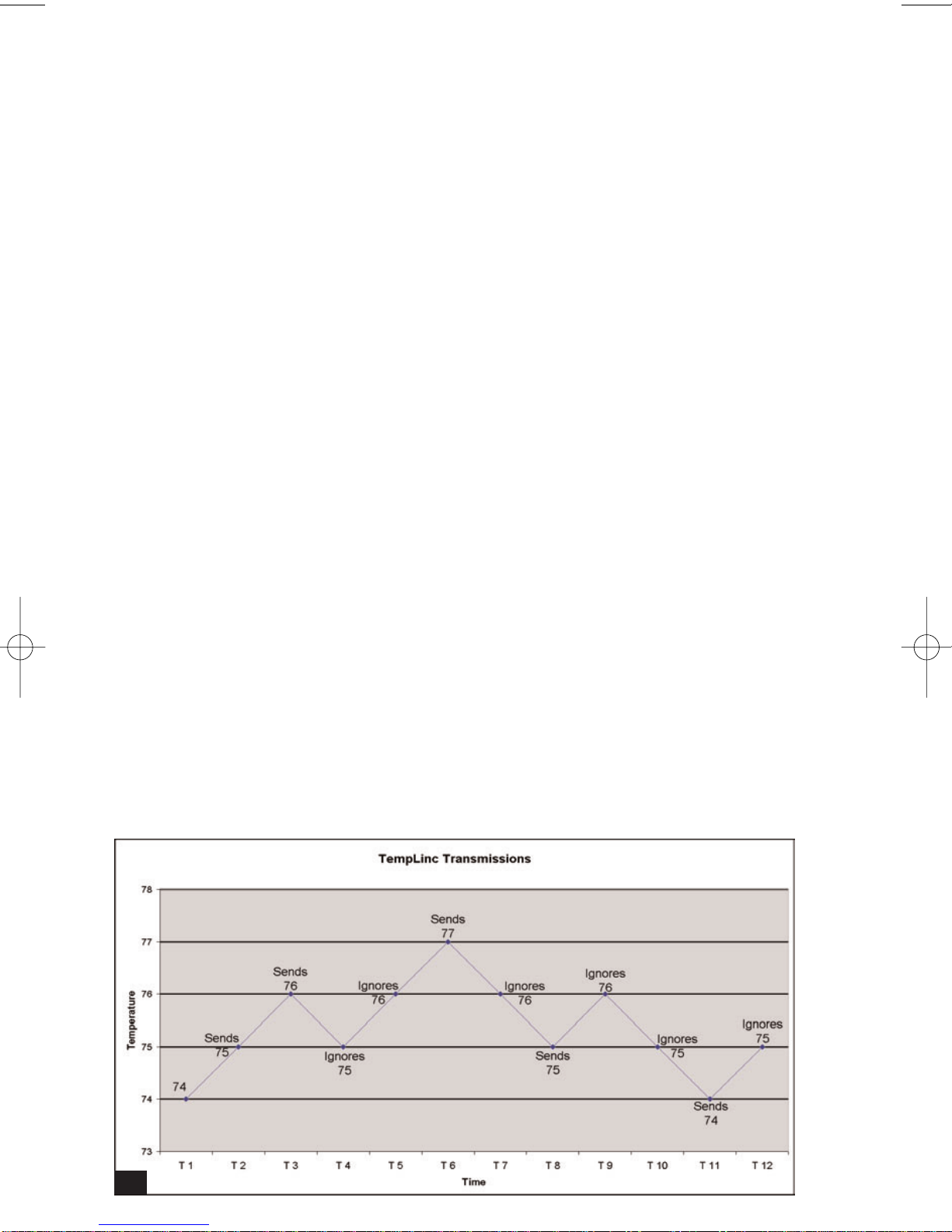
The TempLinc will now check for temperature changes every minute rather than
every eight milli-seconds. This change was requested because in some cases, the
TempLinc was detecting changes as a result of minor temperature disturbances.
For example, someone walks by the sensor or there is a sudden gust of airflow
across the sensor, the old TempLinc would have sent a flurry of PLC signals in
response to every change. When in the Thermostat Mode, it will still send an ON or
OFF the instant it senses a temperature change.
Programming and controlling the TempLinc
Using a Max-controller
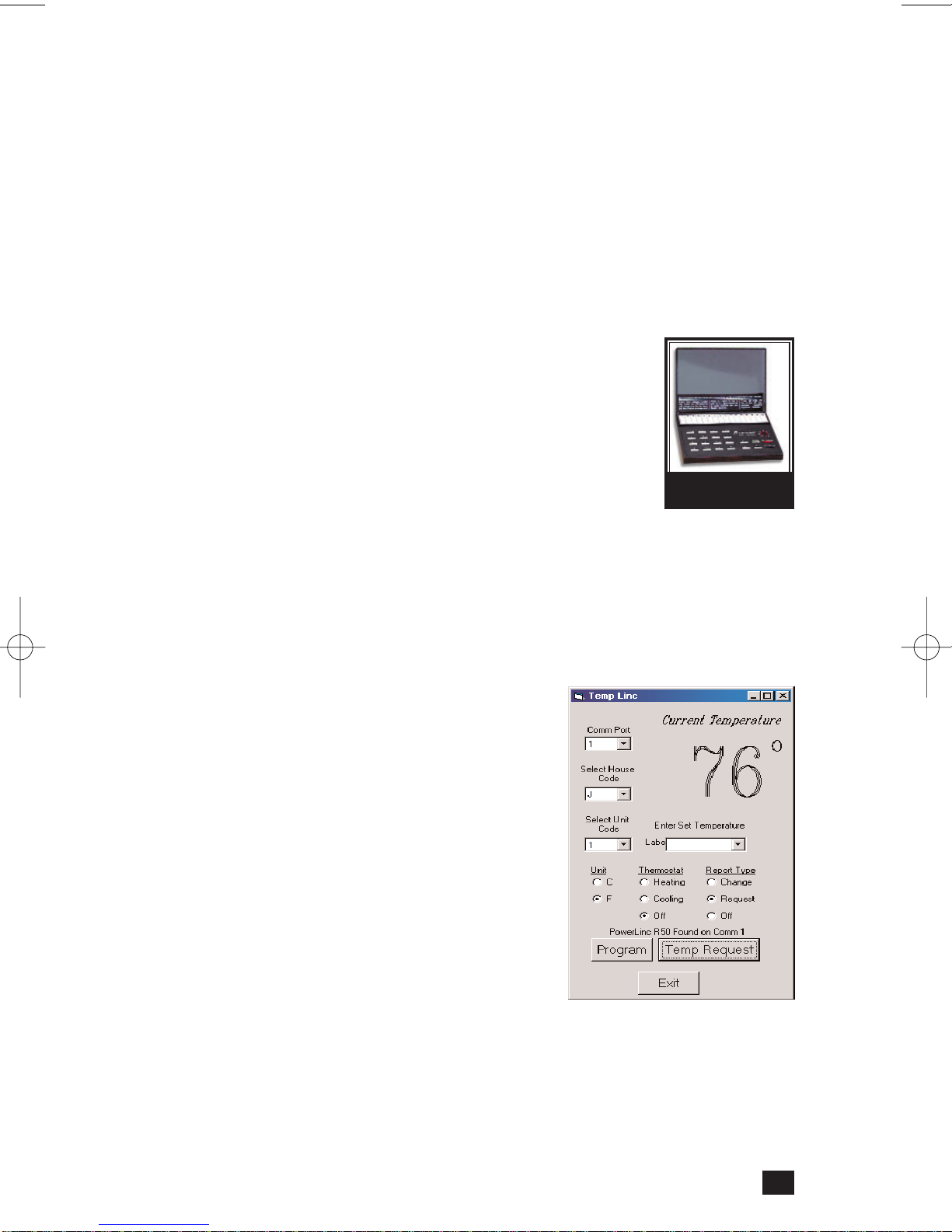
The TempLinc will need to be programmed with a Maxi-Controller
(Smarthome #4020) or an equivalent transmitter capable of send-
ing Housecode and Unit Codes without ON or OFF commands. The
buttons are separated into Addresses and Command functions,
which allow it to send individual commands. Transmitters in which
one button is pressed to turn a load on or off WILL NOT WORK.
When using a Maxi-Controller or an equivalent transmitter, be care-
ful when pressing the buttons. Commands will be ignored if some
commands are not sent in the right sequence. "Fat-Fingering" or accidentally press-
ing the same button twice may prevent the programming from being accepted. This
same transmitter is also used for setting scenes, addresses, and other advanced
features in Smarthome plug-in modules, light switches, and KeypadLinc wall-mount-
ed transmitters.
For more info visit: http://www.smarthome.com/4020.html
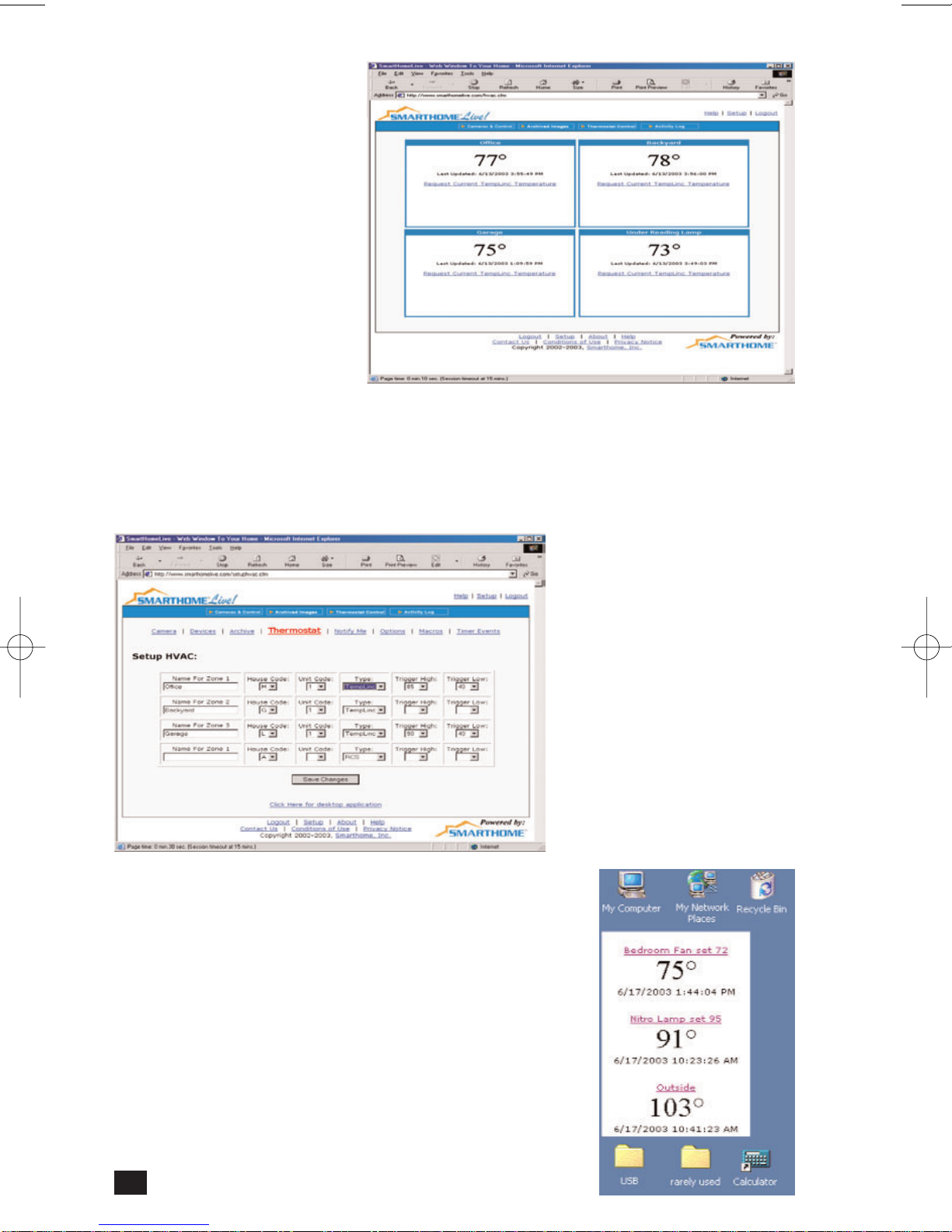
Windows-based TempLinc Program
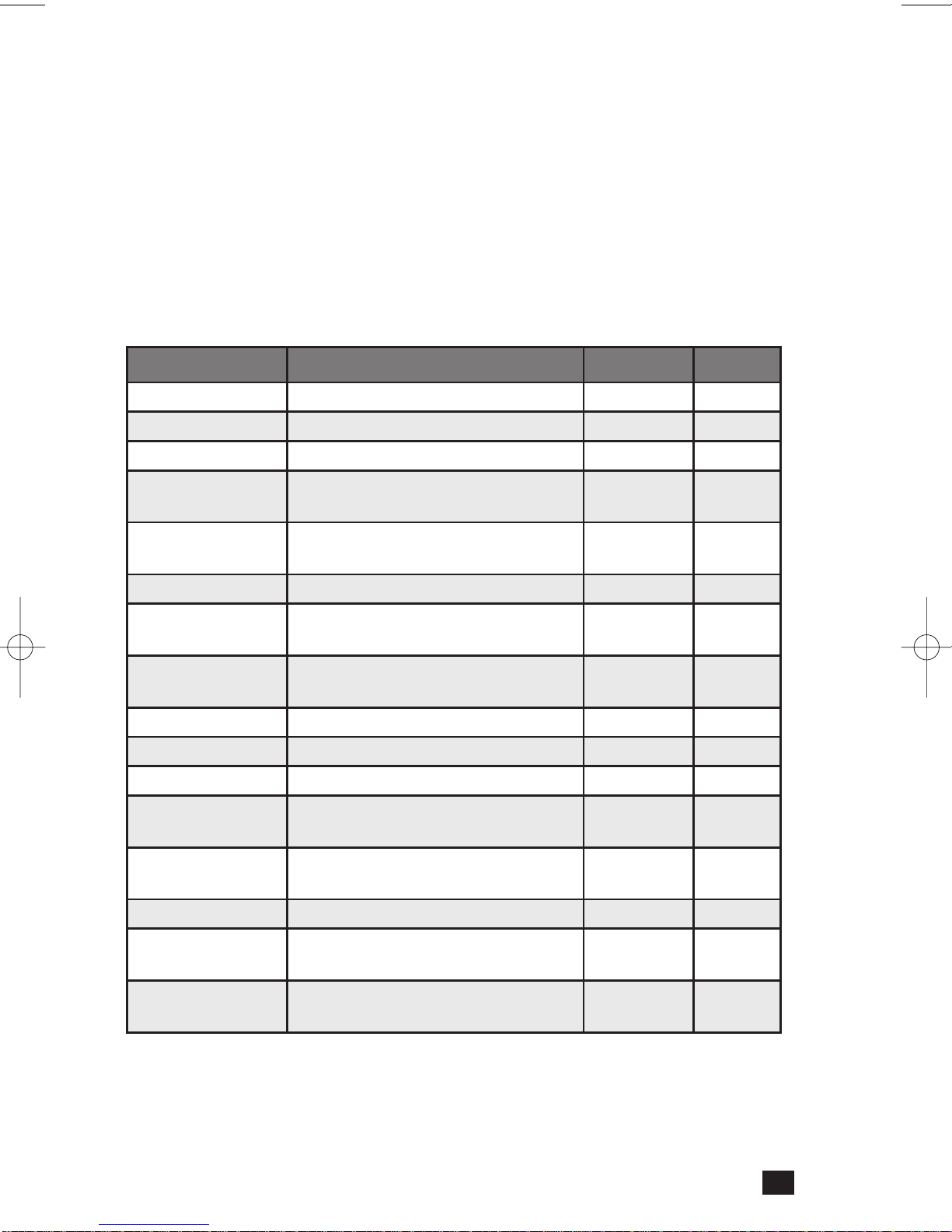
Smarthome has created a small Windows-based PC pro-
gram to help program and monitor TempLinc. It is avail-
able as a free download from the TempLinc product
page on Smarthome.com:
http://www.smarthome.com/1625.html
It requires the use of a Serial PowerLinc interface.
The program gives you access to all the features of the
TempLinc. It also includes step-by-step commands to
aid in the programming of the TempLinc.
Third-party programs
As of this manual's publication, we have found that the programs below offer some
support and control for the TempLinc.
• Home Control Assistant (version 4.15 and above)
• HomeSeer Home Automation Software
• Indigo Software for Mac (version 1.3.0 and above)
• Zeus Home Control (version 3.1 and above)
Please note: there are no guarantees that these programs operate flawlessly or that they will continue to
include support for TempLinc. Smarthome make no guarantees or endorsements of these products.
#4020 MMaxi-
Controller
5
1625_web.qxd 6/24/2004 1:11 PM Page 5