
SmartLinc 40169 Istruzioni operative
Multiple Lock System
USER OPERATING INSTRUCTIONS
© copyright 2005 12-245v3
(User) 10-28-05 SML v2.3.1, T/Audit v1.3.7, DST v1.3
LA GARD INC
AVAILABLE FEATURES
USER CODE
• Open Lock
• Change Code
• Set Immediate Time Lock, if enabled
• Time Delay Extension, if enabled
• Temporary Time Lock, if enabled
MULTIPLE LOCKS
• Up to Five
TIME DELAY
• Programmable on each lock
- Delay Period: 1 - 99 minutes
- Open Period: 1 - 19 minutes
• Two Time Delays Can Run At Once
DUAL CODE
• Two Codes required to open
e
KEYII MODE
• Programmable on each lock, requires code and key for
entry
• Available to Manager and Users only, if enabled
WRONG TRY PENALTY
• Four (4) consecutive invalid codes initiates five minute
delay period
LOW BATTERY WARNING
• Repeated audio and visual signal (LCD readout and
repeated beeping) during opening indicates battery low
AUDIO AND VISUAL SIGNAL
• Double signal (LCD readout and unit beeps) indicates
entry is valid or accepted
• Triple signal indicates invalid or not accepted
TIME LOCK
If enabled, see Manager Instructions for operation
Optional
e
KeyII
P/N 40169
CHANGING YOUR CODE
ALWAYS PERFORM THIS OPERATION WITH THE DOOR OPEN
If you have access to multiple locks, you must repeat this procedure on
each lock you have access to.
1Press any key to power up SMARTLINC.
• Display will show either "ENTER COMBO"
or “SELECT LOCK" when two or more locks are installed.
2Select lock if two or more locks are installed.
3Enter “zero” six times
4Enter existing six (6) digit code one time (and insert
e
KeyII, if set-up).
5Enter NEW six (6) digit code two times (and insert
e
KeyII,if set-up, after 2nd entry).
• If a valid code is entered the LCD will
display “USER UPDATED”
6If a mistake is made wait thirty (30) seconds and
repeat steps 1- 4.
• Old Code will remain valid if a mistake is
made.
• In case of a mistake, LCD will display
“ERROR!”
7Test lock operation several times before closing the
door.
OLD CODE
X-X-X-X-X-X
NEW CODE
X-X-X-X-X-X
ENTER COMBO
X-X-X-X-X-X
SELECT LOCK
XX
CONFIRM NEW
X-X-X-X-X-X
USER
UPDATED
ERROR!
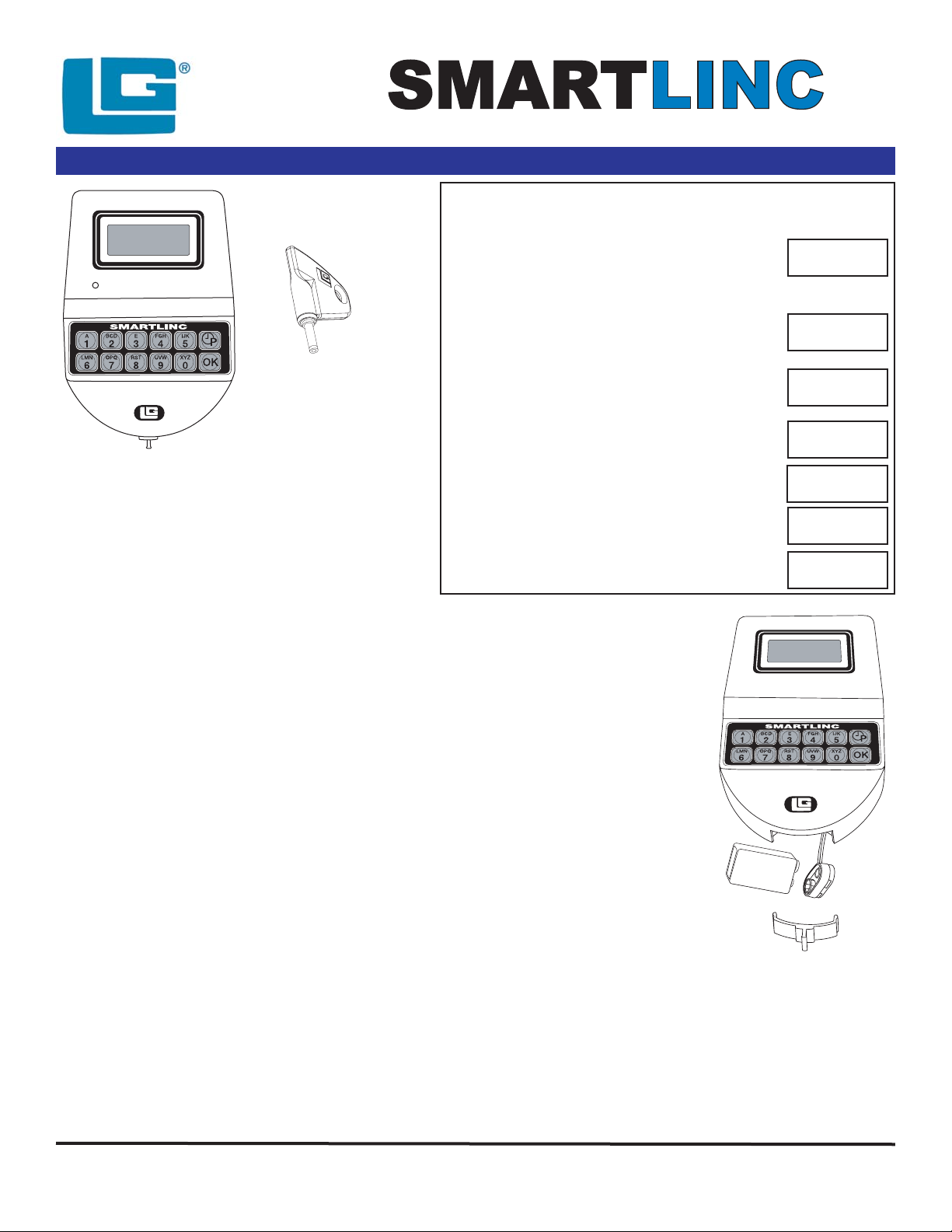
CHANGING YOUR BATTERY
1Remove black plastic battery
compartment cover (located at the
bottom of the keypad) by gently pulling
downward on it’s handle.
2Allow the battery and it’s attached leads
to drop down and out of the battery
compartment. If it does not drop, gently
pull on the battery until it does.
3The connector is easily removed by
unsnapping it from the two terminals on
the top of the battery.
Never Pull on the Battery Leads
4Connect a new 9-Volt Alkaline battery to
the battery clip.
5Push the battery and the leads
completely up into the battery
compartment.
5Install the battery cover by placing one
side of the cover in position and then
pressing the other side into position with
your finger.
WARNING: The port for the
e
KEYII is a data port only. Connecting power to
this port will damage the system.
NOTE: This system comes equipped with an Auxiliary Power Box (APB). If
primary power is lost, the APB will maintain power to the audit clock for 90 hours.
THE UNIT WILL NOT FUNCTION UNTIL PRIMARY HAS BEEN RE-
ESTABLISHED, i.e. battery(s) have been replaced or A/C power has been
connected.
Please note: If using the SMARTLINC with the
e
KEYII feature, remove the key after each insertion to begin the next step. If
the
e
KEYII is left in the key port, the SMARTLINC will not respond to any key stroke.
Page 1 of 2
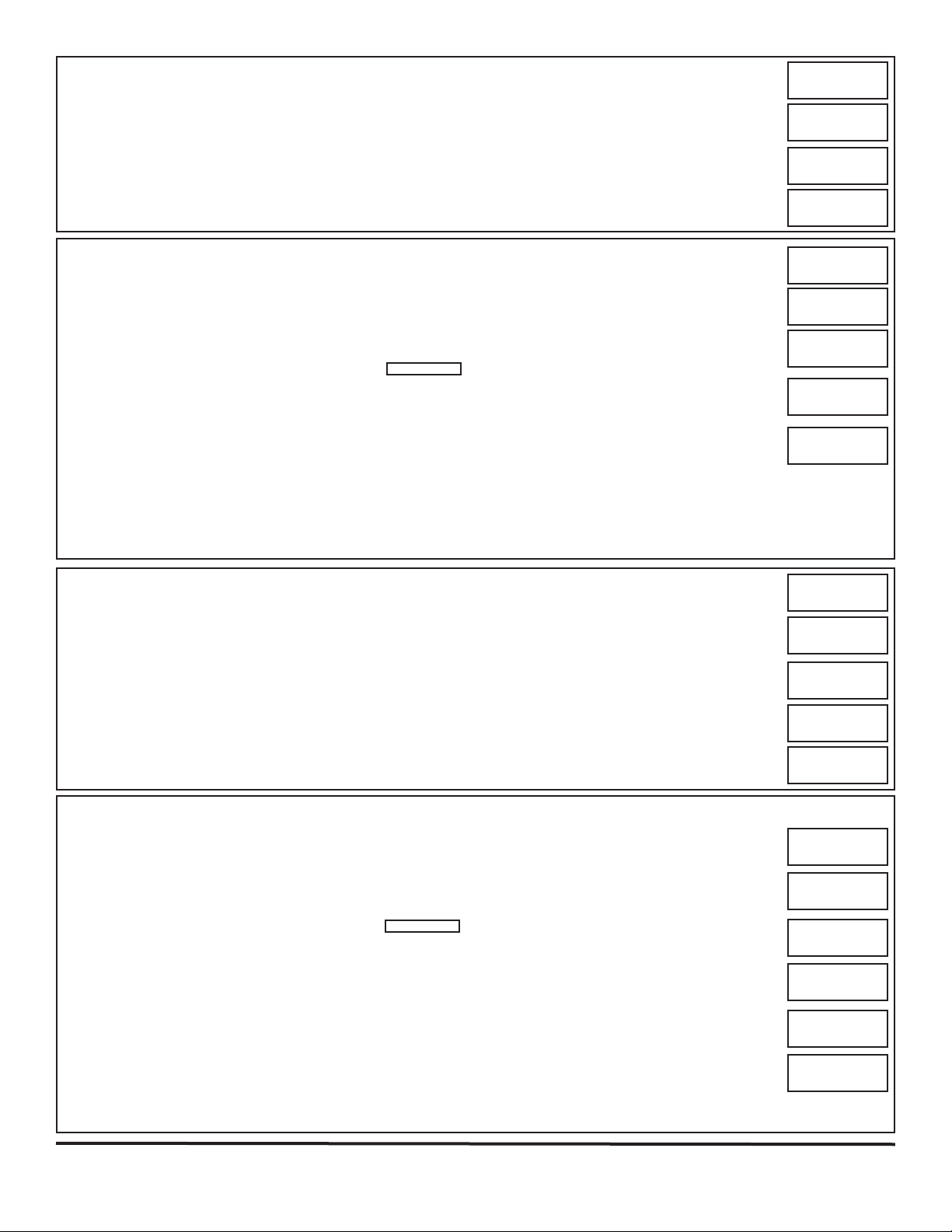
OPENING THE LOCK (WITH TIME DELAY)
1Press any key to power up SMARTLINC.
• Display will show either "ENTER COMBO" or "SELECT LOCK" when two, or more, locks are installed.
2Select lock if two or more locks are installed.
3Enter a valid 6 (six) digit code (and insert the
e
KeyII, if set-up)
• If Time Delay has been set the LCD will show “TIME DELAY” and the counting time.
• Counting is updated every second, if displayed.
• Press “0” to abort Time Delay
• After Time Delay has elapsed, the display will show "mm:ss" (open window counting time). Unit will beep
every five (5) seconds during count down.
4Enter a valid code (and insert a
e
KeyII, if set-up) to open.
• If a valid code is entered the LCD will display "OPEN".
5Open the Door within 3 seconds.
• Invalid code will prompt LCD to display “NOT VALID USER”.
• Display will power-off after 30 seconds of non-operation.
• If using the Time Delay Override (USER #9), enter USER code for USER #9 and insert
e
KeyII.
NOTE: To open a 2nd lock while one is in Time Delay, press the “P” key and select that lock number then follow opening
procedure above. During Time Delay only the “P” and the zero key are active.
TIME DELAY
14:31
03:51
X-X-X-X-X-X
ENTER COMBO
X-X-X-X-X-X
SELECT LOCK
XX
OPEN!
OPENING THE LOCK (WITH DUAL CODE - NO TIME DELAY)
1Press any key to power up SMARTLINC.
• Display will show either “ENTER COMBO” or "SELECT LOCK" when two or more locks are installed.
2Select lock if two or more locks are installed.
3Enter a valid 6 (six) digit code (and insert the
e
KeyII, if set-up)
4Enter a 2nd valid 6 (six) digit code (and insert the
e
KeyII, if set-up)
• If a valid code is entered the LCD will display "OPEN".
5Open the Door within 3 seconds.
• Before power-off, LCD will display current date and time.
• Invalid code will prompt LCD to display “NOT VALID USER”.
• Display will power-off after 30 seconds of non-operation.
2nd CODE
X-X-X-X-X-X
ENTER COMBO
X-X-X-X-X-X
SELECT LOCK
XX
OPEN!
NOT VALID
USER!
OPENING THE LOCK (WITHOUT TIME DELAY)
1Press any key to power up SMARTLINC.
• Display will show either “ENTER COMBO” or "SELECT LOCK" when two or more locks are installed.
2Select lock if two or more locks are installed.
3Enter a valid 6 (six) digit code (and insert the
e
KeyII, if set-up)
• If a valid code is entered the LCD will display “OPEN".
4Open the Door within 3 seconds.
• Before power-off, LCD will display current date and time.
• Invalid code will prompt LCD to display “NOT VALID USER”.
• Display will power-off after 30 seconds of non-operation.
ENTER COMBO
X-X-X-X-X-X
SELECT LOCK
XX
OPEN!
NOT VALID
USER!
OPENING THE LOCK (WITH DUAL CODE AND TIME DELAY)
1Press any key to power up SMARTLINC.
• Display will show either "ENTER COMBO" or "SELECT LOCK" when two or more locks are installed.
2Select lock if two or more locks are installed.
3Enter a valid 6 (six) digit code (and insert the
e
KeyII, if set-up)
• If Time Delay has been set the LCD will show “TIME DELAY” and the counting time.
• Counting is updated every second, if displayed.
• Press “0” to abort Time Delay
• After Time Delay has elapsed, the display will show "mm:ss" (open window counting time).
4 Enter a valid 6 (six) digit code (and insert a
e
KeyII, if set-up)
5Enter a 2nd valid 6 (six) digit code (and insert the
e
KeyII, if set-up)
• If a valid code is entered the LCD will display "OPEN".
• If the Override User (#9) is installed with Dual Code, User #9 must enter their code (and insert
e
KeyII, if
set-up) first.
6Open the Door within 3 seconds.
• Invalid code will prompt LCD to display “NOT VALID USER”.
• Display will power-off after 30 seconds of non-operation.
NOTE: To open a 2nd lock while one is in Time Delay, press the “P” key and select that lock number then follow opening
procedure above.
TIME DELAY
14:31
03:51
X-X-X-X-X-X
ENTER COMBO
X-X-X-X-X-X
SELECT LOCK
XX
OPEN!
2nd CODE
X-X-X-X-X-X
© copyright 2005 12-245v3
(User) 10-28-05 SML v2.3.1, T/Audit v1.3.7, DST v1.3
LA GARD INC
DELAY ABORTED!
DELAY ABORTED!
Page 2 of 2


