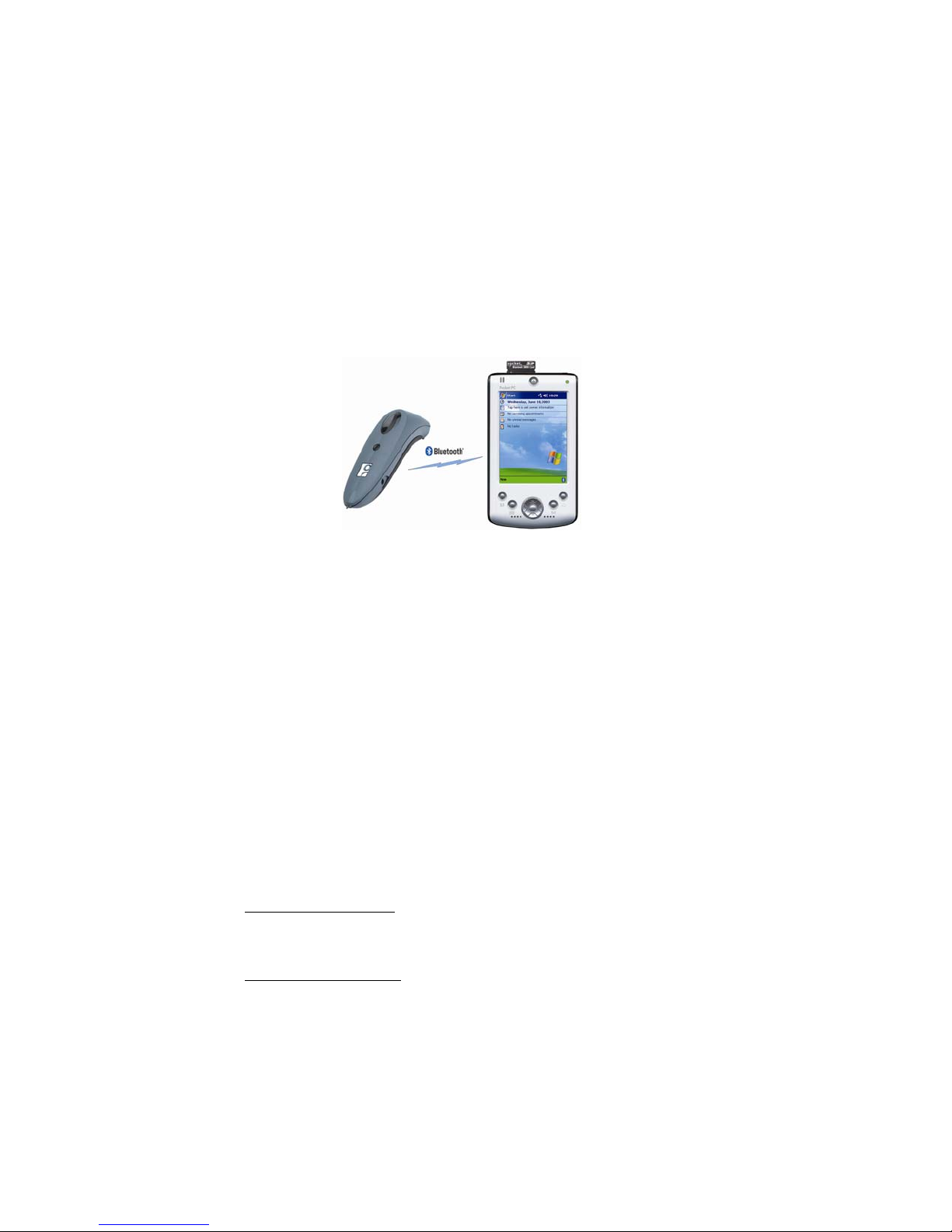
•Socket OBEX — This allows you to exchange business cards, transfer
files, and browse the contents of another mobile computer.
•Bluetooth ActiveSync — This feature helps you synchronize data with
another Bluetooth enabled computer.
•Bluetooth LAN Access — This feature helps you connect to a Bluetooth
enabled access point for wireless Internet and network access.
•Get Connected! Wizard — This handy wizard guides you through the
process of connecting to a phone for dial-up networking.
•Socket Dialer — With this program, all it takes is a tap on a name in
your contact list, and your mobile computer will have your phone start
dialing the number. (for Windows Mobile 2003/2003SE only)
•PrintPocketCE — This third-party software allows you to print directly
from your mobile computer to any Bluetooth enabled printer. A trial
version is provided on the installation CD.
System Requirements
Minimum device requirements:
•Windows Mobile 2003, 2003SE or 5.0
•Available CF or PC Card (PCMCIA) slot
•CF-to-PC Card adapter required for use in PC Card slot
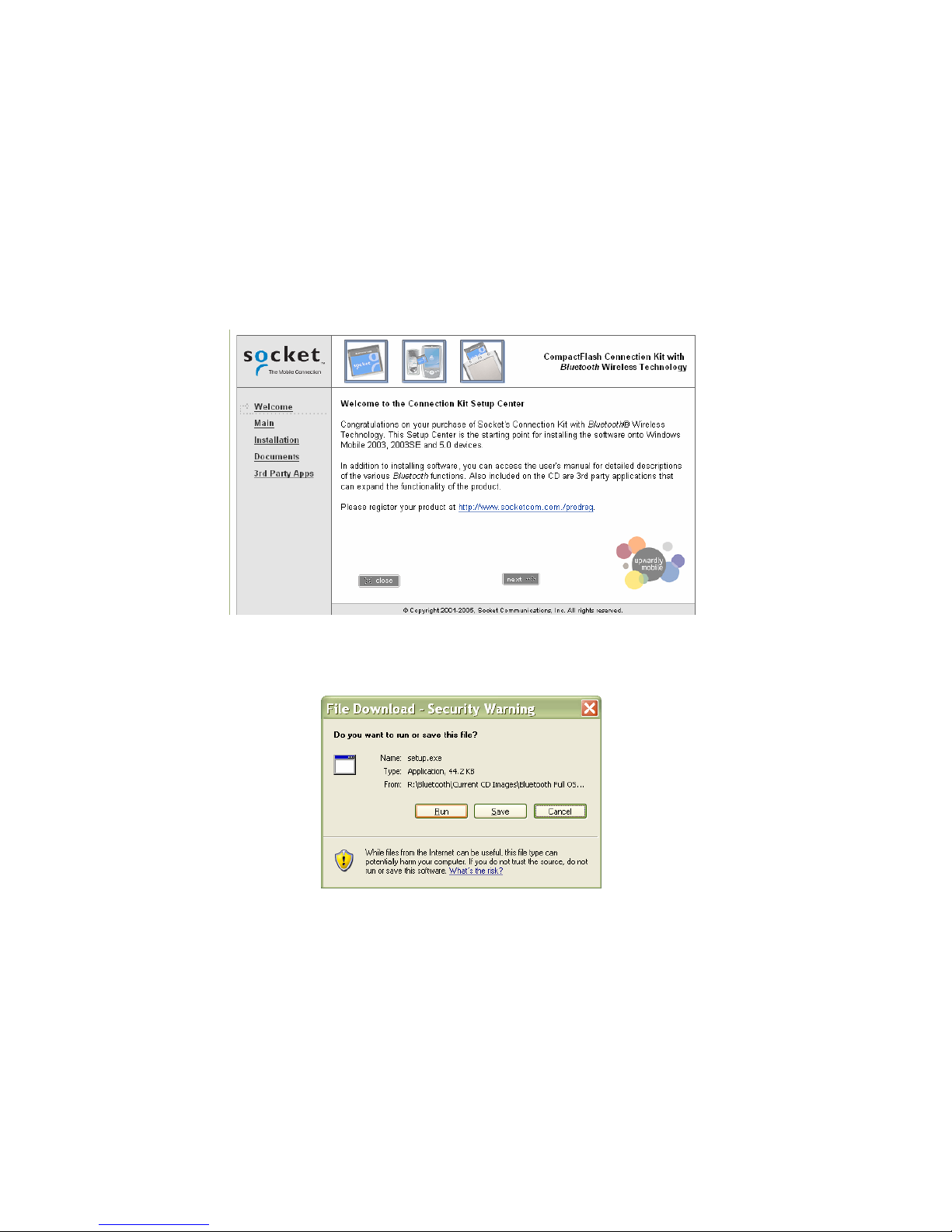
If your host computer is running Windows 2000 or XP, software
installation requires ActiveSync 4.0 or greater. Download it free from:
www.socketmobile.com/activesync
Get software updates at: www.socketmobile.com/support/downloads
PC Card adapters are available separately:
www.socketmobile.com/products/accessories/typeI-adapter-card/
Package Contents
The Connection Kit includes these items:
•Cordless Card (CompactFlash Type I)
•Software installation CD
•Booklets with copyright, warranty, and regulatory compliance information
6