Solar-Breeze Owner’s Manual
Page 7
7. Headlights and Taillights
The Solar-Breeze is equipped with blue LED headlights and taillights that flash only at night. These are provided for safety so
that the unit is always visible in the pool. These lights will flash whether the unit is operating or in Stand By mode.
8. Cleaning the Debris Tray and Collection Chamber
The clear window on top of the Solar-Breeze makes it possible to see when the debris collection chamber is becoming full.
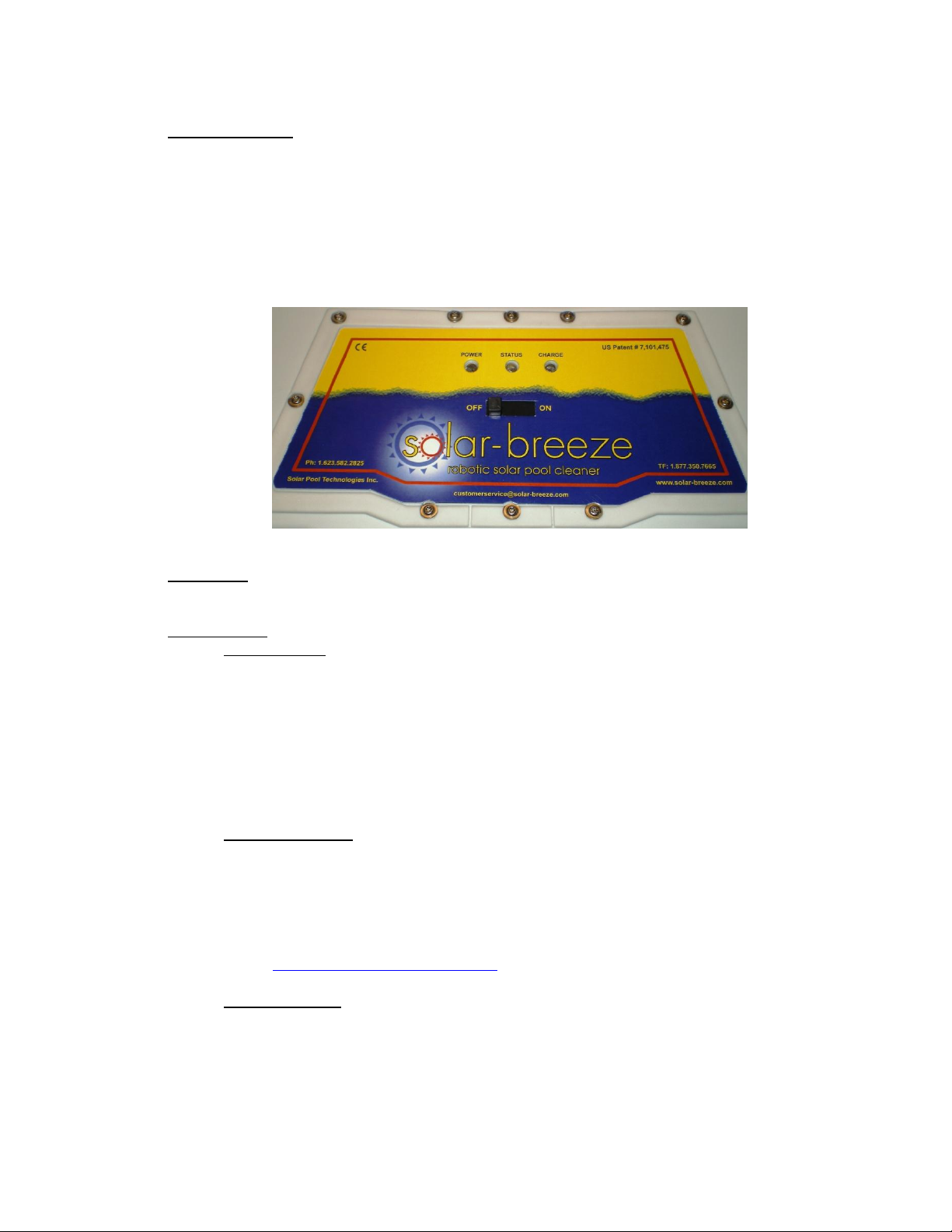
When this occurs, simply turn the power switch to the “OFF” position and lift the Solar-Breeze from the pool using the front
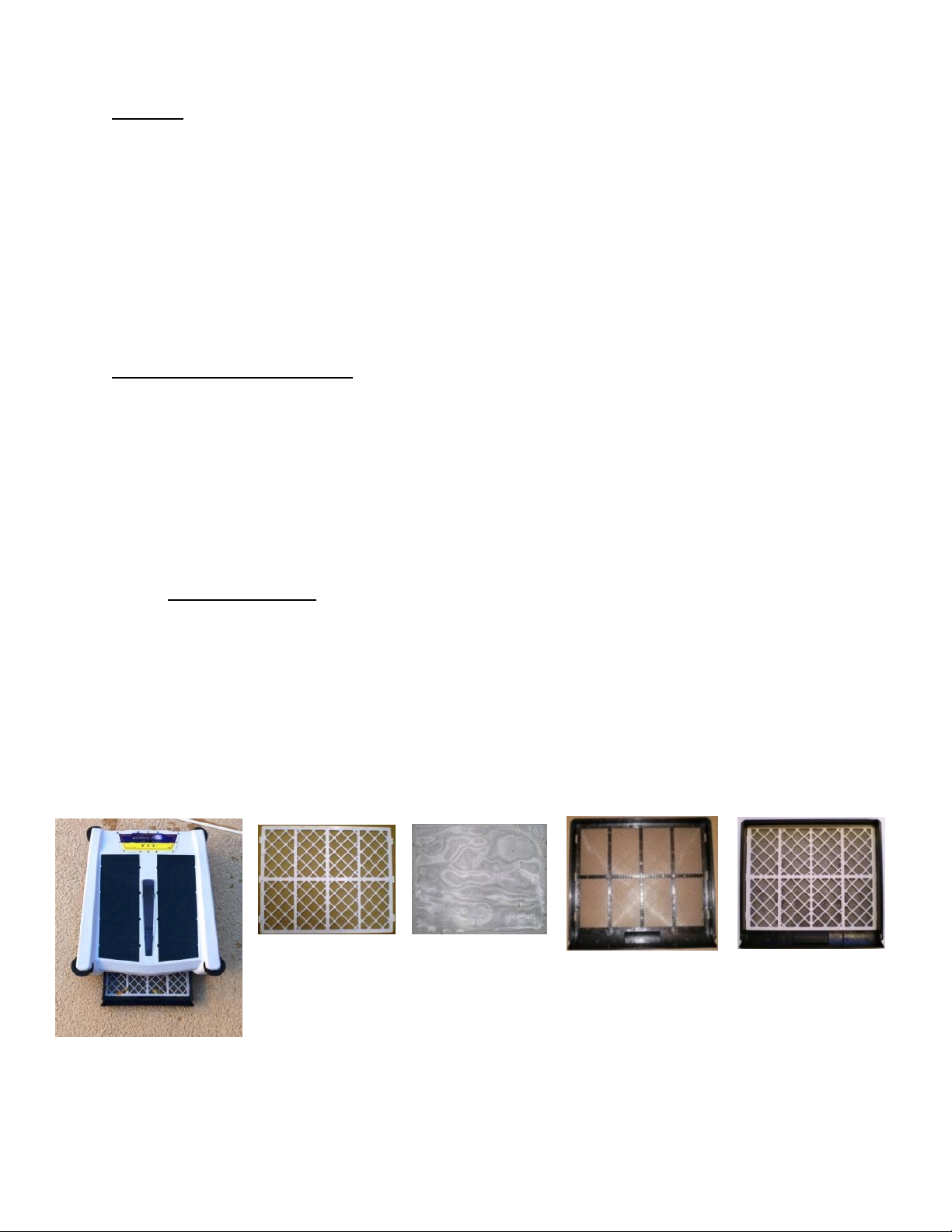
handle. Remove the debris tray by sliding it out the front of the unit, and empty the tray and collection chamber into a trash
receptacle. Keep the tray horizontal so that the debris will not fall off the tray. We recommend that you also remove the white
plastic screen and wash off the filter mesh when emptying the tray. You may also choose to wash out the inside of the debris
collection chamber using a low-pressure stream from a garden hose. DO NOT USE A HIGH PRESSURE STREAM OF
WATER TO CLEAN THE BODY OF THE SOLAR-BREEZE. Re-assemble the tray, screen and micro filter then slide it back
into the Solar-Breeze. Place the unit back in the pool and turn the switch to the “ON” position.
9. Adding Chlorine Tablets to the Dispenser
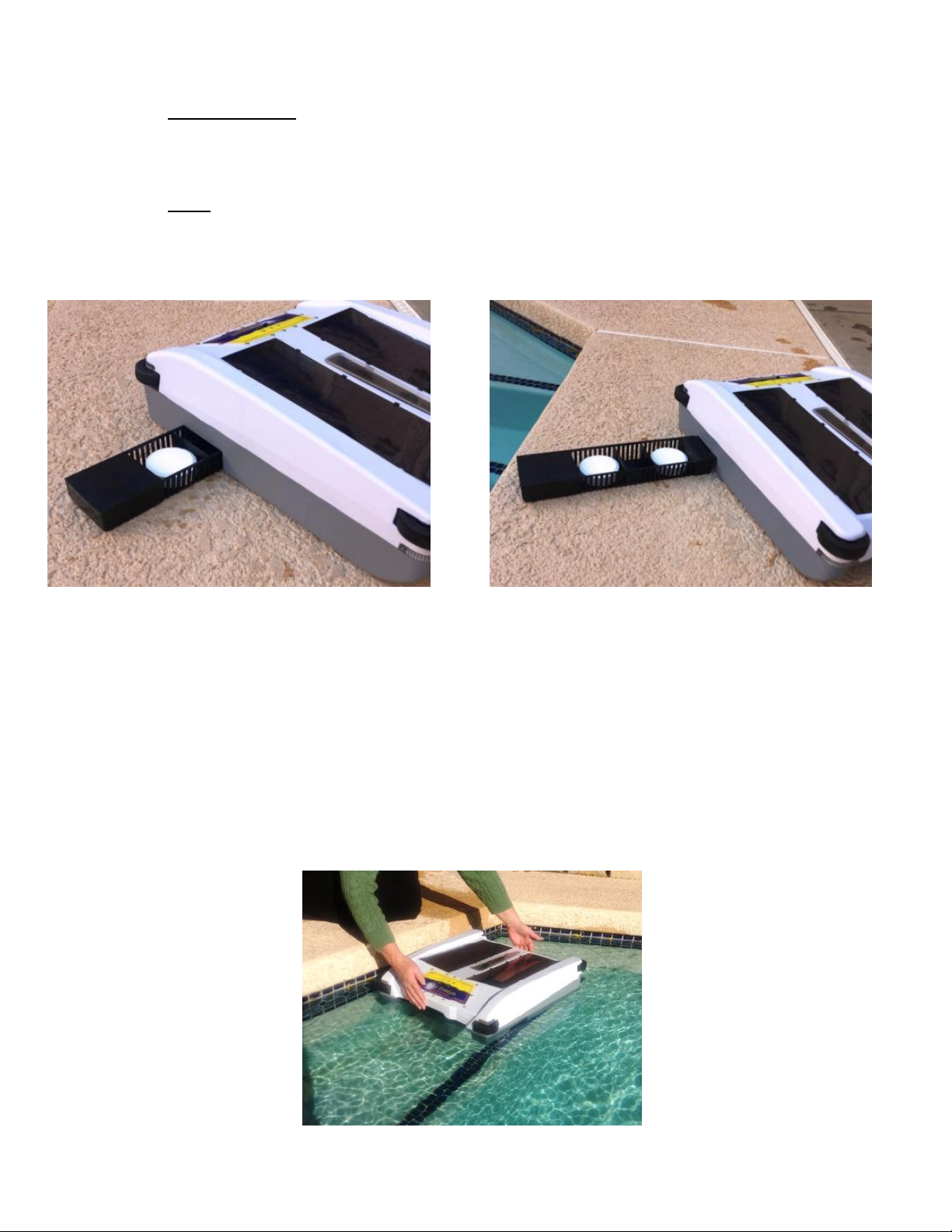
To add chlorine tablets to the chemical dispenser, slide the chlorine dispenser drawer out of the starboard side of the Solar-
Breeze. Add one or two jumbo 3” chlorine tablets to the dispenser. Our tray is designed to hold a maximum of two (2)
jumbo 3” chlorine tablets in the chlorine dispenser at one time. Using more than two (2) chlorine tablets may prevent
the Solar-Breeze from backing up properly when in reverse navigation mode. Slide the dispenser drawer back into the
Solar-Breeze. Place the unit back in the pool and turn the power switch to the “ON” position. With chlorine tablets in the
dispenser drawer, the Solar-Breeze can now clean AND sanitize your pool at the same time.
10. Maintaining Buoyancy
After several days or weeks of operation, water may accumulate in some areas of the apparatus where it cannot escape.
This may make the unit behave sluggishly. Symptoms of such water-logging may include:
Unit moves more slowly through the water.
Debris is pushed in front of the unit rather than being pulled into the collection chamber.
Unit does not reverse properly when it goes into the reverse navigation mode.
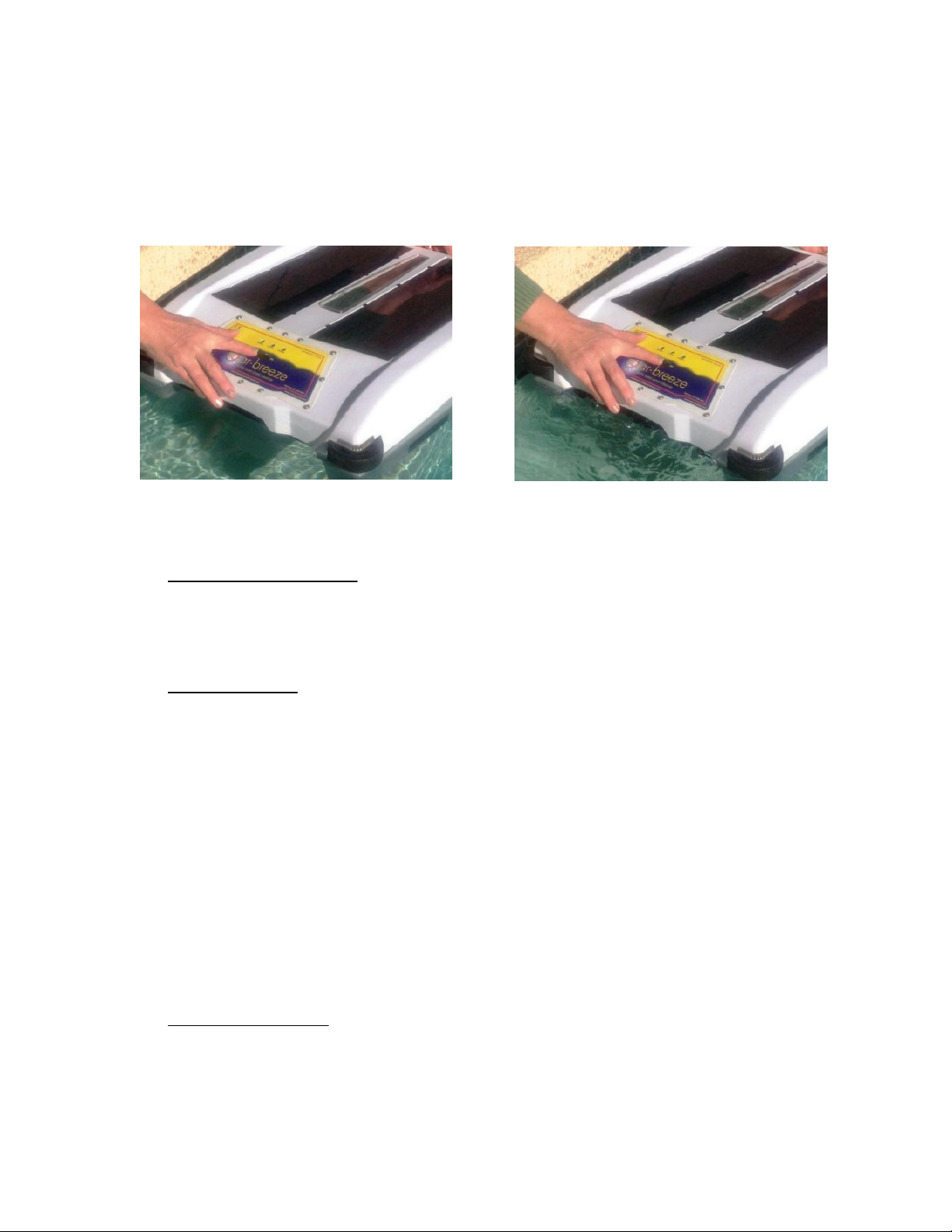
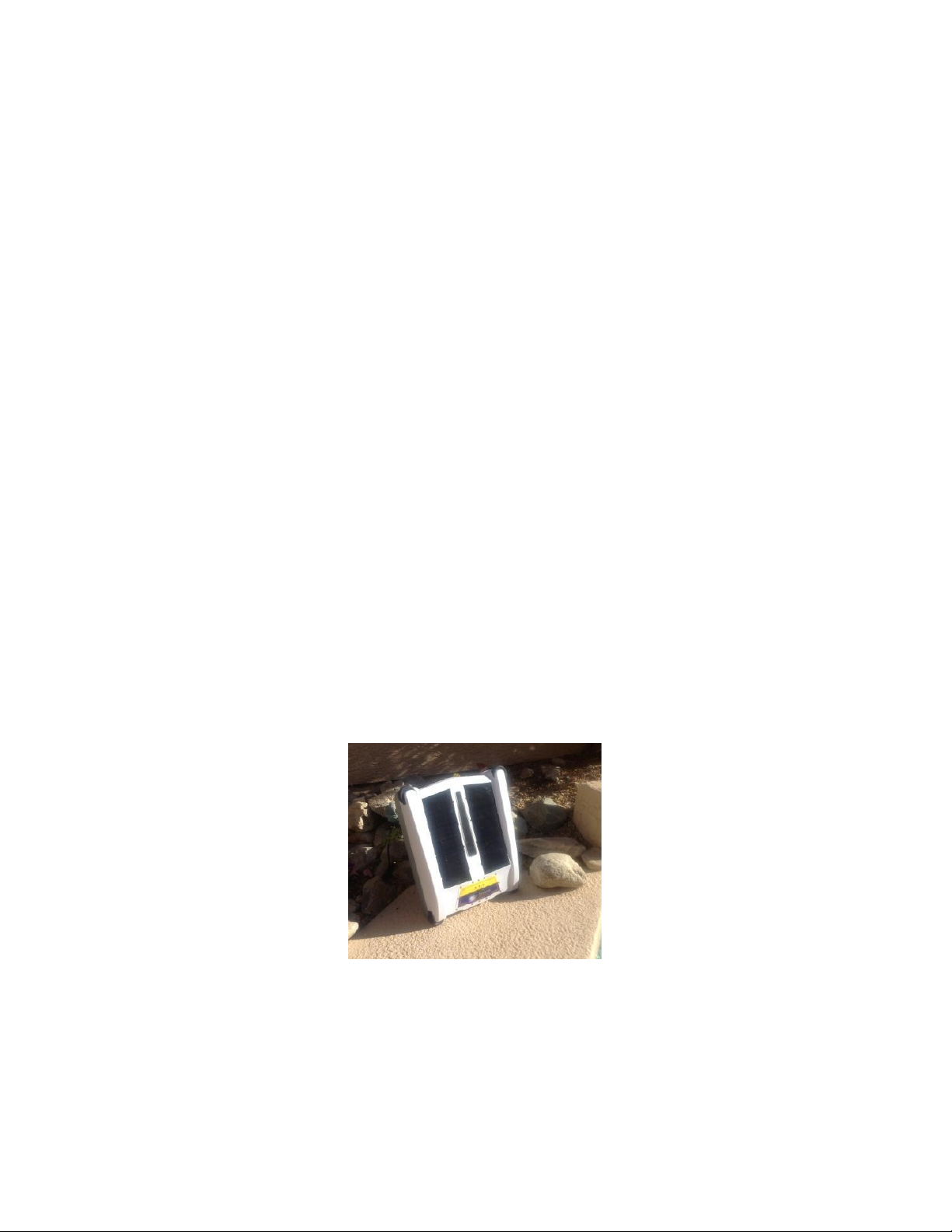
When these symptoms occur, simply remove the Solar-Breeze from the pool and set it in a vertical position on its end (label
towards the ground) facing the sun for a half day. This will allow it to dry, and will also allow the Solar-Breeze to gain a full
charge. Never rest the unit on the front bumper-wheels, as they may deform, and rub against the housing. The unit should
resume normal operation when it is placed back in the pool.
11. Cleaning the Solar-Breeze
After a period of weeks or months, the Solar-Breeze may begin to accumulate calcium or mineral deposits along the water line
and also around the edges of the solar panels. Before these deposits become severe and either cause damage to the unit or
impact its performance, we recommend that you clean the Solar-Breeze using the following procedure:
Use a sponge or damp cloth to wipe down the Solar-Breeze with a dilute mixture of CLR and water (in areas with hard
water conditions) to break down the mineral deposits.
Thoroughly wash the Solar-Breeze using a mixture of warm water and soap.
Dry the Solar-Breeze using a soft dry cloth.
If desired, use a standard household glass cleaner to clean and shine the solar panels. . (As solar panels age,
self-cleaning car wax can restore their luster and remove micro scratches.)
The procedure for cleaning debris from the collection chamber was covered in Section 8 of this guide.