Table of Contents
1 Introduction...................................................................................................................................
1.1 Key Features.............................................................................................................. 6
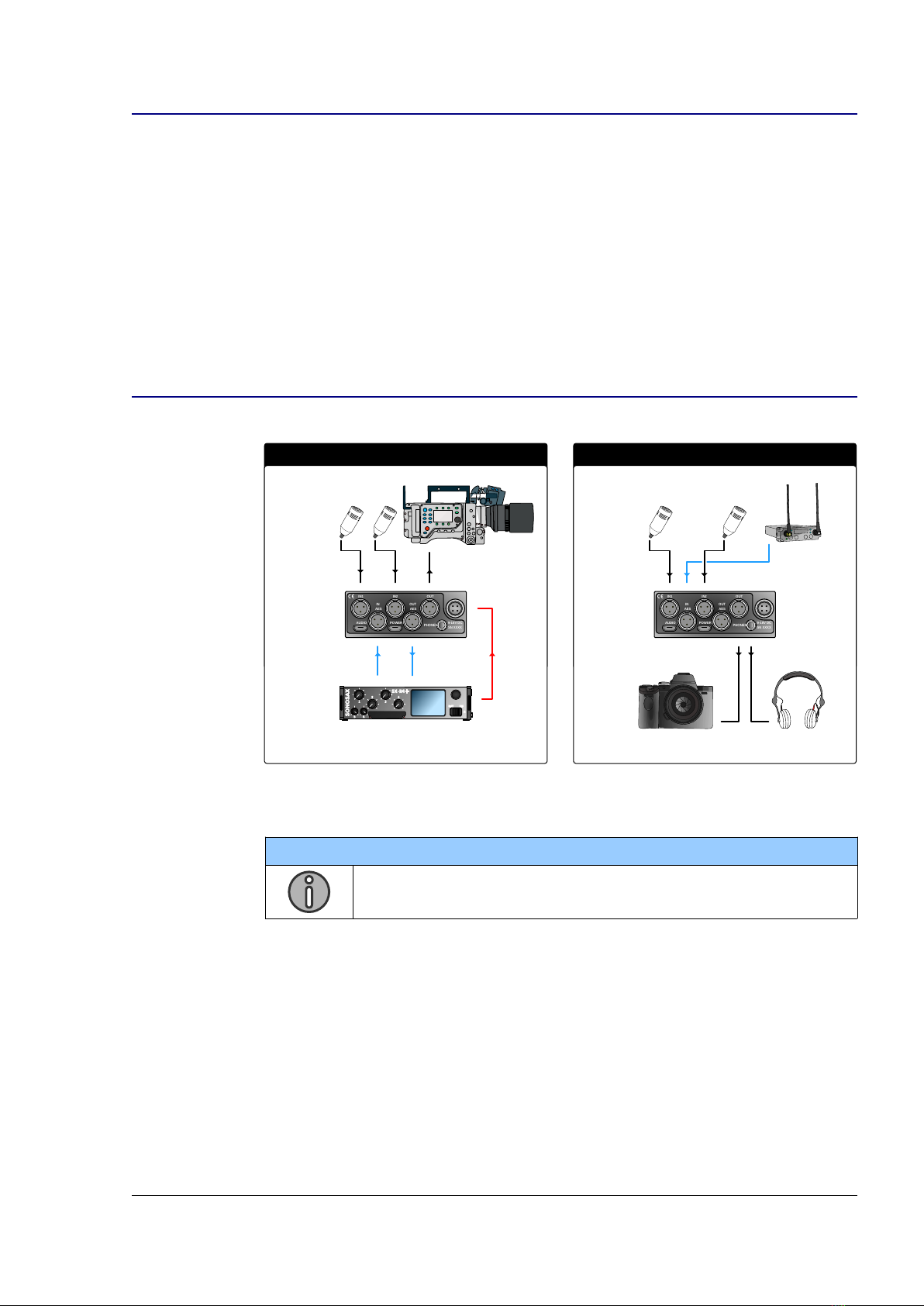
1.2 Typical Applications....................................................................................................6
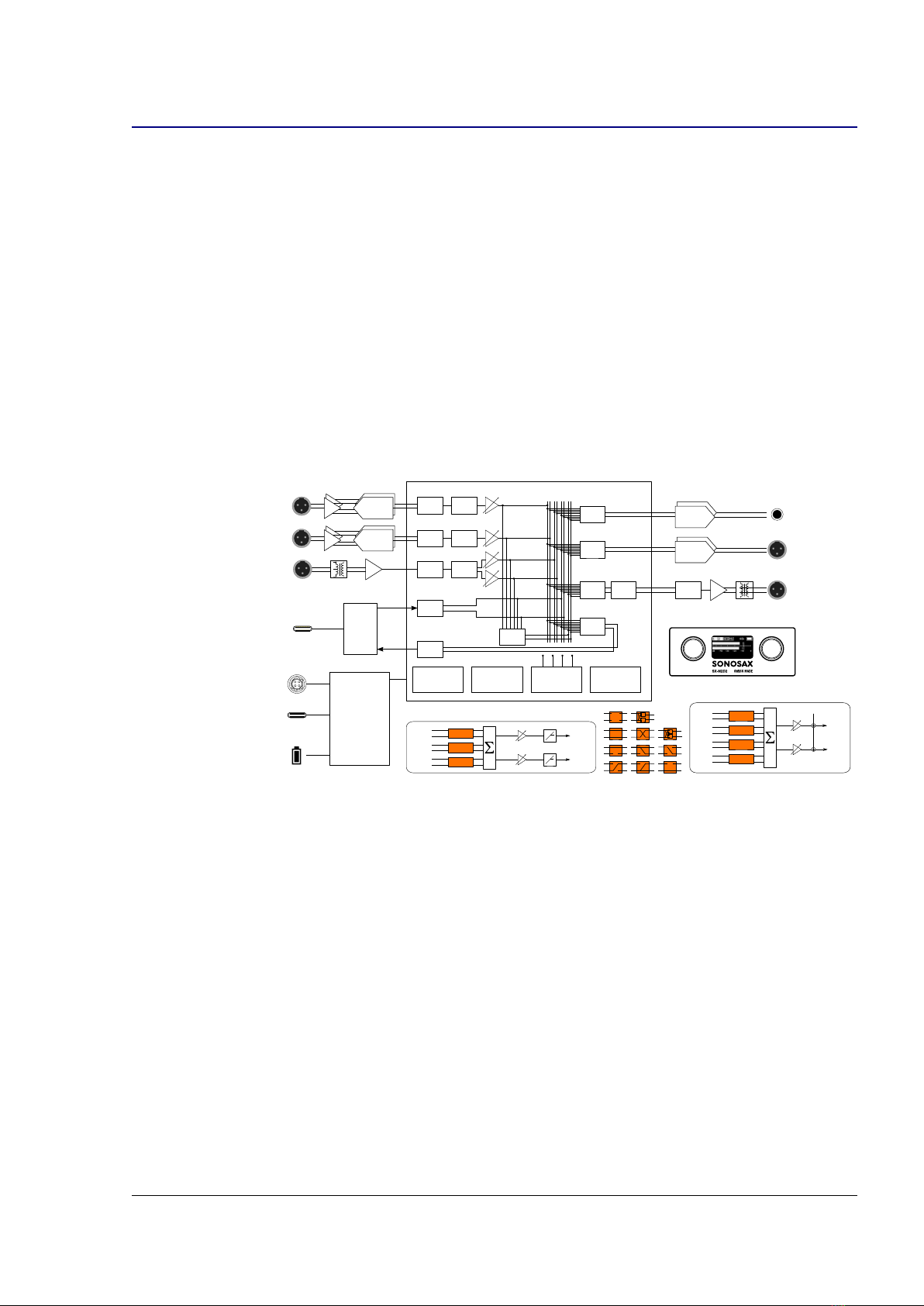
1.3 Functional Block Diagram...........................................................................................7
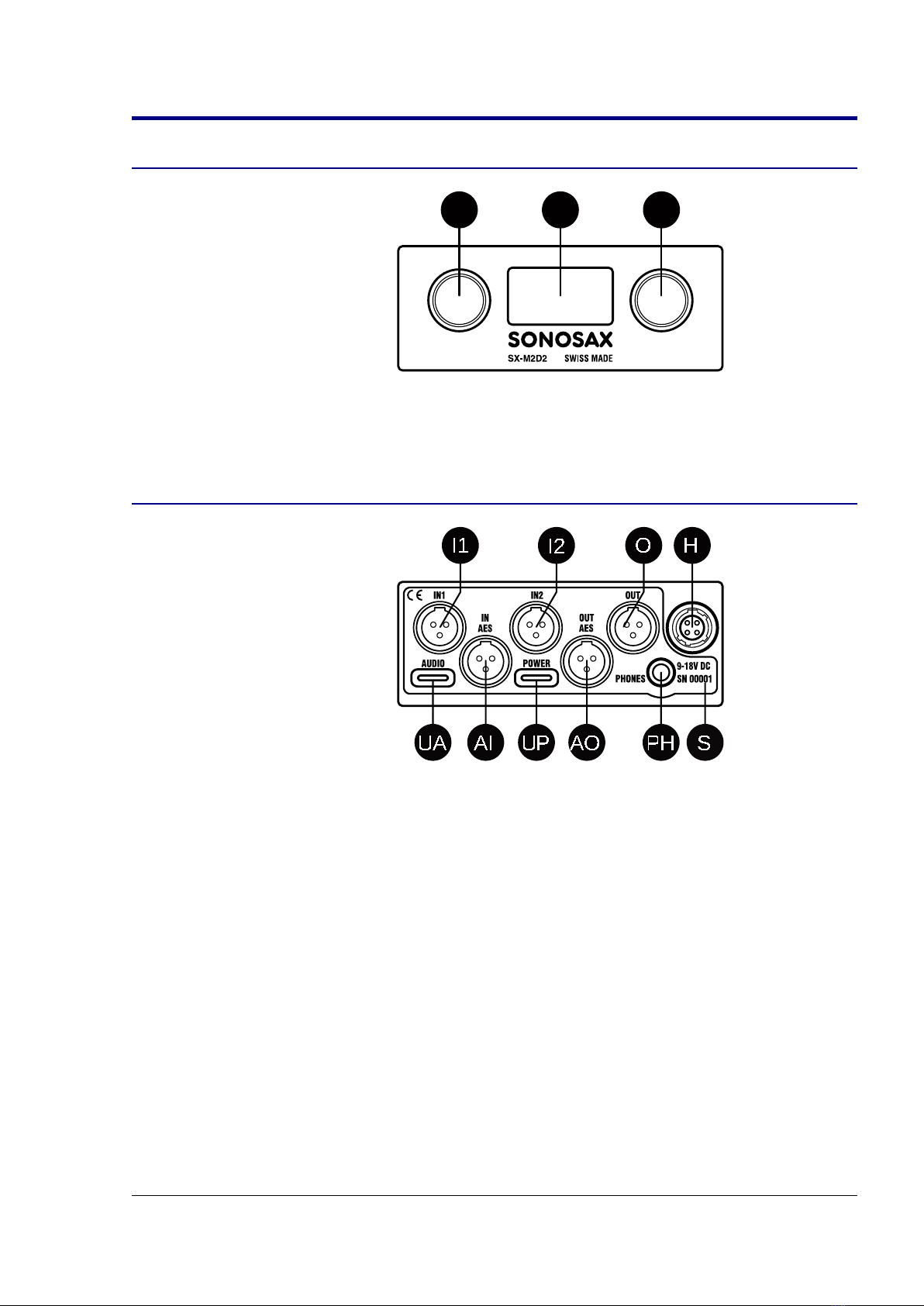
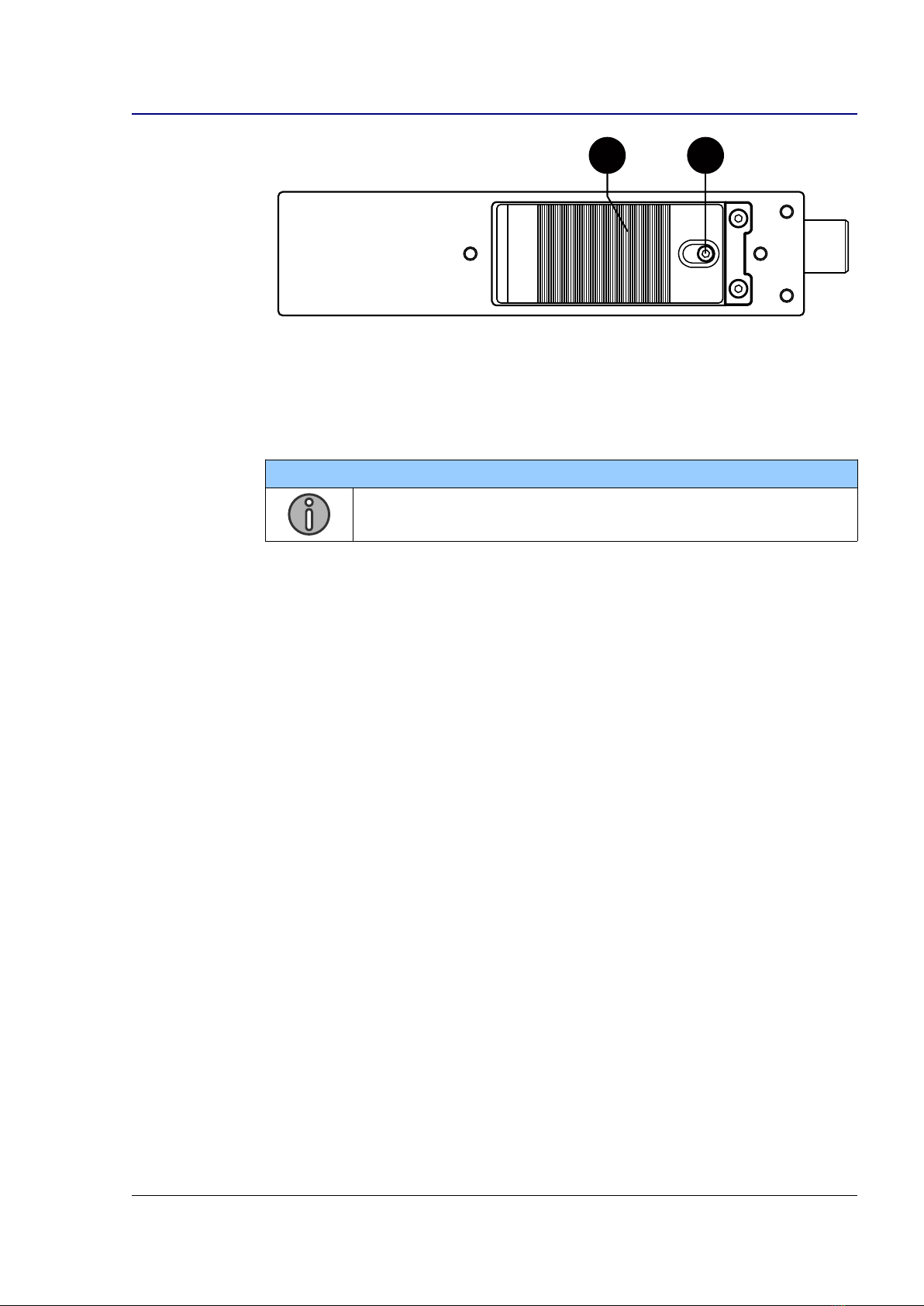
2 Panel Descriptions........................................................................................................................ 8
2.1 Front Panel................................................................................................................. 8
2.2 Rear Panel................................................................................................................. 8
2.3 Left Panel................................................................................................................... 9
3 Powering..................................................................................................................................... 10
3.1 Intelligent Power Management.................................................................................10
3.2 Power Sources.........................................................................................................10
3.3 Li-ion Battery............................................................................................................. 11
3.4 Li-ion Charger........................................................................................................... 11
3. Powering up the SX-M2D2.......................................................................................12
4 User Interface............................................................................................................................. 13
4.1 Interface Overview....................................................................................................13
4.2 Main Screen.............................................................................................................13
4.3 Menu Navigation.......................................................................................................1
4.4 Menu Tree................................................................................................................ 16
4. Main Menu................................................................................................................ 16
4.6 Inputs Menu..............................................................................................................17
4.7 Outputs Menu........................................................................................................... 19
4.8 PHONES, LINE OUT, AES OUT, USB OUT Menus..................................................19
4.9 Output Setup Menu.................................................................................................. 21
4.10 Reference Tone...................................................................................................... 21
4.11 Mixer Menu.............................................................................................................22
4.12 Mix Compressor/Limiter..........................................................................................22
4.13 System Menu..........................................................................................................23
4.14 Meters Menu...........................................................................................................23
4.1 Controls Menu........................................................................................................ 24
4.16 Sampling Frequency Menu.....................................................................................2
4.17 Display Menu..........................................................................................................26
4.18 Factory Default Menu............................................................................................. 26
4.19 Info Menu...............................................................................................................27
4.20 Presets Menu.........................................................................................................27
4.21 Power Menu........................................................................................................... 28
4.22 Power Setup Menu................................................................................................. 28
USB audio interface.................................................................................................................... 29
.1 Supported Hosts....................................................................................................... 29
.2 USB Application examples.......................................................................................29
6 Troubleshooting.......................................................................................................................... 30
6.1 [USB audio] no audio input on Microsoft Windows...................................................30
6.2 [USB audio] USB audio ERROR status....................................................................30
7 Service Mode.............................................................................................................................. 31
7.1 Entering the Service Mode.......................................................................................31
7.2 Firmware Update......................................................................................................31
7.3 Configuration Reset..................................................................................................32
7.4 Test Interface Menu..................................................................................................32
8 Specifications............................................................................................................................. 33
8.1 IN1/IN2 Microphone Preamplifier..............................................................................33
8.2 Digital Domain..........................................................................................................33
8.3 Line Output............................................................................................................... 33
8.4 Phones Output..........................................................................................................34
8. Power....................................................................................................................... 34
8.6 Operating Conditions................................................................................................34
8.7 Mechanical............................................................................................................... 3
9 Connector Pin Assignments........................................................................................................ 36
9.1 Mic/Line analog input (TA-3M)..................................................................................36
9.2 Line output (TA-3M)..................................................................................................36
SX-M2D2+ User Manual 2/37