10
Operating
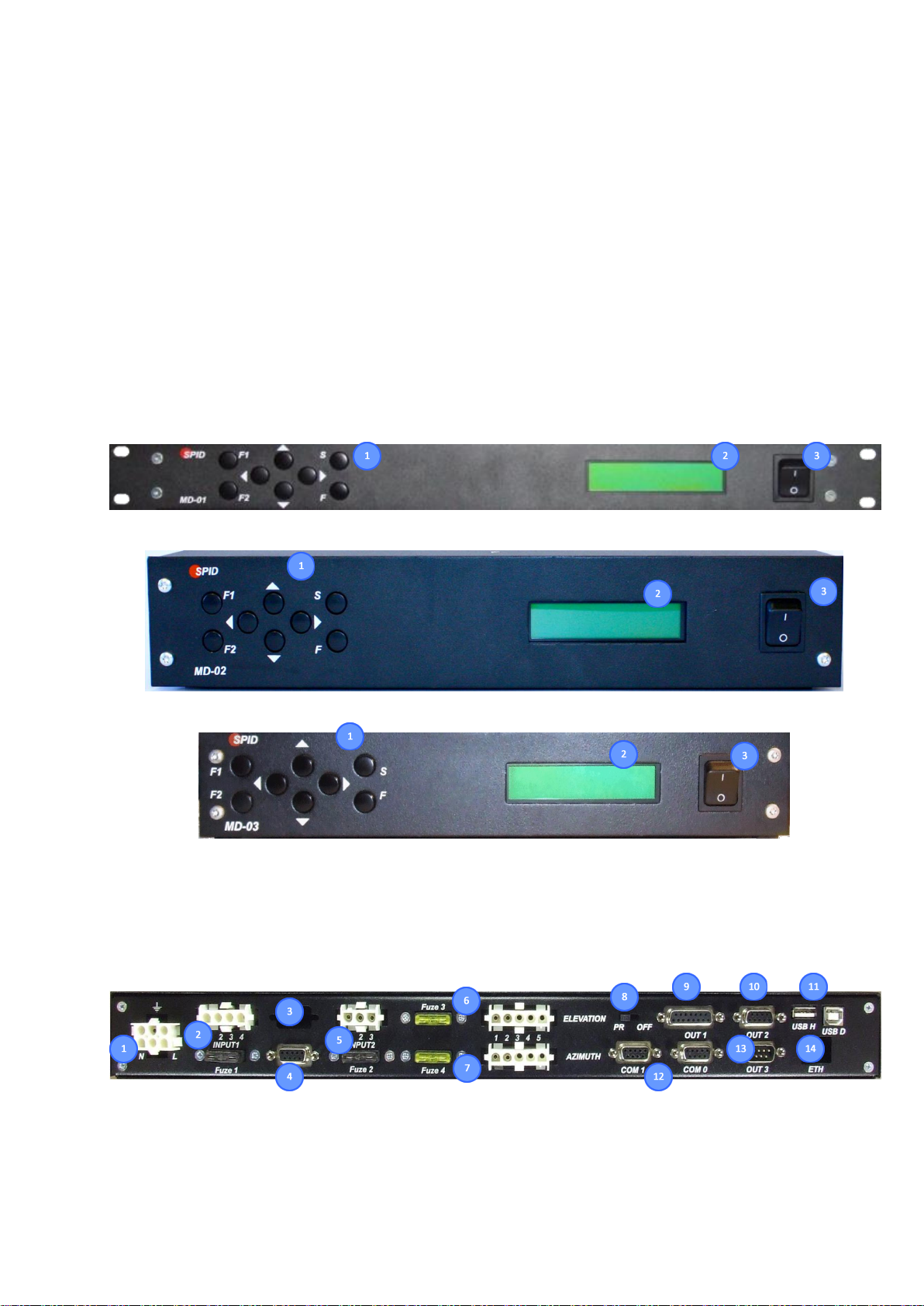
The controller can be operated using the keyboard located at the front panel or a computer with the
appropriate software installed (e.g. PstRotator).
Modes:
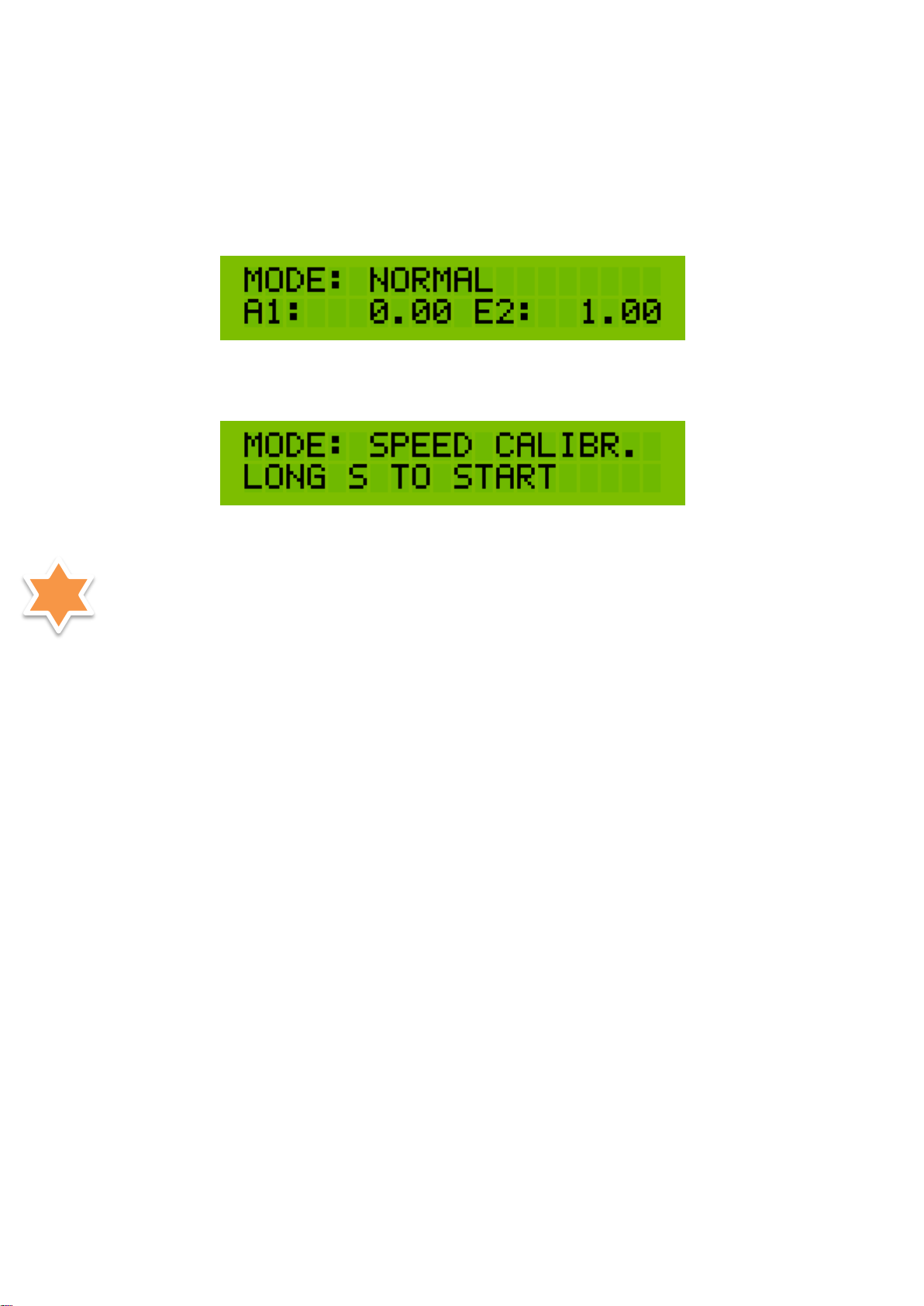
NORMAL –standard operating mode
,
MOTOR ANGLES –calibration mode of the actual rotator’s position relative to geographical
directions,
SPEED CALIBR. –calibration for SOFTLY and SATELLITE modes
.
To change the operating mode, use the [F] button.
Before using the controller with the rotator, start procedure for setting the minimum motor power (MIN
POWER) which should be able to move and turn the antenna system:
1. Set the SET MOTOR -> MIN POWER [motors 1 and 2] to 100%.
2. Then go to the parameters SET MOTOR -> MAX POWER to determine the minimum power of the
motors, which allows the rotator to move both for AZ and for EL motors [overcoming transmission
resistance, boom and antenna weight, etc.]: by reducing the engine power values from 100%,
experimentally look for the lowest possible value that allows the engines to move without causing a
TIME OUT error. If an error occurs, restart the controller with the main switch and follow the
procedure again.
3. After finding the appropriate values for each of the engines, in order to take into account the
possibility of other operating resistances (e.g. due to low temperature, wind, nonlinearity of loads in
AZ/EL operation, etc.), the margin [e.g. 10-15%, for possible verification in practice] should be taken
into account, and the obtained values should be increased accordingly and entered as appropriate
parameters for both motors in the parameter (note!) MIN POWER, then return to MAX POWER set to
100% or in the range between MIN POWER and 100%, at the discretion of the user, if he does not
expect the rotator to work at full speed.
4. The starting base, for a user who does not want to perform the above procedure, may be MIN POWER
50% and MAX POWER 100% respectively [usually sufficient for standard antenna systems], however, it
should be taken into account that such settings will not work optimally and may generate errors (e.g.
TIME OUT).
5. Completion of the procedure for setting the minimum engine power (MIN POWER) means that the
correct values have been entered for both engines in the MIN POWER and MAX POWER fields. This is
the moment when the user can proceed to calibrate the SOFTLY and SATELLITE (SPEED CALIBR.)
modes.
NORMAL MODE
In this mode the controller can be operated with the [Right], [Left], [Top] and [Bottom] buttons or by
commands send from a PC. The controller supports the communication protocols SPID ROT1, SPID ROT2,