Powerful Features in a Single Unit
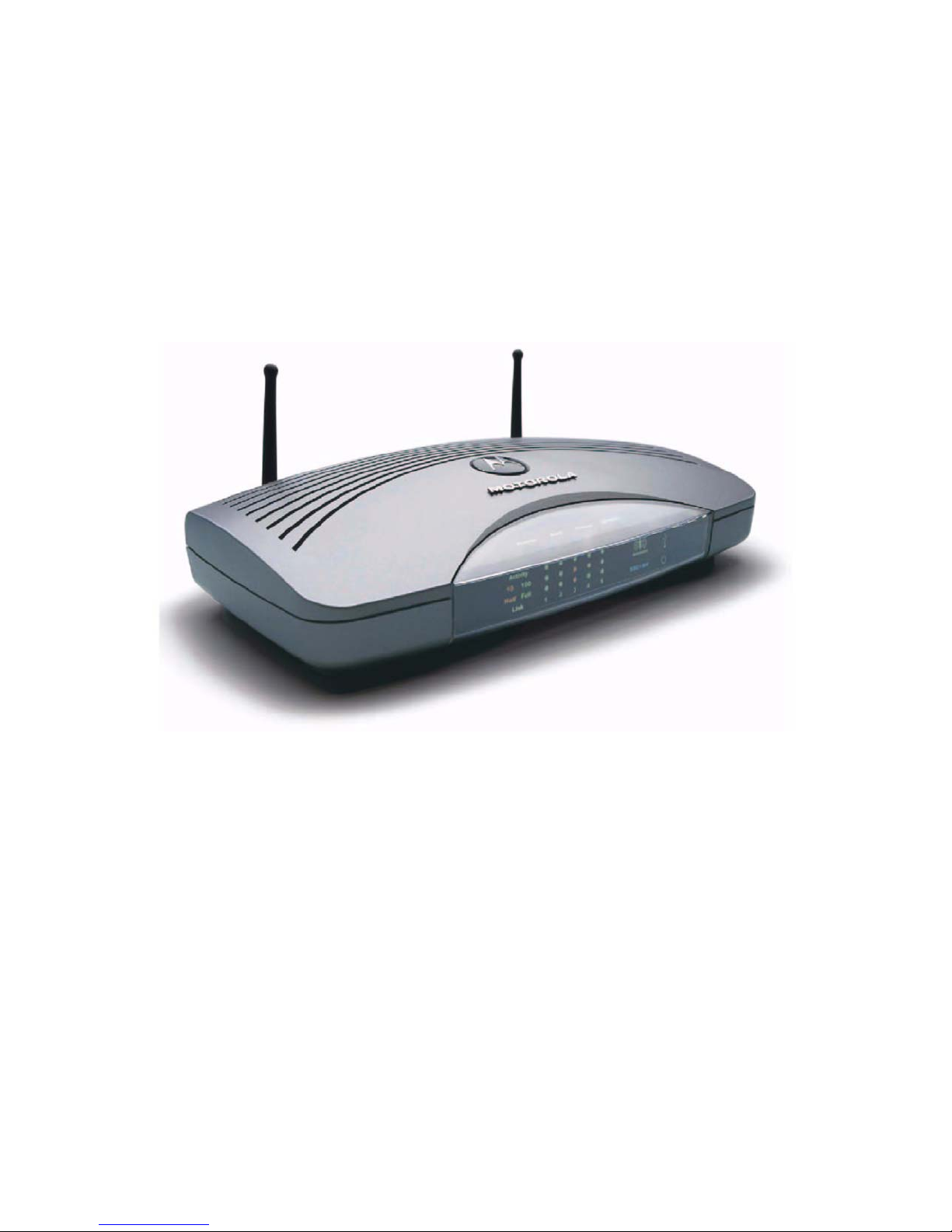
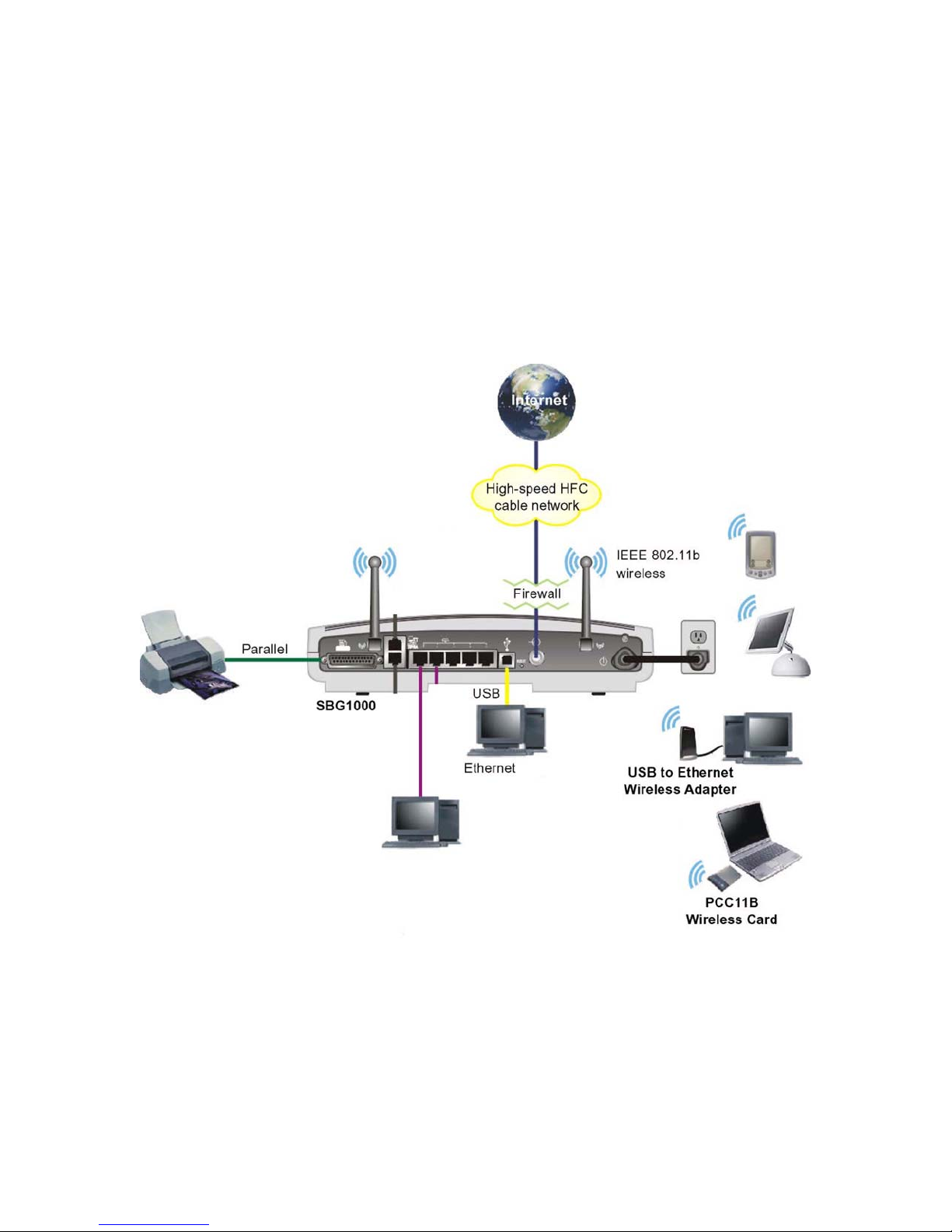
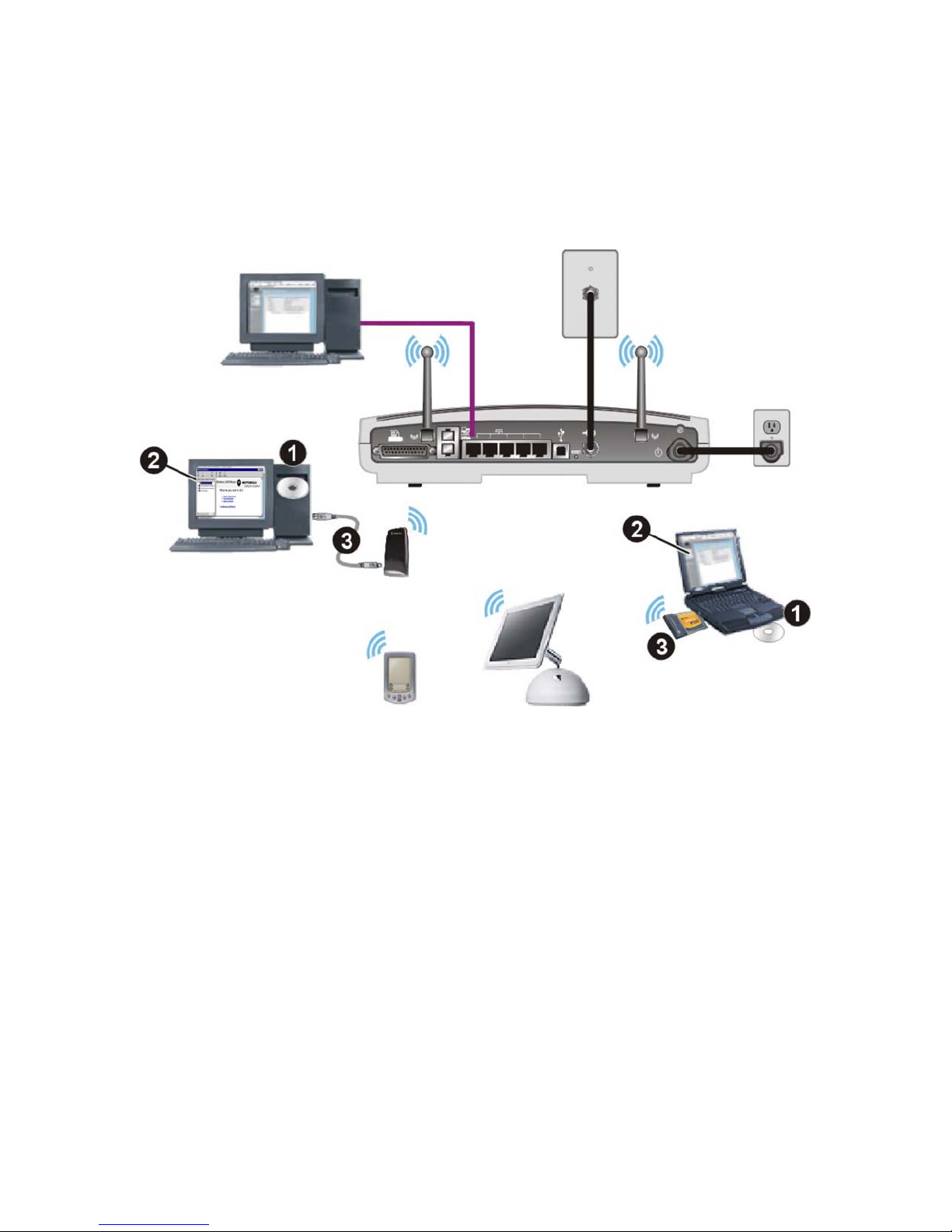
The Motorola SBG1000 Wireless Cable Modem Gateway combines high-speed Internet access, networking,
and computer security for a home or small-office local area network (LAN). It provides:
• An integrated high-speed SURFboard cable modem for continuous broadband access to the Internet and
other online services, with much faster data transfer than traditional dial-up or ISDN modems.
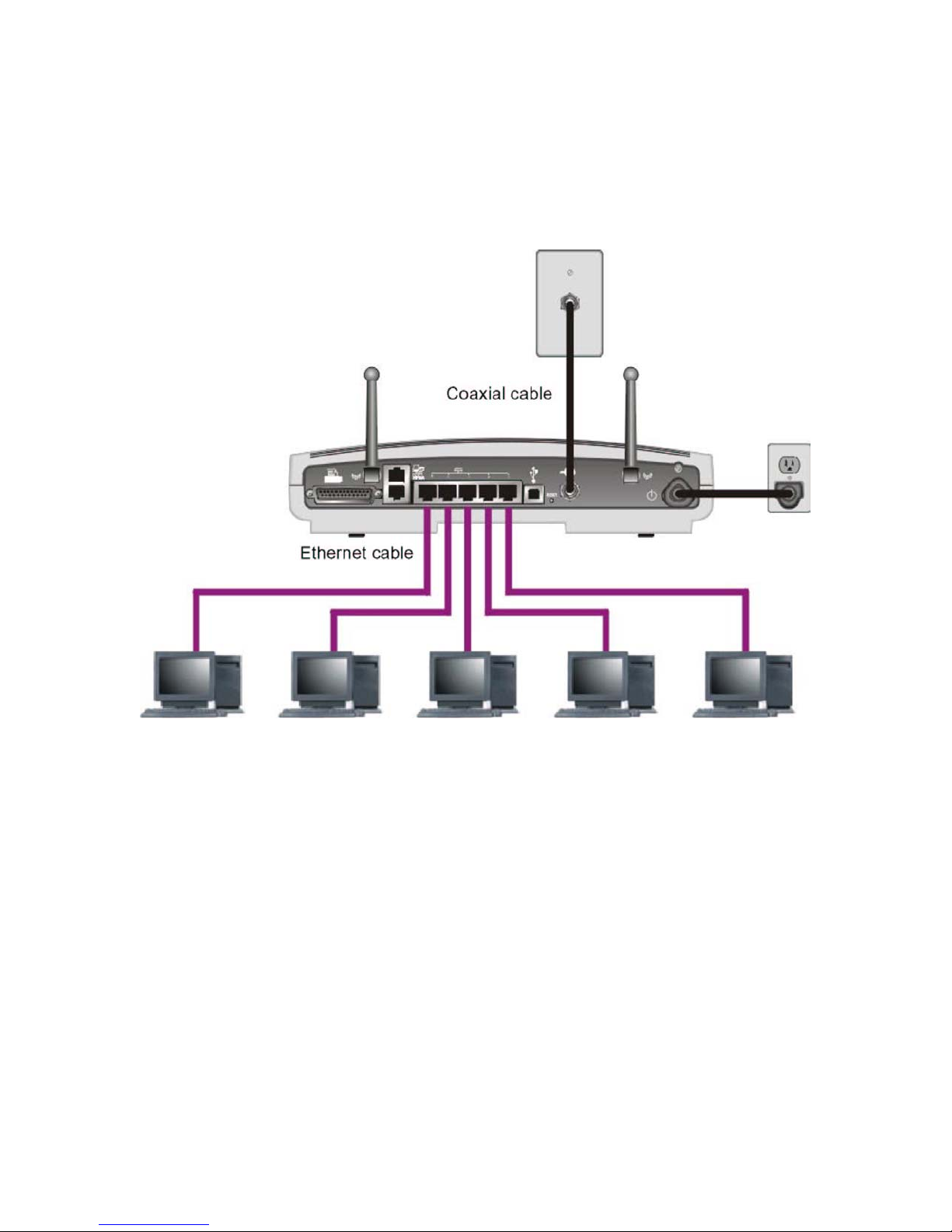
• A router with a five-port 10/100Base-T Ethernet switch, supporting:
— Half- or full-duplex connections
— Five dual-purpose switch/uplink ports
— Auto-MDIX
• An IEEE 802.11b Wi-Fi certified wireless access point to enable laptop users to remain connected while
moving around the home or small office or to connect desktop computers without installing network wiring.
Depending on distance, wireless connection speeds can match that of Ethernet at 11 Mbps.
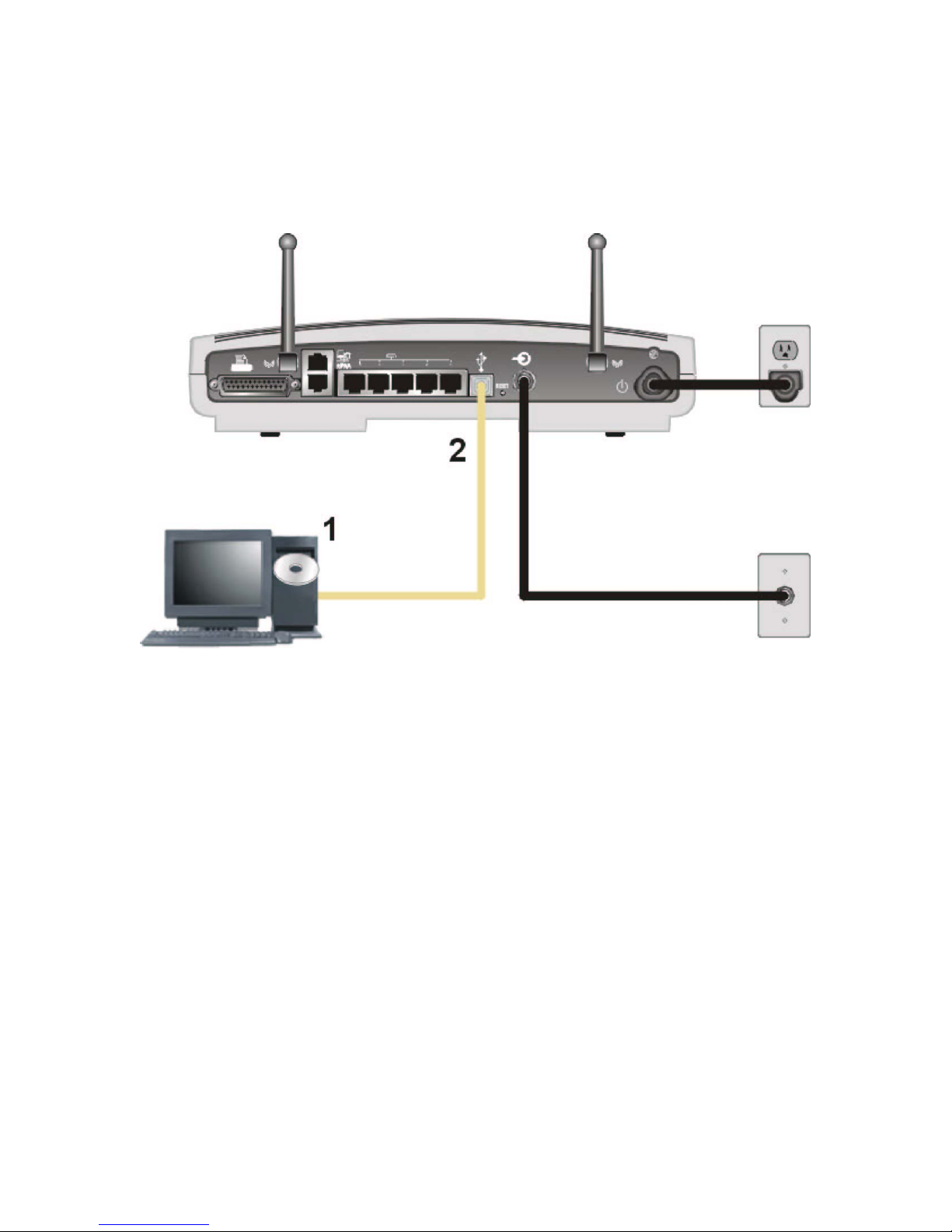
• A USB connection for a single PC.
• A single broadband connection for up to 253 computers to surf the web; all computers on the Ethernet,
wireless and USB communicate as if they were connected to the same physical network.
• A built-in DHCP server to easily configure a combined wired and/or wireless Class C private LAN.
• An advanced firewall, supporting:
— stateful-inspection
— Intrusion detection
— Denial-of-service attack prevention
— Network Address Translation (NAT)
• Virtual private network (VPN) pass-through operation supporting IPSec, PPTP, or L2TP to securely
connect remote computers over the Internet.
• A print server to enable one or more Windows®computers to share one printers.
Easy Setup
It is much easier to configure a LAN using the Motorola SBG1000 Wireless Cable Modem Gateway than it is
using typical networking equipment:
• The Installation Assistant application on the Motorola SBG1000 Wireless Cable Modem Gateway CD-
ROM enables easy connection to the cable network.
• For basic operation, most default settings require no modification.
• The Setup Program provides a graphical user interface (GUI) for easy configuration of necessary wireless,
Ethernet, router, DHCP, and security settings. For a list of important issues, see “Configuring the SBG1000”
5