
STUDIO PROJECTS LSM Manuale utente
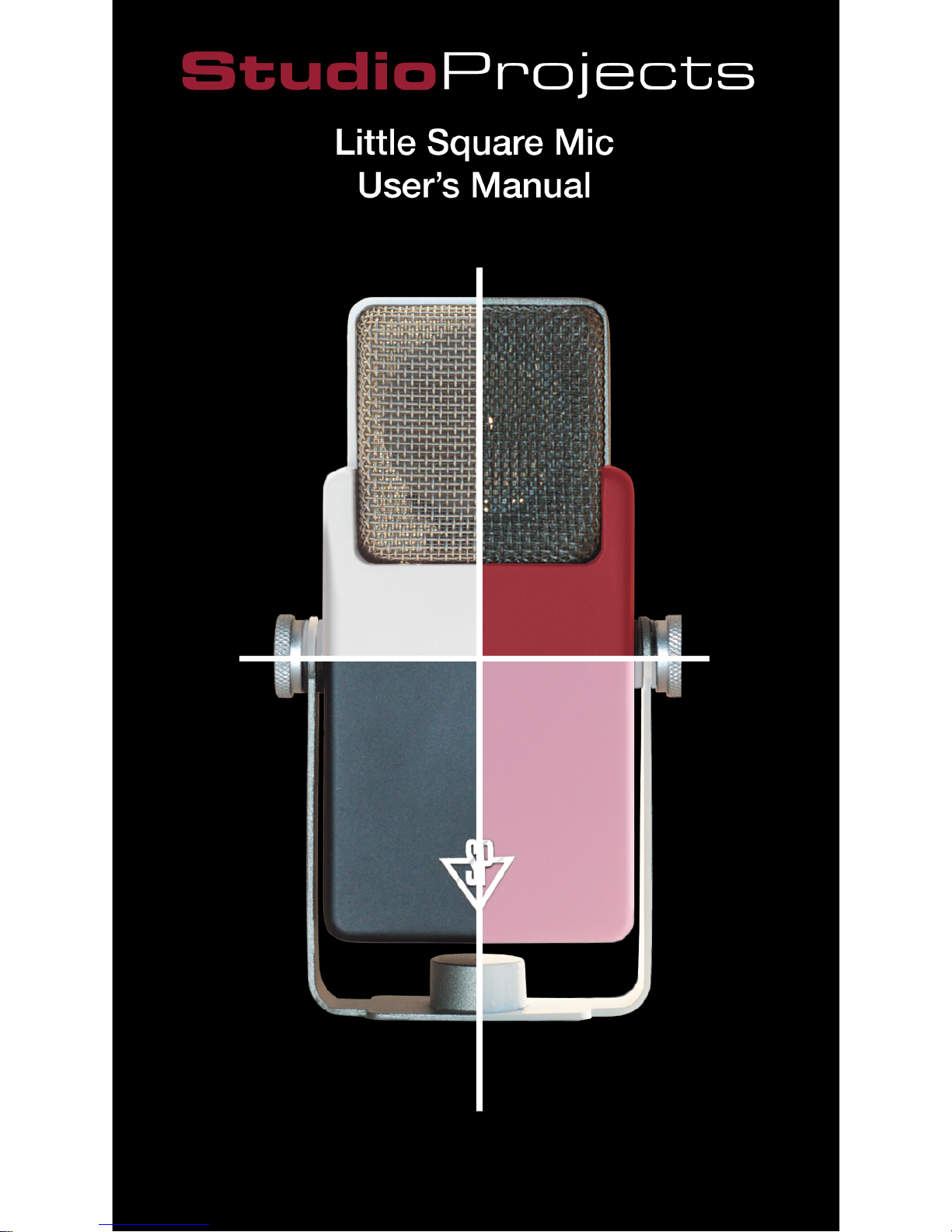

Little Square Mic handbook
Studio Project LSM Quick Start Guide
ello and thank you for choosing the Studio Proj-
ects LSM dual output condenser microphone -
the high fidelity, ultra portable, colorful and
uniquely cool choice for all your professional audio and
communication miking
needs. High Fidelity you
say? We think you'll agree.
The 34mm Von Braunmuhl
and Weber-style cardioid
transducer, coupled to a
discrete JFET impedance
converter with a high SPL-
handling output circuit in-
sures that the LSM will
effectively receive your
acoustic source and change
it to electrical and digital
impulse with due care, all
the while insuring that the
outermost parameters of
the circuitry itself do not interfere unduly with the sig-
nal sanctity of your source.
Designed with the convenience of the ubiquitous USB
mini plug and a conventional three-pin mini XLR out-
put, the LSM gives you two distinct ways to route your
signal, as well as an integrated yoke, which means the
LSM can stand freely upon a desktop, or mount to any
1
H

Little Square Mic handbook
2
variety of mic stand, all in a classic - yet completely
fresh style. With regards to portability, the Studio Proj-
ects LSM, as a large capsule mic, is unparalleled. Fit-
ting neatly in a laptop bag pocket, or even in your shirt
pocket, the LSM, with its petite form factor is ideal for
taking on the road wherever you go.
This Quick Start Guide is your ticket to bypassing all
that boring stuff in the typical user's manual and getting
right to the heart of things: Hooking up new gear! So
let's get to it.
Unpacking and setting up the LSM Microphone:
1. Ah yes: A new microphone. How cool is this! Take
out the mic and
let's have a look
at this thing.
2. For desktop
use, adjust the
integrated stand
yoke so that the
microphone is
leaning back
slightly, angled
up toward your
face - akin to the
tripod configu- LSM in Desktop Mode

Little Square Mic handbook
ration of an astromech droid. The two knobs on either
side of the microphone are right-hand thread. To loosen,
twist the left knob away from you and the right knob to-
wards you - this is the standard "lefty-loosey, righty-
tighty" mnemonic imparted by technically-inclined
grandfathers. f the knobs are on there really tight, sim-
ply hold the stand yoke with one hand while tipping the
microphone up and back away from you with the other.
3. To attach the LSM to a mic stand, there are 5/8-27
threads on the bottom of the stand yoke. That's a five-
eights of an inch diameter hole with twenty-seven
3

Little Square Mic handbook
4
threads per inch (TP ), in case you were wondering...
Anyhow, the LSM will thread onto the stand the same
as any other mic clip or shock mount. Ta-da! Note that
the yoke can be adjusted perpendicularly to the body of
the mic, for perfect orientation on a
broadcast mic boom
as well.
There are two cables that ship with every LSM Micro-
phone:
1. USB mini cable
2. Mini XLR Female To Stan-
dard XLR Male - not to be
confused with the "Typical
Male XLR", which tends to
leave its shoes lying about in
every room...
f you wish to use the XLR
output, here's what to do:
1.Plug the small end of the xlr
cable into the round plug on
the reverse side of the LSM.
Little Square Mic handbook
2. nsert the other end of the xlr cable into a +48 volt
phantom power equipped microphone preamp input.
This can be the input to a mixing console, a dedicated
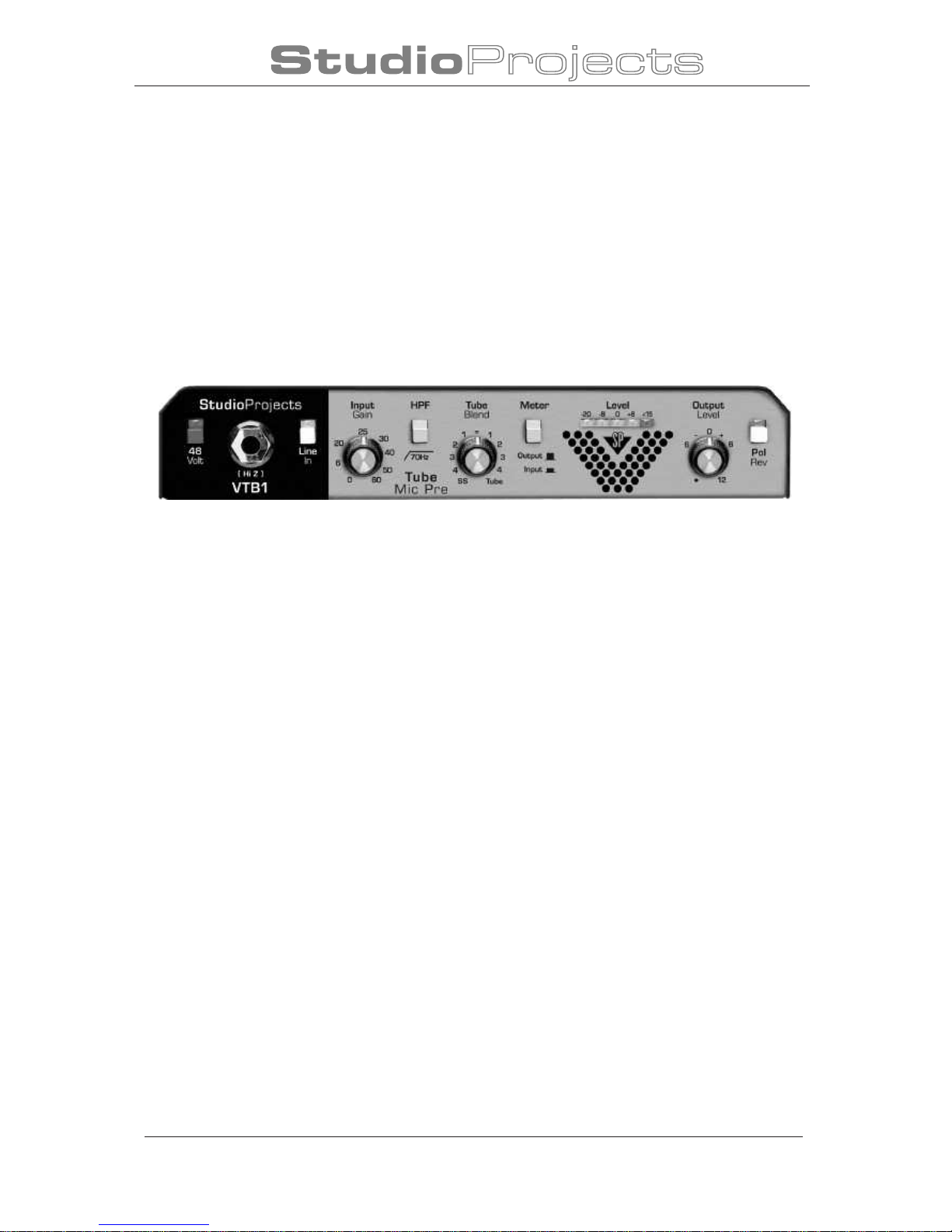
mic preamp, such as our Studio Projects VTB-1, or any
of the myriad digital audio interfaces with suitable p48
inputs.
Note: Remember to make sure that the 48v but-
ton is engaged on your preamp, or the circuitry
of the LSM will not power up.
Another Note: Of course you will remember to
have the input volume down while plugging
the mic in, so as not to make your speaker cones jump
across the room, or potentially cause a bunch of ear-
splitting feedback.
3. Adjust the input gain to a suitable level and say
something into the mic, such as the following palin-
drome: "Stop, Syrian, I tart at rat in airy pot !"
And there you go. Pretty cool, huh?
5
Studio Projects VTB-1
@
@

Little Square Mic handbook
6
Now, if ye wish to employ the USB output - and 'm
sure you do, please adhere to the following steps:
1. nsert the small end of the included mini USB cable
into the USB plug on reverse side of the LSM, just
above the round, three-pin xlr thingy.
2. Plug the other end of the USB cable into a computer,
be it Mac or PC.
3. Select "USB Microphone" as your input source, bring
up the volume and say something into the mic, such as
the following palindrome: "Are we not drawn on-
ward, we few, drawn onward to new era?" Adjust
input volume as needed.
4. f you are at all confounded by step number 3 above,
don't worry - we will cover that in greater detail now.
Note: For Windows users with audio recording soft-
ware, we highly recommend that you install
ASIO4ALL as your WDM driver for the LSM micro-
phone. This driver can be found at www.asio4all.com. t
is easy to install and configure: simply follow the in-
structions in the downloadable pdf user manual found
on the AS O4ALL website and adjust as needed for best
performance on your system.

Little Square Mic handbook
Setting up the LSM as your default recording device,
Window XP:
1. Go to the start menu (lower left-hand corner of the
screen) and open up the control panel
2. Select sounds and audio devices
3. Select the Audio tab
4. Under Sound recording, select USB microphone in
the drop-down menu, Default device:
5. Adjust volume of the microphone in Sound Record-
ing by clicking the Volume button beneath the Default
device: drop-down
You are now good to go.
Setting up the LSM as your default recording device,
Window Vi ta:
1. n the Start menu search, type in "Sound".
2. Select sound from the search results of the start menu
under Programs
7

Little Square Mic handbook
8
3. Click on the Recording tab in the Sounds menu and
scroll down if needed until you locate Microphone. f
the LSM is the only USB microphone plugged in to the
computer, it will say "1- USB Microphone Working".
4. Mouse over and double-click in the field around the
word Microphone to bring up the Microphone Proper-
ties menu.
5. n the General tab, type in "LSM".
6. Click on the Levels tab and adjust volume as needed.
You are now up and running.
Setting up the LSM as your default recording device,
Windows 7:
1. Well, it's pretty similar to the Vista setup, actually.
The only caveat being, when you type in "Sound" in the
start menu search field, you select sound under Control
Panel, rather than Programs. You'll see. Other than that,
it's basically the same as Vista.
You are styling. Nothing's going to stop you now...

Little Square Mic handbook
Setting up the LSM as your default recording device,
Mac OS X:
1. Connect LSM to Mac.
2. Mac OS should automatically detect USB LSM.
3. f Mac does not automat ically detect mic, then go to
“System Preferences” and select “Sound” in t he “Hard-
ware” list
4. Select “ nput” and select USB.
9
Altri manuali STUDIO PROJECTS Microfono

STUDIO PROJECTS
STUDIO PROJECTS C1 Manuale utente
STUDIO PROJECTS
STUDIO PROJECTS C1 Manuale utente

STUDIO PROJECTS
STUDIO PROJECTS B3 Manuale utente

STUDIO PROJECTS
STUDIO PROJECTS B Series Manuale utente

STUDIO PROJECTS
STUDIO PROJECTS Studio Projects Manuale utente

STUDIO PROJECTS
STUDIO PROJECTS C1 Manuale utente


