Line Switching
Switch to Line 1 or Line 2: By default, Line 1 is selected.
Note: If you choose Line 2, dialling may fail. This depends on the
implementation of the Network Operator.
Security Settings
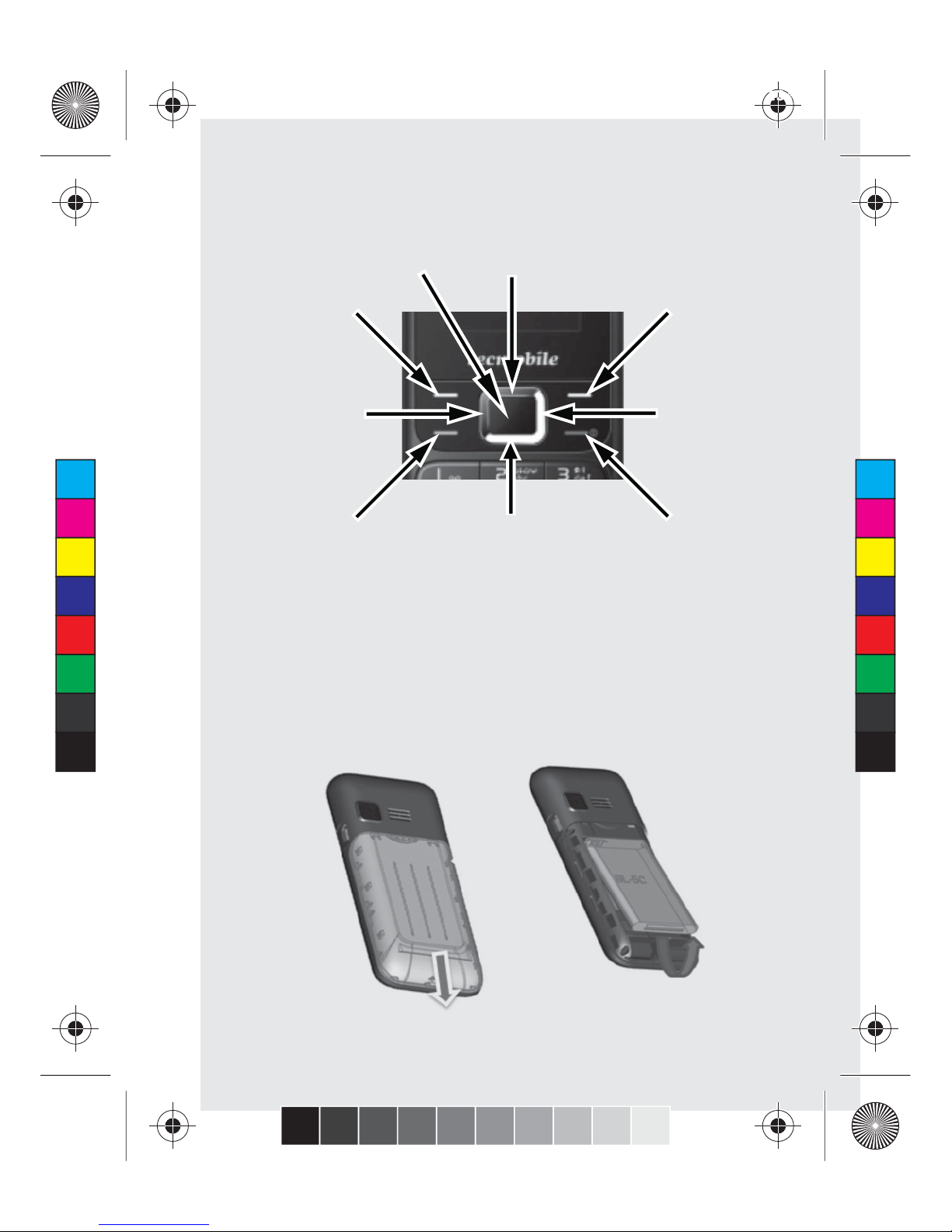
On the Home screen, press the【Left Soft Key】and select
security settings. In order to Secure the information, you can Set
PIN code (Personal Identification Number) is for the SIM card.
The original password, set by the network operator, is normally
1234 or 0000. If PIN code is Activated, the PIN password must
be input each time you switch the phone ON. You can modify the
PIN code to prevent your SIM card being used by others.
Caution:If you input your PIN code incorrectly three times (in
succession), the SIM card will be locked automatically, and prompt
you to enter a PUK code to unlock it. Consequently, you must
remember the PIN code, if you modify it.
PUK code (PUK1) is made up of 8 digits. If the PIN code is
entered incorrectly more than three times (in succession), The SIM
will be locked and will require a PUK code to unlock it. You must
enter the correct PUK code to unlock the phone. If you incorrectly
input the PUK code ten times, the SIM card will deactivate.
Normally, you will need to contact you network provider to obtain
the PUK code. Some PUK codes are provided with the SIM card.
Do not enter the PUK code if you do not know it, as this will
permanently destroy the SIM card. Your network provider should
be able to provide you with the PUK code.
Caution:If you do not know the PUK code, please consult your
network provider. If you incorrectly input the PUK code ten times
the SIM card will be destroyed.
C
M
Y
CM
MY
CY
CMY
K
R30 User Manual Booklet 18-05-2012.pdf 10 01/06/2012 13:26