SX4e CDMA800 • SX4e CDMA1900 3Technical Manual
TABLE OF CONTENTS
Contents ........................................................................................................................2
Safe Operation Instructions ........................................................................................2
Important Notices........................................................................................................ 2
Installation.................................................................................................................... 4
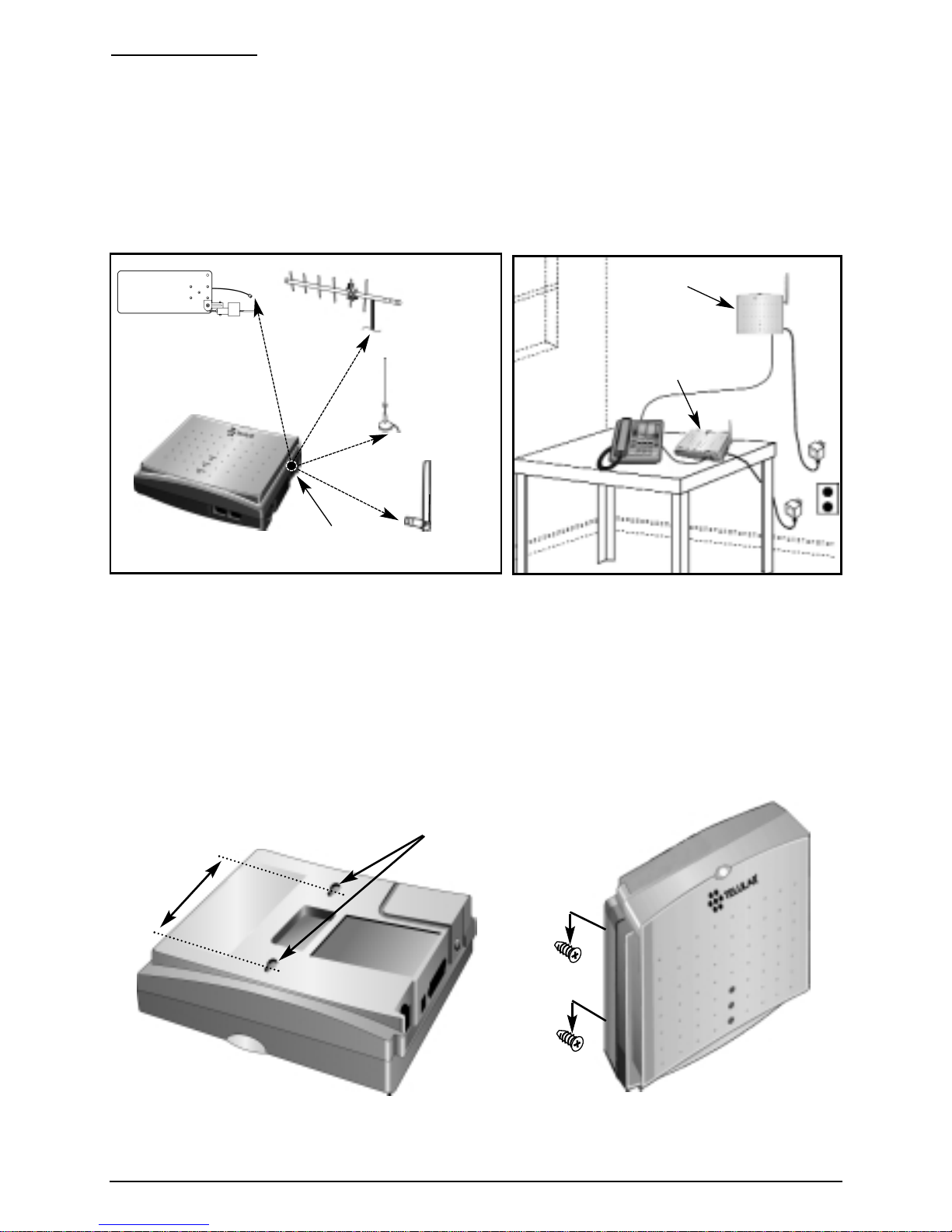
Antenna Location and Setup......................................................................................4
Optional Wall-Mount Instructions...............................................................................4
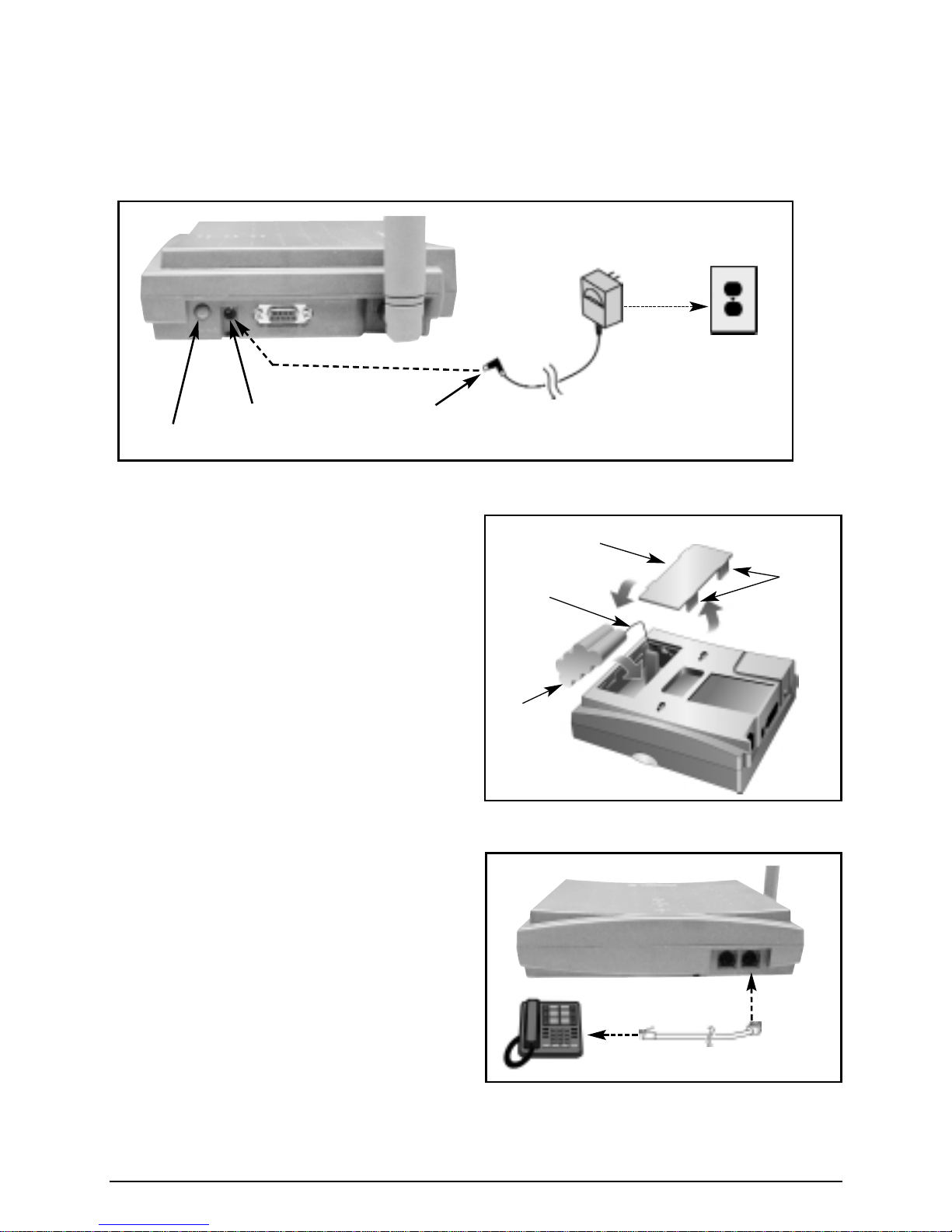
Connect Your Phonecell to AC Power .......................................................................5
Emergency Battery Backup .......................................................................................5
Plug in Your Telephone..............................................................................................5
Phonecell SX4e Operation...........................................................................................6
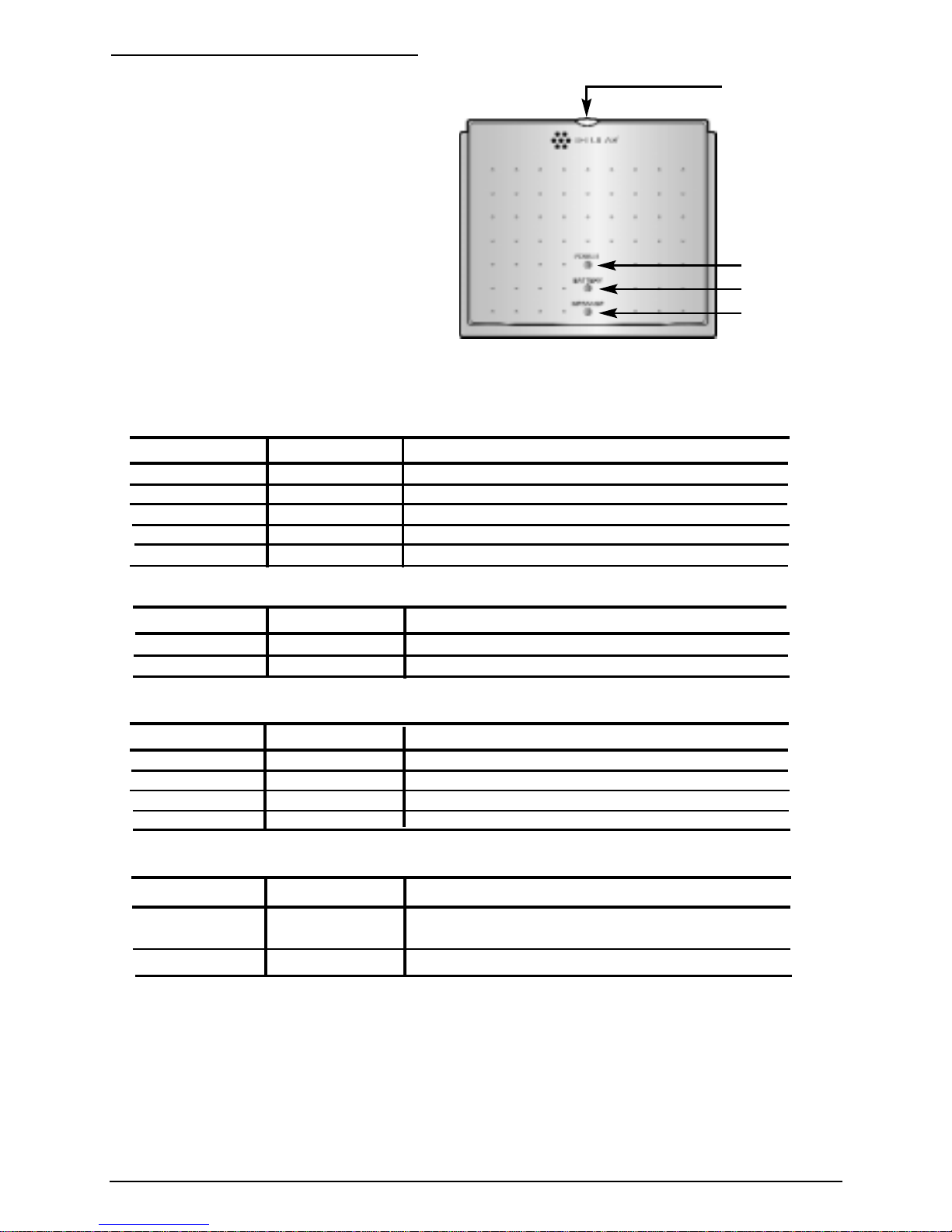
How to Use the LED Status Indicators ......................................................................6
How to Place a Call ...................................................................................................6
How to Receive a Call ...............................................................................................7
How to End a Call......................................................................................................7
The Hookflash Function.............................................................................................7
Important Tones and Alerts ........................................................................................7
Supplementary Features (Network Dependent) ........................................................7
Call Waiting................................................................................................................7
Three-Way Calling......................................................................................................7
Call Forwarding..........................................................................................................7
Caller ID.....................................................................................................................7
Voice Mail Service......................................................................................................7
Digital Data Service ......................................................................................................7
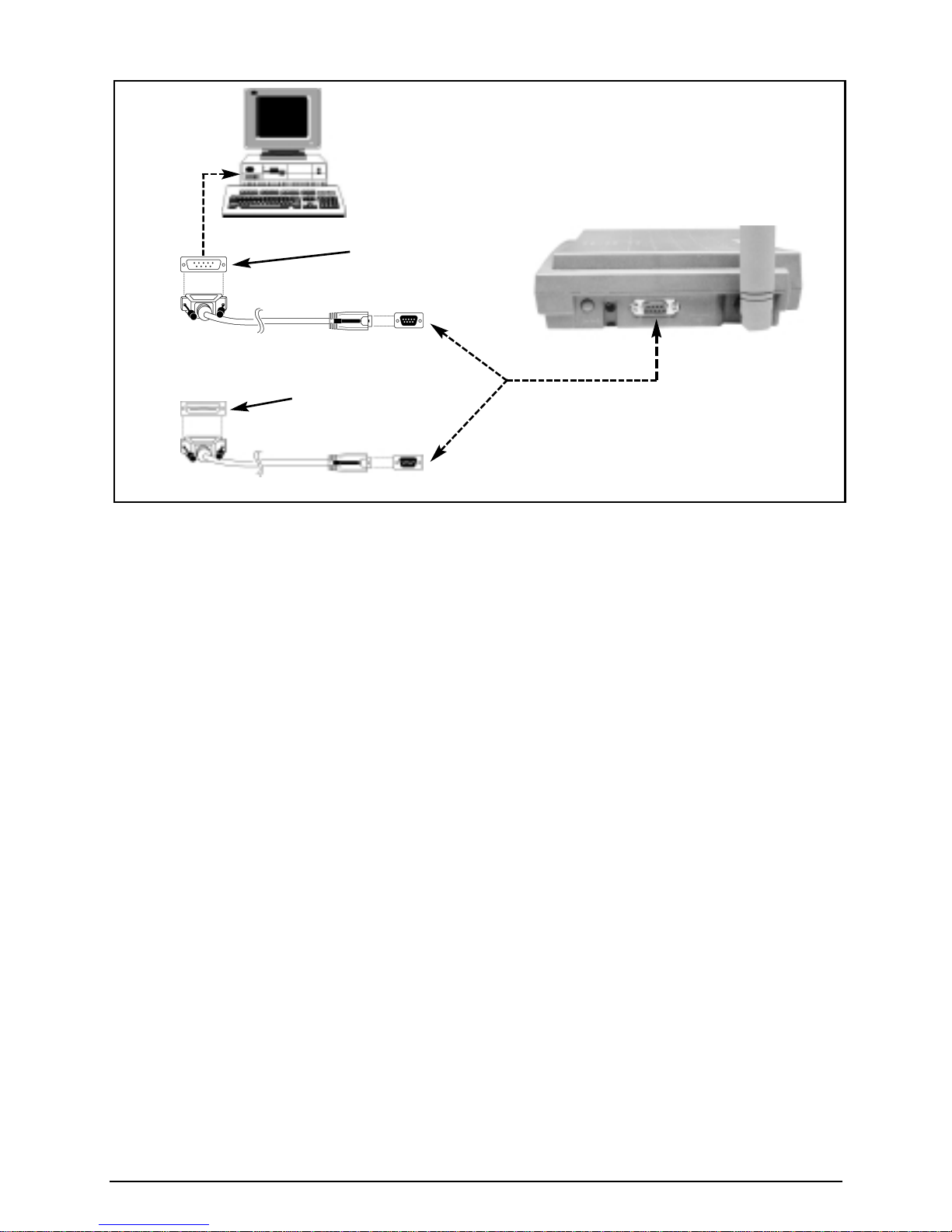
PC Data Connection ..................................................................................................7
Sending Digital Fax....................................................................................................8
Receiving Digital Fax .................................................................................................8
Sending E-Mail, Browsing the Internet, or Sending Digital Data...............................8
Receiving Digital Data................................................................................................9
Analog (Group 3) Fax Service (Optional) ........................................................................9
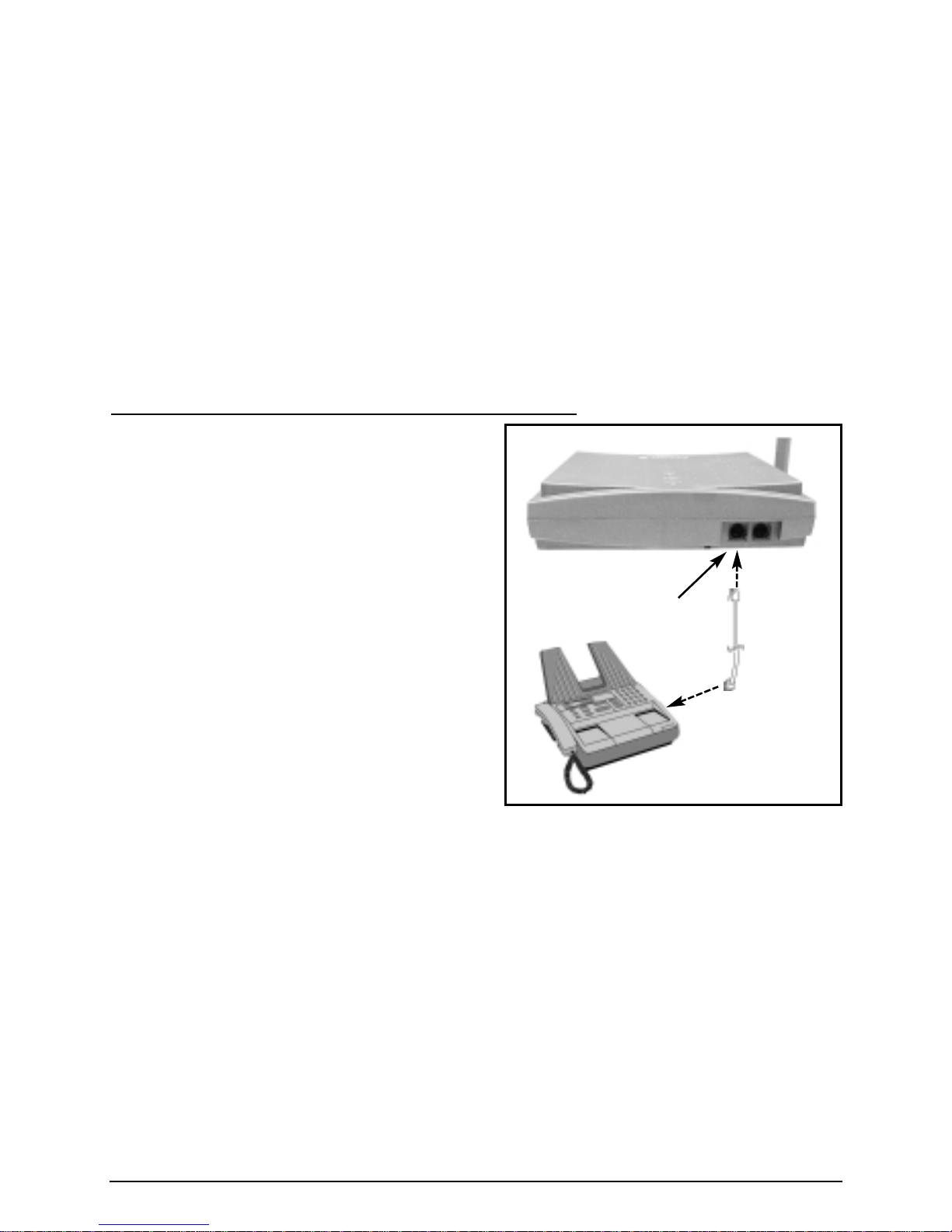
Plug In A Fax Machine...............................................................................................9
Sending A Fax............................................................................................................9
Receiving A Fax .........................................................................................................9
Phonecell SX4e Set-up...............................................................................................10
Set-up Mode Overview ............................................................................................10
How to Adjust Voice Volume....................................................................................10
How to Change the Lock Code................................................................................10
How to Restrict Outgoing Calls................................................................................10
How to Set the Alarm...............................................................................................10
How to Disable the Alarm ........................................................................................10
How to Set Caller ID Mode ......................................................................................11
How to Set 1 Minute Alert Beep...............................................................................11
How to Set the Connecting Tone .............................................................................11
How to Reset the Terminal.......................................................................................11
How to Program Hot Line (Emergency) Settings.....................................................11
Phonecell SX4e Technician Programming...............................................................11
The NAM Menu............................................................................................................12
Phonecell SX4e Troubleshooting..............................................................................15
General Information and Safety................................................................................15
Warranty ......................................................................................................................17
Appendix A: How to Setup PC Serial Ports for Phonecell
Computer Digital Fax/Data .....................................................................................19