THOMSON Lyra PDP2845 Manuale utente

PDP2842 / PDP2845
It is important to read this instruction book prior to using your new product for the first time.
Thomson
Lyra Jukebox
User’s Guide

2
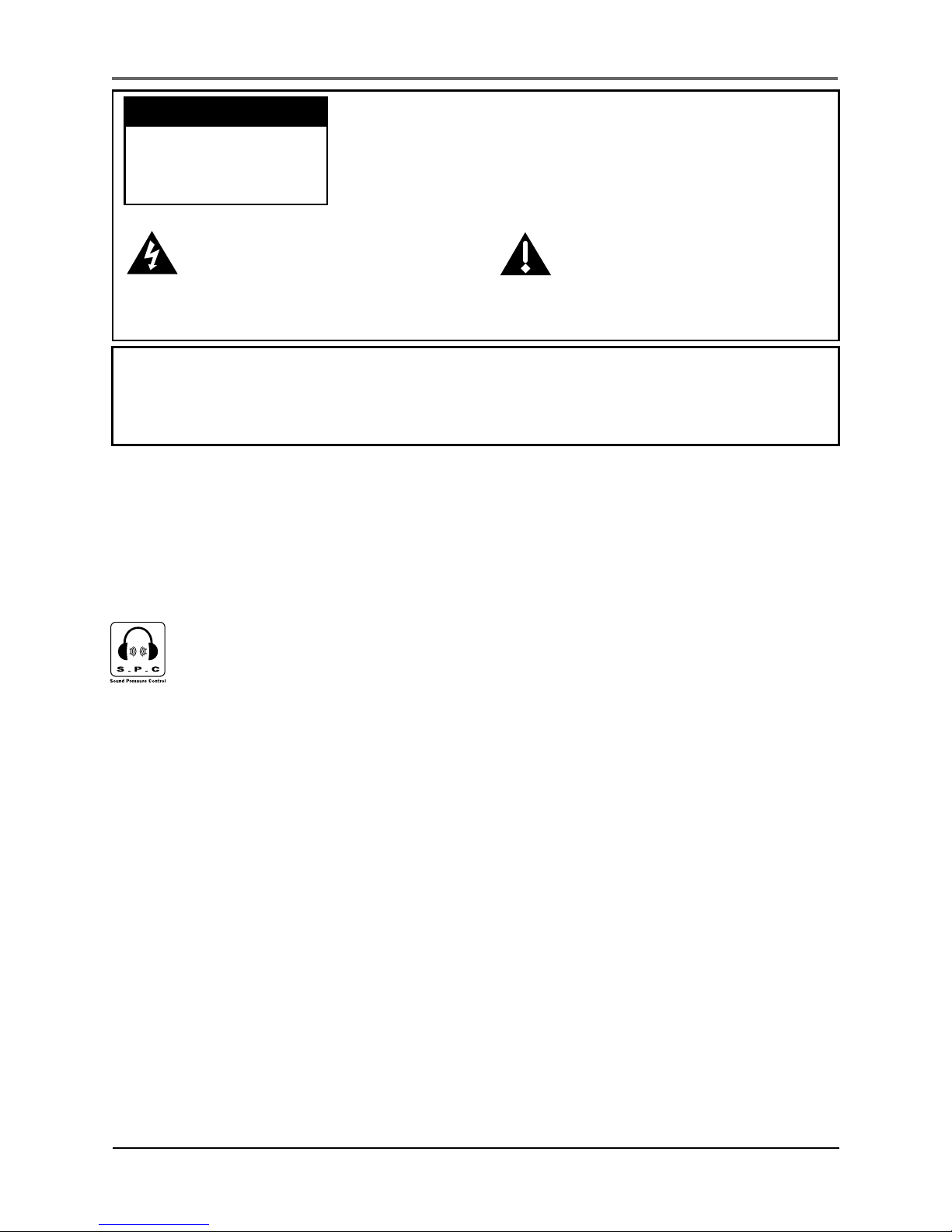
This symbol indicates
"dangerous voltage" inside
the product that presents a
risk of electric shock or
personal injury.
WARNING
To reduce the risk of fire or electric shock, do not expose this product or AC
charger to rain or moisture.
To reduce the risk of electric shock, do not remove cover
(or back). No user serviceable parts inside. Refer
servicing to qualified service personnel.
Battery can only be repaired or replaced by qualified
service personnel.
This symbol indicates
important instructions
accompanying the product.
CAUTION
RISK OF ELECTRIC
SHOCK DO NOT
OPEN
Important Information
To reduce risk of injury, charge only rechargeable batteries recommended by the
manufacturer for this product. Other types of batteries may burst causing damage
and personal injury.
Sound Pressure Control
Les articles de loi L44.5 et 44.6 du code de la santé publique, modifiés par
l’article 2 de la loi du 28 Mai 1996 imposent une puissance acoustique
maximale de 100 décibels. Le casque livré ( code 55700930 ) et votre
appareil respectent la législation en vigueur.
A pleine puissance, l’écoute prolongée du baladeur peut endommager
l’oreille de l’utilisateur.

Important Information
3
Service
This product should be serviced only by those specially trained in appropriate
servicing techniques. For instructions on how to obtain service, refer to the
warranty in this guide.
Product Registration
Please fill out the product registration card and return it immediately. Returning
this card allows us to contact you if needed.
Product Information
Keep your sales receipt for proof of purchase to obtain warranty parts and service
and attach it here. Record the serial number and model numbers — both numbers
are located on the product.
Model No. ________________________
Serial No. _________________________
Purchase Date ______________________
Place of purchase ____________________

End User License Agreement
4
IMPORTANT-READ CAREFULLY:
This End User License
Agreement (“Agreement”) is a
legal agreement between you
and Thomson Inc. (“Thomson”)
for the Thomson Lyra device
application/driver software
program and associated
documentation, if any
(“Program”).
ACKNOWLEDGMENT
BY INSTALLING THE SOFTWARE OR
CLICKING ON THE ACCEPTANCE
BUTTON OF THE SOFTWARE,
COPYING OR OTHERWISE USING
THE PROGRAM, YOU
ACKNOWLEDGE AND AGREE THAT
YOU HAVE READ THIS AGREEMENT,
UNDERSTAND IT, AND AGREE TO BE
BOUND BY ITS TERMS AND
CONDITIONS. IF YOU DO NOT
AGREE TO THE TERMS OF THIS
LICENSE AGREEMENT, CLICK ON THE
REJECTION BUTTON AND/OR DO
NOT INSTALL THE SOFTWARE AND/
OR DO NOT USE THE PROGRAM.
LICENSE
a) You are granted the license (i) to
use the Program on a single
workstation and (ii) to make one (1)
copy of the Program into any
machine-readable form for backup
of the Program, provided the copy
contains all of the original
Program’s proprietary notices.
b) You may transfer the Program
and license, only as part of the
Thomson Lyra device, to another
party if the other party agrees to
accept the terms and conditions of
this Agreement. If you transfer the
Program, you must at the same time
either transfer all copies to the
same party or destroy any copies
not transferred.

End User License Agreement
5
LICENSE RESTRICTIONS
a) Except for the licenses expressly
granted to you in this Agreement,
no other licenses are implied.
b) You may not (i) modify, translate,
reverse engineer, decompile,
disassemble (except to the extent
that this restriction is expressly
prohibited by law) or create
derivative works based upon the
Program or (ii) copy the Program,
except as expressly permitted
herein. You agree that you shall
only use the Program in a manner
that complies with all applicable
laws in the jurisdictions in which
you use the Program, including, but
not limited to, applicable
restrictions concerning copyright
and other intellectual property
rights.
c) The Program may contain pre-
release code that does not perform
at the level of a final code release.
In this case, the Program may not
operate properly. Updated versions
of the Program can be downloaded
from www.thomson-lyra.com.
d) Thomson is not obligated to
provide support services for the
Program.
e) The Program is provided with
“RESTRICTED RIGHTS”. Use,
duplication, or disclosure by the U.S.
Government is subject to
restrictions as set forth in
subparagraph (c)(1)(ii) of DFARS
252.227-7013, or FAR 52.227-19, or
in FAR 52.227-14 Alt. III, as
applicable.
TERM AND TERMINATION
a) The license is effective on the
date you accept this Agreement,
and remains in effect until
terminated by either party.
b) You may terminate this license
without any notice or delay, by
destroying or permanently erasing
the Program and all copies thereof.
c) If you use, copy, modify, or
transfer the Program, or any copy,
in whole or part, except as expressly
provided for in this license, your
license is automatically terminated.
d) When the license is terminated,
you must destroy or permanently
erase the Program and all copies
thereof.

End User License Agreement
6
WARRANTY DISCLAIMER
THE PROGRAM IS PROVIDED “AS
IS” WITHOUT WARRANTY OF ANY
KIND, EITHER EXPRESSED OR
IMPLIED, INCLUDING, BUT NOT
LIMITED TO THE IMPLIED
WARRANTIES OF
MERCHANTABILITY, FITNESS FOR A
PARTICULAR PURPOSE, TITLE OR
NON-INFRINGEMENT. THE ENTIRE
RISK AS TO THE QUALITY AND
PERFORMANCE OF THE PROGRAM
IS WITH YOU. SHOULD THE
PROGRAM PROVE DEFECTIVE, YOU
(AND NOT THOMSON, ITS
SUPPLIERS, ITS AFFILIATES OR ITS
DEALERS) ASSUME THE ENTIRE
COST FOR ALL NECESSARY REPAIR
OR CORRECTION.
This exclusion of warranty may not
be allowed under some applicable
laws. As a result, the above
exclusion may not apply to you, and
you may have other rights
depending on the law that applies
to you
OWNERSHIP RIGHTS
All title and intellectual property
rights in and to the Program and
any copies thereof are owned by
Thomson or its suppliers. All title
and intellectual property rights in
and to the content which may be
accessed through use of the
Program is the property of the
respective content owner and may
be protected by applicable
copyright or other intellectual
property laws and treaties. This
license grants you no rights to use
such content.
LIMITATION OF LIABILITY
a) TO THE MAXIMUM EXTENT
PERMITTED BY APPLICABLE LAW, IN
NO EVENT SHALL THOMSON, ITS
AFFILIATES, OR ITS DEALERS BE
LIABLE FOR ANY SPECIAL,
INCIDENTAL, INDIRECT OR
CONSEQUENTIAL DAMAGES
WHATSOEVER (INCLUDING,
WITHOUT LIMITATION, DAMAGES
FOR LOSS OF PROFITS, BUSINESS
INTERRUPTION, CORRUPTION OF
FILES, LOSS OF BUSINESS
INFORMATION OR ANY OTHER
PECUNIARY LOSS) REGARDLESS OF
CAUSE OR FORM OF ACTION,
INCLUDING CONTRACT, TORT OR
NEGLIGENCE, ARISING OUT OF THE
USE OF OR INABILITY TO USE THE
PROGRAM, EVEN IF THOMSON HAS
BEEN ADVISED OF THE POSSIBILITY
OF SUCH DAMAGES. BECAUSE
SOME STATES AND JURISDICTIONS
DO NOT ALLOW THE EXCLUSION
OR LIMITATION OF LIABILITY OF
CONSEQUENTIAL OR INCIDENTAL
DAMAGES, THE ABOVE LIMITATION
MAY NOT APPLY TO YOU.

End User License Agreement
7
b) YOU ASSUME RESPONSIBILITY
FOR THE SELECTION OF THE
APPROPRIATE PROGRAM TO
ACHIEVE YOUR INTENDED RESULTS,
AND FOR THE INSTALLATION, USE,
AND RESULTS OBTAINED.
WINDOWS MEDIA
This version of the Lyra Personal
Digital Player (“Lyra Player”)
contains software licensed from
Microsoft that enables you to play
Windows Media Audio (WMA) files
(“WMA Software”). The WMA
Software is licensed to you for use
with the RCA/THOMSON Portable
Audio Device digital music player
under the following conditions. By
installing and using this version of
the Lyra Player, you are agreeing to
these conditions. IF YOU DO NOT
AGREE TO THE CONDITIONS OF
THIS END USER LICENSE
AGREEMENT, DO NOT INSTALL OR
USE THIS VERSION OF THE Lyra
Player.
The WMA Software is protected by
copyright and other intellectual
property laws. This protection also
extends to documentation for the
WMA Software, whether in written
or electronic form.
GRANT OF LICENSE. The WMA
Software is only licensed to you as
follows:
You may use this version of the Lyra
Player containing the WMA
Software only with the Portable
Audio Device player.
You may not reverse engineer,
decompile, or disassemble the WMA
Software, except and only to the
extent that such activity is expressly
permitted by applicable law in spite
of this limitation.
You may transfer your right to use
this version of the Lyra Player only
as part of a sale or transfer of your
Portable Audio Device player, on
the condition that the recipient
agrees to the conditions in this End
User License Agreement. If the
version of the Lyra Player that you
are transferring is an upgrade, you
must also transfer all prior versions
of the Lyra Player that you have
which include the WMA Software.

End User License Agreement
8
GOVERNING LAW
This Agreement is governed by the
laws of France, without regard to its
conflict of laws.
GENERAL TERMS
This Agreement can only be
modified by a written agreement
signed by you and Thomson, and
changes from the terms and
conditions of this Agreement made
in any other manner will be of no
effect. If any portion of this
Agreement shall be held invalid,
illegal, or unenforceable, the
validity, legality, and enforceability
of the remainder of the Agreement
shall not in any way be affected or
impaired thereby. This Agreement
is the complete and exclusive
statement of the agreement
between you and Thomson, which
supersedes all proposals or prior
agreements, oral or written, and all
other communications between you
and Thomson, relating to the
subject matter of this Agreement.
MICROSOFT IS NOT PROVIDING ANY
WARRANTY OF ANY KIND TO YOU
FOR THE WMA SOFTWARE, AND
MICROSOFT MAKES NO
REPRESENTATION CONCERNING THE
OPERABILITY OF THE WMA
SOFTWARE.
The WMA Software is of U.S. origin.
Any export of this version of the
Lyra Player must comply with all
applicable international and
national laws, including the U.S.
Export Administration Regulations,
that apply to the WMA Software
incorporated in the Lyra Player.
THIRD PARTY SOFTWARE
ANY THIRD PARTY SOFTWARE THAT
MAY BE PROVIDED WITH THE
PROGRAM IS INCLUDED FOR USE AT
YOUR OPTION. IF YOU CHOOSE TO
USE SUCH THIRD PARTY SOFTWARE,
THEN SUCH USE SHALL BE
GOVERNED BY SUCH THIRD
PARTY’S LICENSE AGREEMENT, AN
ELECTRONIC COPY OF WHICH WILL
BE INSTALLED IN THE APPROPRIATE
FOLDER ON YOUR COMPUTER
UPON INSTALLATION OF THE
SOFTWARE. THOMSON IS NOT
RESPONSIBLE FOR ANY THIRD
PARTY’S SOFTWARE AND SHALL
HAVE NO LIABILITY FOR YOUR USE
OF THIRD PARTY SOFTWARE.

Table of Contents
9
Important Information ............................................................. 2
Warning .................................................................................................... 2
End User License Agreement ................................................... 4
Table of Contents...................................................................... 9
Before You Begin .................................................................... 12
Unpacking Your Unit ............................................................................. 12
Things to consider before you get started... ....................................... 13
Computer System Requirements ................................................... 13
Warning .......................................................................................... 13
Caution ............................................................................................ 13
Caution While Driving .................................................................... 13
Back up your data ........................................................................... 14
Important Battery Information ...................................................... 14
Getting Started : Software Setup .......................................... 15
Inserting the Included CD-ROM into CD-ROM Drive ........................... 15
Installing Software Components .......................................................... 16
Install the USB Driver (Windows 98SE and Me Only) ................... 16
Install System Applications ............................................................. 17
Install MusicMatch Jukebox ........................................................... 18
Install Additional Services .............................................................. 19
Launch the MusicMatch software ................................................. 19
Install MusicMatch Plug-in ............................................................. 19
The MusicMatch icon found in your computer’s system tray ............ 19
Connecting Thomson Lyra to the Computer ................................. 20
Transferring Files to Thomson Lyra Jukebox ....................................... 21
Transfer Files via MusicMatch Jukebox ......................................... 21
Transfer Files via W indows Explor er (Drag and Drop) ................. 22
Create Pre-defined Playlists and T ransferring them to the
Jukebox ........................................................................................... 23

Table of Contents
10
Disconnecting Your Lyra from the Computer ...................................... 24
System Tray Applications ...................................................................... 25
Profile .............................................................................................. 25
Verify User Playlists ......................................................................... 26
Updating System File ...................................................................... 26
LyraSync ........................................................................................... 27
MyDislikes ....................................................................................... 28
Lyra•Jukebox .......................................................................... 29
Overview of General Controls .............................................................. 29
Front View ....................................................................................... 29
Navigation Controls ................................................................ 29
Left View ......................................................................................... 30
Right View ....................................................................................... 31
Top View .......................................................................................... 31
Display Overview .................................................................................. 32
Menu Navigation ............................................................................ 33
Basic Operation ...................................................................................... 33
Selecting Music Mode .................................................................... 34
Music Playback Display ................................................................... 34
Music Playback Operation .............................................................. 35
Step-by-Step Example ..................................................................... 36
Navigation Menu ............................................................................ 38
Playlists ................................................................................................... 40
My Selections .................................................................................. 40
My Dislikes ...................................................................................... 42
View User Playlists .......................................................................... 43
Pre-defined Playlists ....................................................................... 44
Save MySelections or MyDislikes as a Playlist ............................... 44
Clear Playlists .................................................................................. 45
All Files ................................................................................................... 46
Additional Features ............................................................................... 47
Repeat ............................................................................................. 47
Shuffle ............................................................................................. 48
Profiler ............................................................................................. 51
Questo manuale è adatto per i seguenti modelli
1
Indice
Altri manuali THOMSON Juke-box