
THORENS MM 008 Manuale utente

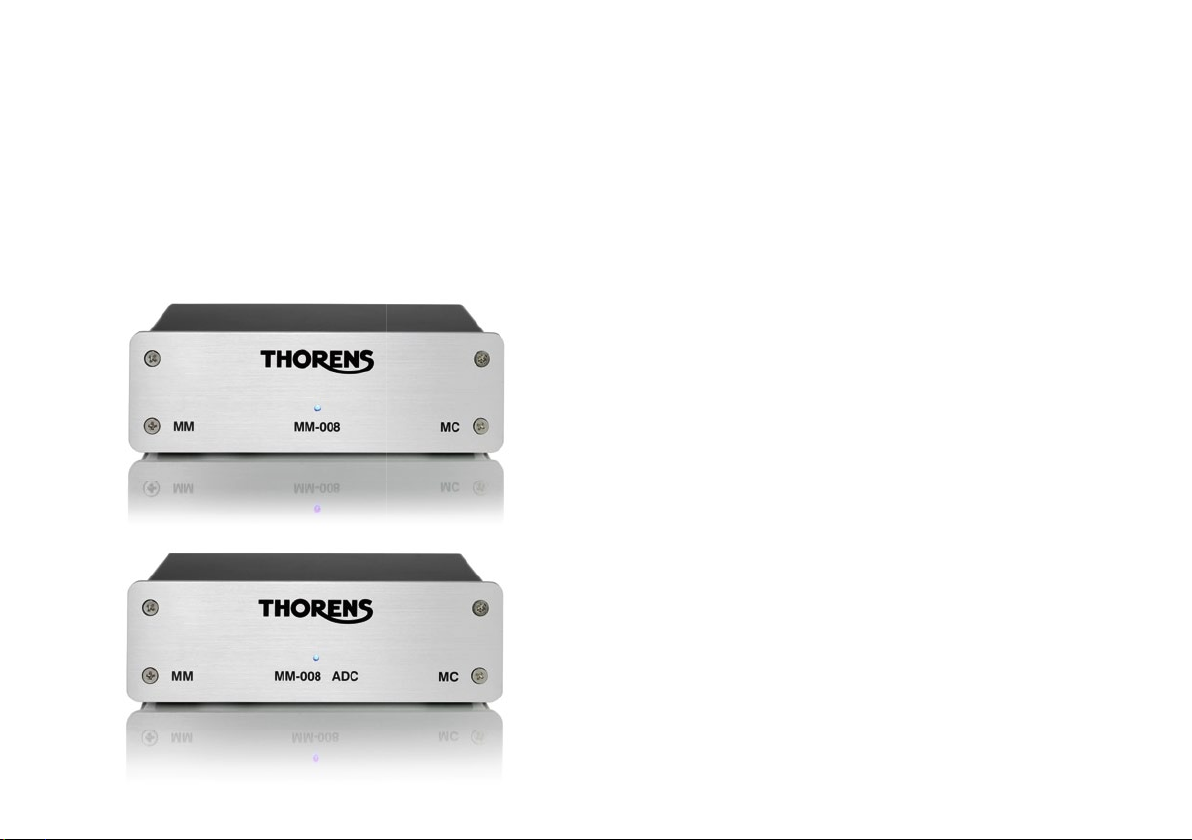
MM 008 ADC
MM 008
Bedienungsanleitung
User Manual
Mode d’Emploi
®

www.thorens.com

Bedienungsanleitung
User Manual
Mode d’Emploi
MM 008
MM 008 ADC
GETTING STARTED 6
CONNECTING YOUR TURNTABLE 7
CONNECTING YOUR AMPLIFIER 8
CONNECTING THE POWER ADAPTER 9
CONNECTING YOUR COMPUTER (MM 008 ADC) 10
TECHNICAL SPECIFICATIONS (MM 008) 11
TECHNICAL SPECIFICATIONS (MM 008 ADC) 12
Table of Contents

Inhalt Sommaire
ERSTE SCHRITTE 13
PLATTENSPIELER ANSCHLIESSEN 14
VERSTÄRKER ANSCHLIESSEN 15
NETZTEIL ANSCHLIESSEN 16
COMPUTER ANSCHLIESSEN (MM 008 ADC) 17
TECHNISCHE DATEN (MM 008) 18
TECHNISCHE DATEN (MM 008 ADC) 19
DÉMARRAGE 20
CONNECTER VOTRE PLATINE 21
CONNECTER VOTRE AMPLIFICATEUR 22
CONNECTER L’ADAPTATEUR D’ALIMENTATION 23
CONNECTER VOTRE ORDINATEUR (MM 008 ADC) 24
SPÉCIFICATIONS TECHNIQUES (MM 008) 25
SPÉCIFICATIONS TECHNIQUES (MM 008 ADC) 26

6
Getting started
Congratulations and thank you for purchasing the
MM008 or MM 008 ADC MM/MC phono preamplifier.
Please read this manual carefully before operating your
unit in order to guarantee the best performance.
Your local Thorens dealer or distribution partner will be
pleased to assist if you have any further queries or need
more information about this product:
www.thorens.com/support
Rear panel:
1) Binding post for tonearm earth wire
2) MM/MC selector switch
3) MC cartridge loading sockets
4) MC input sockets (from turntable)
5) MM input sockets (from turntable)
6) Power switch
7) Power socket (from power adaptor)
8) Output sockets (to amplifier)
9) USB socket (to computer) [MM 008 ADC only]
2
9
1
3
4
5
8
7
6

7
Connecting your turntable
For the following steps, your amplier should be pow-
ered off or muted and the MM 008’s power supply
should be disconnected.
1. Connect earth wire
If your tonearm has a separate earth wire for shielding
purposes, connect it to the earth binding post (1) on the
rear panel of the MM 008.
2. Connect RCA cables
For use with MM or high-level MC cartridges:
Make sure the MM/MC selector switch (2) is in the MM
(outer) position.
Plug the leads from your turntable’s cartridge to the MM
input sockets (5) on the back of the MM 008: the right
channel (red) cable into the right input and the left chan-
nel (white) into the left input.
For use with MC cartridges:
Make sure the MM/MC selector switch (2) is in the MC
(inner) position.
Checking the manufacturer’s specifications of your pho-
no cartridge, choose which value of RCA loading resist-
ance is most suitable. The MM 008 comes with three
pairs of RCA loading plugs which are to be connected
to the “MC LOAD” sockets (3) on the rear panel. Two
RCA loading plugs of the same value must be fitted,
one per channel. The default MC loading resistance is
47 kΩ with no RCA plugs inserted; if the cartridge man-
ufacturer recommends a different load, you can choose
between 10 Ω, 100 Ω and 1 kΩ with the RCA loading
plugs provided. Please note that these plugs only refer
to the MC inputs, not the MM inputs, which have a fixed
internal load resistance of 47 kΩ.
Plug the leads from your turntable’s cartridge to the MC
input sockets (4) on the back of the MM 008: the right
channel (red) cable into the right input and the left chan-
nel (white) into the left input.

8
Connecting your amplier
Use high-quality RCA interconnect cables to connect
the MM 008 to an auxiliary line-level input on your ampli-
fier (Aux, Tape in, CD, Tuner, etc.).
Ensure that the right channel output is connected to the
right channel input on your amplifier, and the left chan-
nel output is connected to the left channel input on your
amplifier.
If your amplier is already equipped with a phono
stage and you are upgrading your system with the
MM 008, do not connect the output of the MM 008
to the phono input: it is intended for connection to a
turntable’s cartridge output only, not to a line level
output such as that of the MM 008.
Important:
Do not change the position of the MM/MC selec-
tor switch, connect or disconnect cables from the
cartridge or connect or disconnect the MC loading
plugs while the MM 008 is connected to the input of
a preamplier or amplier and switched on as this
can cause a loud abrupt noise in the loudspeak-
ers with possible damage to the drive units. Always
lower or mute the amplier’s volume, or switch it off
entirely before making any connections.

9
Connecting the power adapter
Make sure the power switch is in the OFF (outer) posi-
tion and the power adaptor is not connected to a mains
socket.
Connect the Thorens power supply cable to the power
socket on the rear panel (7).
After choosing and installing the correct snap-in mains
plug for your country, connect the power adaptor to a
live mains socket and engage the power button on the
rear panel (6).
Always use the supplied mains power adaptor or an
original Thorens spare part!
If you prefer, the MM 008 can be left powered on
thanks to its very low power consumption levels. If
you plan to leave it unused for a prolonged period
of time, we suggest disconnecting the power adaptor
from the mains socket.
The MM 008 is now ready for use. Switch on or un-mute
your amplifier and enjoy your favourite music!

10
Connecting your computer and
recording audio tracks (ADC)
The MM 008 ADC is equipped with a high-resolution
analogue-to-digital converter allowing you to record vi-
nyl tracks directly onto your computer’s hard disk. It will
work both with Microsoft® Windows® and Apple® Mac
OS® based computers.
Connect the USB socket (9) on the rear panel to a free
USB socket on your computer using the cable sup-
plied or any other approved USB cable. The computer’s
new hardware device assistant should recognise the
MM008 ADC, which will show on the screen as “Tho-
rens MM-008ADC” while the installation is in progress.
Once the hardware installation is complete, you can
start recording.
Please ensure that your recording software is set
up to accept audio from USB and that it recognises
“Thorens MM-008ADC” as its audio source.
Recording software:
Both Microsoft® Windows® and Apple® Mac OS®
come with very simple audio recording software pre-in-
stalled. However, to take full advantage of the high-res-
olution recording facilities offered by the MM 008 ADC,
we recommend recording software that can record at
24 bits/96 kHz and save lossless high-resolution audio
files such as FLAC or Apple® Lossless.
Please visit www.thorens.com/adc for a list of recom-
mend third-party recording software available for down-
load from the internet.
Note: When downloading les from the internet, you
should always use up-to-date anti-virus software.
Thorens accepts absolutely no responsibility and
provides no support for third-party software.
Questo manuale è adatto per i seguenti modelli
1
Indice
Lingue:
Altri manuali THORENS Amplificatore


