7
• Additional information
Using multiple SC300 and accessories on a layout
DCC is designed to allow lots of locos and accessories to all be connected and controlled at the
same time, but of course there is a practical limit of how many things can be powered which
depends on your DCC controller and associated power unit. Low cost starter controllers tend to
have power capabilities of 1 amp or so, whereas larger systems can supply 4 amps or more.
As a guide, an SC300 with 2 signals consumes around 0.1A when stationary and 0.2A peak (if 2
signals move together). If you have a lot of DCC items like locos and lights which all get switched
on at once when you power up your layout, potentially this could overload your DCC controller.
Ultimately may need to invest in a bigger power supply or controller, but you may be able to
reduce this ‘switch on surge’ by ensuring that Locos with sound (which can take more than 0.5amp
each!) are all shut down properly before you switch off.
Power ‘bus-bar’
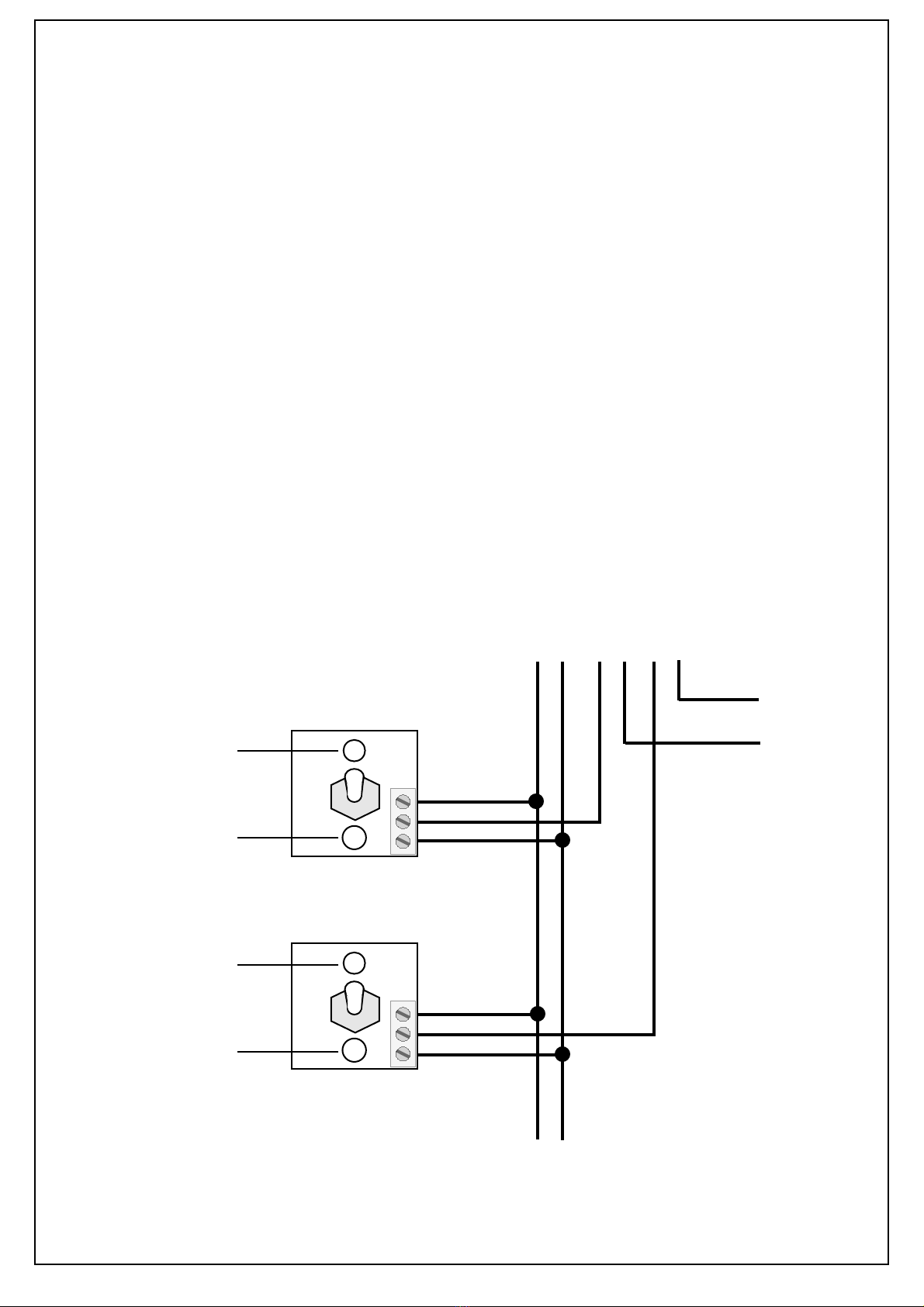
If you intend to fit lots of different DCC accessories and lights etc around your layout you may find
it is better to install a ‘bus-bar’ system instead of using the track to carry the load for everything.
A bus-bar can made of 2 thick wires which you distribute around the underside of your baseboard -
eg thick solid copper wires stripped from some surplus heavy duty house wiring mains cable.
Pairing two semaphore signals to change together
There are times when it can be useful to ‘pair’ two Semaphore signals so that they change
together, such as an adjacent distant and home signal which usually go up and down together. If
controlled by DCC this is quite easily achieved by giving both signals the same DCC address, but
when using Track Sensors or a Mimic Switch to control signals another solution is needed.
We have built in a ‘pairing’ option so that you can lock the two signals connected to the same
SC300 together, where Signal 2 will always do what Signal 1 does, regardless of whether the
control input for Signal 1 is a Track Sensor, DCC command or Mimic Switch. (note that when in
paired mode any DCC, switch or sensor input for Signal 2 is ignored)
•!To put the SC300 into paired mode switch power on and press and hold the Learn button for 5
seconds - the LED will now flash 5 times to show that the two outputs are synchronised.
•To take the SC300 out of paired mode press the Learn button for 5 seconds again - the LED will
flash 3 times to indicate it is back into standard independant mode.
Important Do not connect more than two signals to an SC300 and only connect one per output - if
you connect more than two signals you are liable to overload the regulated power output and
damage the controller and/or the signal and they are unlikely to work reliably.
• Troubleshooting...
• I cannot get the SC300 to work at all
Check that the SC300 LED is lit - if it is not lit but locos and accessories etc run correctly, check
the power connections between your DCC Controller and the SC300.
•I cannot set up DCC addresses on the SC300
If the SC300 LED is lit but does not flash when you send a command double check that your DCC
controller is in Accessory addressing mode - note that these are completely different to
Locomotive addresses and should be explained in your controller instructions. If not check
carefully that your controller will control DCC accessories - see page 4.
•The SC300 LED flashes when I send a command but the signal does not move
On the signal check that the small light behind the signal arm is lit - if not check the red and black
power leads. If the small signal light is lit check that the signal moves without using the SC300 by
carefully removing the 2 yellow wires from the SC300 terminals and touching the wires together -
the signal should move. If it does not change it is possible that the signal is faulty.
•The Signal is moving in the opposite direction to what I want
See the bottom of page 3 for details on how to synchronise the signal to your Track Sensor or
DCC command etc
If these checks fail please contact your supplier or DCP for advice and support.