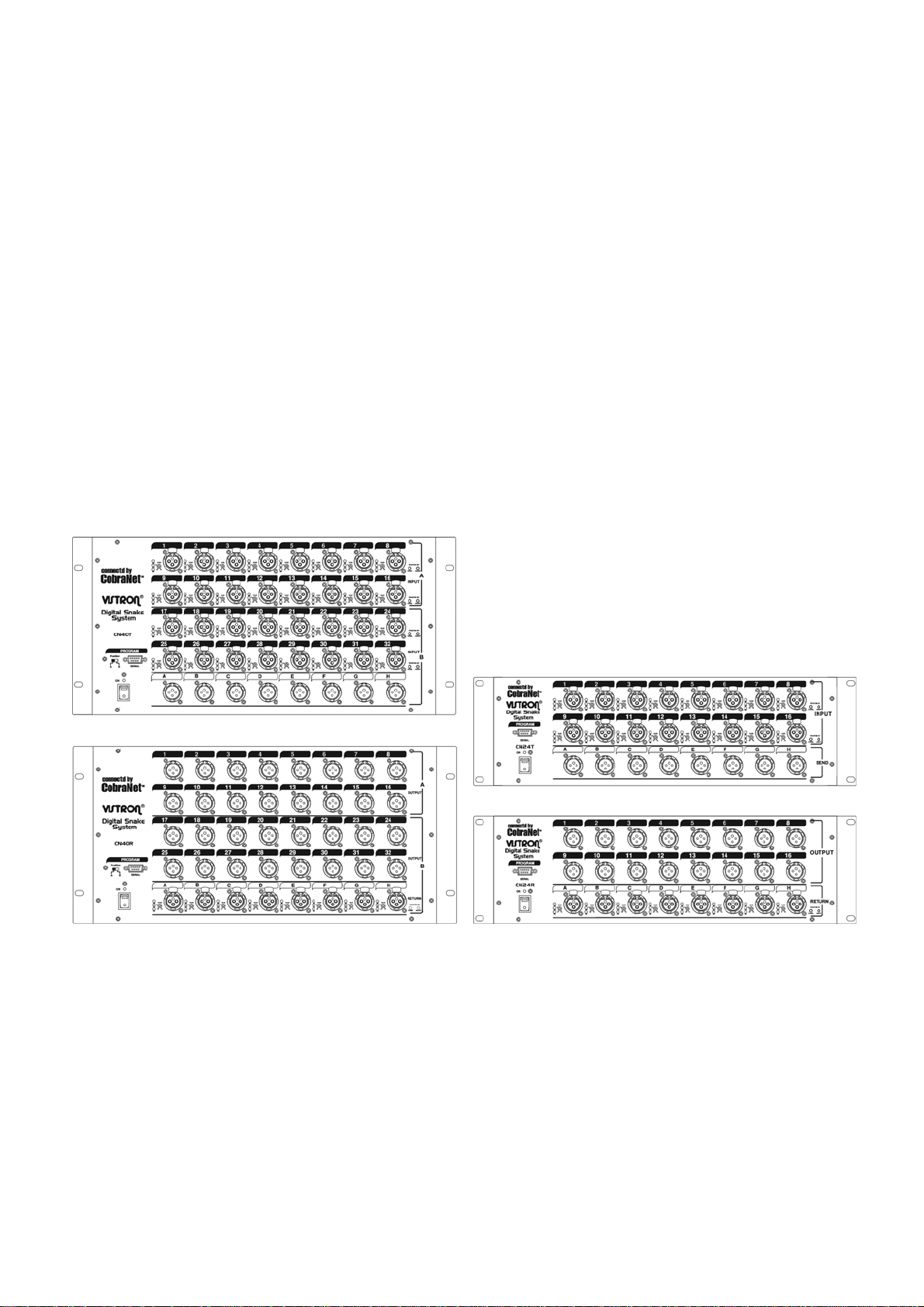
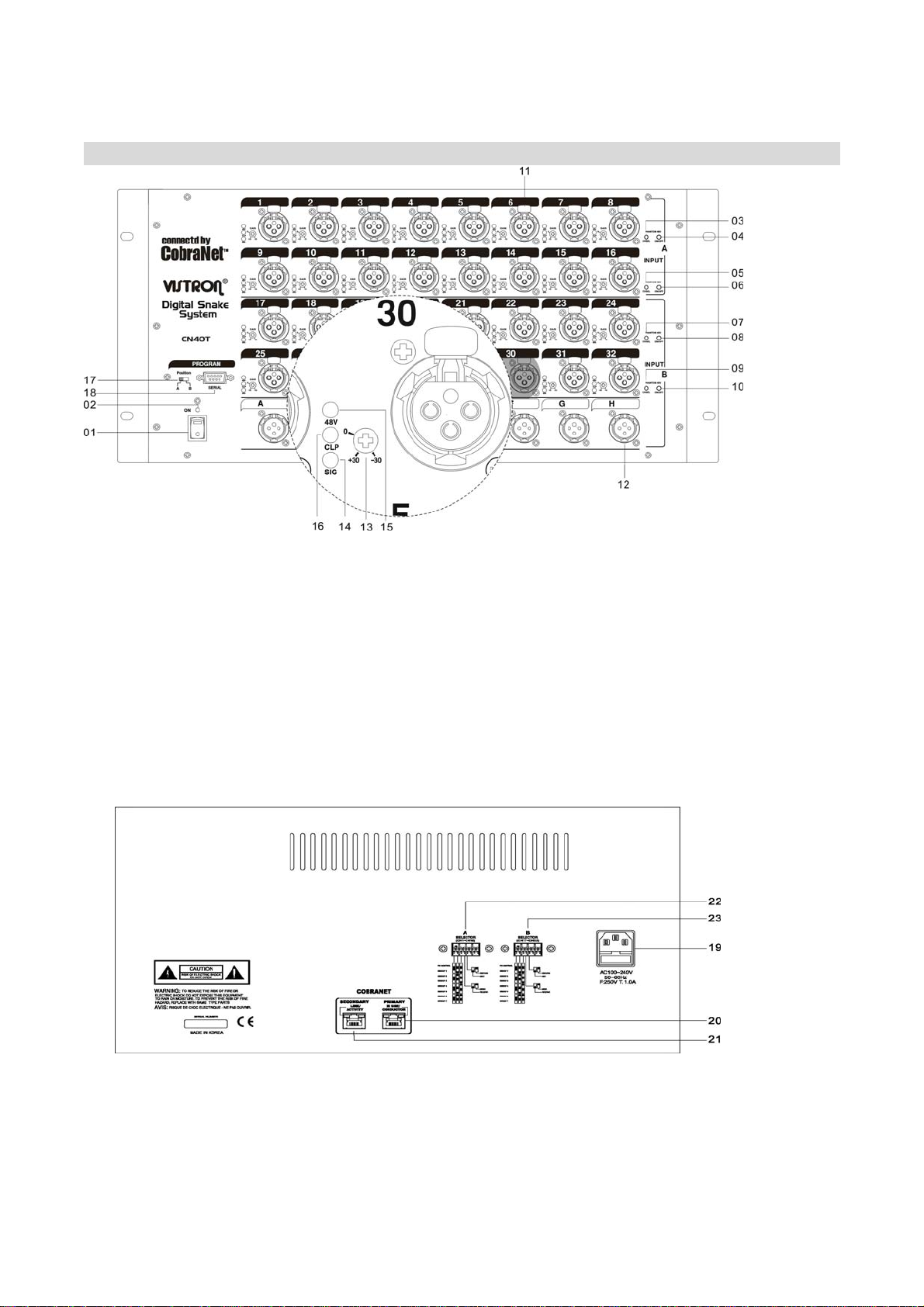
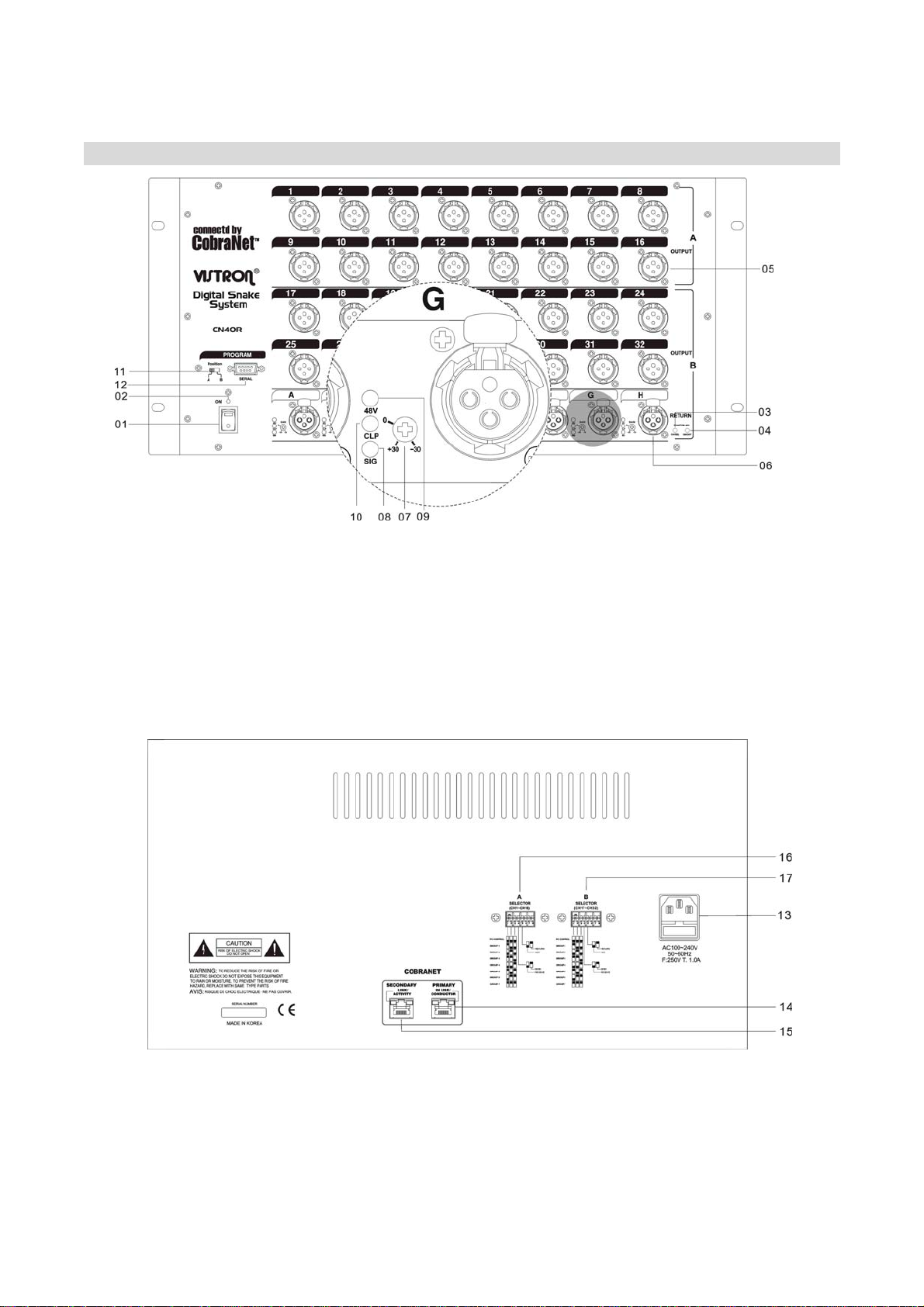
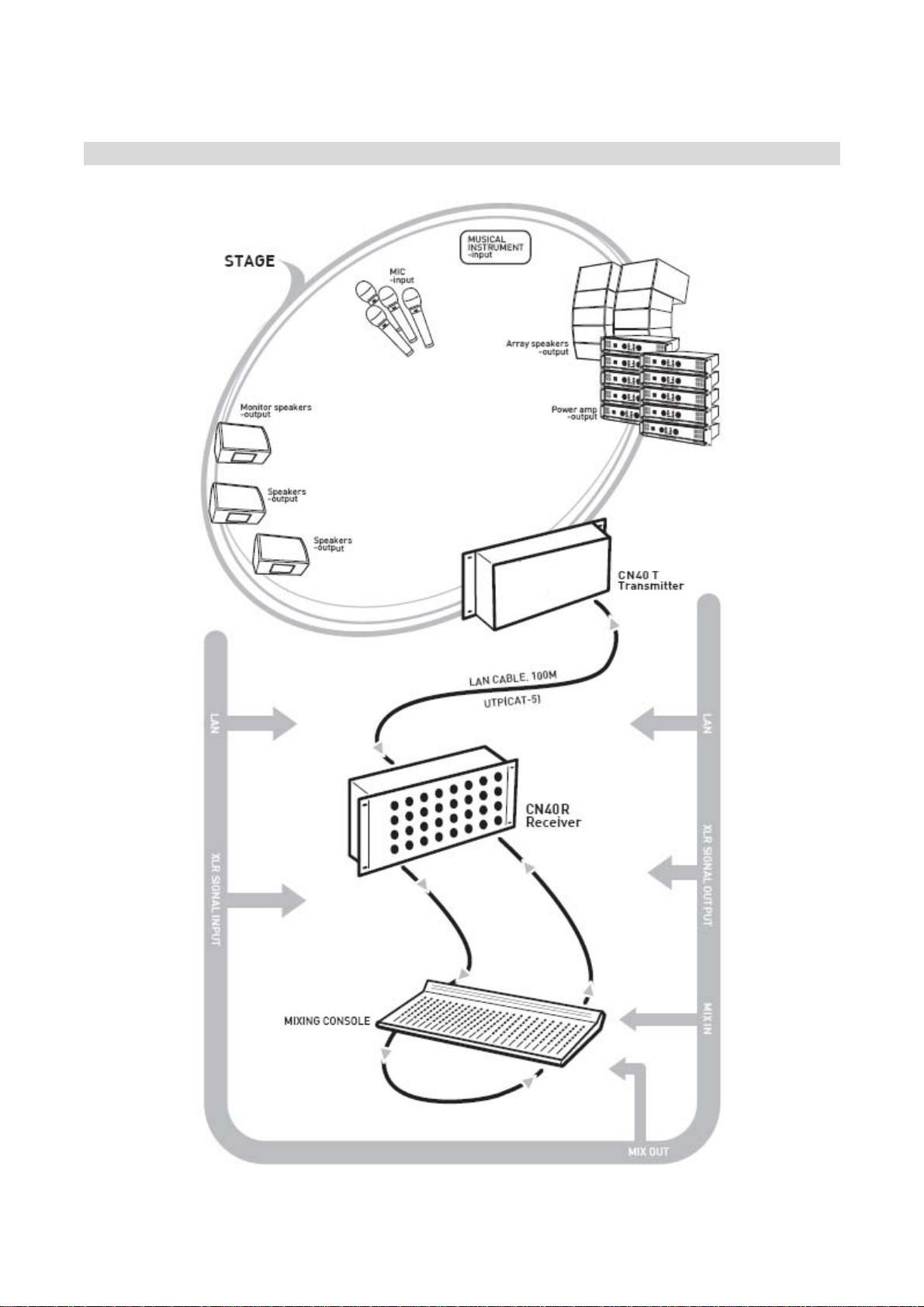
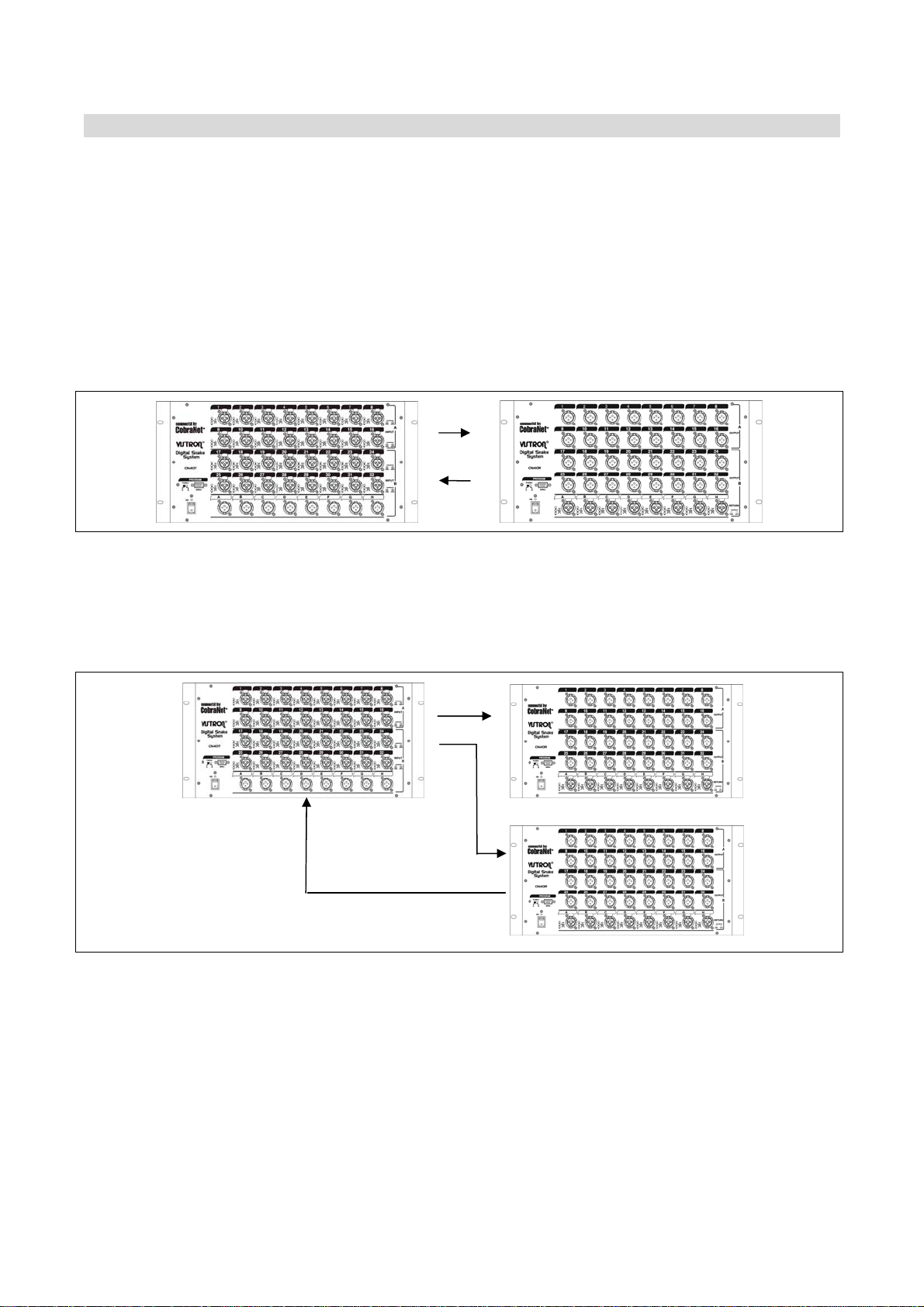
•EXPLAINATION FOR EACH PART OF CN40T •
01 Power Switch
Power Switch for Power on/off.
02 Power LED
On power switch, LED Lamp is turned on
lighting.
03,05,07,09 Phantom Select Switch(9-32CH)
These are channel select switch for
turn-on/turn-off of Phantom +48V.
If you select the channel, the Signal LED
Lamp is twinkle.
04,06,08,10 Phantom On/Off Switch(9-32CH)
After select the Channel with Channel
Select Switch, if you put once, Phantom
Power is ON. And if you put one more,
Phantom Power is Off.
11 Analog IN XLR Jack
1 =>GND, 2 =>HOT, 3 =>COLD Analog Input
12 Analog OUT XLR Jack
1 =>GND, 2 =>HOT, 3 =>COLD Analog Output
13 Analog Gain Control
If you turn the control to counterclockwise,
the signal is diminished. And if you turn to
clockwise, the signal is amplified. The input
scope is +30dB ~ -30dB.
14 LED Signal Lamp
LED Indicates input signal. In case input of
Phantom Select Switch, indicate the channel
selected.
15 Phantom Power LED
LED Indicates the status of Phantom power.
16 Clipping Level LED
LED indicates excess analog input.
17 Serial Group Select Switch
It is available to connect equipment with PC
through RS-232 Cable. To control equipment,
please use Default Setting Program as below;
- In case Receiver(1-16Rx), the Group Select
Switch should be selected to A 1-16.
- In case Receiver(17-32Rx), the Group
Select Switch should be selected to B 17-32.
And push the SET (OK) botton for Setting.
18 Serial Connector
It is Serial Connector to connect with PC using
Serial Cable which should be connected
No.2,3,5 each. The control program is in CD
enclosed.
19 AC IN
This is AC Power Input Terminal
20 CobraNet Connector
It’s the connecto to connect the equipments
by LAN Cable.
21 LINK Connector
This is connector for LINK Connection between
equipments.
22, 23 Option Control Dip Switch
No.1-3 Switch is the transmitting and receiving
Group Select Switch.
No. 4 Switch is for the selection of Transmitting
or Receiving.
No. 5 Switch is Return Selection Switch in
Receiving Mode.
The detailed information, please refer the
next page.