VISUAL 1050 Manuale utente

Visual
1050
Oser's
Guide
Visual Technology Incorporated

Disclaimer:
The
information
contained in this manual is believed to
be
accurate and reliable. However,
Visual Technology, Incorporated assumes no responsibility
for
any errors, omissions
or
inaccuracies whatsoever. Without limiting the foregoing, VISUAL TECHNOLOGY, INC.
DISCLAIMS ANY
AND
ALL WARRANTIES, EXPRESS
OR
IMPLlED, INCLUDING THE
WARRANTY OF MERCHANTABILITY AND FITNESS
FOR
APARTICULAR PURPOSE,
WITH RESPECT TO THE INFORMATION CONTAINED
IN
THIS
MANUAL
AND THE
SOFTWARE DESCRIBED HEREIN. The entire risk
as
to the quality and performance of
such
information
and software is upon the buyer
or
user. Visual Technology, Incorporated
shall
not
be liable
for
any damages,
including
special
or
consequential damages, arising
out
of the use of such information
or
software even if Visual Technology, Incorporated has
been advised in advance
of
the
possibility
of
such damages. The use
of
the
information
con-
tained in this manual and the software described herein is subject
to
Visual Technology,
Incorporated's standard Iicense agreement, which must
be
executed by the buyer
or
user
before the use of such information
or
software.
This warrantygives you specifie legal rights, and you may also have other rights which vary
from state to state.
Sorne states
do
not
allow the exclusion
or
limitation of incidental
or
consequential damages
or
limitations on
how
long
an
implied warrantylasts, so the above limitation
or
exclusion
may
not
apply
to
you.
Copyright
©1983 Visual
Technology
Incorporated
First Edition: November 1983 (with Update Pack 1A)
WordStar and MailMerge are registered trademarks
of
MicroPro International Corporation
CP/M Plus and
DR
Graph are registered trademarks
of
Digital Research Incorporated
Multiplan is atrademark of Microsoft Corporation
DEC and Rainbow are trademarks
of
Digital Equipment Corporation
Kaypro Il is atrademark
of
Kaypro Corporation
Warning:
This
equipment
generates, uses, and can radiate radio frequency energy and
if
not installed
and used in accordance with the instructions manual, may cause interference
to
radio
communications. It has been tested and found to
comply
with the limits
for
aClass A
com-
puting device pursuant
to
Subpart Jof Part 15
of
FCC Rules, which are designed
to
provide
reasonable protection against such interference when operated in acommercial environ-
ment. Operation of this equipment in aresidential area is likely
to
cause interference in
which case the user at his own expense will be required to take whatever measures may be
appropriate to
correct
the interference.

Visual1050
User's Guide
Update Pack 1A
Visual
Technology
Incorporated
UD
001-001 1A

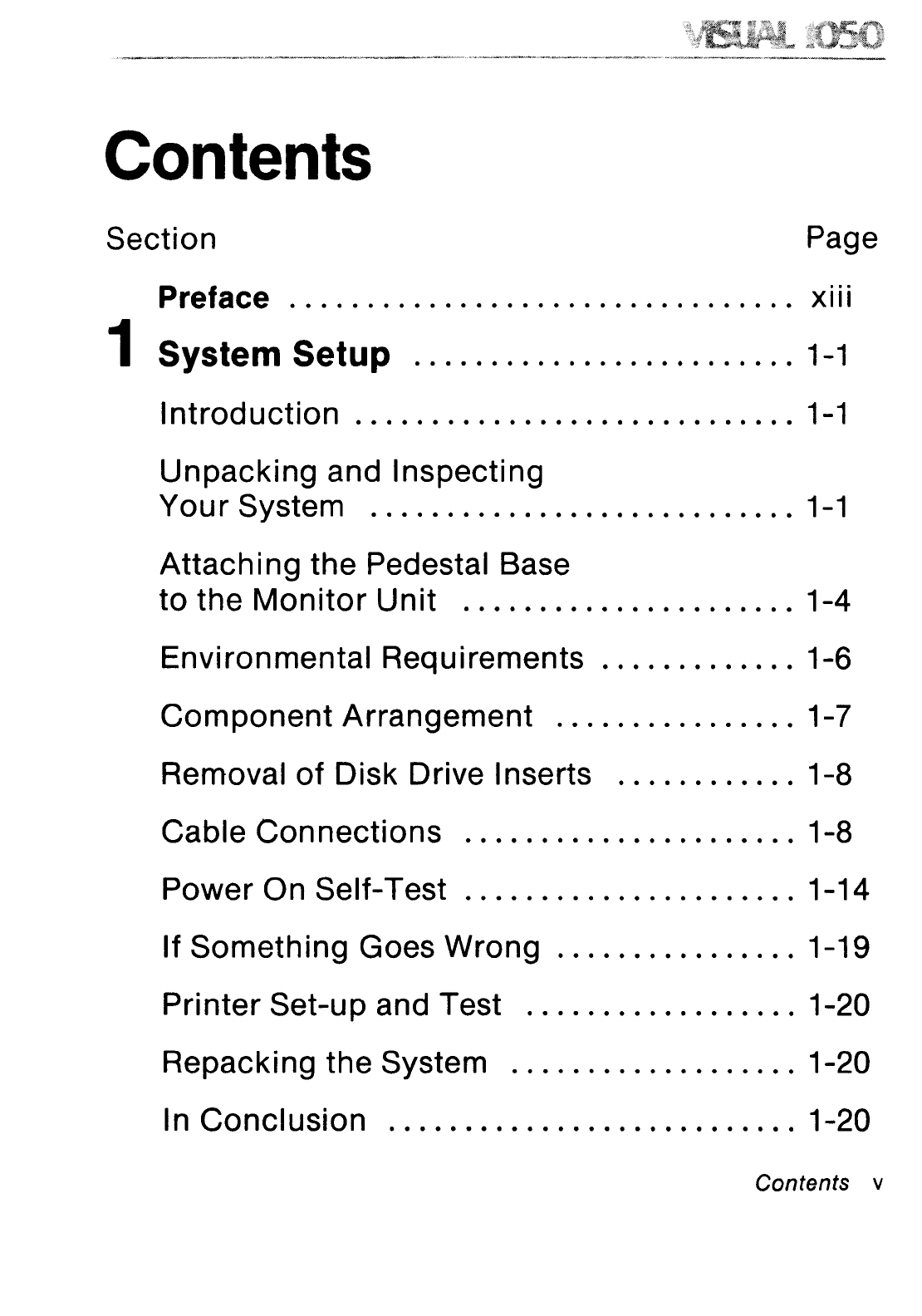
Contents
Section
Preface
Page
o
••
.................................
XIII
1System Setup
1-1
Introduction
1-1
Unpacking
and
Inspecting
Your
System
1-1
Attaching
the
Pedestal Base
to
the
Monitor
Unit
1-4
Environmental Requirements 1-6
Com
ponent
Arrangement
1-7
Removal
of
Disk
Drive 1nserts 1-8
Cable
Connections
1-8
Power
On
Self-Test
1-14
IfSomething
GoesWrong
1-19
Printer
Set-up
and Test 1-20
Repacking
the
System 1-20
1n
Concl
usion 1-20
Contents v

Contents (Cont.)
Section
Page
2
Introducing
the Visual1050
2-1
Introduction
2-1
What
Vou Have
2-1
ADesign
for
Humans
2-1
Hardware
2-2
CP/M
Plus
Operating
System 2-4
Bundled
Software
2-4
The
Uti
1
ity
Manager
2-5
Compatibility
With
Other
Disk
Formats 2-5
See
For
Vourself
2-6
ln
Conclusion
2-8
3Some Basics
3-1
Introduction
3-1
The
Operating
System
3-1
vi
Contents

Contents (Cont.)
Section
Page
The
Visual 1050 Uti1
ity
Manager
3-2
Starting
the
System
(Booti
ng) 3-2
Operating
System
Commands
3-3
Resident
vs.
Transient
Commands
3-4
Talking
to
the
Operating
System 3-4
Command
Lines 3-5
CP/M
Response
to
Command
Lines 3-5
Running
a
Program
3-5
Of
Hangs
and
Hanging
3-6
Files and
Fi
lenames 3-7
A
Note
on
Passwords 3-9
Using
Wildcards
When
Handling
Files 3-9
Disk
Drives and
Their
Formatted
Capacities
3-10
F
ormatti
ng Diskettes 3-11
Contents vii

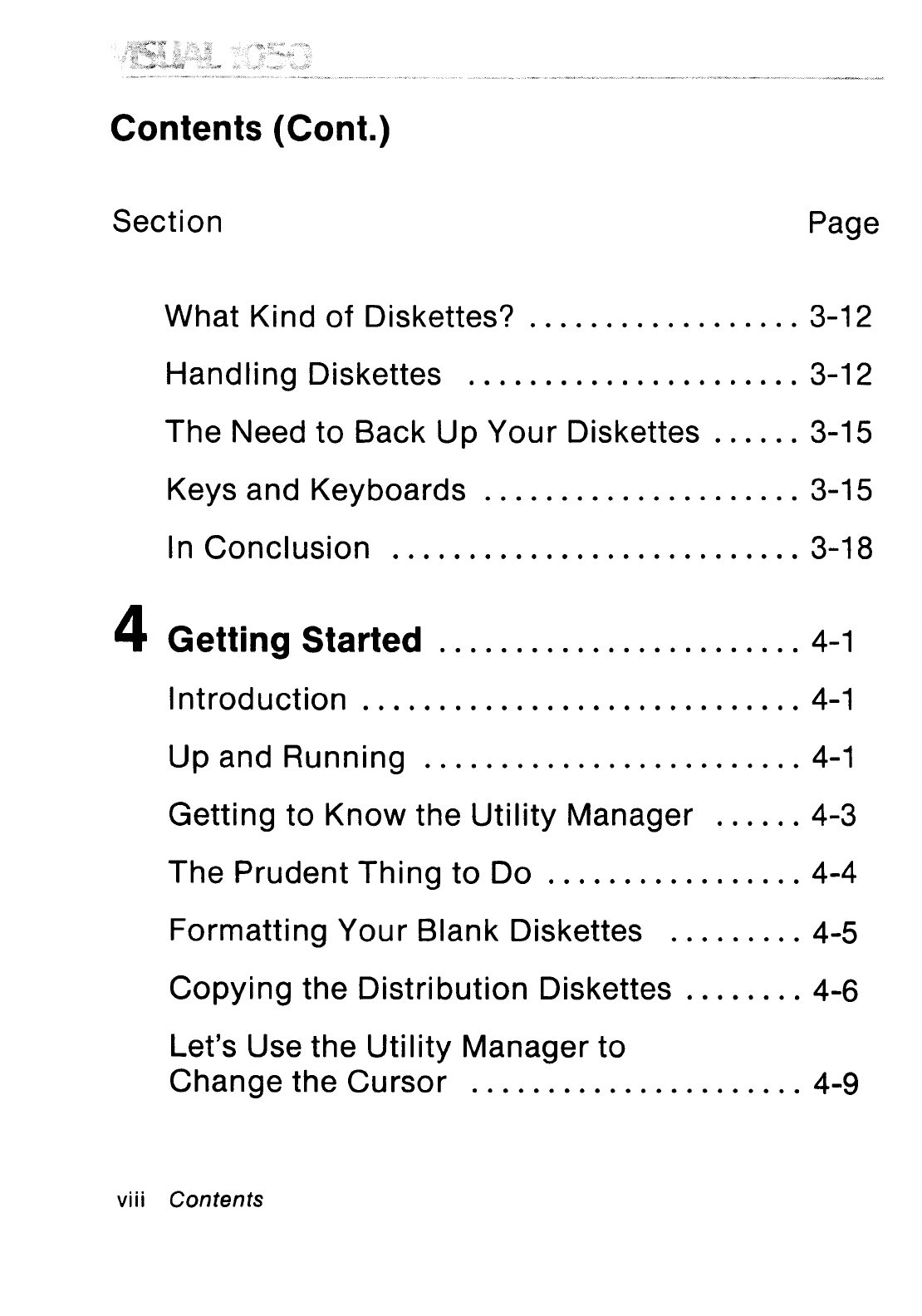
Contents (Cont.)
Section
Page
What
Kind
of
Diskettes? 3-12
Handling
Diskettes
3-12
The
Need
to
Back
Up
Your
Diskettes 3-15
Keys
and
Keyboards
3-15
ln
Conclusion
3-18
4Getting Started
4-1
1
ntrod
uction
4-1
UP
and
Ru
nnin9
4-1
Getti
ng
to
Know
the
Uti
1
ity
Manager
4-3
The
Prudent
Th
ing
to
Do
4-4
Formatting
Your
Blank
Diskettes 4-5
Copying
the
Distribution
Diskettes 4-6
Let's Use
the
Utility
Manager
to
Change
the
Cursor
4-9
viii Contents

Contents (Cont.)
Section
Page
What
Files
Are
On
This
Diskette? 4-16
Show
Me
More
Information
About
the
Disk
Drive 4-18
Formatting
a
Diskette
4-18
Copying
the
Operating
System 4-18
Copyi
ng
the
Uti
1
ity
Manager
4-20
Copyi
ng
Fi
les 4-20
CP/M
Help
Files 4-22
Placing
CP/M
Help
on
the
'Run
Optional
Application'
Menu
4-22
Placing
a
Dummy
Program
on
the
'Run
Optional
Application'
Menu
4-26
Removing
a
Program
From
the
'Run
Optional
Application'
Menu
4-26
;,
Viewing and Printing
Fi
les 4-27
Running
Applications
Software
4-27
Contents
ix

Contents (Cont.)
Section
Page
Integrating
Multiplan
Data
with
WordStar
and DR Graph 4-29
Cast the
Utility
Manager
Away
4-29
Bring
the
Utility
Manager Back 4-30
Copies
of
the
Utility
Manager 4-31
Setting
the
Real Time
Clock
4-32
Time
and Date
Stamping
and
Password
Protection
of
Files 4-32
Reading Diskettes Formatted
for
Other
Computers
4-33
ln
Conclusion
4-34
5Extensions
5-1
Introduction
5-1
What
is aPort,
Anyway?
5-1
Logical
Deviees and Deviee Drivers
5-1
The
Role
of
the
Uti1
ity
Manager 5-3
xContents

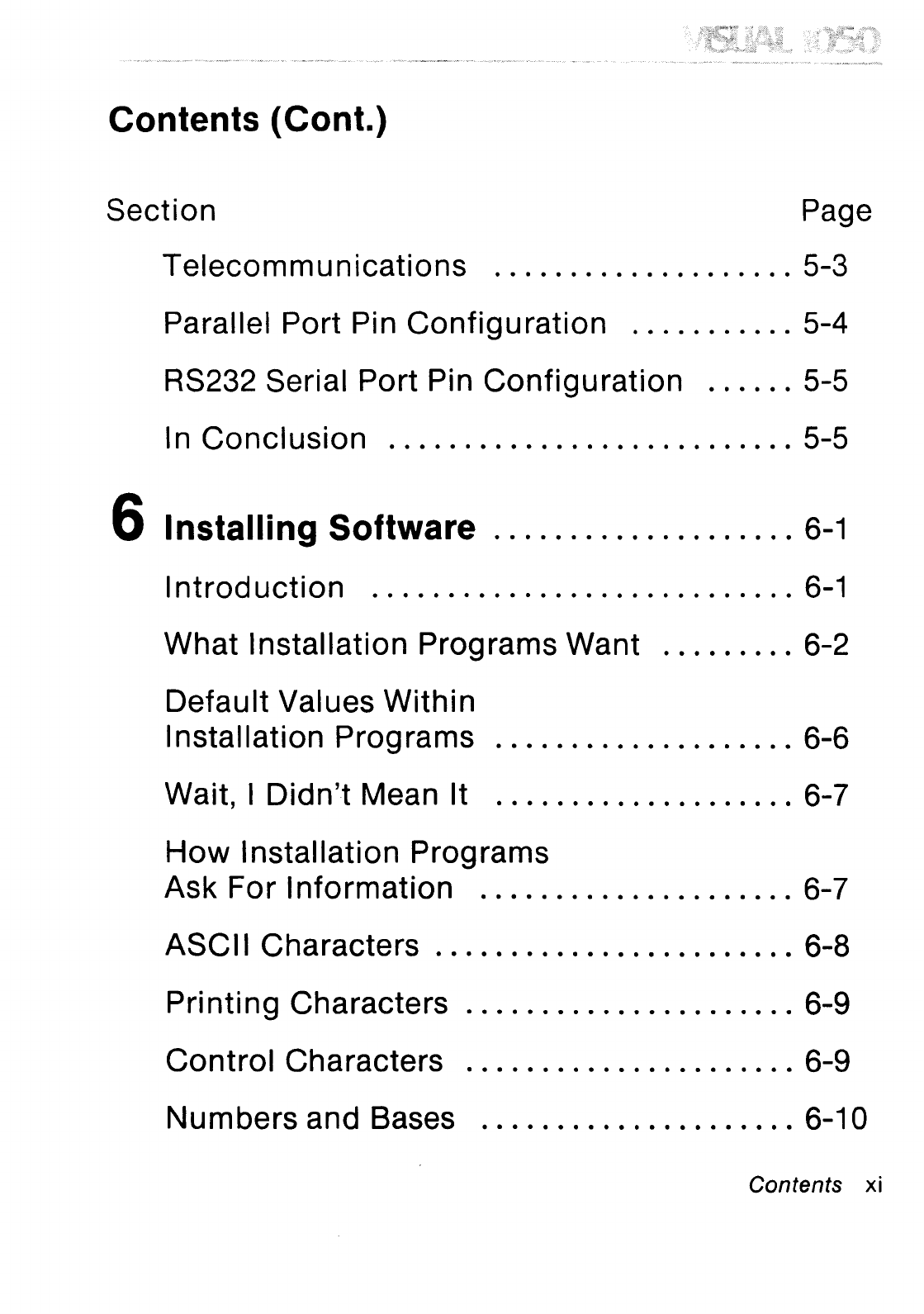
Contents (Cont.)
Section Page
Telecommunications 5-3
Parallel Port Pin Configuration 5-4
RS232 Seriai Port Pin Configuration 5-5
ln Conclusion 5-5
6Installing Software
6-1
Introduction
6-1
What 1nstallation Programs Want 6-2
Default Values Within
Installation Programs 6-6
Wait, 1Didn't Mean It 6-7
How
Installation Programs
Ask For Information 6-7
ASCIl Characters 6-8
Printing Characters 6-9
Control
Characters 6-9
Numbers and Bases 6-10
Contents xi
Altri manuali per 1050
1
Indice
Altri manuali VISUAL Scrivania