
Vividia BD-8050i Manuale utente
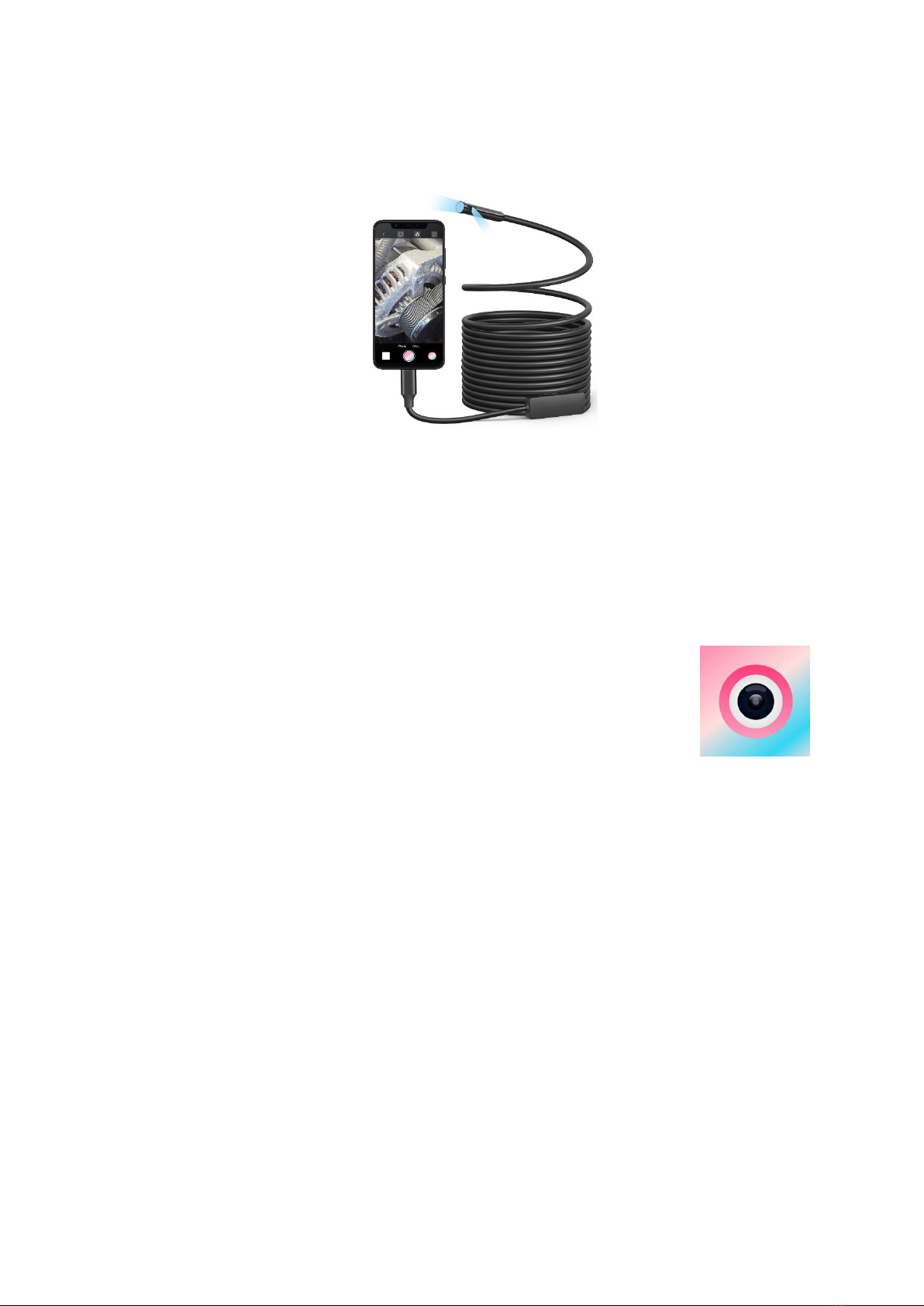
Vividia®Dual-Camera Borescopes for iPhone iPad Android Windows PC
Model: BD-8050i
Vividia BD-8050i is a newly developed dual-camera borescope in 2024, which can be directly
used on iPhone, iPad, Android devices* and Windows PC.
Software and App compatible with BD-8050i cameras
1. Windows System:
Windows 11/10/8/7/XP: Download our specific software “Usee Plus” from our website,
oasisscientific.com or Vividia-tech.com.
2. Android Phones and Tablets: (Connect with OTG cable or USB-C)
Download from Google Play Store. “Usee Plus”.
Note: Not all Android devices are compatible with our USB camera or the app.
3. iPad & iPhone (for iOS 11 and later)
Download from Apple App Store. “Usee Plus” camera.
4. MacBook PC, Chromebook, and Linux: No software for now. Not compatible.
How to use VA-400i & VA-980i & VA-101i & VA-106i & G-810i & G-610i
1. Choose what display device you want to use, and make sure to download the needed
app or software.
2. Plug BD-8050i camera in your device through USB plug or adaptor. Open the software
or app.
3. You can see live images, take pictures and videos with the software.
4. You can take pictures by pressing the snap button on the control knob or the screen.
5. Switching the camera by long pressing the snap button on the control knob.
Safety Precaution
1. The borescope should be used under 60oC (140oF). High temperature can increase video
noise, even damage the camera sensors and electronics.
2. Do not immerse the camera in oils, water, gasoline, or other fluids for long time >5min.
3. Clean the lens with clean, soft fabric and/or Q-tips with alcohol to remove oils.
4. Use high quality OTG cable and USB extension cable when needed. And make sure the

connection is tight and secure. This will affect the image quality.
5. A phone/tablet case could affect OTG cable connection in some cases. Please remove
the case if needed.
6. Avoid moisty environment, temperature shock and extreme temperatures. Dry
surroundings help the life of the products.
7. Avoid dropping, violent vibrations, strong collision, or distortion.
8. Keep the device away from chemicals, explosive substances, and fire hazards.
Warranty
One-year limited product quality warranty
Vividia Technology
www.vividia-tech.com
2024-2-20
***************
Indice
Altri manuali Vividia Strumento analitico

Vividia
Vividia Ablescope VA-400i Manuale utente

Vividia
Vividia VA-450 Manuale utente

Vividia
Vividia ME Series Manuale utente

Vividia
Vividia VA-455 Manuale utente

Vividia
Vividia VA-880 Manuale utente

Vividia
Vividia YE-4-8015 Manuale utente

Vividia
Vividia Ablescope VA-800 Manuale utente

Vividia
Vividia Ablescope VA-400 Manuale utente

Vividia
Vividia ME-610X Manuale utente

Vividia
Vividia RC-215 Manuale utente


