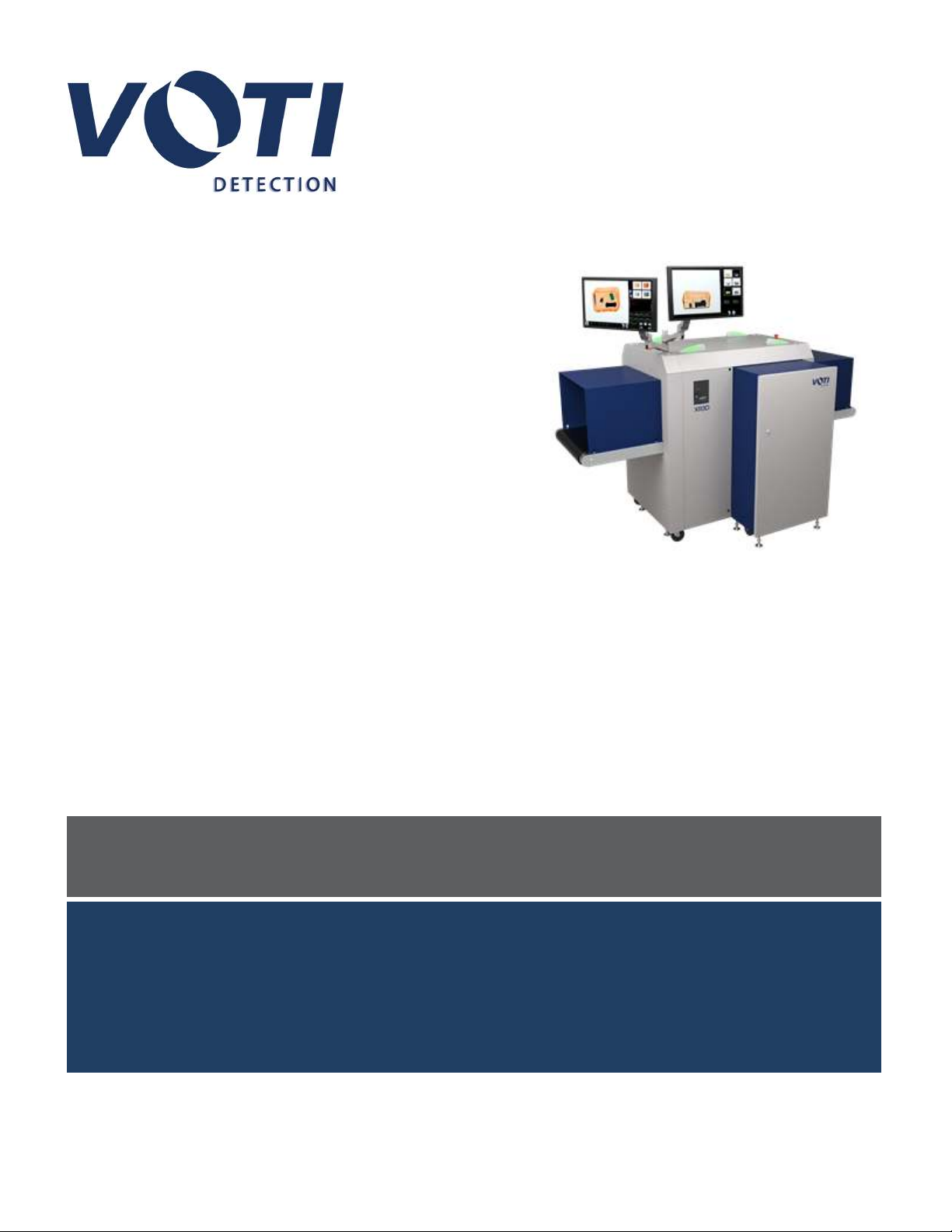
VOTI XR3D Manuale utente

Operator Manual
XR3D Scanner
900116-001
Prepared by VOTI Detection™
790 Begin St.
St-Laurent, QC H4M 2N5
Canada
VOTIDETECTION.COM
Version 2.0
Confidential and Proprietary Notice
© 2020 VOTI Inc. Any reproduction, translation, or adaptation of this manual, in whole or in part, is prohibited in any form without the prior written permission of VOTI Inc.
*VOTI reserves the right to amend these specifications without notice.

Operator Manual / 2
Disclaimer
It is essential that all users are aware of the potential hazards associated with VOTI Detection scanners. Prior to
operating the unit, all operators must pass VOTI Operator training to become familiar with the safety precautions and
warnings outlined in the Safety section of this manual. Failure to follow the instructions in this manual, as well as
other instructions by VOTI Detection personnel, which are intended to ensure a safe and reasonable operation of
VOTI Detection products, may impair the equipment’s safety features. Improper use of VOTI Detection equipment
outside the guidelines of this manual will void any warranty provided by VOTI Detection.
© VOTI2020 / 900116-001

Operator Manual / 3
Table of contents
1. Introduction 5
1.1 Hardware overview 6
1.2 Operating conditions 14
1.3 Software overview 15
1.4 Operation workflow 16
1.5 Glossary 17
2. Safety 20
2.1 Responsibility of the owner 20
2.2 Responsibility of the operator 21
2.3 Personal protective equipment 21
2.4 X-ray safeguards 21
2.5 X-ray warnings 22
2.6 Accidental radiation exposure 22
2.7 Safety features 23
2.8 X-ray generation principles 26
3. Getting started 29
3.1 Checking the system 29
3.2 Powering the system 31
3.3 Performing a shift change 38
4. Interface 40
4.1 Main operator interface 40
4.2 Main viewing screen 41
4.3 Image controls 41
4.4 Change system status/mode 43
4.5 Operator identification 48
4.6 View options 48
4.7 Operations buttons 50
5. Conducting a scan 54
5.1 Logging in as an operator 55
5.2 Scanning an object 57
5.3 Switching X-ray views 59
5.4 Retrieving an archived image 61
6. Administration module 65
6.1 Access rights 66
6.2 General Settings 68
6.3 User Management 71
© VOTI2020 / 900116-001

Operator Manual / 4
6.4 Archive Management 80
6.5 Language Selection 84
6.6 Material Classification 84
6.7 Risk Assessment 89
6.8 Advanced System Settings 90
6.9 Image Settings 93
6.10 Diagnostics 94
6.11 Software Versions 95
7. TIP management 97
7.1 General Settings 100
7.2 Access Management 105
7.3 Configuring the threat library 106
7.4 Viewing the output reports 108
8. Training module 111
8.1 TIPOperator Training 111
Accident Investigation Report 117
© VOTI2020 / 900116-001

Operator Manual / 1. Introduction 5
1. Introduction
The objective of this manual is to provide users with an overview of the key functions of the XR3D. The information
will demonstrate how to operate the system and conduct a security scan.
This manual provides a description of the user interface with instructions to help the user perform operations quickly
and easily. The instructions are provided in numbered steps with screenshots showing how to accomplish the task.
To facilitate understanding, the following conventions are used:
NOTE
Provides general information that emphasizes or supplements points in the main text.
IMPORTANT
Provides important information that emphasizes or supplements points in the main text.
To operate the XR3D, you must be logged in as an operator. The security permissions are set in the administration
module by the administrator or supervisor.
The sections in this manual are as follows:
lSection 1. Introduction: Provides an overview of the machine, manual, and key terms and guidelines.
lSection 2. Safety: Covers important safety information that must be read before operating the machine.
lSection 3. Getting started: Explains how to power the system on, perform an initial system check, and do shift
changes.
lSection 4. Interface: Describes the main controls and information found on the operator interface.
lSection 5. Conducting a scan: Details the full scanning process, from logging in to retrieving archived images.
lSection 6. Administration module: Provides detailed information about the settings in each tab of the
administration module.
lSection 7. TIP management: Explains how to use TIP (Threat Image Projection).
lSection 8. Training module: Explains how to use the TIPOperator Training module.
© VOTI2020 / 900116-001

Operator Manual / 1. Introduction 6
1.1 Hardware overview
The XR3D is a self-contained unit with the following major hardware components:
Figure 1 - Hardware Components (XR3D-7D)
1. Touchscreen monitor(s) with adjustable articulating arm(s) and the BioSans™ user interface.
2. Operator key switch, control box, and USB slot.
3. Base with locking wheels and access panels with interlock switches. The access panel houses the UPS, power
distribution box, motor controller, and X-ray generator.
4. The access panel contains the power connector, circuit breaker, computer on/off toggle switch, and the optional
floor mat connector.
5. Warning LED lights.
6. Tunnel and shrouds with protective curtains. The covering also houses the X-ray detectors, control unit, and
computer.
7. Emergency stop buttons.
8. Bi-directional conveyor belt assembly.
© VOTI2020 / 900116-001

Operator Manual / 1. Introduction 7
VOTI Detection has a wide list of XR3D scanners, including:
Table 1 - XR3D Scanner Models
Model Image
XR3D-50T
XR3D-50S
© VOTI2020 / 900116-001

Operator Manual / 1. Introduction 8
Model Image
XR3D-50
XR3D-60S
© VOTI2020 / 900116-001

Operator Manual / 1. Introduction 9
Model Image
XR3D-60
XR3D-6D
© VOTI2020 / 900116-001

Operator Manual / 1. Introduction 10
Model Image
XR3D-7
XR3D-7D
© VOTI2020 / 900116-001
Indice
Altri manuali VOTI Scanner


