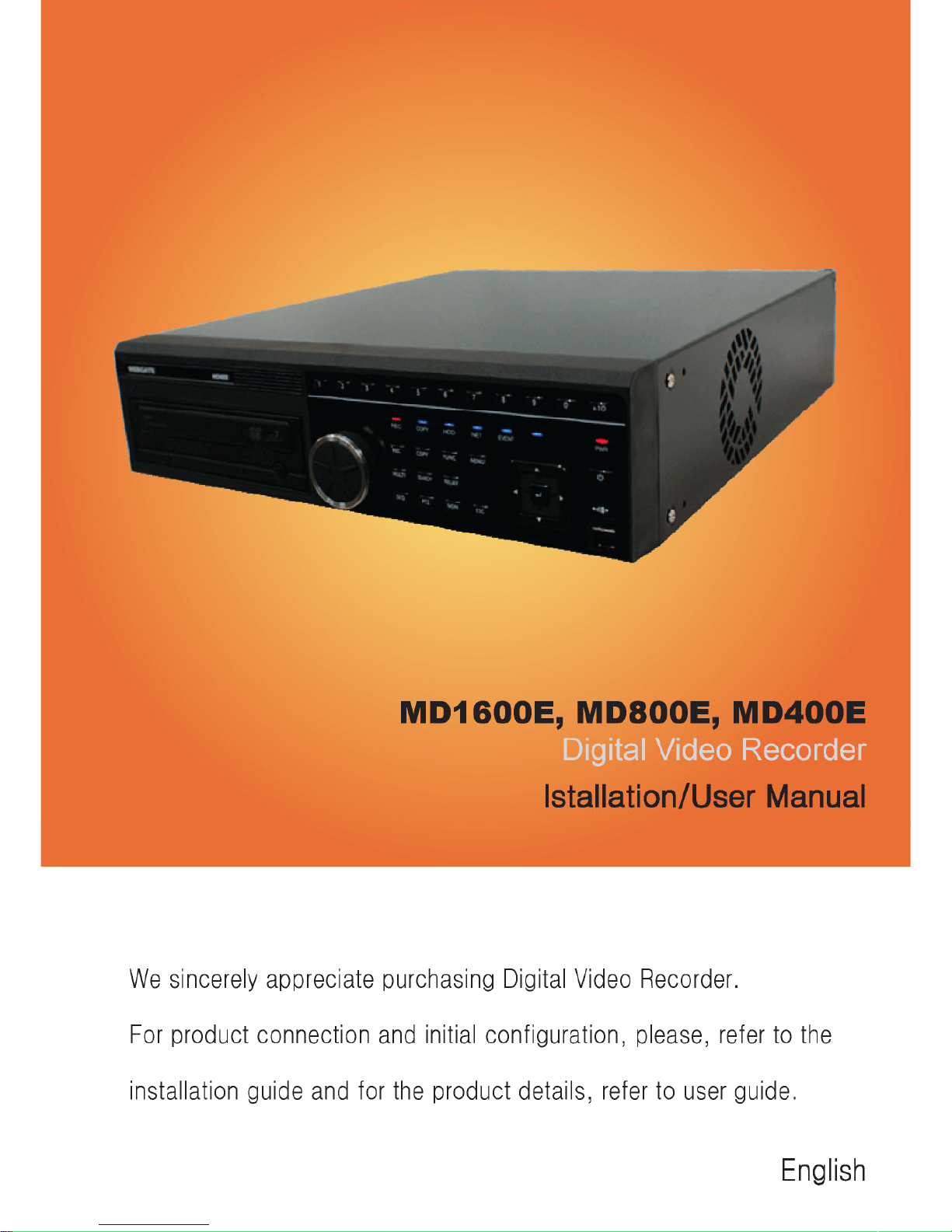
WebGate MD1600E Manuale utente


Install&User Manual
1
Important Notice
1. Do not place heavy objects on the top of the product.
2. Product is for indoor use. It is not weatherproof. Use product with referring to its
environmental specifications ( emperature & Humidity). o clean the product, gently wipe the
outside with a clean dry cloth.
3. Product uses AC power of 110V ~ 240V. Be cautious not to cause electric damages to
product.
4. Be careful not to drop the product. Physical shocks may harm the product including internal
HDD. In addition, be sure the product is secured after installation.
5. Product is made of metal. herefore you can hurt human beings if you throw it to them or hit
on them. When installing product, be cautious to locate on safe places where children are
unreachable.
6. If Product does not operate properly, please contact the closest WEBGA E distributor for
after sales service. ampering or disassembling the product will void the warranty.
7. Security surveillance laws may differ for each country. herefore, please contact the local
region first to avoid any surveillance law violations.
he content of this manual can differ according to firmware or Software upgrading, and the
standard and appearance of products may be changed for the improvement of quality without
an advance notice.

Install&User Manual
2
Contents
KEY FEATURES ............................................................................. 7
INSTALL MANUAL ....................................................................... 10
1. FEATURE .................................................................................. 10
1.1 Supplied Accessories ...................................................................................................................... 10
2.1 Description & Function .................................................................................................................. 11
2.1.1 Front ....................................................................................................................................... 11
2.1.2 REAR ..................................................................................................................................... 13
2.1.3 REMOTE CONTROLLER .................................................................................................... 13
2. INSTALLATION ......................................................................... 16
2.2 nstallation and Connection ............................................................................................................ 16
2.2.1 Connecting & Running ........................................................................................................... 16
2.3 Running OSD menu ....................................................................................................................... 18
2.3.1 OSD menu configuration ........................................................................................................ 18
2.3.2 Setting remote controller ........................................................................................................ 19
2.3.3 nstall examples ...................................................................................................................... 20
2.3.4 Basic Setting ........................................................................................................................... 21
2.4 Connecting and configuring D O ports .......................................................................................... 25
2.4.4 HDD ....................................................................................................................................... 34
2.4.5 Remote monitor and control ................................................................................................... 35
USER MANUAL ............................................................................ 7
DESCRIPTION .............................................................................. 7
3.1 Front Part ........................................................................................................................................ 37
3.2 Rear Part ......................................................................................................................................... 39
3.3 Menu Structure ............................................................................................................................... 40

Install&User Manual
3
3.4 Function Menu ............................................................................................................................... 40
3.5 Factory Reset .................................................................................................................................. 41
MONITORING ............................................................................... 46
4.1 Basic Screen ................................................................................................................................... 46
4.2 Single Fll Screen Mode .................................................................................................................. 46
4.3 Multi Screen Mode ......................................................................................................................... 46
4.4 Screen Description .......................................................................................................................... 46
4.5 Auto Switch Mode .......................................................................................................................... 47
4.5.1 System Standard Mode ........................................................................................................... 47
4.5.2 User Sequence Mode .............................................................................................................. 47
4.6 Event Screen ................................................................................................................................... 48
4.7 Zoom Screen Mode ........................................................................................................................ 49
4.8 Pause Live Screen........................................................................................................................... 49
4.9 PTZ Control .................................................................................................................................... 50
4.9.1 Pan/Tilt .......................................................................................................................................... 51
4.9.2 Zoom/Focus ................................................................................................................................... 51
4.9.3 Load Preset .................................................................................................................................... 51
4.9.4 Save Preset .................................................................................................................................... 51
4.9.5 Auxiliary On .................................................................................................................................. 51
4.9.6 Auxiliary Off ................................................................................................................................. 52
4.9.7 Menu .............................................................................................................................................. 52
PLAYBACK ................................................................................... 5
5.1 Playback Mode ............................................................................................................................... 53
5.1.1 Playback on Standard monitor (16 / 9 division) ..................................................................... 53
5.1.2 Playback function ................................................................................................................... 53
5.2 SEARCH MODE............................................................................................................................ 53
5.2.1 Time Search ............................................................................................................................ 54

Install&User Manual
4
5.2.2 Schedule Search ...................................................................................................................... 54
5.2.3 Event Search ........................................................................................................................... 55
5.2.4 Thumbnail Search ................................................................................................................... 56
5.3 Copy ............................................................................................................................................... 56
5.3.1 CD/DVD ................................................................................................................................. 57
5.3.2 RE4 ......................................................................................................................................... 58
5.3.3 AV ......................................................................................................................................... 59
6. CONFIGURATION..................................................................... 60
6.1 Recording Structure ........................................................................................................................ 60
6.2 System Setup .................................................................................................................................. 60
6.2.1 Date/Time ............................................................................................................................... 60
6.2.2 Disk ........................................................................................................................................ 63
6.2.3 User Setup .............................................................................................................................. 65
6.2.4 Utility...................................................................................................................................... 67
6.3 Network .......................................................................................................................................... 69
6.3.1 xDSL ...................................................................................................................................... 71
6.3.2 WRS ....................................................................................................................................... 71
6.4 Device Setup ................................................................................................................................... 72
6.4.1 Camera Setup.......................................................................................................................... 73
6.4.2 Monitor Setup ......................................................................................................................... 74
6.4.3 Audio Setup ............................................................................................................................ 75
6.4.4 Text Setup ............................................................................................................................... 76
6.4.5 Serial Setup ............................................................................................................................. 77
6.5 Event Setup ..................................................................................................................................... 79
6.5.1 Event Check............................................................................................................................ 79
6.5.2 Sync Event .............................................................................................................................. 80
6.5.3 Motion Detection .................................................................................................................... 82
6.5.4 Sensor ..................................................................................................................................... 83
6.5.5 Preset ...................................................................................................................................... 84
6.6 Recording setup .............................................................................................................................. 85
6.6.1 Program setup ......................................................................................................................... 85

Install&User Manual
5
6.6.2 Manual/Schedule recording setup ........................................................................................... 87
WEB VIEWER ............................................................................... 91
7.1 System requriement ........................................................................................................................ 91
7.2 Login .............................................................................................................................................. 92
7.3 User Setup ...................................................................................................................................... 92
7.4 Browser available ........................................................................................................................... 93
7.5 Monitor ........................................................................................................................................... 93
7.5.1 Screen division and changing video position ......................................................................... 94
7.5.2 Move to Playback ................................................................................................................... 95
7.5.3 Channel On/Off ...................................................................................................................... 95
7.5.4 Sensor ndication .................................................................................................................... 95
7.5.5 Relay opeartion ....................................................................................................................... 95
7.5.6 Using microphone .................................................................................................................. 96
7.5.7 Event data ............................................................................................................................... 96
1.1.1. Video Recording & Save saving ............................................................................................. 96
7.5.8 UsingPTZ ............................................................................................................................... 97
7.5.9 Using Audio ............................................................................................................................ 98
7.5.10 Closing Video Channel ........................................................................................................... 98
7.6 Playback ......................................................................................................................................... 99
1.1.2. Video Division & Changing Channel ..................................................................................... 99
7.6.1 mage recording ...................................................................................................................... 99
7.6.2 Printing ................................................................................................................................. 100
7.6.3 Backup .................................................................................................................................. 100
7.6.4 Web Monitor ......................................................................................................................... 101
7.6.5 Channel On/Off .................................................................................................................... 101
7.6.6 Saving time & Checking Rec. Capacity ............................................................................... 101
1.1.3. Searching Calander ............................................................................................................... 101
1.1.4. Functional function at the buttom of monitor ....................................................................... 102
TROUBLE SHOOTING ............................................................... 10
AVAILABLE HDD ........................................................................ 105

Install&User Manual
6
COMPATITABLE CD/DVD LIST .................................................. 106
SPECIFICATION ......................................................................... 106
PRODUCT SIZE .......................................................................... 109

Install&User Manual
7
KEY FEATURES
Monitoring Screen
Supprots real live video with high resolution per each channel and variable display mode.
Real MPEG-4 Video
Varianble display mode
MD1600E : 1/4/9/16 channel mode
MD800E : 1/4/9 channel mode
MD400E : 1/4 channel mode
Auto Switching
MD1600E : Composite x 2, VGA x 1
MD800E : Composite x 2, VGA x 1
MD400E : Composite x 2, VGA x 1
Audio Recording
Supprots real-time audio input and recording
Simultaneous 4ch audio input & recording available
Input : 4Ch, Output : 1ch (Rear)
Simultaneous audio recording and playback available
Recording
It supports 480ips recording at High-Resolution (4CIF) and available to record max. 5
seconds before triggering an event. Also, convert function is available protecing privacy.
MPEG-4 Video recording with High-Quality
MD1600E : CIF(360x240) 480ips

Install&User Manual
8
MD800E : 2CIF(360x240) 240ips
MD400E : 4CIF(360x240) 120ips
Supprots manual & schedule recording
Video loss detection
Supprots archiving event list이벤트(Sensor, Video Loss,
Motion detection, ext)
Available record Max 5 seconds before triggering an event per
each channel
Search/ Playback
It supports variable and convenient functions for search & playback
Play back by time, date, Channel
Easy and convenient search using mouse
Pre/post search from a freeze frame
Play back by Event (Sensor, Video Loss, Motion Detection, ext)
Easy & convenient search using Remote Controller & Jog/
Shuttle
Back up device
It is available to back up to DVD-R, CD-R, USB memory by user’s choice.
Supprots various back up device : DVD-R, CD-R, USB memory
Network
It supports variable network like LAN, XDSL and easily control from remote site using PC
cliet viewer.

Install&User Manual
9
E-mail notification thru. CP/IP, DHCP in case of triggering an
event
Live monitoring form remote site (Whole screen or available to
select quad screen)
Available to playback, recording, search and DVR management
thru. network viewer in PC
Available to record, search & playback by time from remote site.
Supprots 10/100Mbps Ethernet/xDSL
Multiple DVR connection
Etc.
Supports User friendly GUI and mouse function
Easy and simple firmware upgrade thru. USB memory
Recorded data back up thru. USB port
P Z Control (SPEED DOME), PRESE fucntion
Available to control up to 16 DVRs with one remote controller
Questo manuale è adatto per i seguenti modelli
2
Indice
Altri manuali WebGate Registratore digitale

WebGate
WebGate HD400H Manuale utente

WebGate
WebGate UHN1600-H2 Manuale utente

WebGate
WebGate HDC400M Manuale utente

WebGate
WebGate eDVR MD800M Manuale utente

WebGate
WebGate DS412 Manuale utente

WebGate
WebGate MD1600H Manuale utente

WebGate
WebGate EH1600L Manuale utente

WebGate
WebGate HD1600F-PDR Series Manuale utente

WebGate
WebGate HD400H Manuale utente

WebGate
WebGate HS1600F-D Manuale utente