
YURAKU Beat S350 Manuale utente
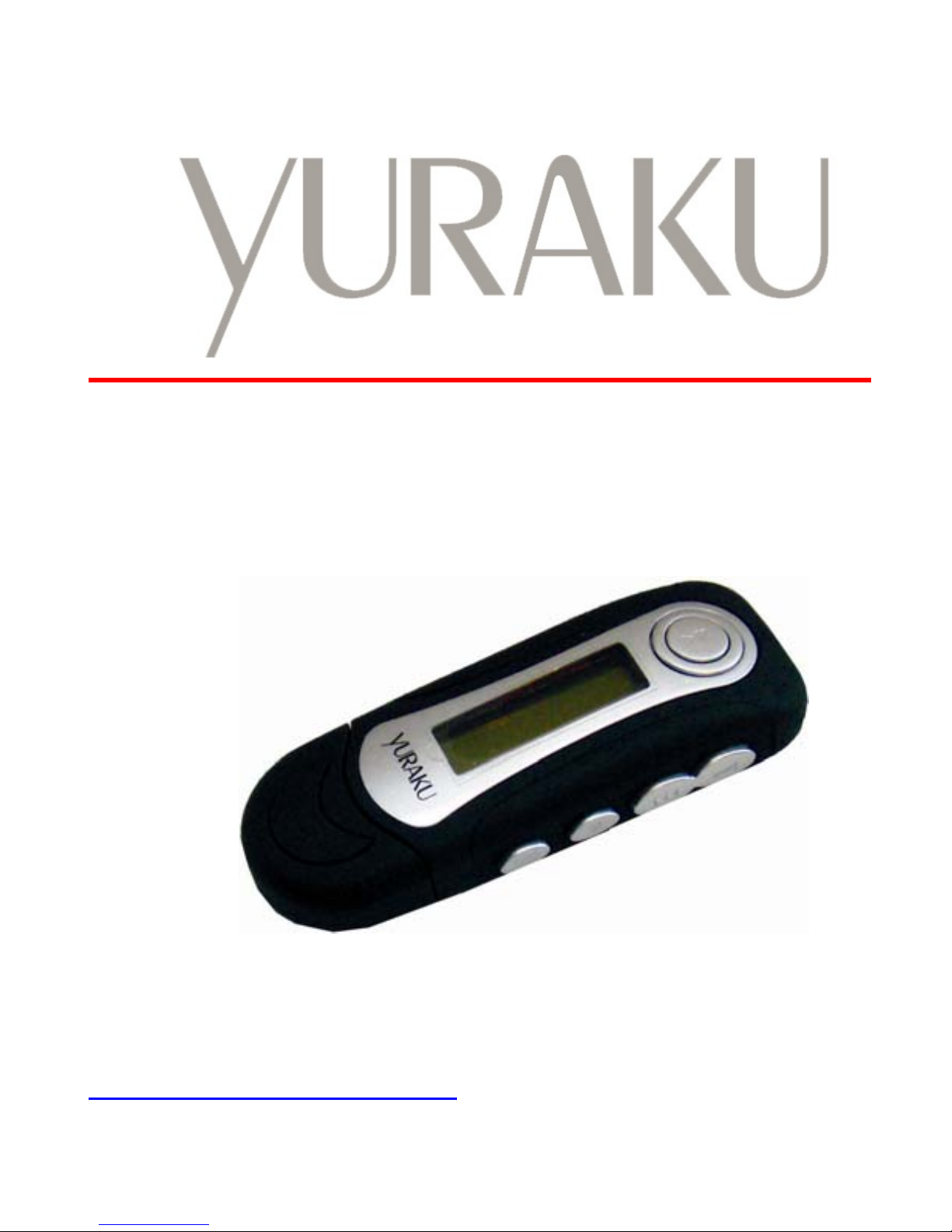
Yur.Beat S350
INSTRUCTION MANUAL
Article number: YUMP3S350
Version: 1.00
http://www.yuraku.com.sg

1
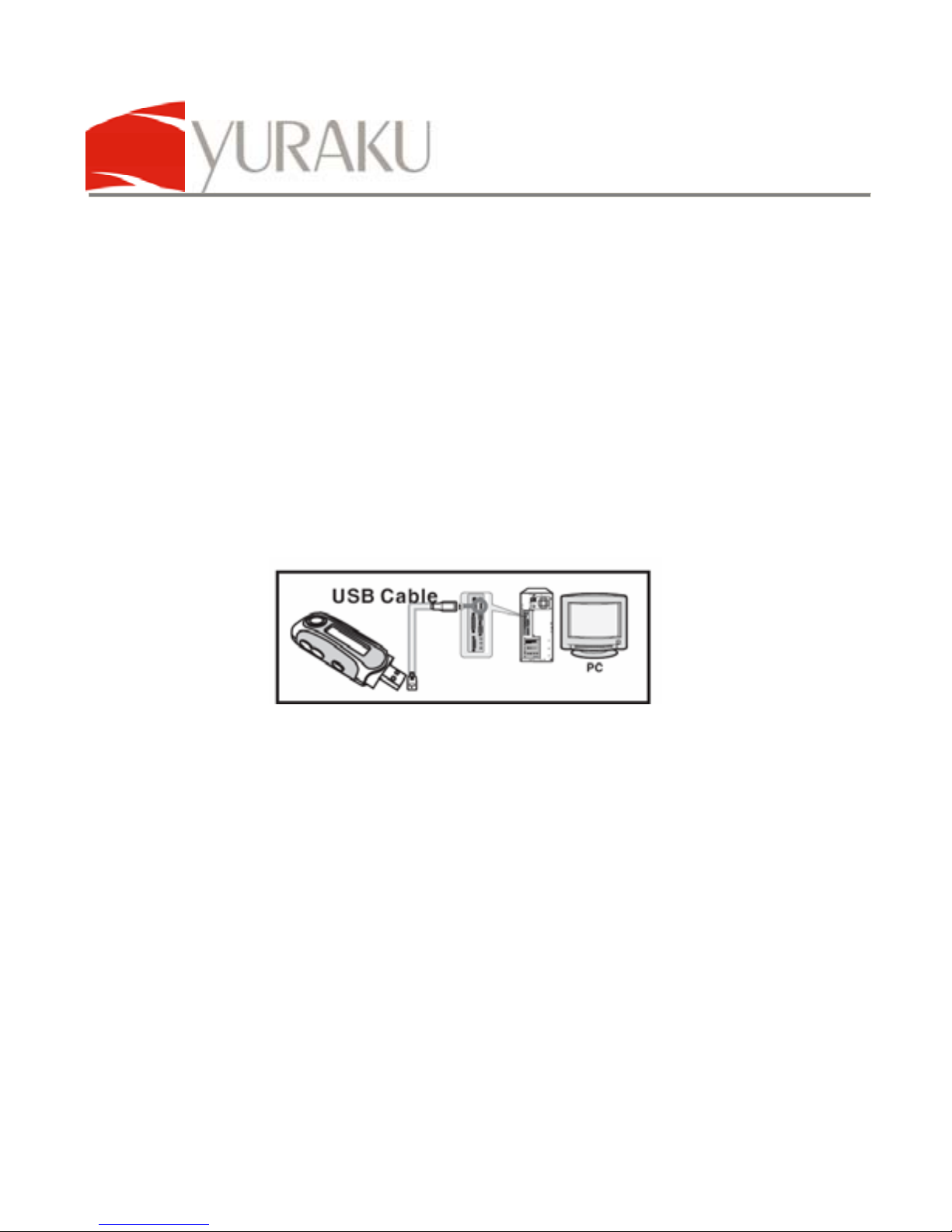
CONNECTION DIAGRAM
Connect to USB port on the
PC or to a USB Hub Connect to the USB extension
cable before connecting to a
PC or USB Hub
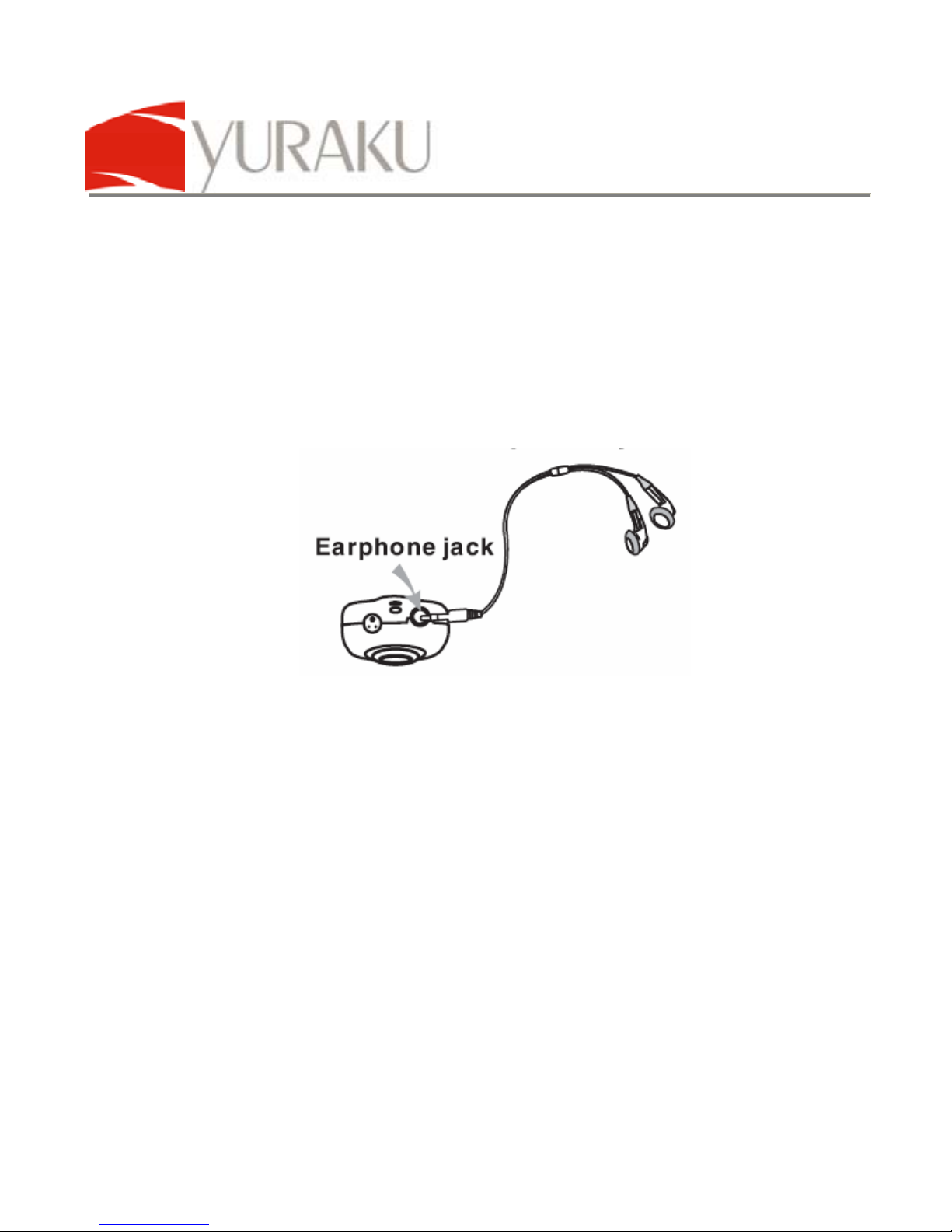
Plug the pair of
earphones here Connect the lanyard of the
earphones to the player’s
lanyard loop
USB type A interface

2
Declaration of Conformity
EC-Declaration of Conformity to the essential
requirements of the applicable Directive 89/336/EEC
We, Yuraku GmbH of Germany, declare under our sole
responsibility as authorized representative that the following product
Brand Name: Yuraku
Model Name: MP3 Player
Model No.: YUMP3S350
Is fully in conformity with the essential requirement of the European
Directive 89/336/EEC.
This declaration is based on the full compliance of the product with
the following European standards:
EN 55022: 1998 + A1:2000+A2:2003
EN 55024: 1998 + A1:2001+A2:2003
EN 61000-3-2: 2000
EN 61000-3-3: 1995+A1:2001
Lorsch, 04.09.07
Yuraku GmbH, Industriestraβe 2, 64653 Lorsch, Germany

3
Safety and Information
A. Safety
•Only insert the type A USB interface into a USB type A slot. Do
not attempt to plug it into other type of ports. This might cause
the product to fail or even the computer system to malfunction.
•Using earphones
•Do not use earphones when driving. It may cause an accident.
Do not turn up the volume too high when walking. It is very
dangerous. You should use extreme caution or temporarily
discontinue use in potentially hazardous situations. Even if
your earphones is an open-air type designed to let your hear
outside sounds, do not turn up the volume so high that you are
unable to hear what is around you.
•Do not play your earphones at a high volume. Hearing experts
warm against extended high volume play. If you experience a
ringing in your ears, reduce volume or discontinue use.
B. Guidelines
zAvoid exposing the MP3 player to environments that are
excessively warm and humid (particularly in unventilated
spaces or nearby heaters) or dusty.
zDo not place the MP3 player near windows under direct
exposure to sunlight or in areas prone to water seepage.
zDo not place heavy objects on the MP3 player.
zAvoid excessive shock or vibration on the MP3 player use.
zClean the MP3 player exterior by wiping with mild cleaning
solution. Do not use solvents!
zDo not use hard items against the player surface that can
cause scratches.

4
zDo not subject to strong bending forces as the player is very
thin and can damage the player easily.
zAvoid keeping the player in your pants, or jeans’ pockets as it
could be easily damaged due to bending.
C. Notes
zAll other brand and product names are trademarks or
registered trademarks of their respective holders.
zAll specifications are subject to changes without prior notice.

YUR.BEAT S350
Article number: YUMP3S350
All specifications and information are subject to changes without further notice 5
Introduction
The Yuraku Yur.Beat S350 is your convenient MP3 player with FM
and Voice recording functions. Small in size and portable for you to
carry in your pocket wherever you go. Listen to your favourite digital
MP3 music or FM radio station broadcasts.
It also allows you to capture audio in WAV format via its built-in
microphone. Ideal for recording conversations or during lectures into
digital format and playback whenever you need. Incorporates USB
2.0 High speed interface for easy installation and Plug-n-Play
connections. Support Microsoft® USB Mass Storage Device for
easy data transfer and digital songs playback.
Features
zSmall and portable
zMP3 / WMA / WAV digital music playback
zUSB 2.0 High speed compliant
zUSB Mass Storage device compliant
zDigital voice recorder
zFM tuner (optional depending on your model)
Packaging contents
zYur.Beat S350 Mp3 player
zUSB Extension cable
z1 x AAA alkaline battery
zCD-ROM driver for Windows® 98 SE and manuals
zInstruction Manual
YUR.BEAT S350
Article number: YUMP3S350
All specifications and information are subject to changes without further notice 6
Installation
Driver installation required for Windows® 98 SE only.
Later operating systems do not require the driver disk as it supports
USB Mass Storage device from within the operating system.
Connect to computer
1. Power and start your computer.
2. Connect the USB extension cable to the MP3 player;
Remove the interface cab and connect the USB extension
cable to its USB type A male interface.
3. Locate an available USB port on the computer or on the
USB Hub.
4. Connect the USB extension cable to this USB port.
5. If Windows detect the device as an Audio Player, press
the “M” button on the MP3 player to activate the USB
Mass Storage device mode.
6. The detection will now change to a standard USB Mass
Storage device alert.
7. With the USB Mass Storage device mode, the Yur.Beat
S350 allows you to transfer music files easily via Windows
Explorer.
YUR.BEAT S350
Article number: YUMP3S350
All specifications and information are subject to changes without further notice 7
8. In the Audio Player mode, the Yur.Beat S350 lets you
playback music files in its flash memory directly.
9. The following icons with appear on the Yur.Beat S350
LCD screen.
Starting the player
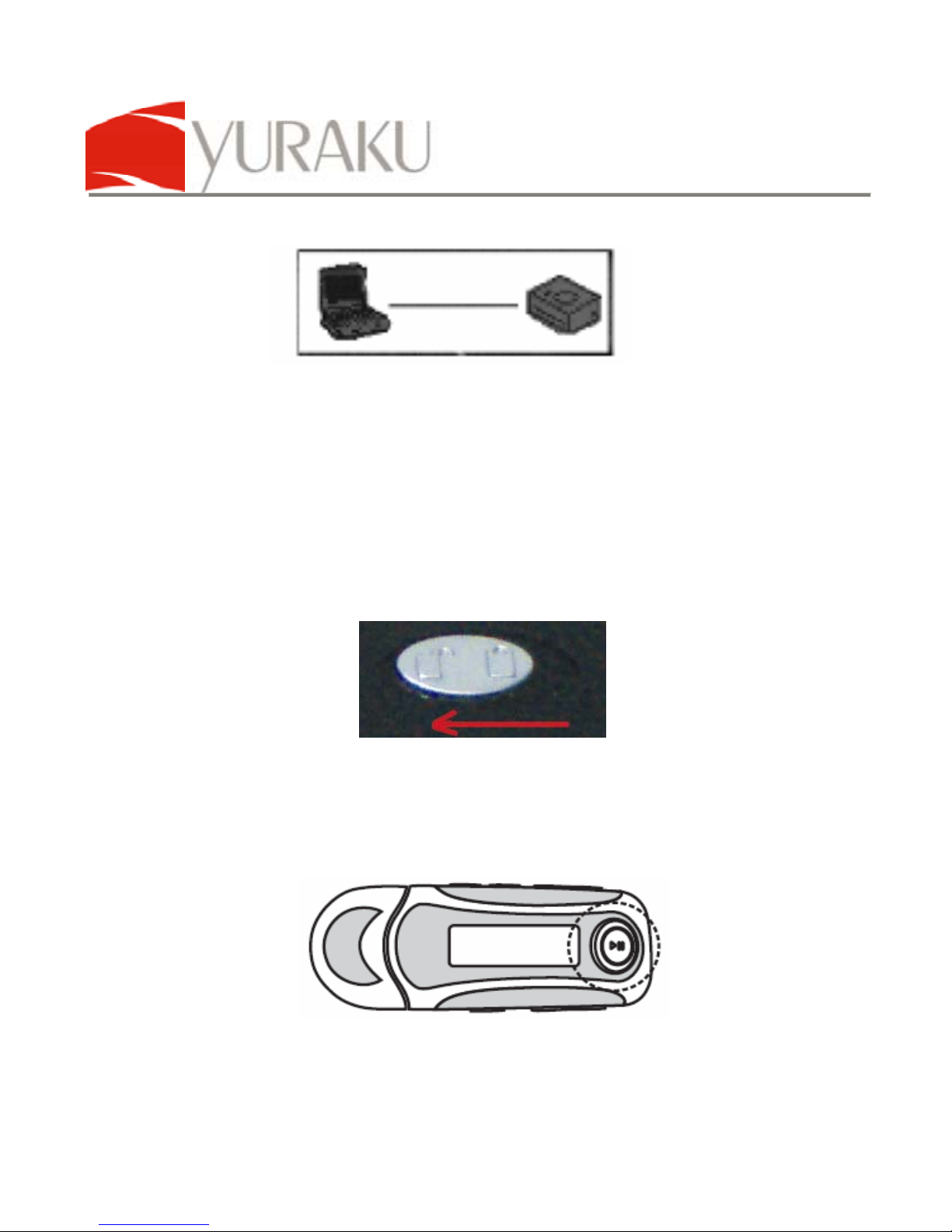
1. Ensure the key lock is disabled. Slide the lock switch to
the open position.
2. Power On:
a. Push the PLAY/STOP key for an extended time.
b. Player will be powered on.
YUR.BEAT S350
Article number: YUMP3S350
All specifications and information are subject to changes without further notice 8
3. Power Off:
a. Push the PLAY/STOP key for an extended time to
power off the player.
4. Connect the earphones to the 3.5mm stereo audio socket
on the player.
5. Release the Lanyard clip and fasten it to the Lanyard loop
on the player and click it back to the earphones cable.

YUR.BEAT S350
Article number: YUMP3S350
All specifications and information are subject to changes without further notice 9
Button Illustrations
LCD interface introduction
a. Main menu
Questo manuale è adatto per i seguenti modelli
1
Indice
Lingue:
Altri manuali YURAKU Lettore MP3


