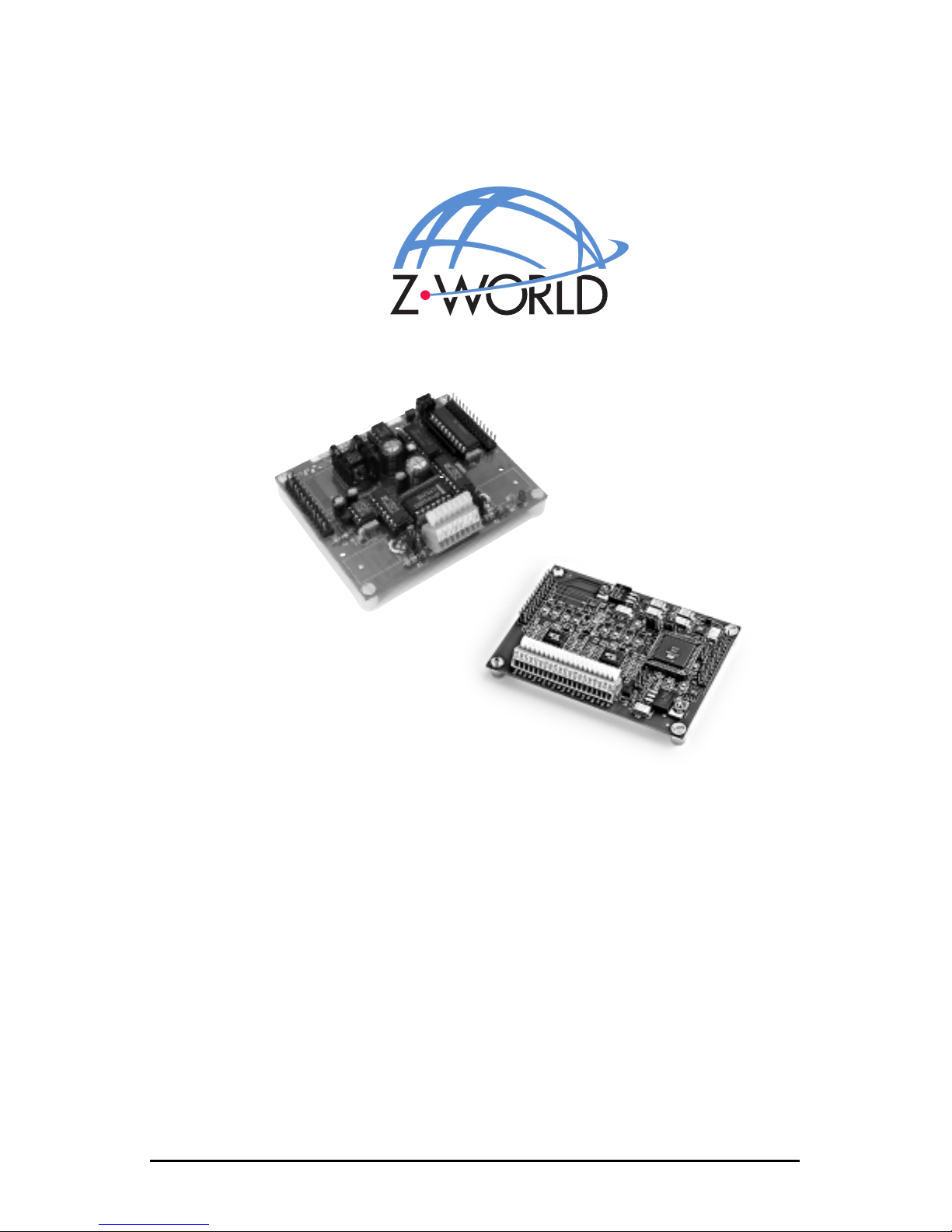
Z-World XP8600 Manuale utente

XP
860
0 and XP8900
Digital-to-Analog Conversion Expansion Boards
Users Manual
Revision C
XP8900
XP8600

XP8600 and XP8900 Users Manual
Part Number 019-0064
Revision C
Last revised on July 21, 2000 Printed in U.S.A.
Copyright
© 1999 Z-World, Inc. All rights reserved.
Z-World reserves the right to make changes and improvements to its
products without providing notice.
Trademarks
Dynamic C®is a registered trademark of Z-World, Inc.
Windows® is a registered trademark of Microsoft Corporation
PLCBusis a trademark of Z-World, Inc.
Hayes Smart Modem® is a registered trademark of Hayes Microcomputer
Products, Inc.
Notice to Users
When a system failure may cause serious consequences, protecting life and
property against such consequences with a backup system or safety device
is essential. The buyer agrees that protection against consequences
resulting from system failure is the buyers responsibility.
This device is not approved for life-support or medical systems.
All Z-World products are 100 percent functionally tested. Additional
testing may include visual quality control inspections or mechanical
defects analyzer inspections. Specifications are based on characterization
of tested sample units rather than testing over temperature and voltage of
each unit. Z-World may qualify components to operate within a range of
parameters that is different from the manufacturers recommended range.
This strategy is believed to be more economical and effective. Additional
testing or burn-in of an individual unit is available by special arrangement.
Company Address
Z-World, Inc.
2900 Spafford Street
Davis, California 95616-6800
USA
Telephone:
Facsimile:
Web Site:
E-Mail:
(530) 757-3737
(530) 753-5141
http://www.zworld.com
zworld@zworld.com

XP8600/XP8900 Table of Contents siii
TABLE OF CONTENTS
About This Manual vii
XP8600
Chapter 1: Overview 13
Chapter 2: Getting Started 15
XP8600 Components ........................................................................... 16
Connecting Expansion Boards to a Z-World Controller ...................... 17
Setting Expansion Board Addresses .................................................... 18
Power ................................................................................................... 19
Chapter 3: I/O Configurations 21
XP8600 Pin Assignments ..................................................................... 22
Voltage or Current Output ............................................................... 22
XP8600 Circuitry ................................................................................. 23
The AD7543 Chip ........................................................................... 24
Voltage Output .............................................................................. 24
Current Output ..............................................................................25
Reset and Power-Up Delay ........................................................... 25
Chapter 4: Software Reference 27
Expansion Board Addresses ................................................................28
XP8600 ...........................................................................................28
Logical Addresses .........................................................................28
LED ..............................................................................................28
XP8600 Software ................................................................................. 29
Dynamic C Libraries .......................................................................29
Using Digital-to-Analog Converter Boards .................................... 30
Reset Boards on PLCBus .............................................................30
Address Target Board ................................................................... 31
Operate Target Board....................................................................31
Sample Program .............................................................................. 31

iv sTable of Contents XP8600/XP8900
Advanced Programming ......................................................................33
Functions in PLC_EXP.LIB ............................................................ 33
Sample Program ........................................................................... 34
Functions in PBUS_LG.LIB............................................................36
Functions in Other Libraries ...........................................................37
XP8900
Chapter 5: Overview 41
Chapter 6: Getting Started 43
XP8900 Series Components ................................................................44
Connecting Expansion Boards to a Z-World Controller ...................... 45
Setting Expansion Board Addresses .................................................... 46
Power ................................................................................................... 47
Chapter 7: I/O Configurations 49
XP8900 Series Pin Assignments .......................................................... 50
XP8900 Series Circuitry ......................................................................51
Chapter 8: Software Reference 53
Expansion Board Addresses ................................................................54
XP8900 Series ................................................................................. 54
XP8900 Series Software ......................................................................55
Dynamic C Libraries .......................................................................55
Using Digital-to-Analog Converter Boards .................................... 56
Reset Boards on PLCBus ............................................................. 56
Address Target Board ................................................................... 57
Operate Target Board....................................................................58
Sample Program .............................................................................. 62
APPENDICES
Appendix A: PLCBus 67
PLCBus Overview ............................................................................... 68
Allocation of Devices on the Bus ........................................................ 72
4-Bit Devices ..................................................................................72
8-Bit Devices ..................................................................................73
Expansion Bus Software ...................................................................... 73

XP8600/XP8900 Table of Contents sv
Appendix B: Specifications 79
XP8600 Hardware Specifications ........................................................ 80
XP8900 Hardware Specifications ........................................................ 82
Appendix C: Connecting and Mounting
Multiple Boards 85
Connecting Multiple Boards ................................................................86
Mounting Expansion Boards................................................................88
Appendix D: Simulated PLCBus Connections 89
BL1000 ................................................................................................90
BL1100 ................................................................................................ 91
BL1300 ................................................................................................91
BL1400 and BL1500 ........................................................................... 92
Index 93

vi sTable of Contents XP8600/XP8900
Blank

XP8600/XP8900 About This Manual svii
ABOUT THIS MANUAL
This manual provides instructions for installing, testing, configuring, and
interconnecting the Z-World XP8600 and XP8900 Series digital-to-analog
conversion expansion boards. Instructions are also provided for using
Dynamic C®functions.
Assumptions
Assumptions are made regarding the user's knowledge and experience in
the following areas:
Ability to design and engineer the target system that the controller used
with the XP8600 or XP8900 Series expansion boards will control.
Understanding of the basics of operating a software program and
editing files under Windows on a PC.
Knowledge of the basics of C programming.
For a full treatment of C, refer to the following texts.
The C Programming Language by Kernighan and Ritchie
C: A Reference Manual by Harbison and Steel
Knowledge of basic Z80 assembly language and architecture for
controllers with a Z180 microprocessor.
For documentation from Zilog, refer to the following texts.
Z180 MPU User's Manual
Z180 Serial Communication Controllers
Z80 Microprocessor Family User's Manual
Knowledge of basic Intel assembly language and architecture for
controllers with an Intel386 EX processor.
For documentation from Intel, refer to the following texts.
Intel386 EX Embedded Microprocessor Users Manual
Intel386 SX Microprocessor Programmers Reference
Manual
$
$
$

XP8600/XP8900viii sAbout This Manual
Acronyms
Table 1 lists and defines the acronyms that may be used in this manual.
Icons
Table 2 displays and defines icons that may be used in this manual.
Table 1. Acronyms
Acronym Meaning
EPROM Erasable Programmable Read-Only Memory
EEPROM Electronically Erasable Programmable Read-Only Memory
LCD Liquid Crystal Display
LED Light-Emitting Diode
NMI Nonmaskable Interrupt
PIO
Parallel Input/Output Circuit
(Individually Programmable Input/Output)
PRT Programmable Reload Timer
RAM Random Access Memory
RTC Real-Time Clock
SIB Serial Interface Board
SRAM Static Random Access Memory
UART Universal Asynchronous Receiver Transmitter
Table 2. Icons
Icon Meaning Icon Meaning
$
Refer to or see !Note
(Please contact 7LS Tip
Caution
High Voltage
Factory Default
FD

XP8600/XP8900 About This Manual six
Conventions
Table 3 lists and defines the typographical conventions that may be used in
this manual.
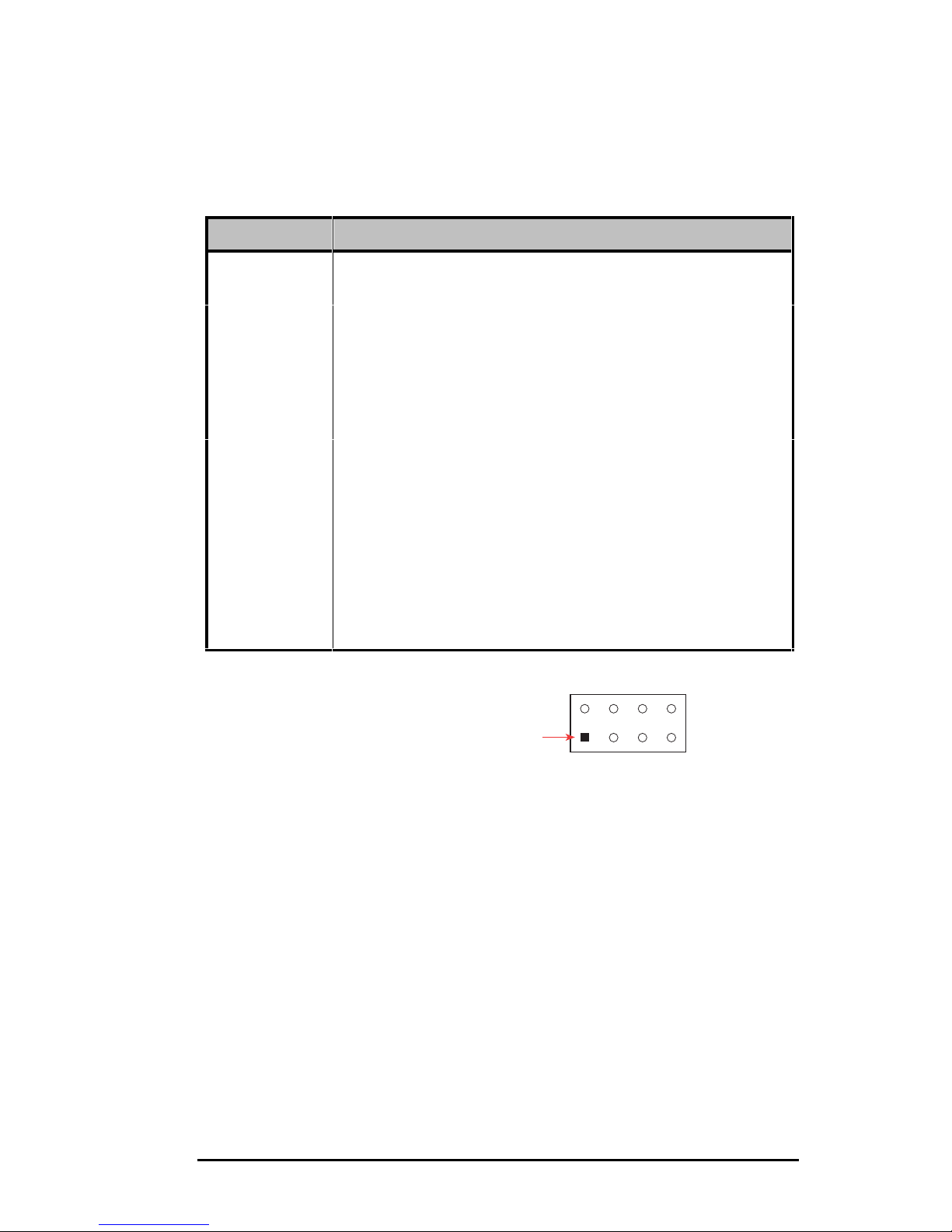
Pin Number 1
A black square indicates
pin 1 of all headers.
Measurements
All diagram and graphic measurements are in inches followed by millime-
ters enclosed in parenthesis.
Table 3. Typographical Conventions
Example Description
while Courier font (bold) indicates a program, a fragment of a
program, or a Dynamic C keyword or phrase.
// IN-01… Program comments are written in Courier font, plain face.
Italics Indicates that something should be typed instead of the
italicized words (e.g., in place of filename, type a file’s
name).
Edit Sans serif font (bold) signifies a menu or menu selection.
. . . An ellipsis indicates that (1) irrelevant program text is
omitted for brevity or that (2) preceding program text may
be repeated indefinitely.
[ ] Brackets in a C function’s definition or program segment
indicate that the enclosed directive is optional.
< > Angle brackets occasionally enclose classes of terms.
a | b | c A vertical bar indicates that a choice should be made from
among the items listed.
J1
Pin 1

XP8600/XP8900xsAbout This Manual
Blank
Questo manuale è adatto per i seguenti modelli
1
Indice
Altri manuali Z-World Hardware per computer
Manuali Hardware per computer popolari di altre marche

EMC2
EMC2 VNX Series Manuale del proprietario

Panasonic
Panasonic DV0PM20105 Manuale utente

Mitsubishi Electric
Mitsubishi Electric Q81BD-J61BT11 Manuale utente

Gigabyte
Gigabyte B660M DS3H AX DDR4 Manuale utente

Raidon
Raidon iT2300 Manuale utente

National Instruments
National Instruments PXI-8186 Manuale utente