8
WWW
.ADDC.COM
|
516.673.4444
|
[email protected] |
ALL
PROD
UCTS
ARE
PROUDL
Y
MADE
IN
THE
USA
Section 2.3 - Installing Your BioDigitalPC®s
BioDigitalPC®s are hot-pluggable, meaning technicians do not need to remove power to begin adding or removing
them.
Section 2.3.1 - Removing the SR20-RM Top Cover:
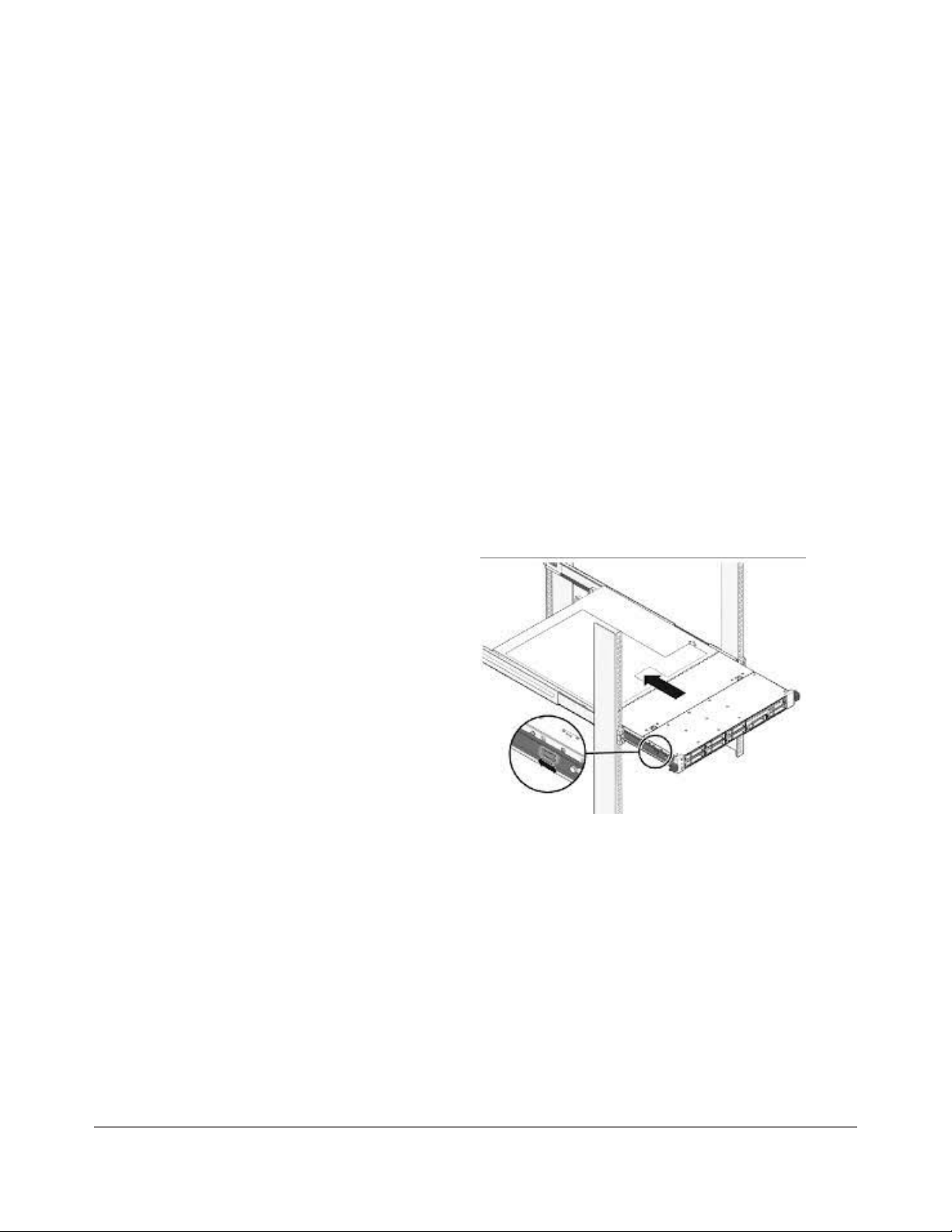
In order to add or remove BioDigitalPC®s the SR20-RM chassis can be pulled out of the rack, or the SR20-RM's Top
Cover needs to be removed temporarily.
SR20-RM system can be running while installing new server cards.
Only trained technicians are authorized to work beneath the SR20-RM System Cover and access any of the
components inside the system.
Section 2.3.2 - Installing a BioDigitalPC®
Step 3: Insert Card with
"Arnouse Digital Devices
Corp." facing upwards and
the connector of the card
is facing towards the latch.
When inserting the card place
between the two horizontal
metal bars, ensuring the
card is going to be aligned
properly.
Step 4: Once the card is in
between the two horizonal
bars, locate the small locking
tab and push it in towards
the card. e card should
now be locked into place.
Fully inserted card
Step 1: Make
sure the latch is
perpendicular to
the system cover.
Step 2: Make sure locking
tab is unlocked.
small locking
tab
latch