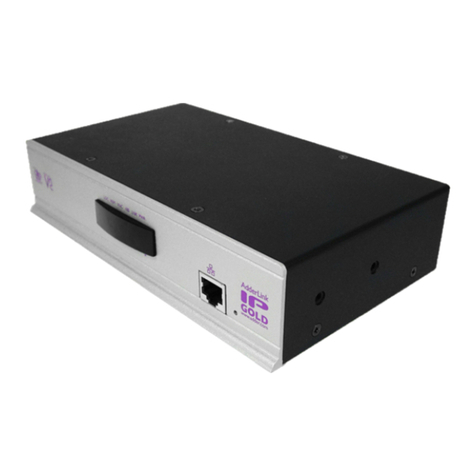
AdderLink XD522
Quick Start Guide
AdderLink XD522
Transmitter
AdderLink XD522
Receiver
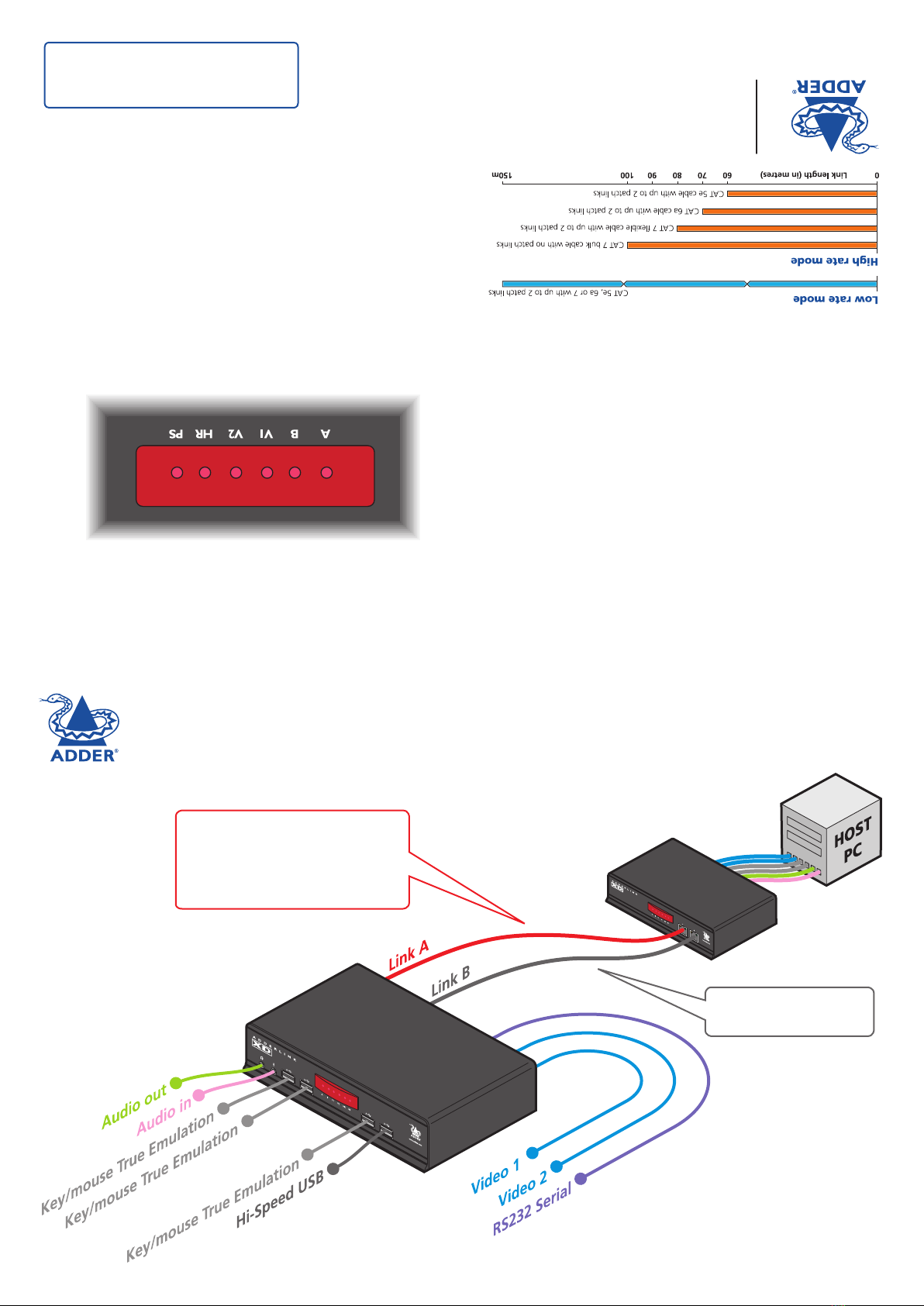
Main CATx link carries:
Video
Keyboard/mouse True USB Emulation
Audio
RS232 Serial
Optional CATx link carries:
Hi-Speed USB only
IMPORTANT: Please see the full AdderLink
XD522 user guide for safety, warranty and
regulatory information. The full user guide is
available from www.adder.com.
© 2013 Adder Technology Limited • All trademarks are acknowledged.
Part No. MAN-XD5x2-QS-ADDER • Release 1.0a
Web: www.adder.com
Contact: www.adder.com/contact-details
Support: forum.adder.com
Front panel indicators
The six front panel indicators on each unit provide a useful guide to
operation:
• AOn Main A link is connected.
Flashes Main A link is not connected.
Off No power is present.
• BOn Optional B link is connected.
Off Optional B link is not connected.
• V1 On Video port 1 is connected and receiving video.
Flashes Video port 1 is connected but not receiving video.
Off Video port 1 is not connected.
• V2 On Video port 2 is connected and receiving video.
Flashes Video port 2 is connected but not receiving video.
Off Video port 2 is not connected.
• HR On High Rate mode is active.
Flashes HR mode is preferred but cannot be established, LR mode active.
Off Low Rate mode is active.
• PS On Power connected.
Flashes Upgrade error (other indicators show error code).
Off No power.
Tips for achieving good quality links
Due to the large volumes of data that must be transferred between
the transmitter and receiver, every AdderLink XD522 installation
is highly dependent upon good quality CATx cable links. Video
performance is particularly reliant on high speed communication
channels. For this reason, the AdderLink XD522 units periodically
test the link quality to determine which of two video transfer modes
can be supported: Low Rate or High Rate. Please see page 3 for
details about high and low rate video modes.
The main factors that affect link quality are:
• The length and type of CATx cable used,
• The number, length and type of intermediate patch connections,
• The quality of the cable terminations.
The table below provides a brief overview of distances that may be
achieved using different CATx cable types. Please see the full user
guide for more details.